


Introduction
As you begin working with Power Apps, one of the most important aspects you'll come across is data manipulation. Two commonly used functions for handling data in Power Apps are Collect and ClearCollect. While both functions are used to add data to a collection, they serve slightly different purposes. Understanding when to use each of these functions can make your apps more efficient and responsive.
In my early days working with Power Apps, I was tasked with building an application that would pull data from a SharePoint list into a Power App. In this scenario, I encountered a challenge: should I use the Collect function to add data to my collection, or is the ClearCollect function more appropriate for my needs? After experimenting with both options, I was able to clearly see the distinction between the two functions. This article will walk you through the differences, the correct use cases for each, and how you can leverage them effectively in your Power Apps projects.
Features of Collect and ClearCollect
Collect Function
The Collect function is used to add data to a collection in Power Apps. It can add data to an existing collection, which means it will not remove the previously collected data. It is typically used when you want to append new data to an already existing collection.
- Syntax: Collect(CollectionName, DataSource)
- Key Features
- Adds new items to the collection.
- Do not remove existing items in the collection.
- Allows appending data to an existing collection when needed.
ClearCollect Function
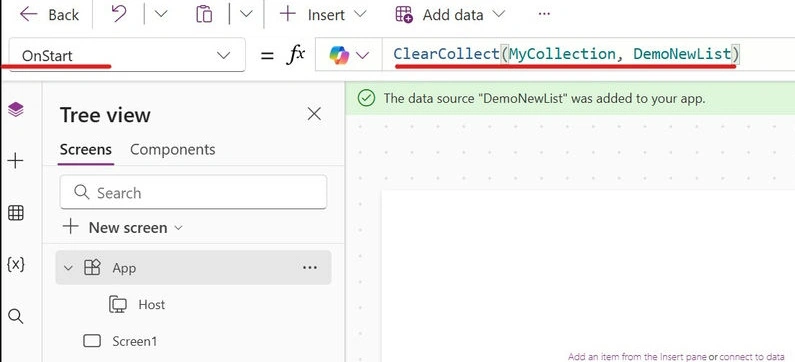
The ClearCollect function is very similar to Collect but with an important distinction. ClearCollect first clears any existing data from the collection before adding new data. This ensures that your collection only contains the most current data, with no leftovers from previous operations.
- Syntax: ClearCollect(CollectionName, DataSource)
- Key Features
- Clears the existing data from the collection before adding new data.
- Useful when you want to ensure that only fresh data is collected.
- Typically used when fetching data from an external source (like SharePoint) and you want to start with a clean slate.
Advantages and Disadvantages
Advantages of Collect
- Appends Data: Collect is ideal when you want to keep the existing data in a collection and add new data to it.
- Maintains State: You can continue to build your collection without worrying about overwriting data that may be required later.
- Less Overhead: Since it does not clear the collection first, the Collect function tends to perform slightly better when adding data incrementally.
Disadvantages of Collect
- Data Duplication: If you forget to clear or manage the collection, collection can result in duplicate data if the same data source is collected multiple times.
- Manual Cleanup Needed: You may need to implement additional logic to manage the data, especially if you're using it in more complex scenarios.
Advantages of ClearCollect
- Fresh Data: ClearCollect ensures that your collection contains only the most recent data, which is ideal when pulling from dynamic sources like SharePoint lists.
- Prevents Duplication: ClearCollect eliminates the risk of data duplication by clearing the collection before adding new data.
- Simplicity: Using ClearCollect is simpler when you only need the most recent data from a source and don’t want to manually manage old data.
Disadvantages of ClearCollect
- Overwrites Data: It clears all the data from the collection, so if you need to keep some data, you will need to use a different method or save it elsewhere first.
- Slightly Slower: Clearing the collection before collecting new data can cause a slight performance hit, especially with large datasets.
Steps to Use Collect and ClearCollect Functions in Power Apps
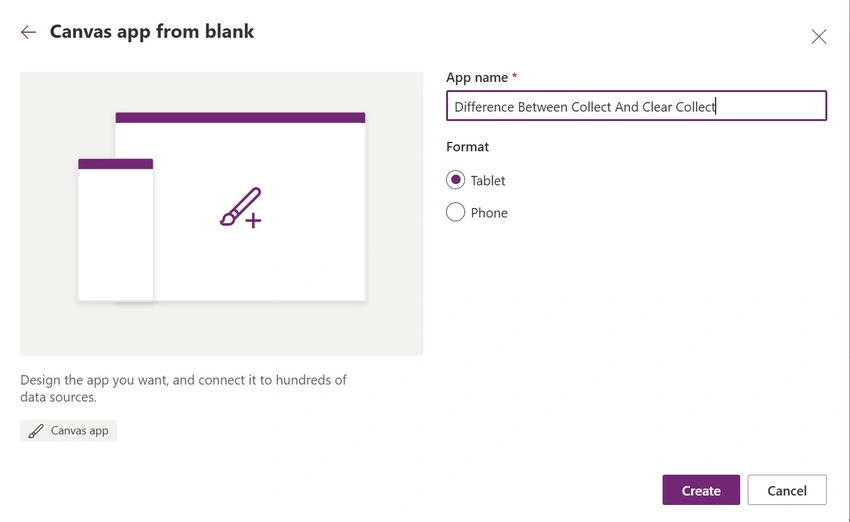
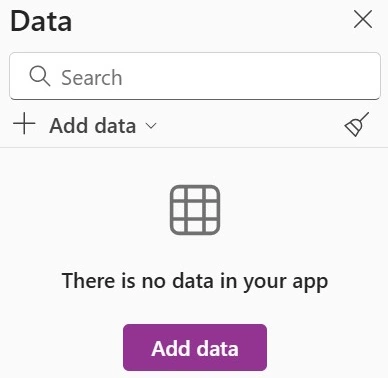
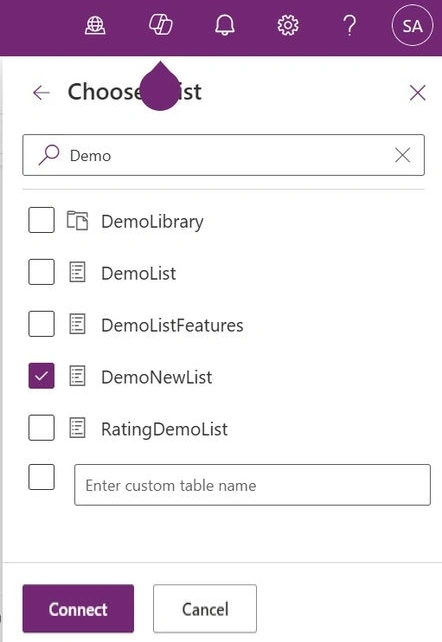
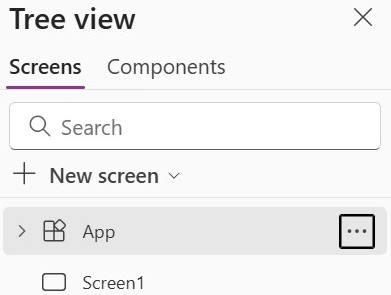
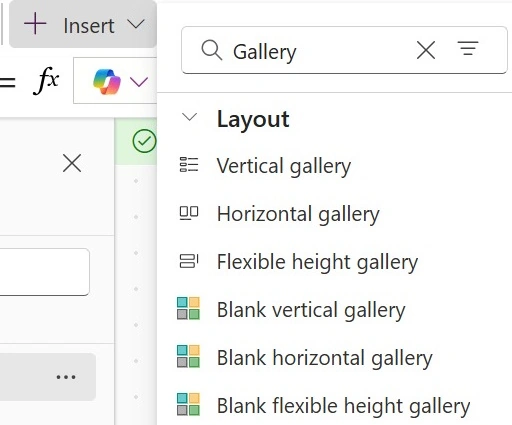
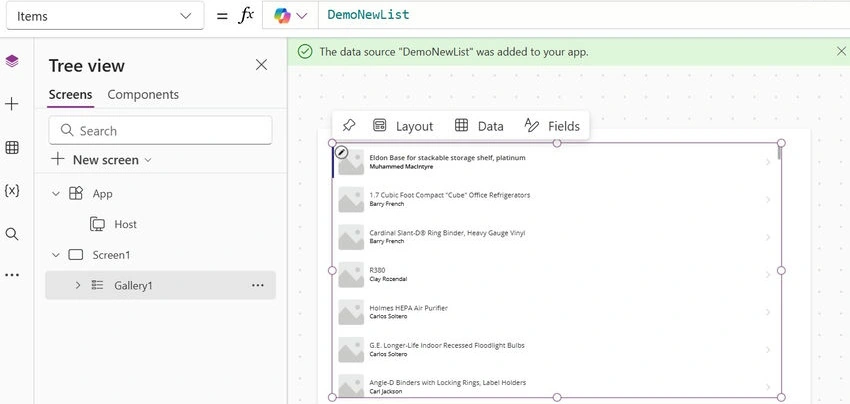
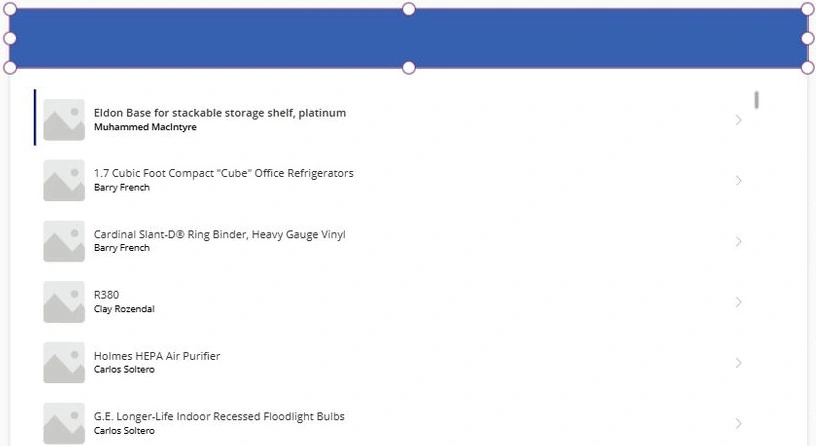
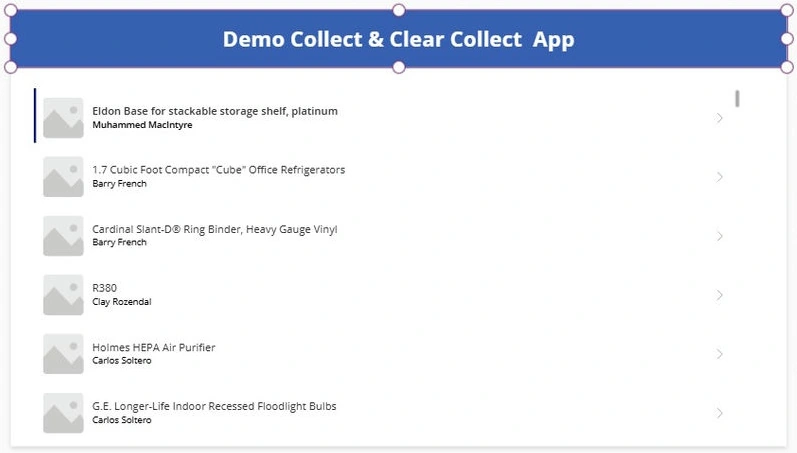
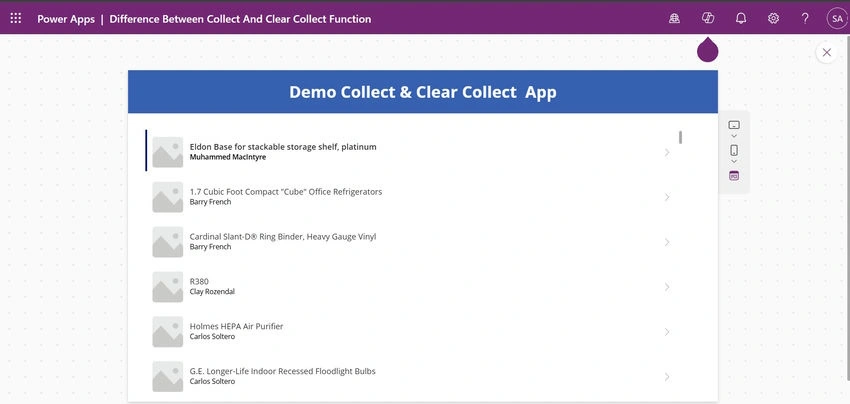
Here’s a practical step-by-step guide on how to use Collect and ClearCollect in a Power App with a SharePoint List as the data source.



Join the conversation! Your thoughts help the community grow.