

Here, I will explain Edit_Update data from a database in a Windows Forms form. Before this I explained How to insert data into database using code.
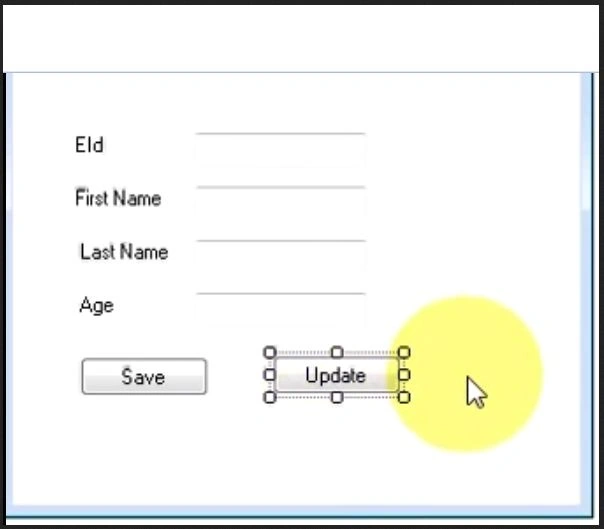
Step 1: Registration form with update button
Drag and down a button from the toolbox and provide it a name such as Update.
Step 2: Code
Double-click on the update button and write the code, the database is the same as shown you in Insert Data Into Database in Windows Forms.
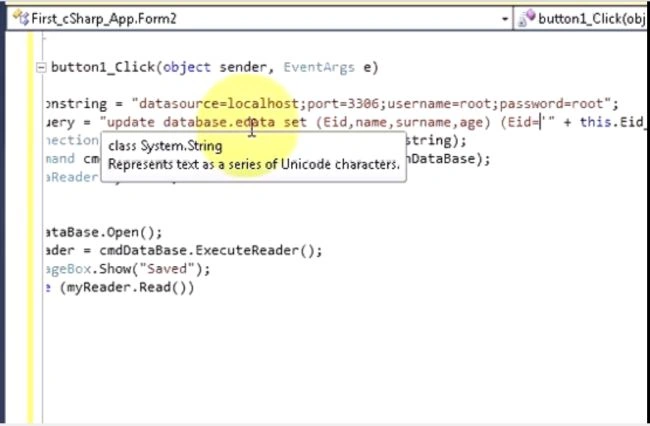
using System;
using System.Collections.Generic;
using System.ComponentModel;
using System.Data;
using System.Drawing;
using System.Text;
using System.Windows.Forms;
using System.Data.SqlClient;
namespace First_Csharp_app
{
public partial class Form1 : Form
{
public Form1()
{
InitializeComponent();
}
Nigel BoothPosted Sep 27, 2022, 11:04 AM
Hi Munesh, shouldn't there be a con.Close() statement after the while loop?