

How GXD Actions in Figma Unlock High-Quality AI-Generated UI Code
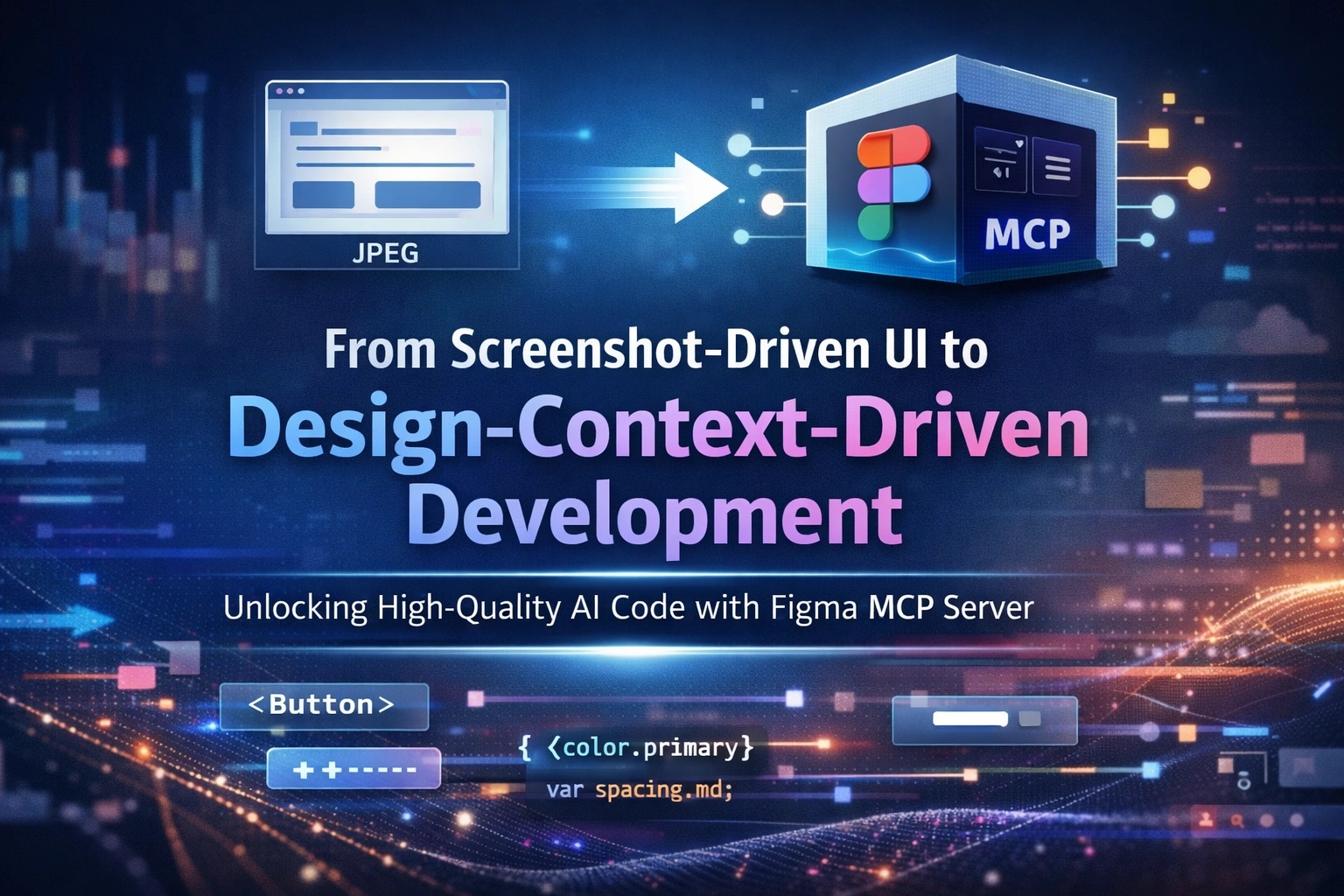
The current reality: Screenshot-driven UI development
In many teams today, UI development using Figma designs still looks like this:
The developer takes a screenshot of a Figma screen
Pastes it into an AI Development Environment (ADE)
Asks the AI to generate UI code
This approach works for quick demos, but it fails badly for enterprise products.
Why?
Because the AI only sees pixels, not design intent.
Why image-based generation fails at enterprise scale
Enterprise UI systems demand:
Reusable component libraries
Consistent styles across pages
Multiple themes (light, dark, brand)
Long-term maintainability
Image-based UI generation leads to:
Duplicated components
Inline styles instead of tokens
Inconsistent spacing and typography
UI drifts across pages
Even if the UI looks right, the code quality is low.
Enter Figma MCP Server: design context, not pixels
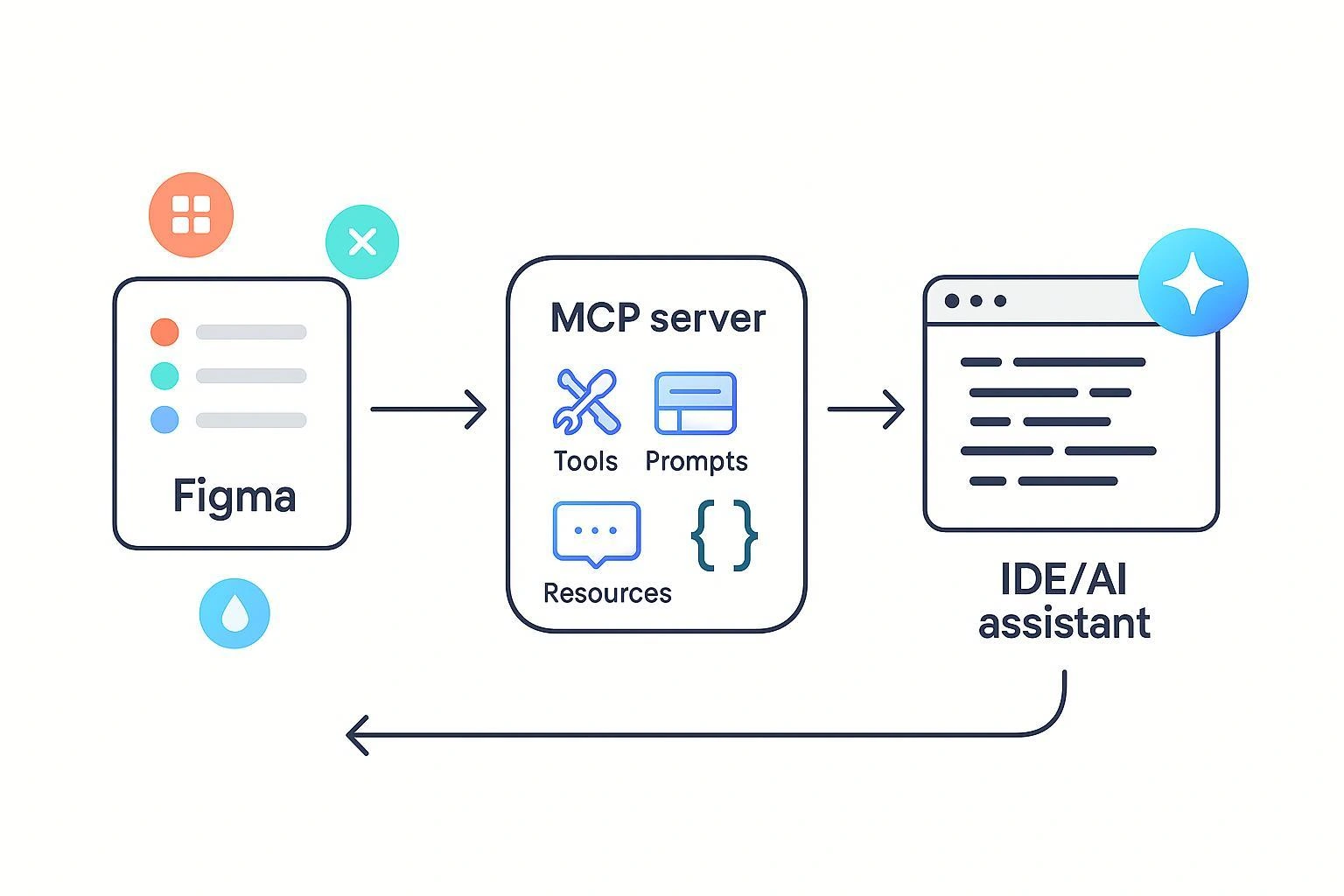
Figma’s MCP (Model Context Protocol) Server changes the input AI receives.
Instead of screenshots, MCP provides:
Component hierarchy
Variable references
Style definitions
Layout intent
Component names and relationships
This gives the AI semantic design context, not visual guesses.
Enterprise UI success starts with GXD discipline
Here’s the critical truth:
AI can only generate high-quality UI code if the Figma design itself is high quality.
This puts a clear responsibility on GXD designers.
Below are concrete actions GXD teams must take to improve Figma design quality — and directly improve AI-generated code.
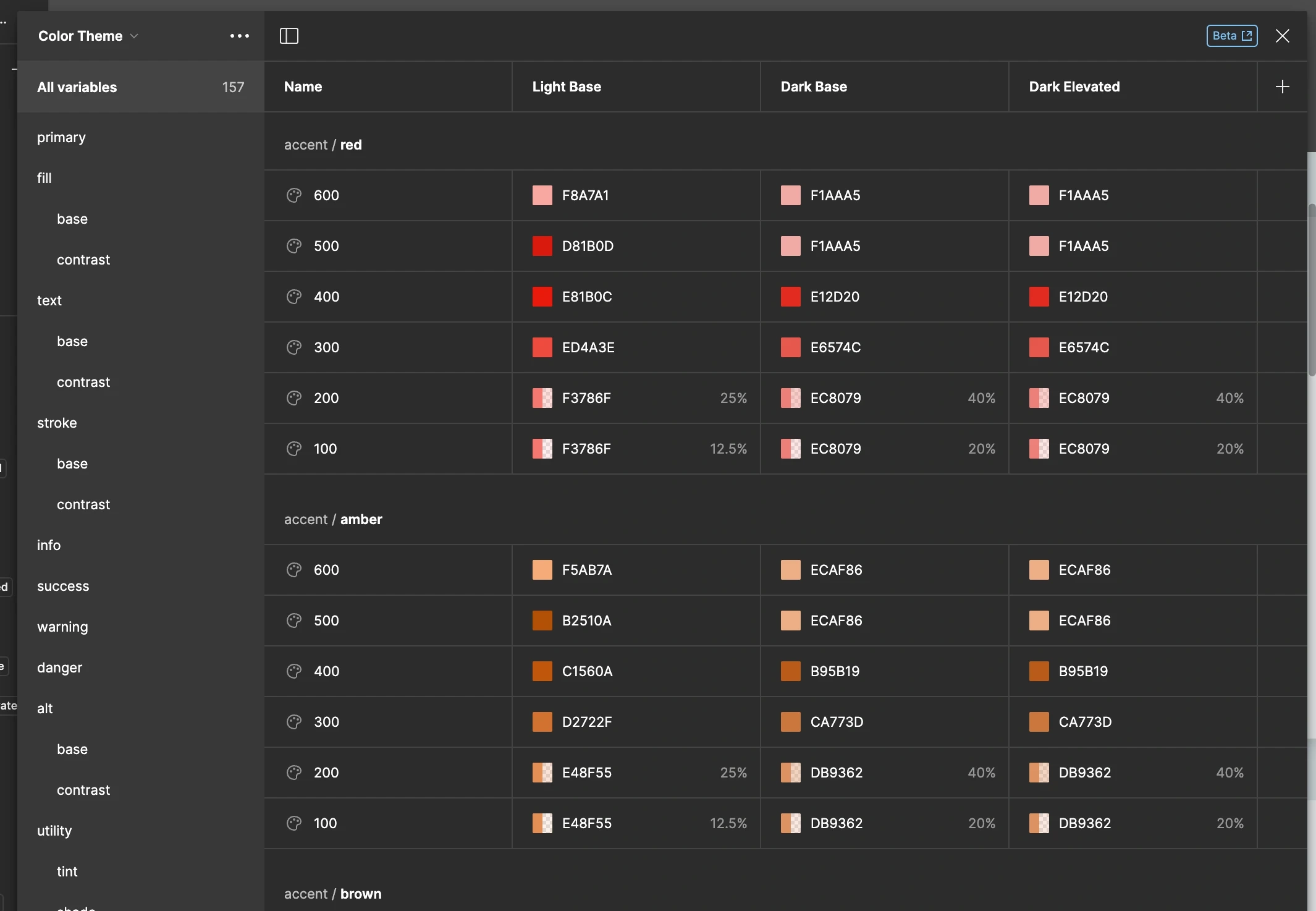
Action 1: Define all colors, spacing, and themes as Variables
What GXD developers must do
Define all color values as Figma variables
Define spacing, radius, and elevation as variables
Support multiple modes (light / dark / brand)
Avoid:
Hard-coded hex values
Manual padding per screen
Result:
AI receives semantic tokens like color.primary.500
Generated code maps cleanly to CSS variables or theme configs
Join the conversation! Your thoughts help the community grow.