

Introduction
As you know that Microsoft revealed the final version of Visual Studio 2013 and with the release of this new version many type of new features are also released such as ASP.NET MVC, ASP.NET Web Forms, Web API 2 etc. These project templates are used to create the web application. You can also get the overview the different Project Templates used in Visual Studio 2013. Today, in this article you will learn the introduction of ASP.NET Web Forms in the Visual Studio 2013.
If you have some knowledge of programming concepts then you don't have to worry about to know the ASP.NET Web Forms. There are various types of features of ASP.NET Web Forms and those are given below:
- ASP.NET Web Application Project
- Master Pages, Web Forms
- Entity Framework Code First Approach and LocalDB
- OAuth Providers
- ASP.NET Membership and Configuration
Background
I am giving the small background introduction here of ASP.NET Web Forms. The code in the web forms runs on the server and generate the output dynamically to the browser or to the client. The page automatically renders the correct browser HTML for styles and layout etc. It is compatible with Visual C# and Visual Basic also.
Overview
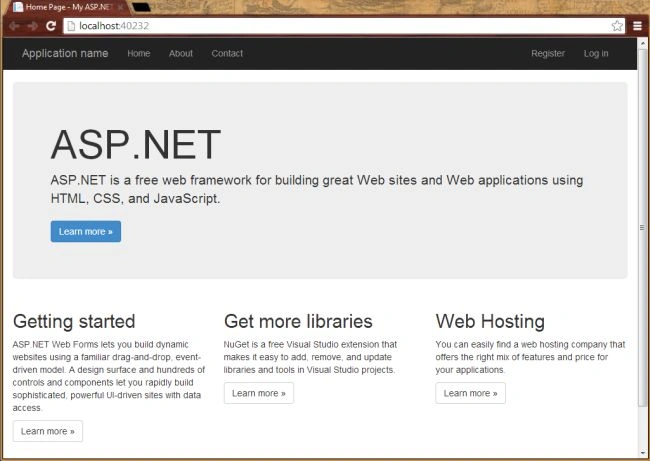
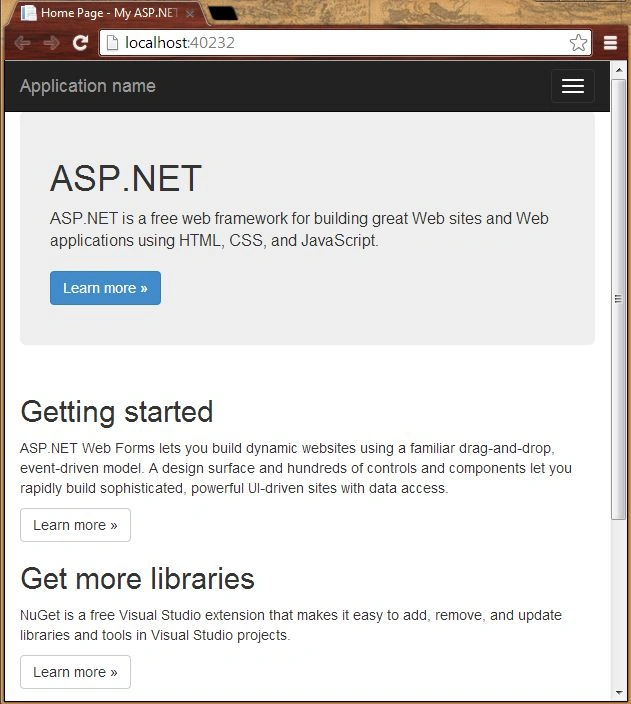
I am presenting the following screenshot of ASP.NET Web Forms application project that you will create in here. The following page is the Home page of your application when you debug the application from Visual Studio 2013.
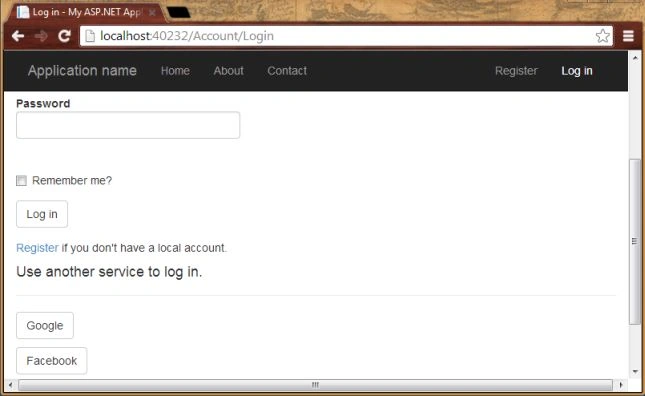
There are two types of login availability applied in this application. One is simple login which is available by default and the second one is authenticated by the external providers like as Google, Facebook etc. Following is the screenshot of external login providers.
Getting Started
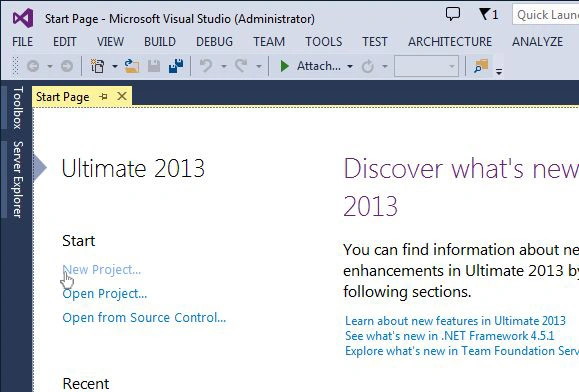
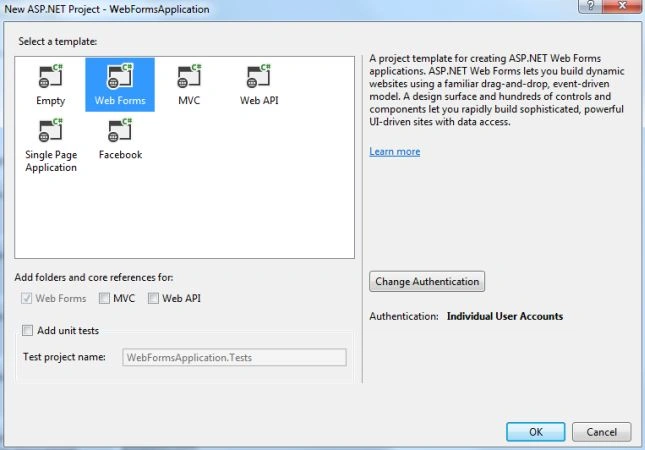
Now, let's create an ASP.NET Application with ASP.NET Web Forms Project Template in Visual Studio 2013. To create the application in Visual Studio 2013 there are some prerequisites given below:

Join the conversation! Your thoughts help the community grow.