

Are you tired of paying high fees for hosting your static website? Want a simple and cost-effective solution? Look no further than Amazon Web Services (AWS) Simple Storage Service (S3).
In this article, we'll show you how to host your static website on AWS S3, taking advantage of its scalability, security, and low cost. Whether you're a small business owner, a blogger, or a developer, hosting your static website on S3 can be a game-changer. We'll walk you through the process step by step, from creating an S3 bucket to configuring your domain and SSL certificate. By the end of this article, you'll have a fully-functioning static website hosted on S3, ready to serve your content to the world.
Prerequisite: Having some fundamental knowledge of AWS and its services.
We will use AWS's S3 (Simple storage service) for hosting the website.
So, Let's Start
STEP-1 LOGIN to your AWS account.
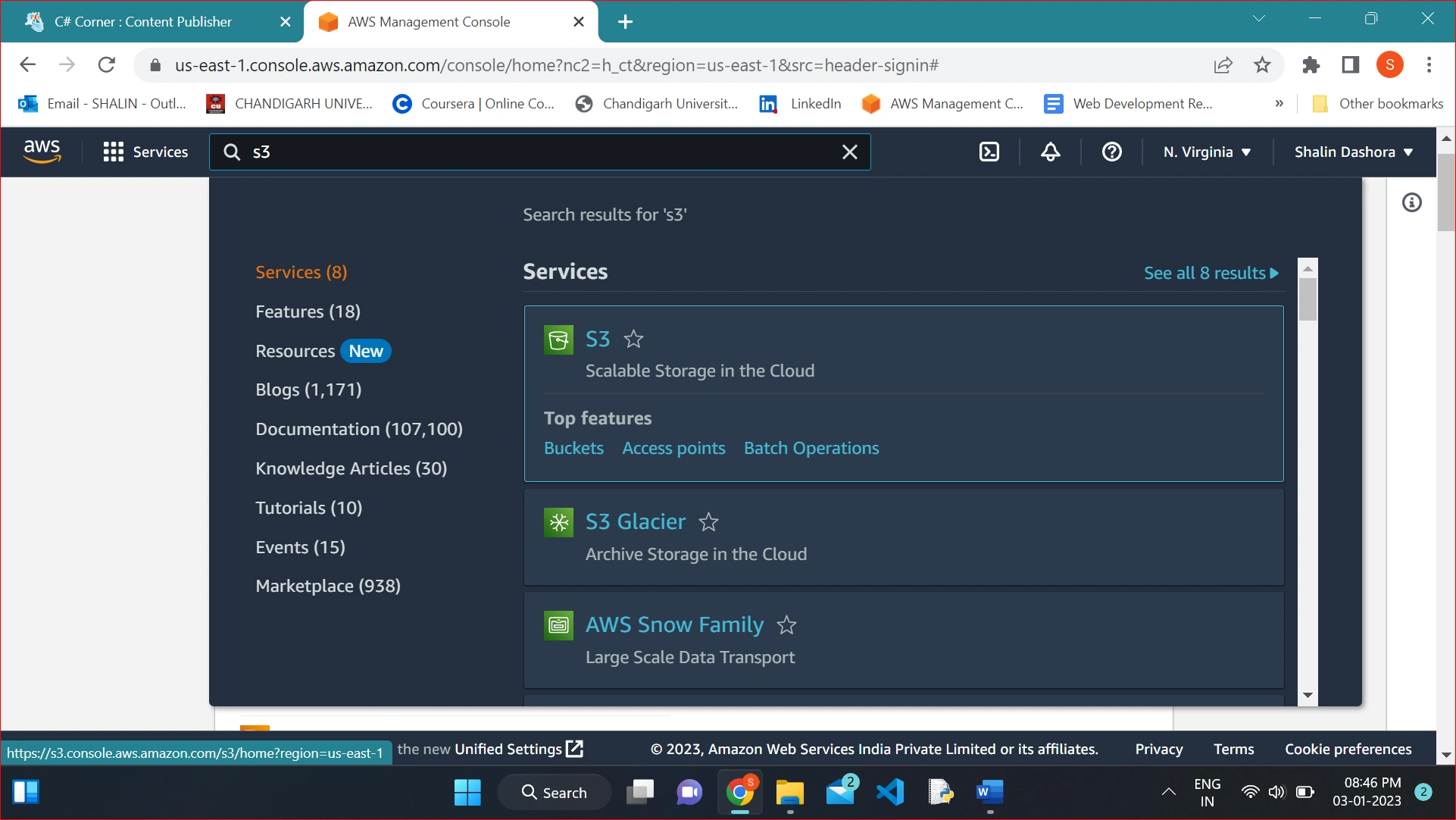
STEP-2 Now after Login search for S3 service.
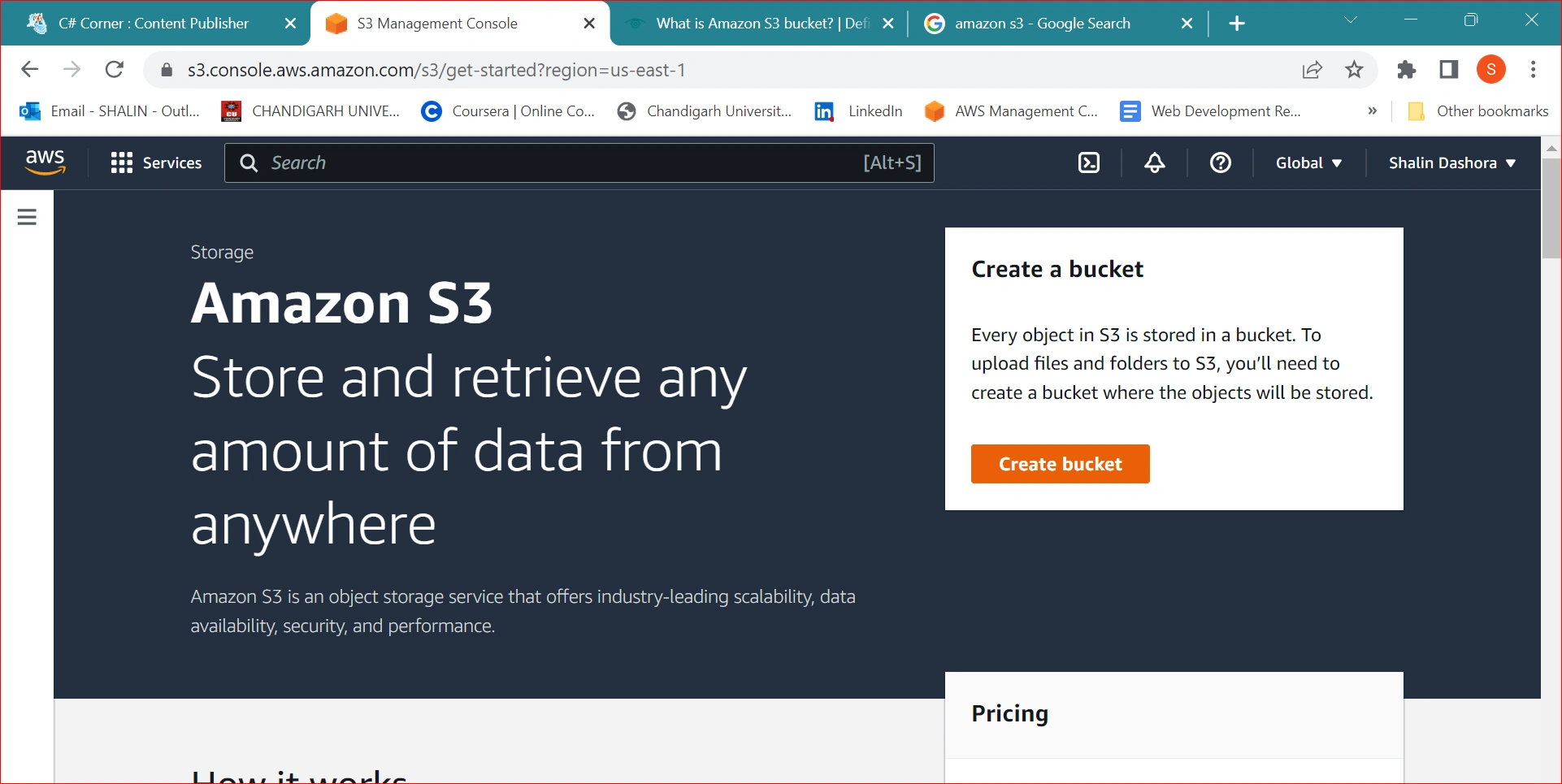
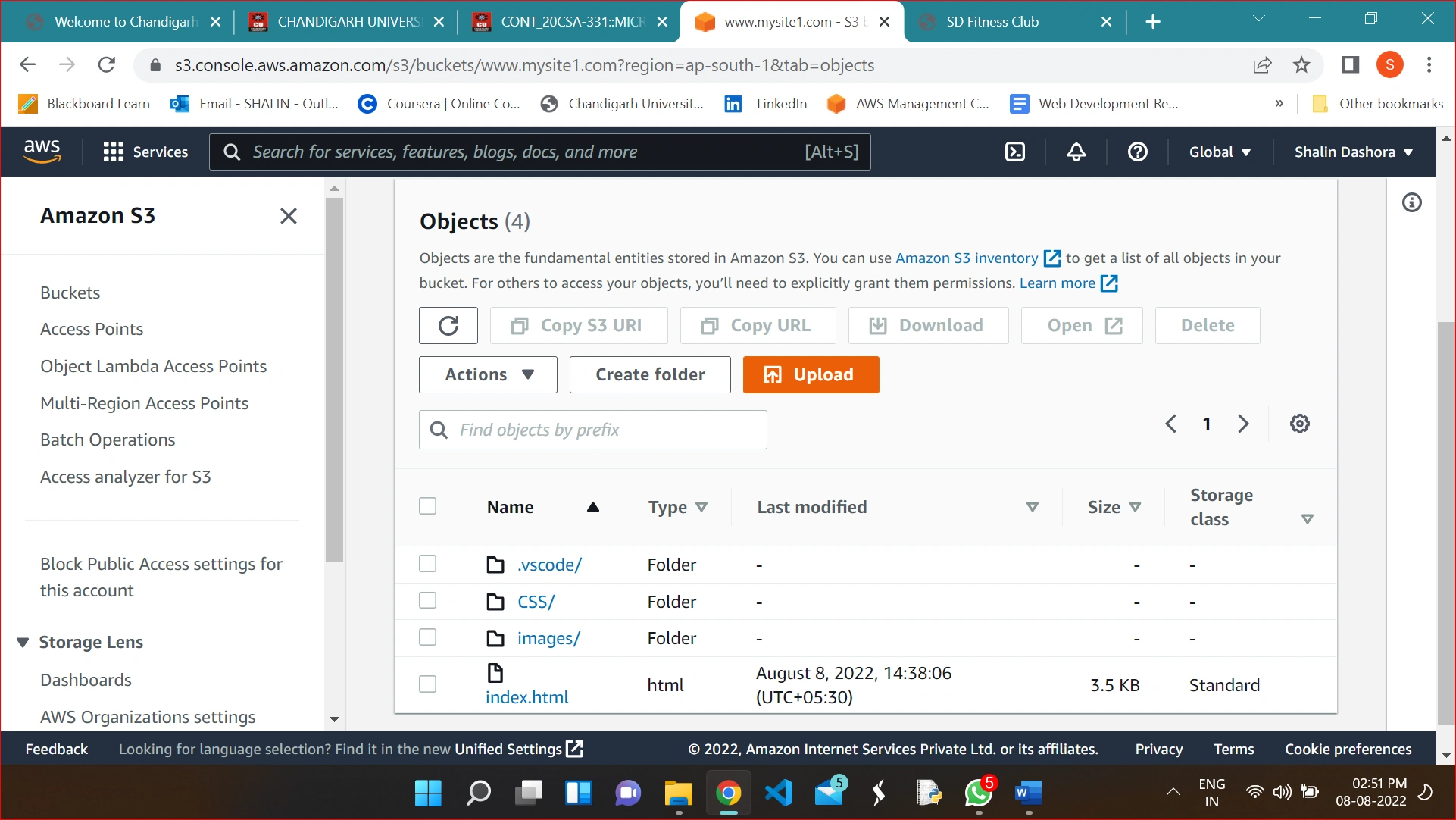
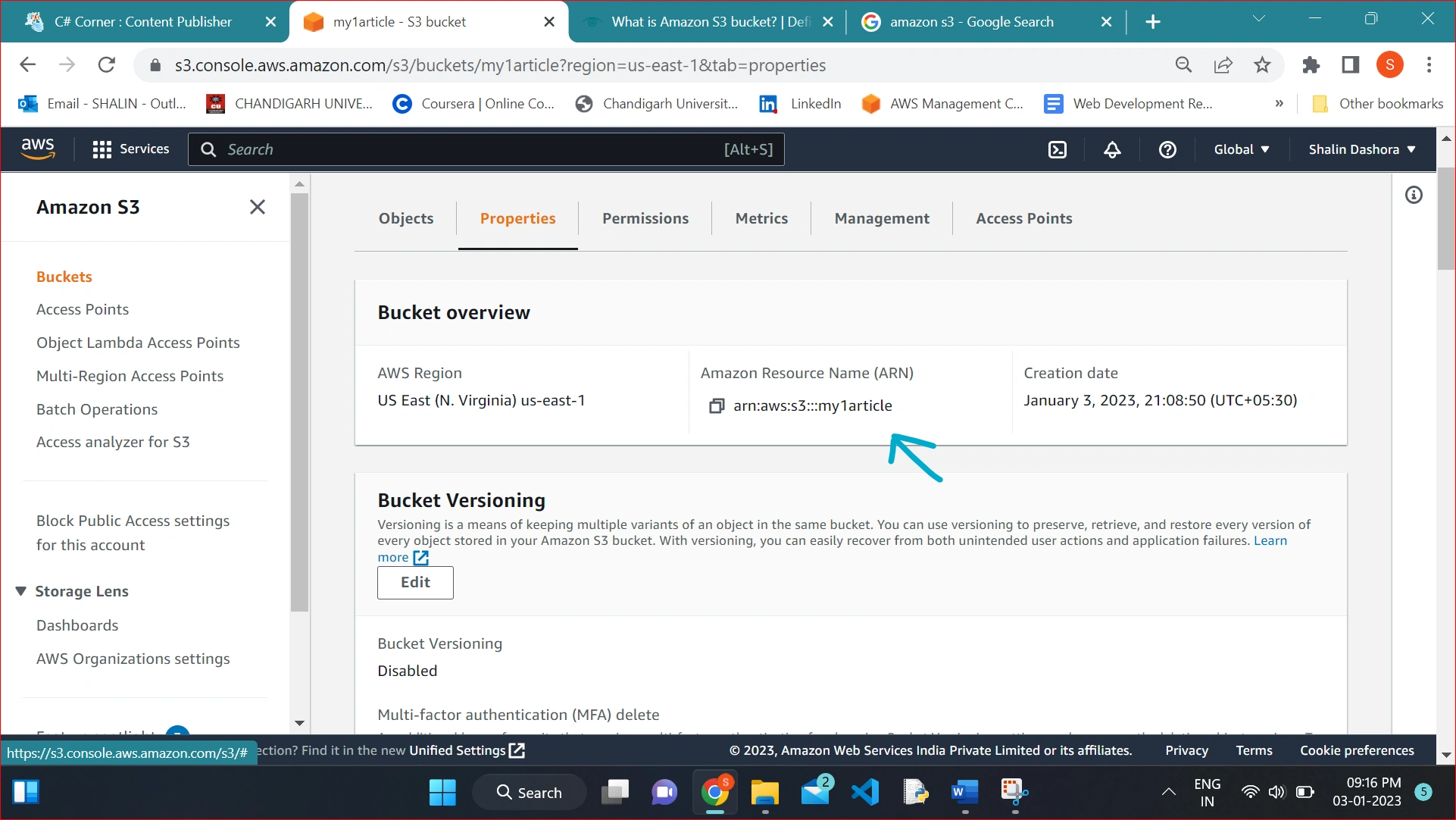
STEP -3 Now create a bucket in it and name the bucket.
An Amazon S3 bucket is a public cloud storage resource available in Amazon Web Services (AWS) Simple Storage Service (S3), an object storage offering. Amazon S3 buckets, which are similar to file folders, store objects, which consist of data and its descriptive metadata.
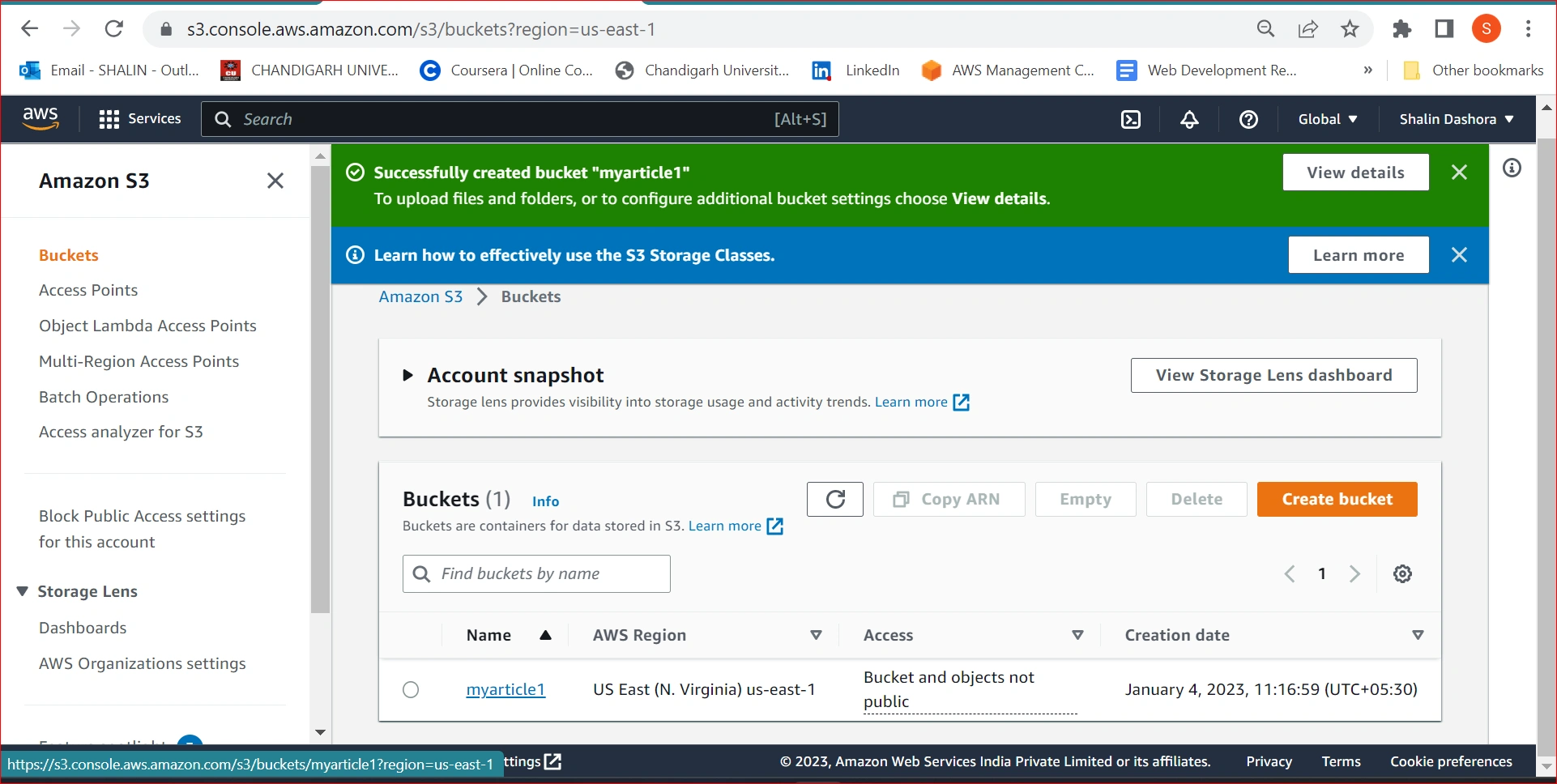
STEP-4 Now Remove the Public Access from Bucket and acknowledge the warning. Select the Create bucket button.
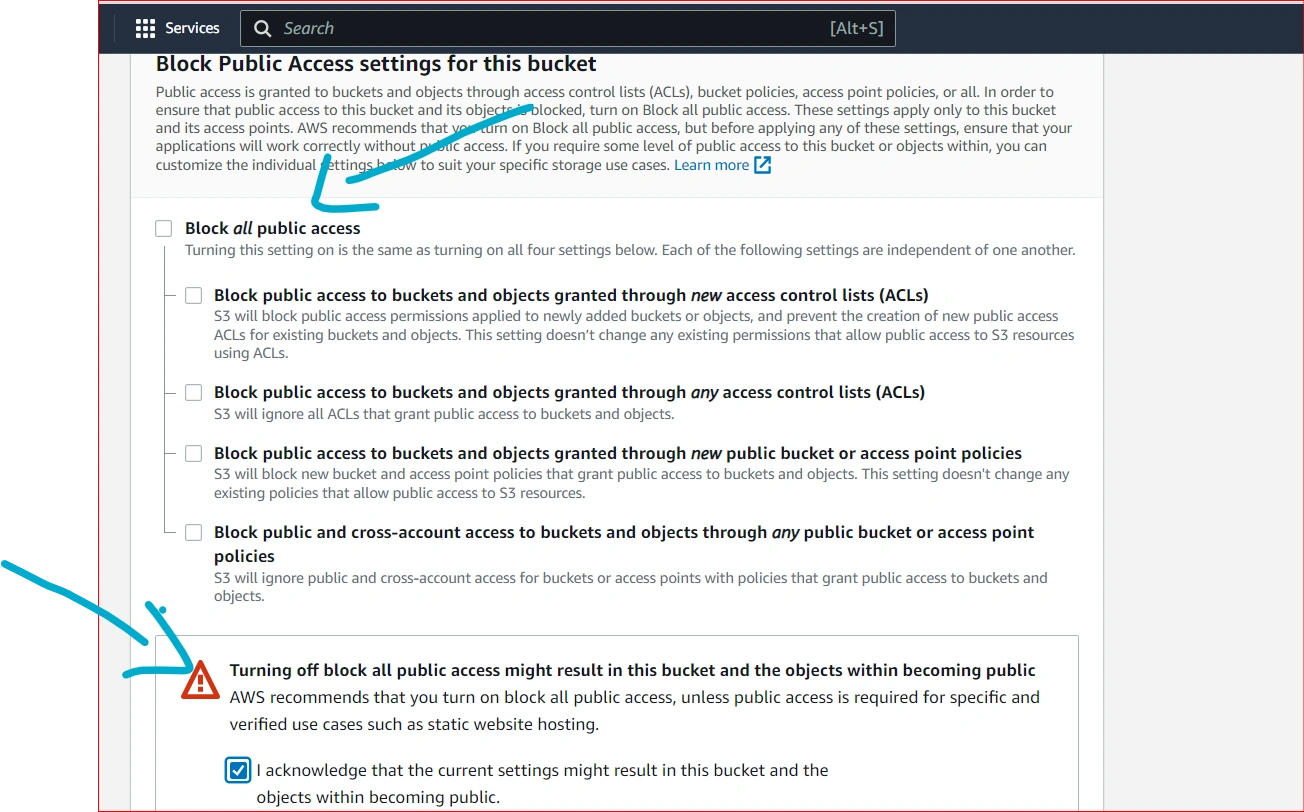
Note: We are giving the public access just for example.
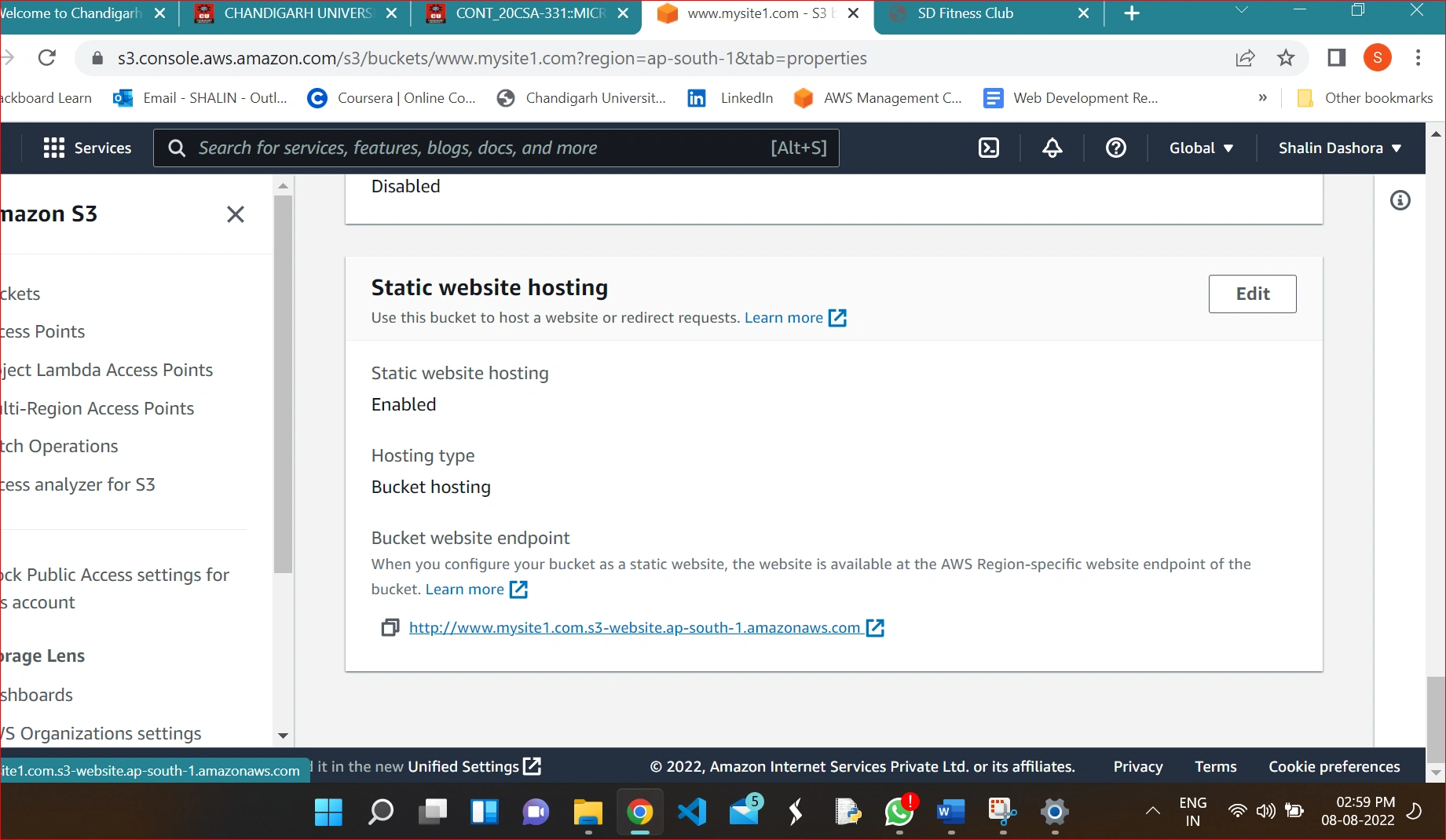
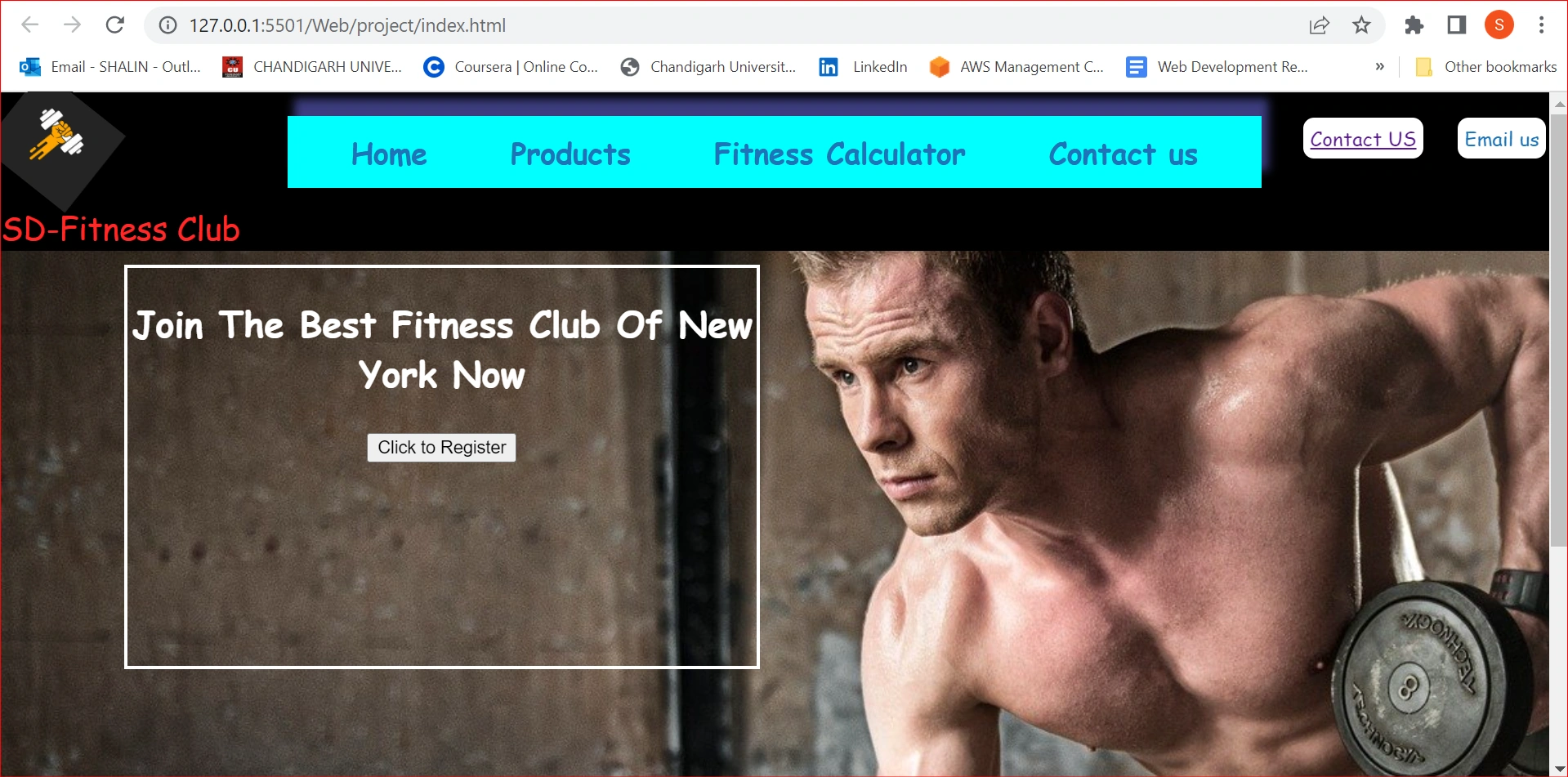
Sourabh SomaniPosted Jan 13, 2023, 8:29 AM
Last screenshot is wrong you are showing your local copy of the website. it is running from 127.0.0.1