

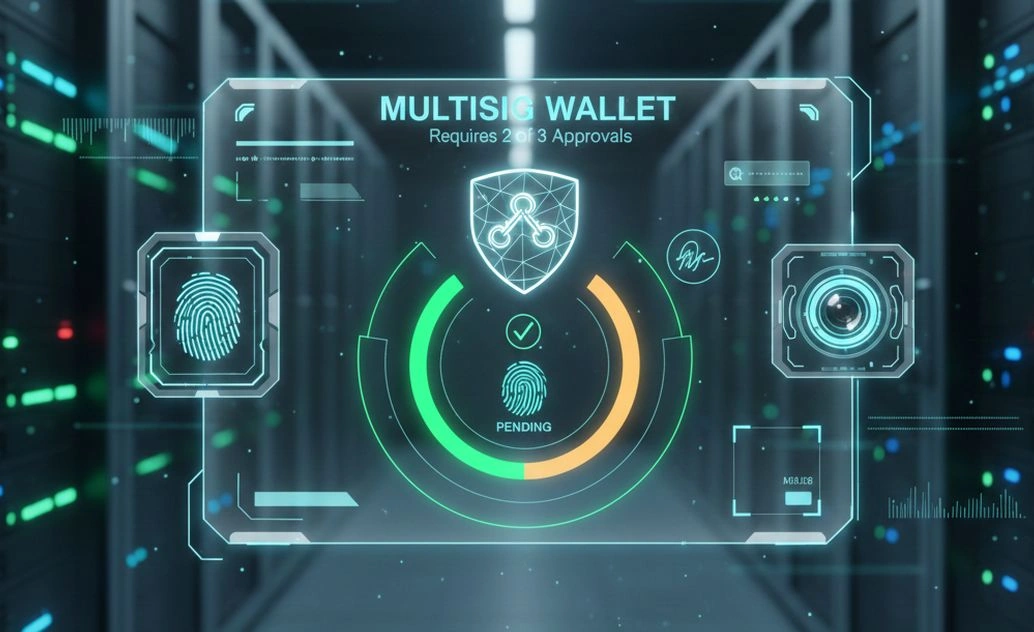
If you are managing crypto assets for a startup, DAO, protocol, or even a small founding team, a single-key wallet is a liability. One mistake, one compromised laptop, or one bad actor and the funds are gone.
A multisig wallet fixes this problem by requiring multiple approvals before any transaction can happen.
In this tutorial, you will learn how to create a 2 of 3 multisig wallet using Safe, formerly known as Gnosis Safe. This is the most widely used multisig solution in Web3 and is trusted by DAOs and protocols managing billions in assets.
What Is a 2 of 3 Multisig Wallet
A 2 of 3 multisig wallet has three owners.
Any two of the three owners must approve a transaction before it executes.
This setup gives you three critical benefits.
No single person can move funds alone
One lost private key does not permanently lock the wallet
Built-in checks and balances for governance and trust
This model is ideal for founders, treasury management, partnerships, and shared custody.
Prerequisites
Before you begin, make sure you have the following ready.
Three Ethereum compatible wallet addresses. These can be MetaMask, hardware wallets, or institutional wallets
Each owner controls their own private key. Never reuse the same wallet for multiple owners
Access to a supported network. Ethereum mainnet, Polygon, Arbitrum, Optimism, Base, or testnets
A modern browser with a wallet extension installed (if using MetaMast or browser wallet)
Step 1: Open Safe and Connect Your Wallet
Go to the Safe web app: https://app.safe.global/
Click Connect wallet.
Choose your wallet provider such as MetaMask.
Approve the connection in your wallet.
This wallet becomes the creator of the Safe but not the only controller.
Step 2: Create a New Safe
Click Create new Safe.
You will now configure the multisig wallet.
Step 3: Add Owners
You will be asked to add owners.
Add three wallet addresses, one for each owner.
Each address should belong to a different person or device.
Double-check every address. If you enter the wrong address, you may permanently lose control.
Label each owner clearly. Example Founder A, Founder B, CMO.
Step 4: Set the Signature Threshold to 2 of 3
This is the most important step.
Set the confirmation threshold to 2.
This means any transaction must be approved by at least two owners.
Safe will show: 2 out of 3 owners required.
This is your multisig rule.
Step 5: Review and Create the Safe
Review all details carefully - Owners list, Threshold, and Network.
Click Create.
Your wallet will prompt you to sign a transaction to deploy the Safe smart contract.
Approve the transaction.
Once confirmed, your multisig wallet is live.
Step 6: Verify Ownership
Ask the other two owners to open Safe and connect their wallets.
They should see the new Safe listed automatically.
If not, they can add it manually using the Safe address.
This step confirms everyone has visibility and access.
Step 7: Fund the Multisig Wallet
Send a small test amount of ETH or tokens to the Safe address.
Always test before moving large funds.
Step 8: Create Your First Transaction
From the Safe dashboard, click New transaction.
Choose what you want to do.
Send tokens
Send ETH
Interact with a smart contract
Enter the transaction details.
Submit the transaction.
At this point, the transaction is pending, not executed.
Step 9: Collect the Second Signature
The second owner logs into Safe.
They review the transaction.
If everything looks correct, they approve it.
Once the second approval is recorded, the transaction executes automatically.
Funds move only after consensus.
How Transactions Work Internally
Safe does not move funds when the first person signs.
It stores the transaction on chain.
Each signature is added separately.
Only when the required threshold is met does the smart contract execute the transaction.
This prevents rushed decisions and single-person mistakes.
Best Practices for 2 of 3 Multisig Wallets
Use at least one hardware wallet as an owner
Keep owners on separate devices and networks (WiFi, Internet connection, browser)
Never store all keys in the same password manager
Test transactions with small amounts first
Document who controls each owner wallet
Review every transaction before approving
For treasury or investor funds, this is not optional. This is baseline security.
What Happens If One Owner Loses Their Key
In a 2 of 3 setup, you are still safe.
The remaining two owners can create a transaction to remove the lost owner and add a new one.
This flexibility is why 2 of 3 is preferred over 3 of 3.
When You Should Not Use 2 of 3
If you need absolute decentralization with no trust assumptions, use higher thresholds.
If you are a single individual, a multisig may add unnecessary complexity.
For most startups, DAOs, and teams, 2 of 3 is the sweet spot.
Final Thoughts
A multisig wallet is not a nice-to-have. It is table stakes. If you are serious about security, governance, and credibility in Web3, using Safe with a 2 of 3 model is one of the smartest decisions you can make. It protects funds, enforces collaboration, and prevents single points of failure.
Join the conversation! Your thoughts help the community grow.