

What is Firebase Cloud Messaging?
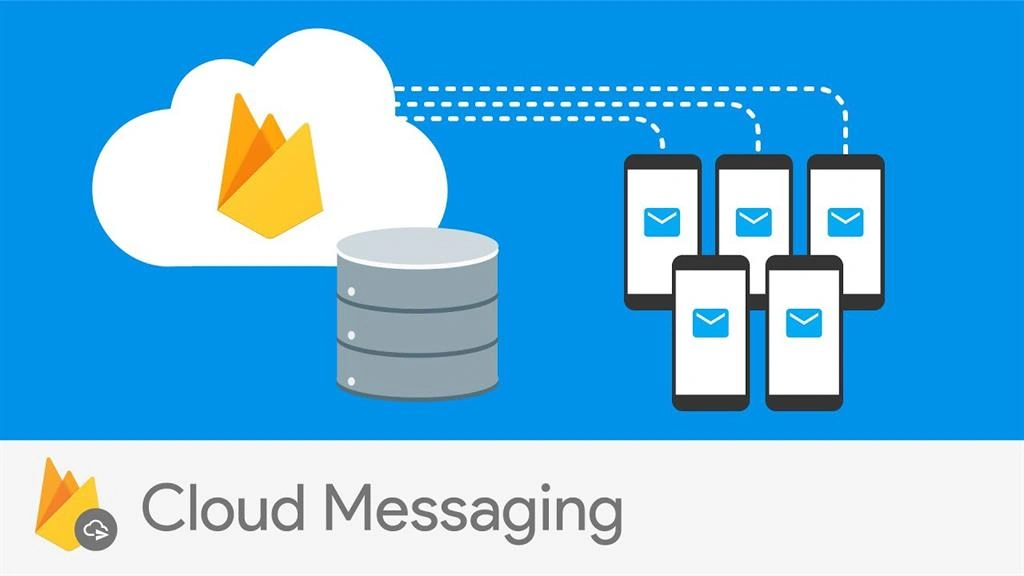
Firebase Cloud Messaging Platform (formerly named as GCM) is a no-cost free notification service provided by Google which enables (third-party or cross-platform) app developers to send notifications from GCM (Google Cloud Messaging) servers to their users.
How does it work?
FCM requires sending and receiver services to share cross-platform notification service.
It needs an iOS, Android, or any web (JavaScript) client app which will receive messages via transport service from the corresponding platform . A trusted environment is a cloud function for firebase on which applications are being built and targeted, and which will help us to send and receive messages.
How many type(s) of push notifications are available?
At its core, there are 4 types of scenarios in which Push Notifications get triggered for all apps.
- Immediate notifications
As the name suggests, notifications get triggered after any certain operation or event or action gets fired.
For example, real-time chat with your colleagues
- Scheduled notifications
Whenever any job or batch or CRON is scheduled for a certain time, this kind of notifications service is used to acknowledge by triggering a notification.
For example, any news update or a scheduled article update scheduled on the next day will get acknowledged by using FCM scheduled notification service.
- Scheduled notifications as a result of an action
Whenever any action is triggered using a scheduled CRON job, after that action is triggered, if a user wants to fire a notification after a certain time, then this kind of notification service is used.
For example, John wants to trigger push notifications after 5 minutes once his salary is credited to his account.
- Local notifications
As the name suggests, this is the notification which works as a scheduler JOB in the local device, like in case you want to fire local notifications, then firebase will set up a CRON job in your local device and notifications are being triggered when certain actions are fired without the help of an internet connection.
For example, for any reminder notification we don't require any internet connection, so using firebase service we can set a CRON job in the local device so that we can fire a push notification on the desired time as a reminder.
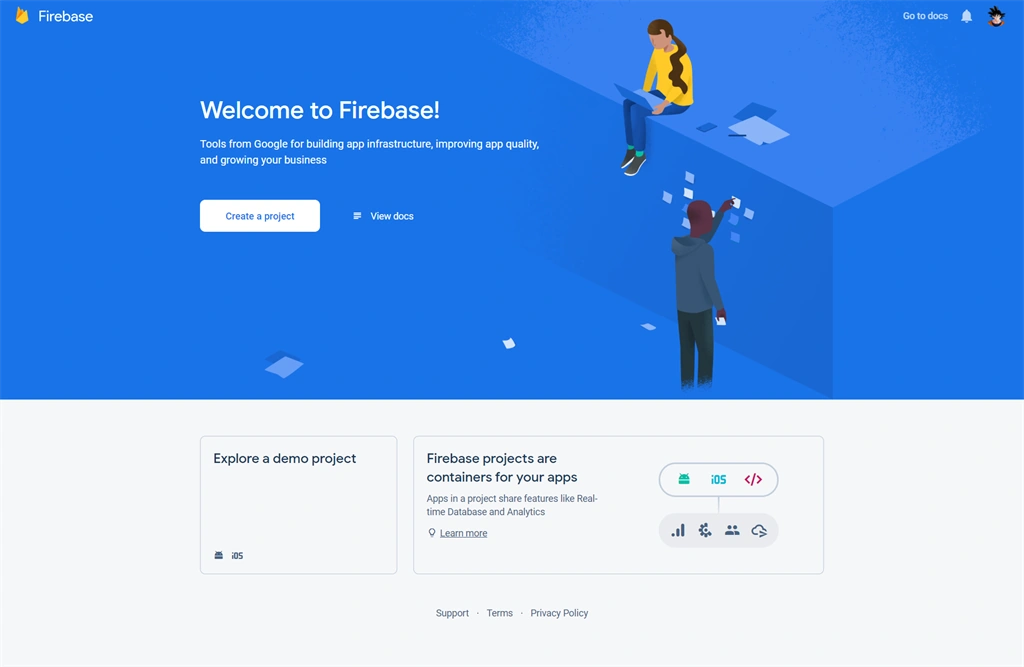
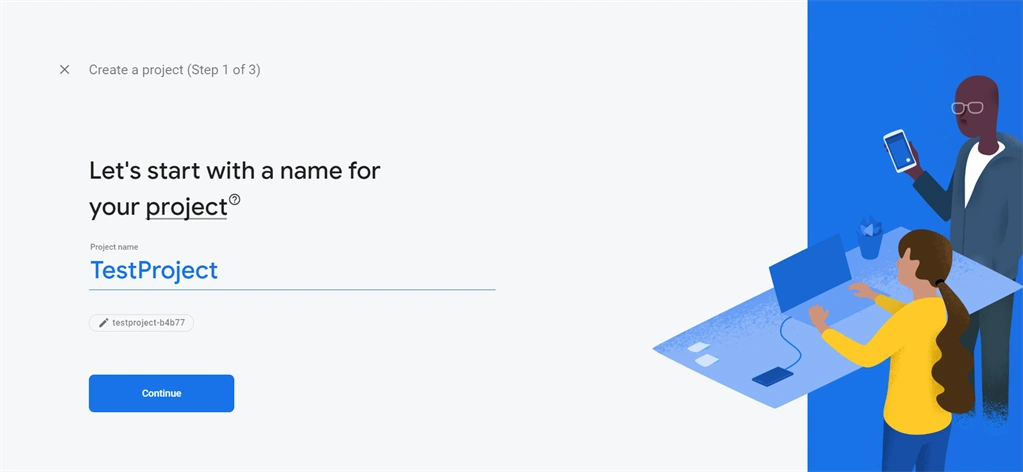
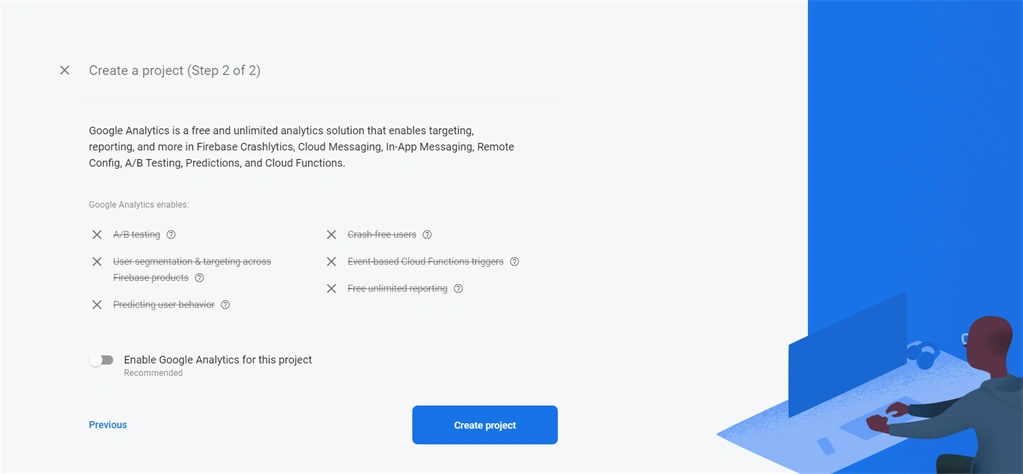
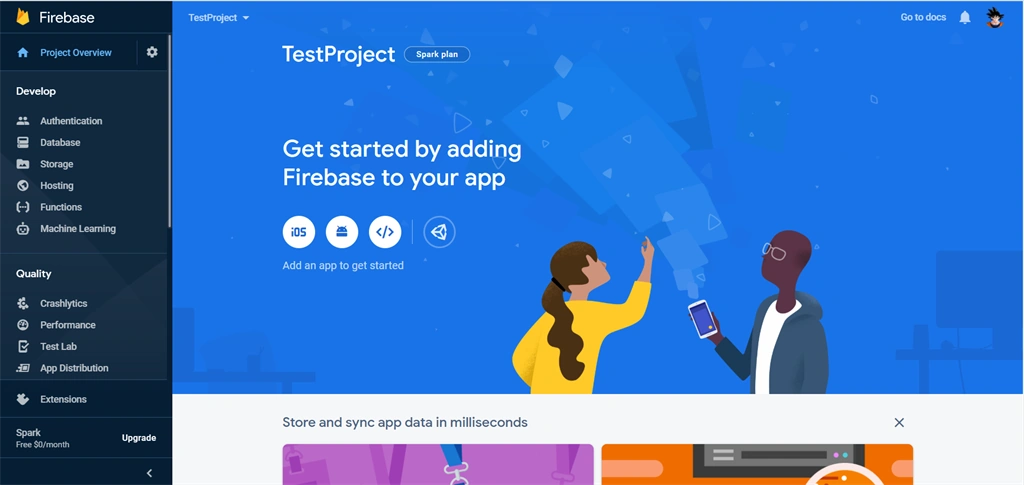
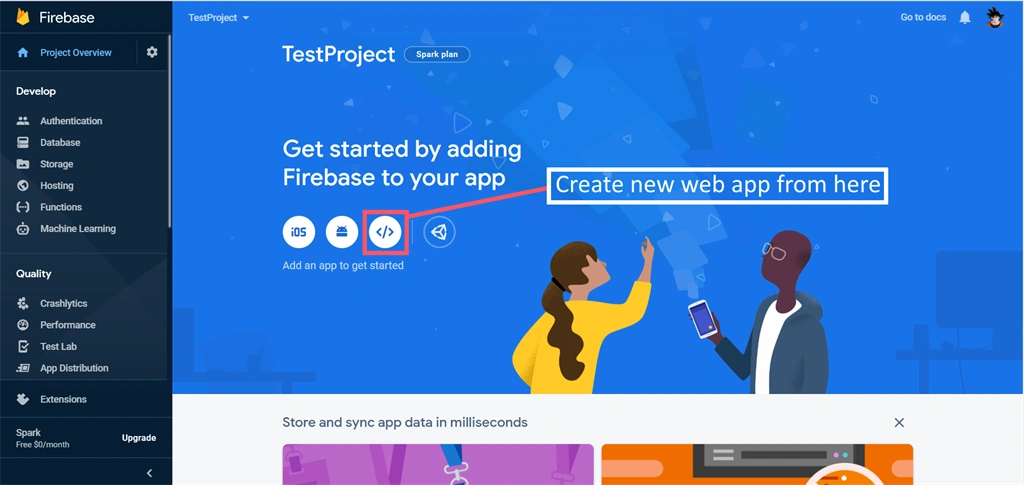
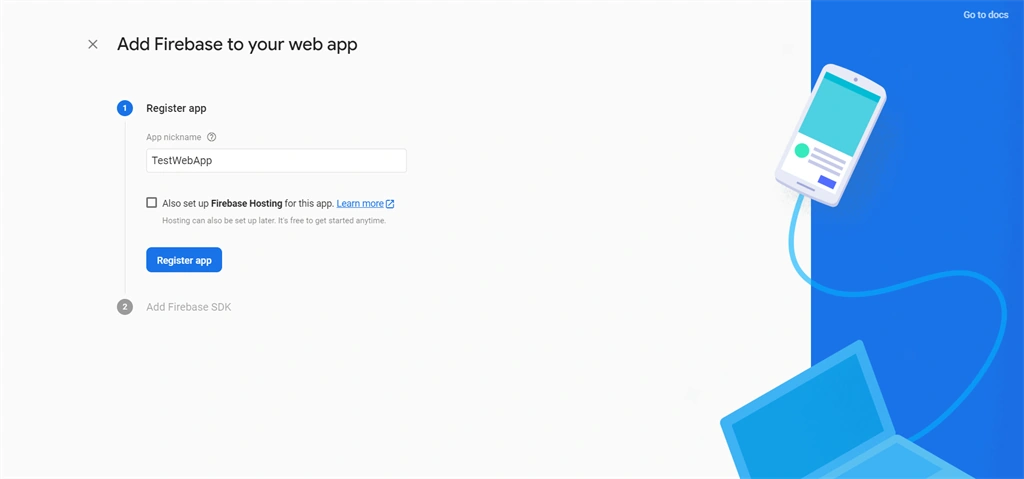
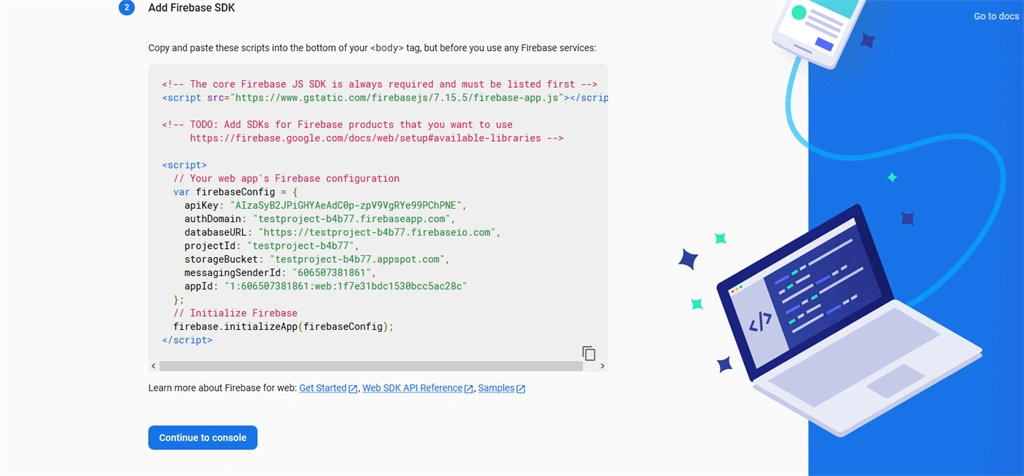
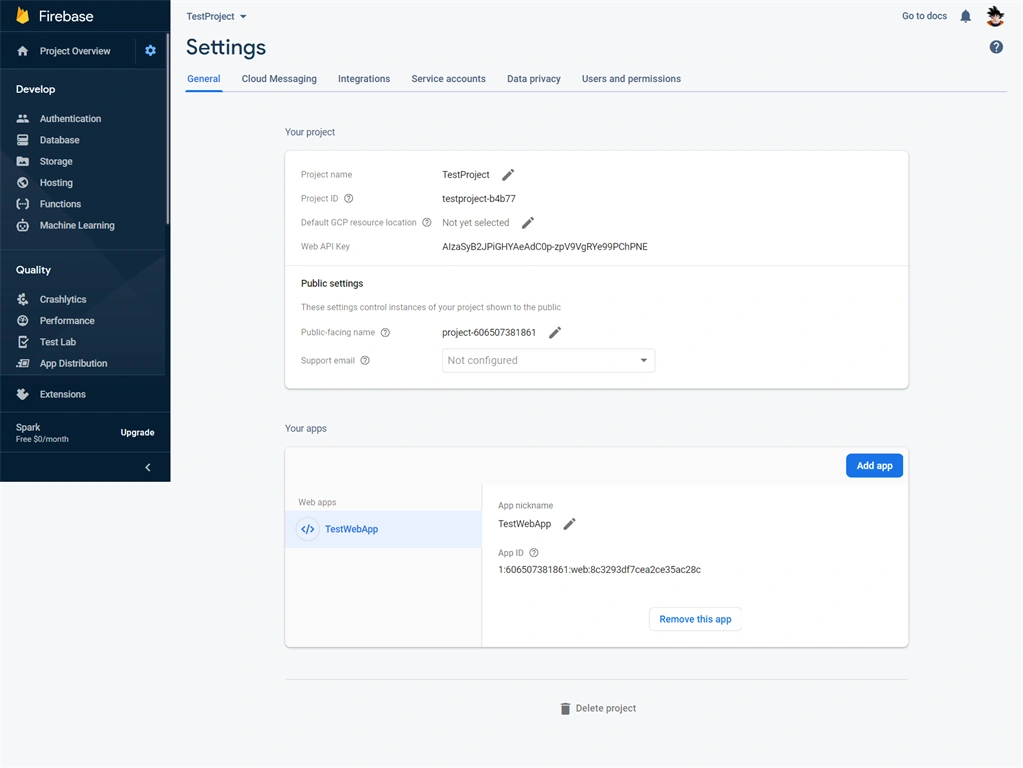
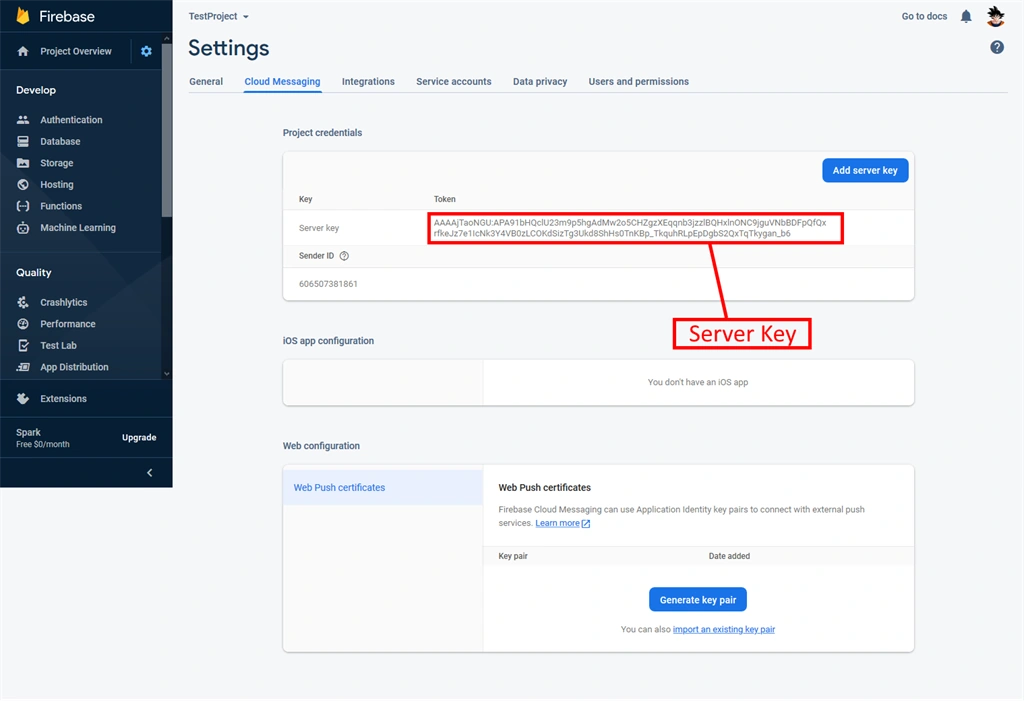
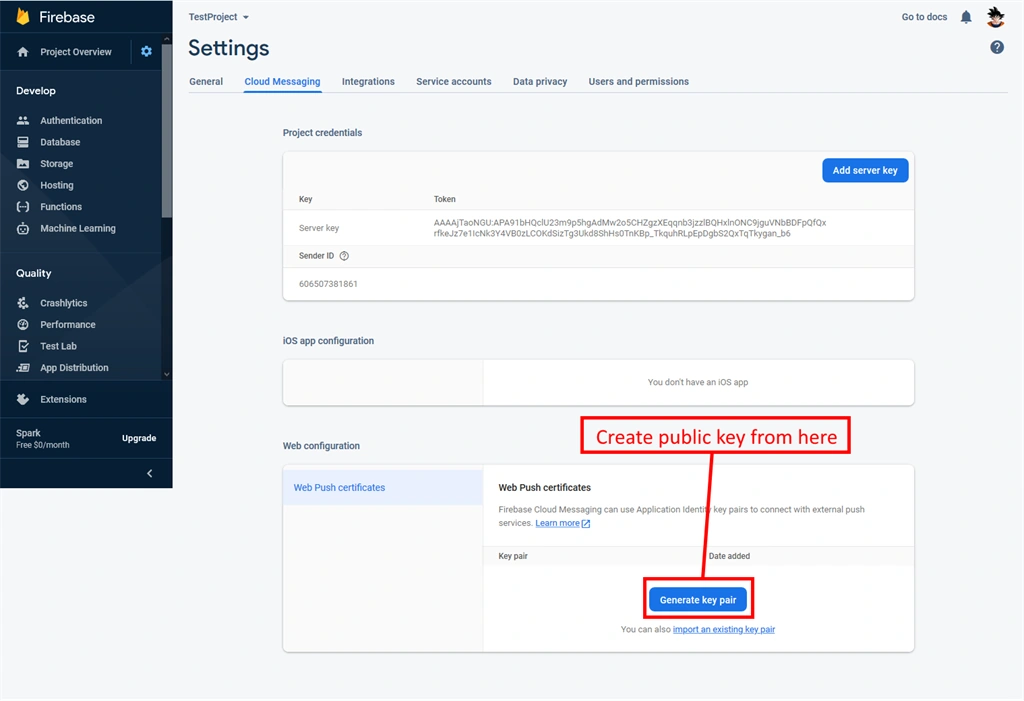
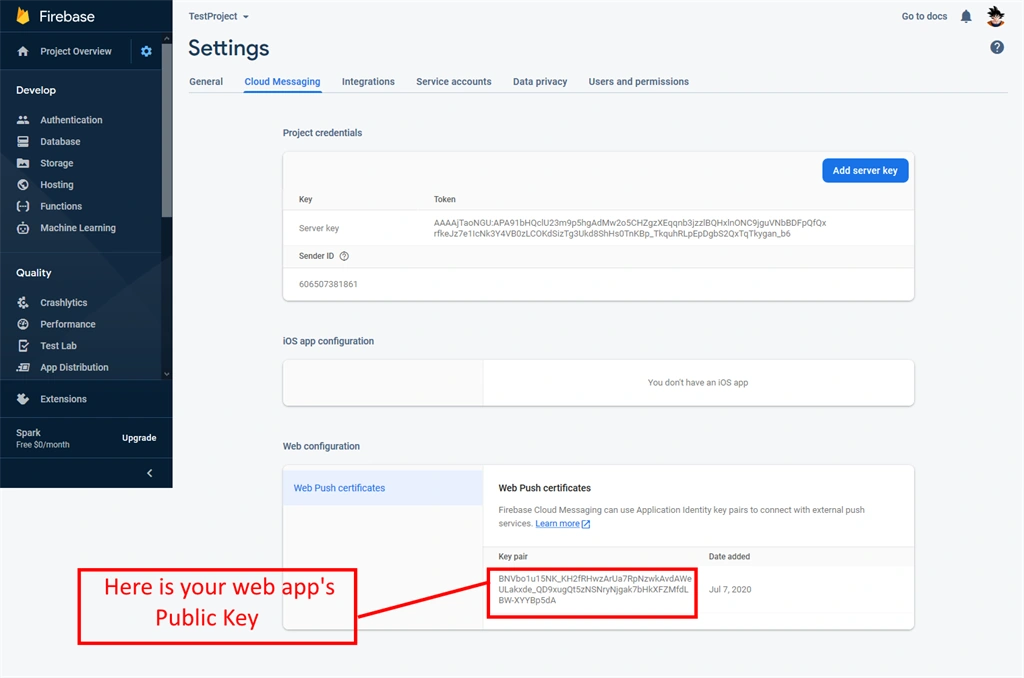
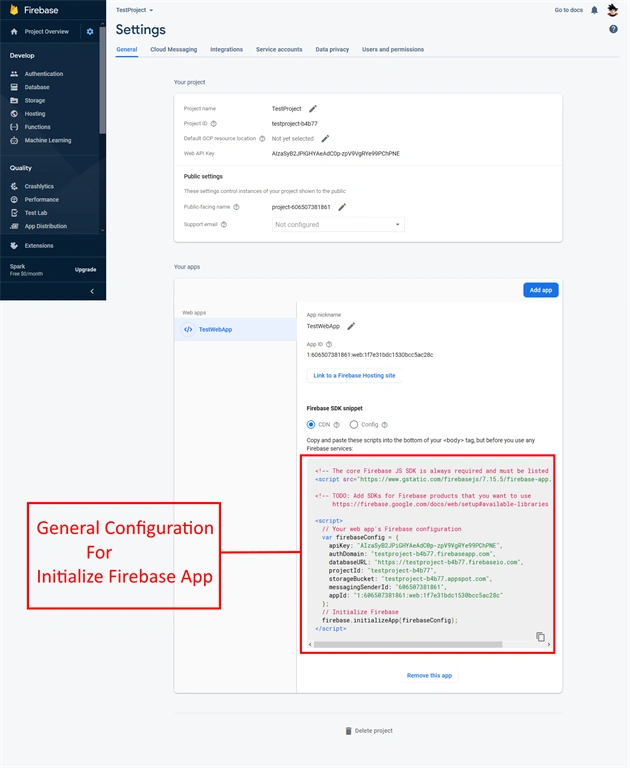
Configuration or Project Set-up in Firebase console
STEP 1
Register new account or try to log in with existing accout
STEP 3
Join the conversation! Your thoughts help the community grow.