

As the time changes, the company and sometimes even source data changes. And, with this new LinkedIn Data format, our new free LinkedIn Connection Analytics Dashboard too!
As always, this Power BI Template will be available to download for you.
What this dashboard will do for you
- Search any position from all your connections
- Aggregate position
- Universal Search on your connection
- And much more; just scroll for exciting Dashboard image
Things to know before getting started
- Power BI template is just a template created from the test data, not actual data
- Never share your LinkedIn Connection Analytics Power BI Desktop file. I am sharing Power BI template file which is just a template, not the actual data file. Read more about Power BI template here!
- LinkedIn might change Data Format as they change as compared to that last year. As long as the file format is same, Template will work flawlessly.
- Again, do not share your downloaded data of the link to download in comments. Sorry for reminding from the past experience. All questions will be answered. I will prefer to answer most of the questions on Power BI Data Gallery page!
How to download LinkedIn data
Step 1: After login to LinkedIn, visit this link - https://www.linkedin.com/psettings/member-data. This link will take you to the "Getting an archive of your data" tab and Request archive.
Step 2: Waiting is the hard part :) But it's worth waiting. LinkedIn will send you the link to download within a day or to download complete zip/rar file. The folder name will be something like this - Complete_LinkedInDataExport_07-15-2017.ZIP
Step 3: Unzip/Extract file and folder. For this analytics, we only need Connections.csv file.
Step 4: Download Power BI template file from the following link.
Copy and paste the following link into your browser - https://gallery.technet.microsoft.com/LinkedIn-Connection-107605c5
Download the template file after clicking "I agree".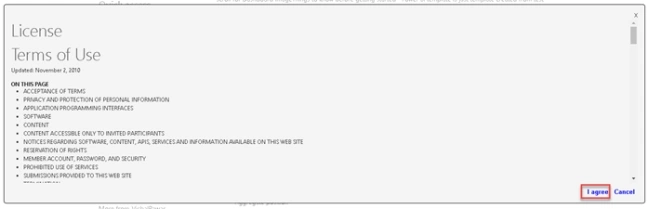
Step 5: Use the downloaded CSV file into Power BI template and explore your dashboard.
Dashboard image


Hope you will enjoy this!
Dhruvin ShahPosted Oct 27, 2017, 4:27 AM
Unique and Different...Thanks for Sharing