

In this article we will be seeing how to export the BDC model from Central
Administration.
Steps Involved:
- Go to Central Administration => Application Management => Manage Service Applications => Business Data Connectivity Service Application.
- In the ribbon interface, go to View tab.
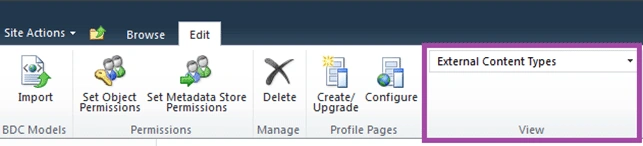
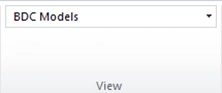
- In the drop down select BDC Models.
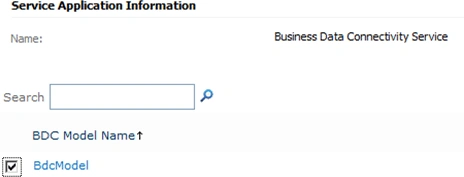
- Select the BDC model to be exported.
- In the ribbon interface, click on Export
button.
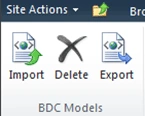
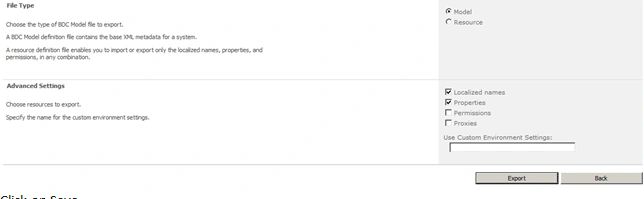
- Click on Export.
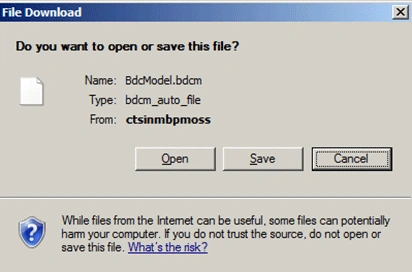
- Click on Save.
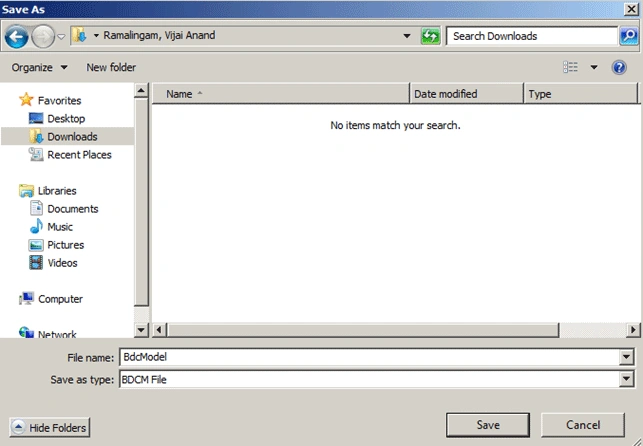
- Specify the path and click on Save.
Join the conversation! Your thoughts help the community grow.