

So far in this series, I wrote:
- Getting Started with Power BI Desktop
- Create SQL Reports with Power BI
- Create Power BI Report with Microsoft Access Database
- How to publish BI Reports
In this article we will learn how to import and display data from web page using Power BI Desktop.
Getting Started
Start Power BI Desktop and click on the Get Data from the list in the left side bar as you can see in Figure 1.
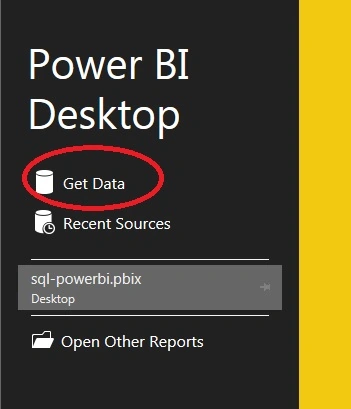
Figure 1
Now select Web data source from all data sources templates and click Connect button.
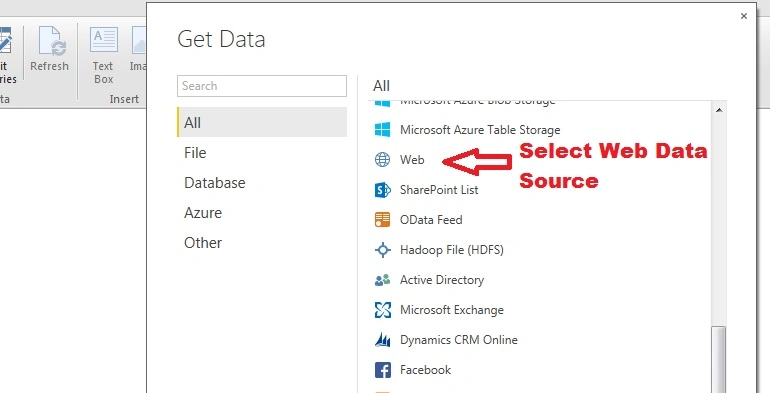
Figure 2
Before proceeding further let’s know what is my web page and my data to display in report.
https://en.wikipedia.org/wiki/Cricket_World_Cup

Figure 3
Once you connect with data source, You need to provide web page URL and click on OK button.
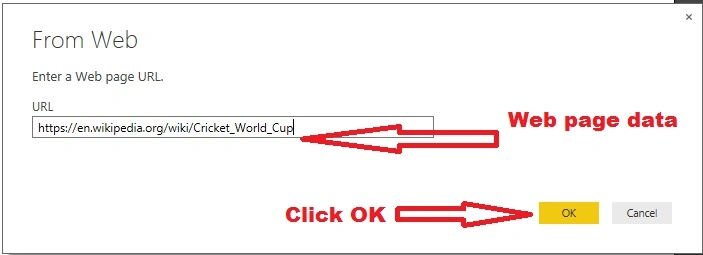
Figure 4
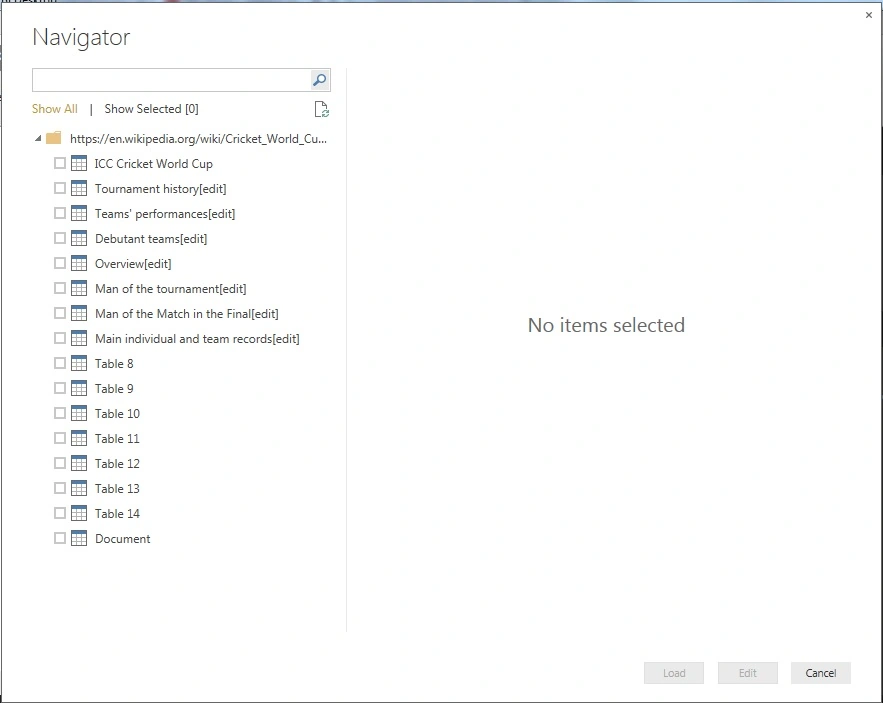
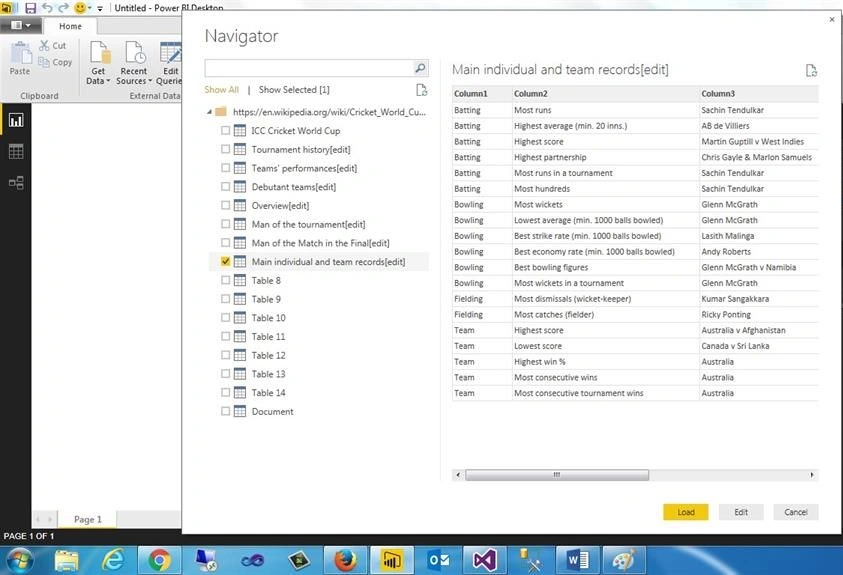
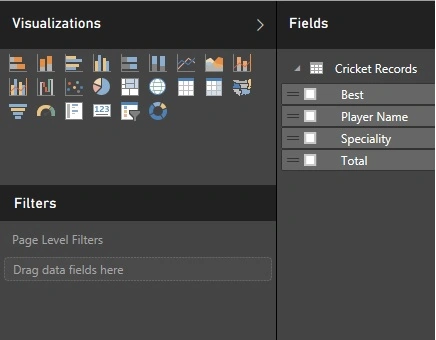
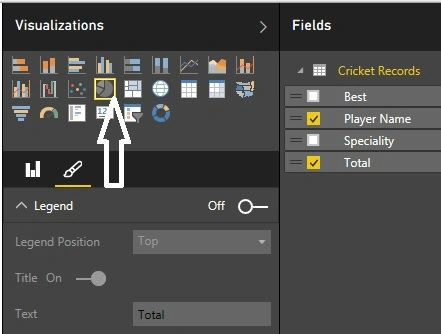
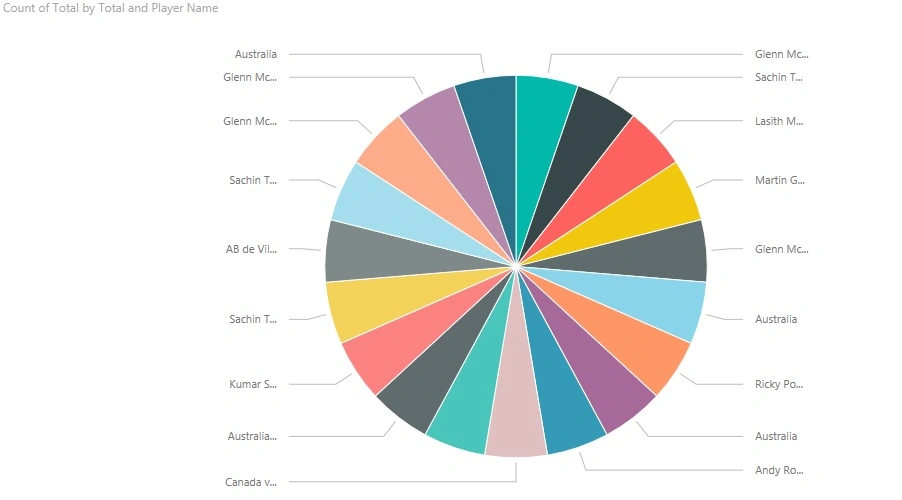
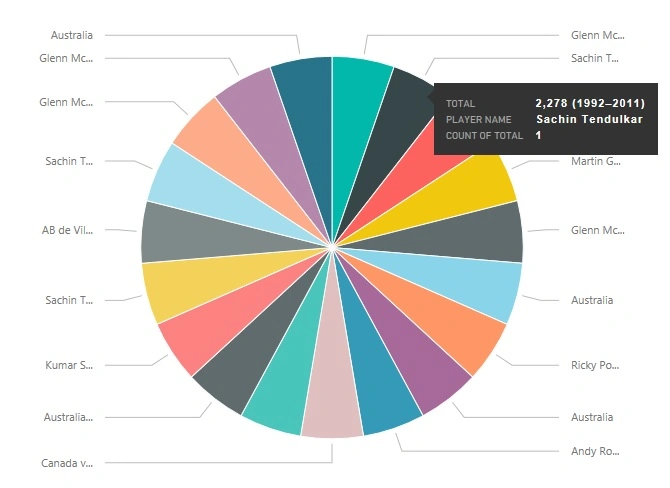
You can see all tables in left side pane.

Sumit DeshmukhPosted Apr 24, 2018, 8:02 AM
Nice share.Thank you
Kuppurasu NagarajPosted Apr 11, 2016, 1:33 PM
Nice Sharing
Humayun Kabir MamunPosted Nov 11, 2015, 6:58 AM
Nice...
Santhakumar MunuswamyPosted Nov 11, 2015, 2:38 AM
Good one
Sibeesh VenuPosted Nov 11, 2015, 12:38 AM
Nice Share
Mukesh KumarPosted Nov 10, 2015, 2:23 AM
Nice Share