

You want to cut your LLM costs? The key is to use less tokens at a cheaper rate.
The biggest mistake people make is, using the latest model for everything. All models have different capabilities. Higher capabilities, costlier they are. Think of like you giving to write a simple letter to a PhD scientist. You need to know which model to use for what tasks.
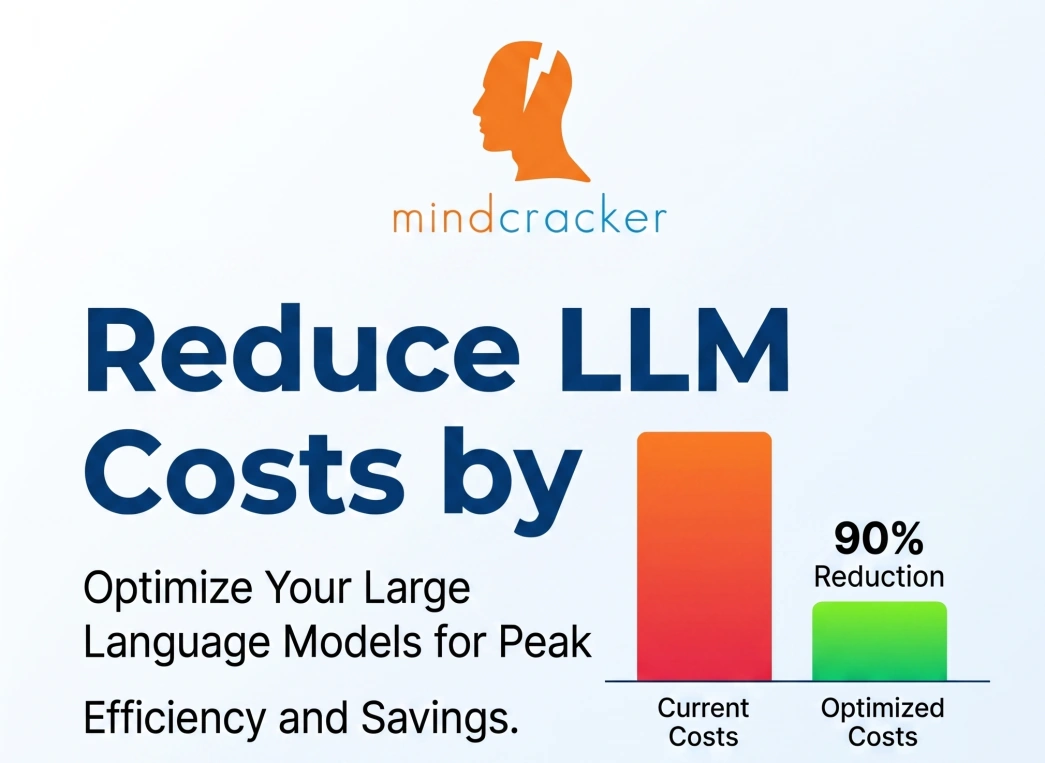
If you follow these tips, I guarantee, you can save up to 90% of your LLM costs.
1. Stop Using One Model for Everything (Biggest Mistake)
Most teams do this:
“Let’s use GPT or Claude for everything”
That’s where you lose money.
What I do instead
I split workloads into 3 layers:
| Task Type | Model Type | Cost Strategy |
|---|---|---|
| Simple tasks | Ultra cheap models | 90% traffic |
| Medium tasks | Mid-tier models | 9% traffic |
| Hard reasoning | Premium models | 1% traffic |
Example
User query flow:
Classify intent → cheap model
If simple → respond immediately
If complex → escalate to better model
This alone cuts cost massively.
👉 Why it works:
Cheap models like Gemini Flash or GPT mini cost 10–100x less than premium models
2. Use Cheap Models Aggressively (They Are Better Than You Think)
Most people underestimate how good cheap models are now.
Real pricing snapshot (2026)
| Model | Input Cost (per 1M tokens) | Output Cost | Use Case |
|---|---|---|---|
| Gemini Flash Lite | ~$0.10 | ~$0.40 | Bulk processing |
| DeepSeek V3 | ~$0.28 | ~$0.42 | Best value |
| GPT mini / o4 mini | ~$0.50–$1 | ~$1–$2 | General apps |
| Claude Sonnet | ~$3 | ~$15 | Reasoning |
| Claude Opus / GPT Pro | $5–$25+ | $25–$168 | Heavy tasks |
👉 Key insight:
You can often replace a $15 model with a $0.30 model for 80% of use cases.
3. Token Reduction = Instant Cost Savings
Every token you remove = direct cost savings.
What most people do
• Long prompts
• Repeated context
• Verbose outputs
What I do
A. Compress prompts
Bad:
“Please carefully analyze the following document and provide a detailed explanation…”
Good:
“Summarize in 5 bullets.”
👉 Same result. 70% fewer tokens.
B. Use structured prompts
Instead of:
“Explain this code”
Use:
Task: Explain code
Output: 5 bullets
Tone: concise
Result: shorter responses → fewer tokens
C. Limit output tokens
Always set:
max_tokens = 200 (or less)
4. Cache Everything (Massive Savings)
This is criminally underused.
Example
User asks:
“What is blockchain?”
You should NOT call an LLM every time.
Instead:
• Cache response
• Reuse for 10,000 users
👉 Result: near zero cost for repeated queries
5. Use Embeddings Instead of Full Prompts
Most people send huge context every time.
Instead:
• Store embeddings
• Retrieve only relevant chunks
This reduces token usage by 80%+ in RAG systems
6. Avoid Over-Context (Silent Cost Killer)
Bigger context ≠ better results
Large context windows (1M tokens) are powerful but expensive if misused
What I do
• Send only relevant chunks
• Trim history aggressively
• Drop irrelevant conversation
7. Use Small Language Models (SLMs) Where Possible
This is where the real cost revolution is happening.
Some smaller models deliver near GPT-level accuracy at 10–20x lower cost
Use cases:
• Classification
• Filtering
• Routing
• Tagging
8. Batch Processing Instead of Real-Time
If you don’t need real-time:
• Batch requests
• Optimize throughput
This reduces API overhead and cost.
9. Output Optimization (Hidden Goldmine)
Output tokens are often more expensive than input.
👉 Example:
Claude output cost is significantly higher than input cost
What I do
• Force concise responses
• Use bullet points
• Avoid “explain in detail”
10. Multi-Step AI Pipelines (The Pro Move)
Instead of:
❌ One expensive model doing everything
Use:
✔ Cheap model → filter
✔ Medium model → process
✔ Expensive model → refine
This architecture alone can reduce costs by 80–90%
⚖️ Model Comparison with Real Use Cases
🧠 1. Cheap Tier (High Volume)
| Model | Strength | Weakness | Best Use |
|---|---|---|---|
| Gemini Flash | Ultra cheap | Slightly less accurate | Chatbots, summarization |
| GPT mini | Balanced | Not deep reasoning | SaaS apps |
| Claude Haiku | Fast | Output cost higher | Assistants |
👉 Insight:
Use these for 90% of traffic
⚡ 2. Mid Tier (Balanced)
| Model | Strength | Weakness | Best Use |
|---|---|---|---|
| GPT-5.x | Strong reasoning | Higher cost | Product features |
| Claude Sonnet | Reliable | Expensive output | Business logic |
| Gemini Pro | Large context | Cost varies | Document analysis |
🧨 3. Premium Tier (Use Sparingly)
| Model | Strength | Weakness | Best Use |
|---|---|---|---|
| Claude Opus | Best reasoning | Very expensive | Complex workflows |
| GPT Pro | Top quality | Very high cost | Critical decisions |
👉 Use only when: • High accuracy matters
• Revenue impact is high
📊 Real Cost Reduction Example
Let’s say you process 10M tokens/month
Bad architecture
All queries → GPT premium
Cost ≈ $140/month
Optimized architecture
• 90% → Gemini Flash
• 9% → GPT mini
• 1% → GPT premium
Cost ≈ $20–$40/month
👉 Savings: 70–90%
🧠 The Mindset Shift (Most Important)
If you remember only one thing:
👉 LLM cost optimization is an architecture problem, not a prompt problem
Most developers focus on prompts.
Smart engineers design systems.
🔥 Final Playbook
If I were building from scratch today:
Start with cheapest model
Add routing layer
Compress prompts aggressively
Cache everything
Use embeddings for context
Limit output tokens
Escalate only when needed
💡 Bottom Line
The difference between a naive LLM app and a production-grade system is simple:
👉 One burns money
👉 The other prints margin
And the gap is not 10%. It’s often 5x–20x cost difference
Join the conversation! Your thoughts help the community grow.