

Introduction
In this article, we are going to discuss How to set up Visual Studio Code so that we can use C# 10 and .Net 6 with vscode.
This is a step by step guide for beginners, intermediate and experienced programmers to setup environment and create .net application using Visual Studio Code + C# 10 and .net 6.0
Let’s start with installation,
We need to install .net 6.0 SDK first,
STEP 1 - Download .net 6 SDK from the official Microsoft site here.
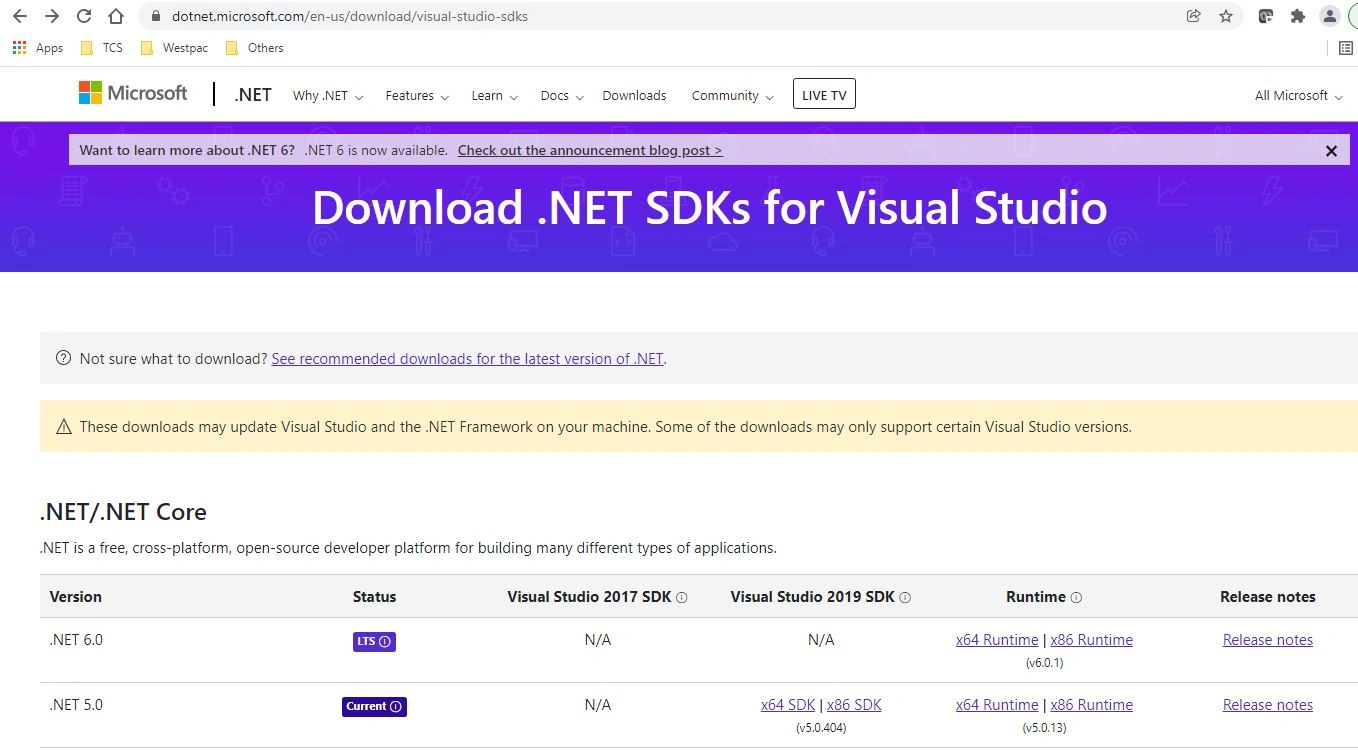
STEP 2 - Click on the Runtime link based on your operating system.
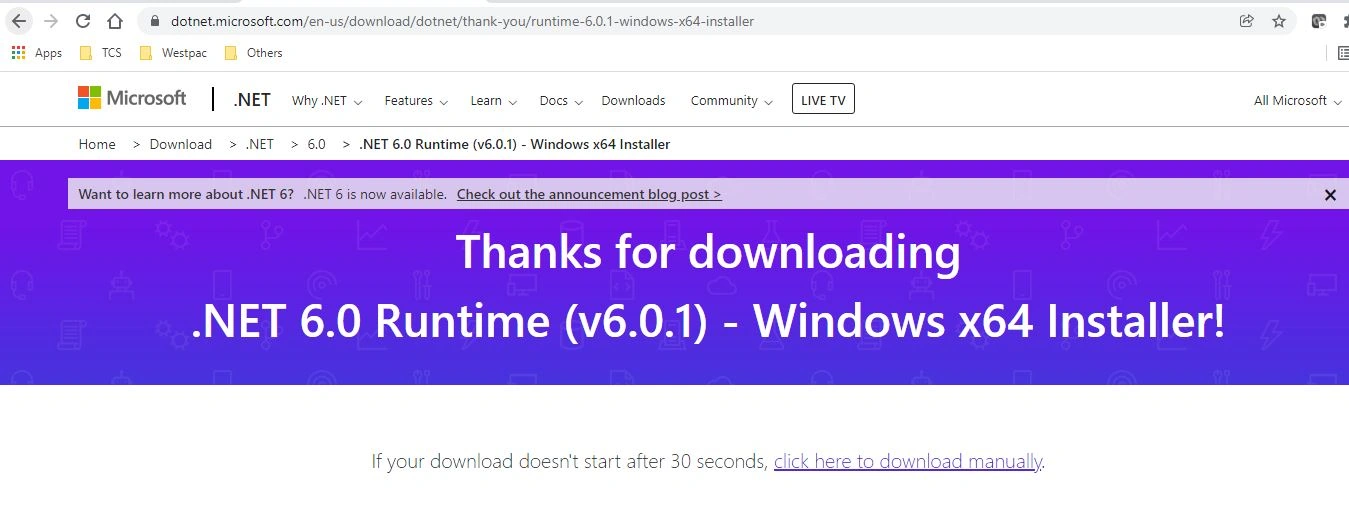
Setup file would be downloaded in your download folder,

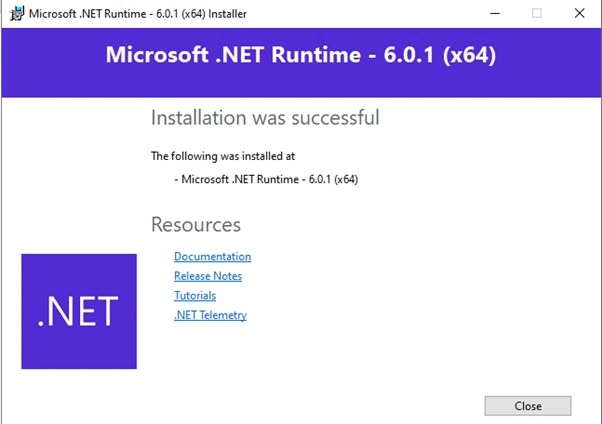
STEP 3 - Double click on the .exe file and complete installation.
STEP 4 - Let's check the version installed in your system using the below command.
dotnet --info
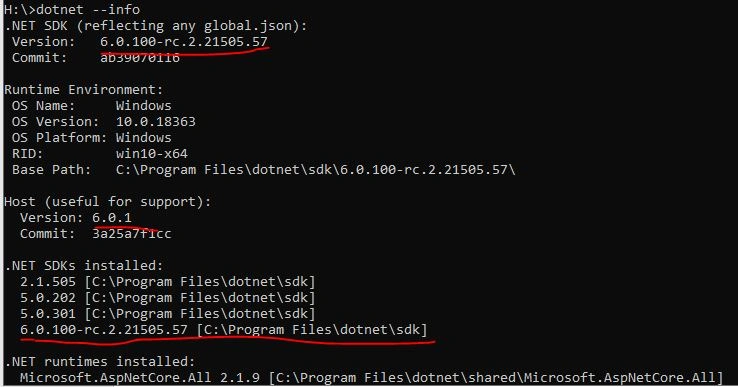
Nice, now .net 6 SDK is installed successfully in your system. Now we will install VSCode from the Microsoft site.
STEP 5 - Install Visual studio code from here
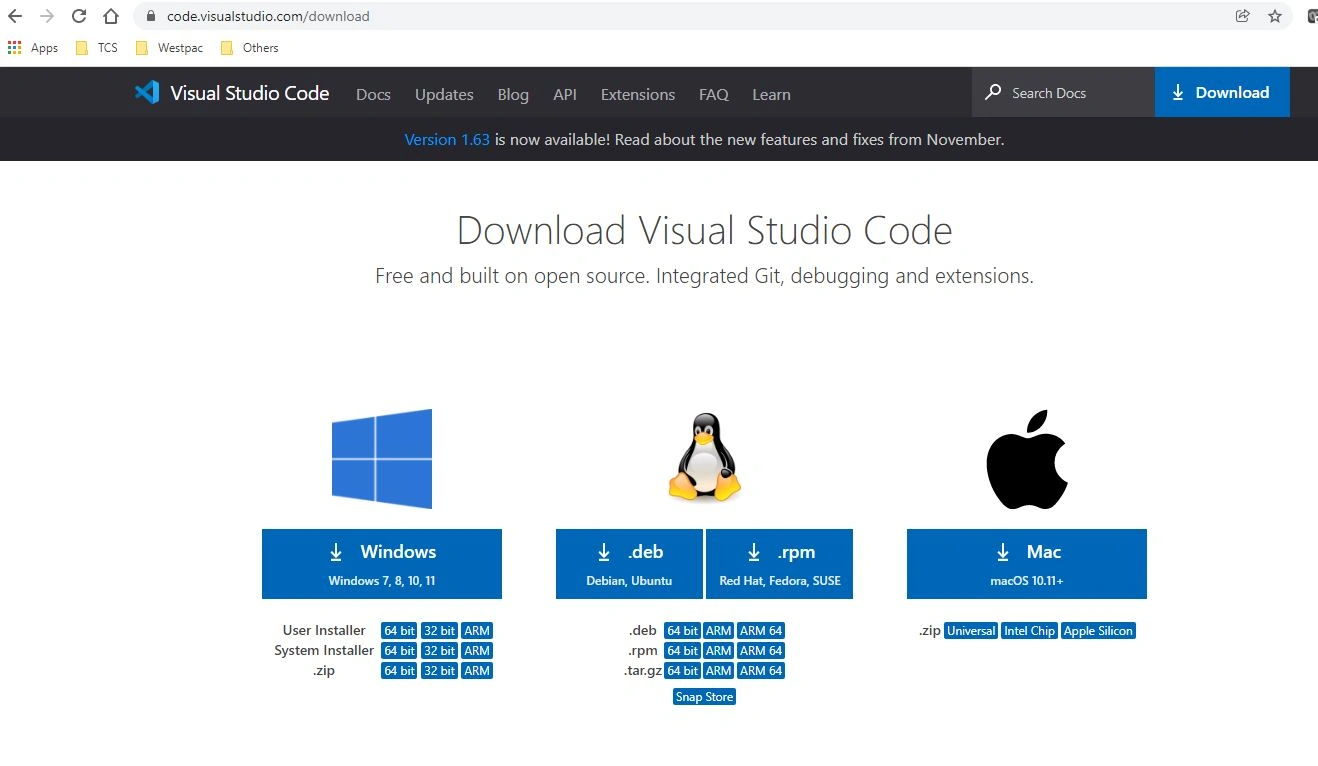
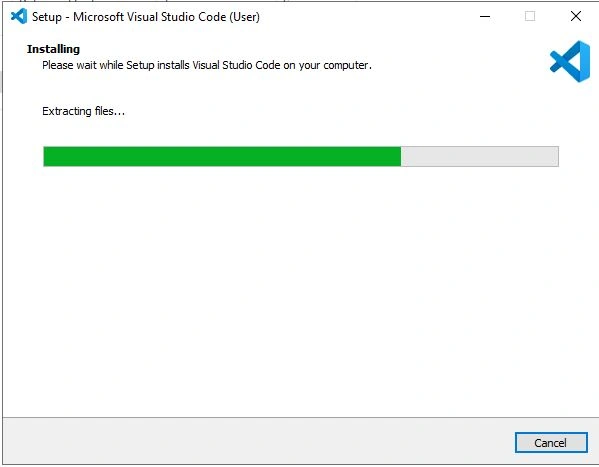
STEP 6 - Complete installation based on your operating system.
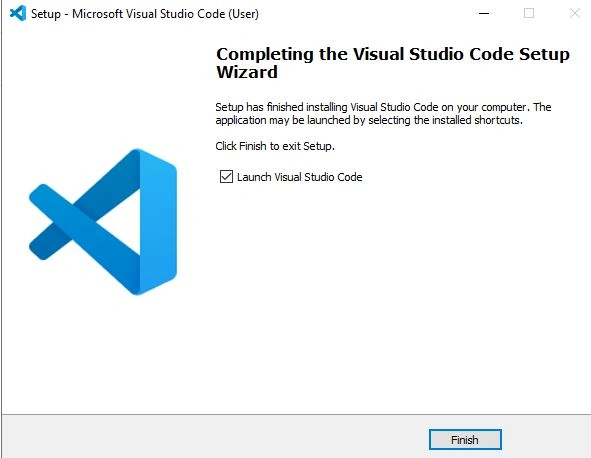
Once completed click on the finish in the below screen.
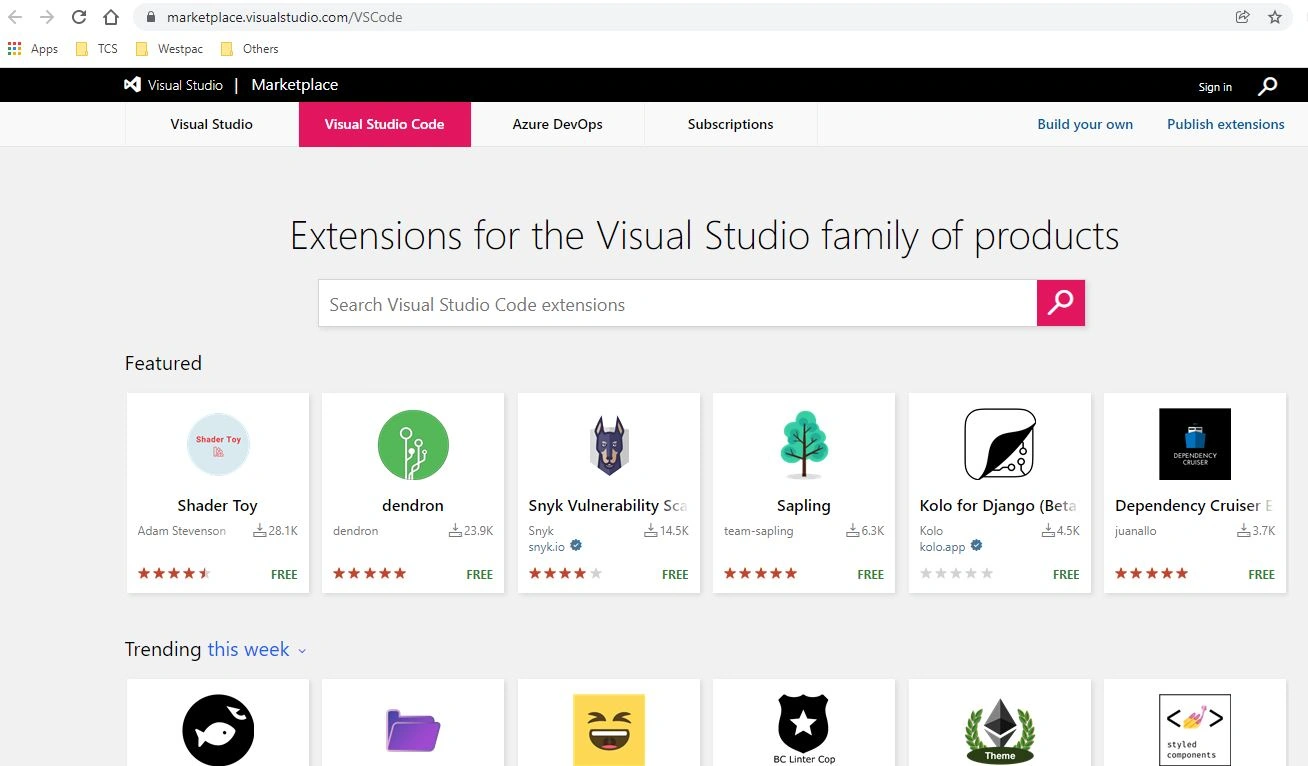
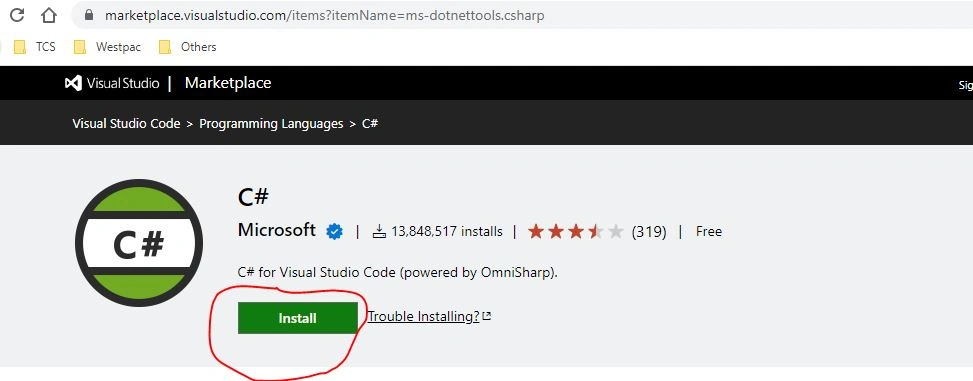
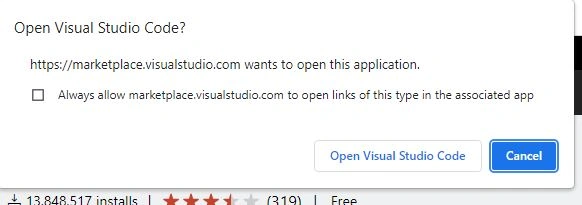
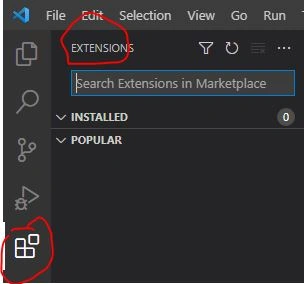
Now we will install C#,


Join the conversation! Your thoughts help the community grow.