

For the last few weeks I've been struggling to take a backup of a SQL Azure DB. I believe many of you might have encountered this issue.
As per my knowledge and enquiries I have come to understand that, to take a backup from SQL Azure you need to have Azure management portal access.
But just now I found a great innovative trick to take a backup from SQL Azure.
Here is the simple guide for "How to take backup from SQL Azure".
Requisites
- SQL Server 2012
- A high speed Internet Connection
Step 1: Open Management Studio and login to your SQL Azure account.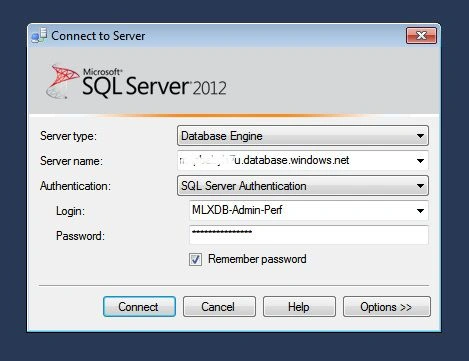
I believe you'd be seeing your Object Explorer like this (of course with a different database list, if you are not in my project :D).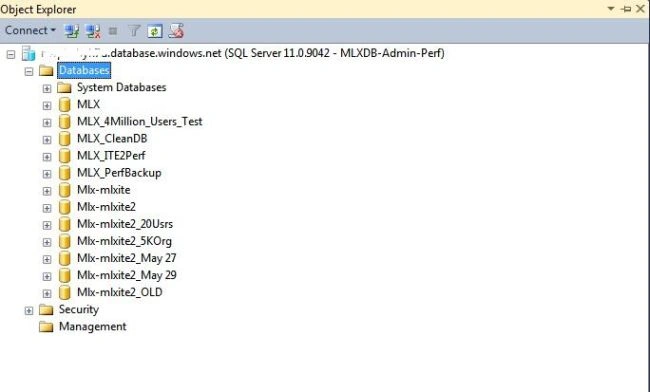
Step 2: Now right-click on the DB for which you want to take a backup, then click on "Tasks" -> "Deploy Database to SQL Azure".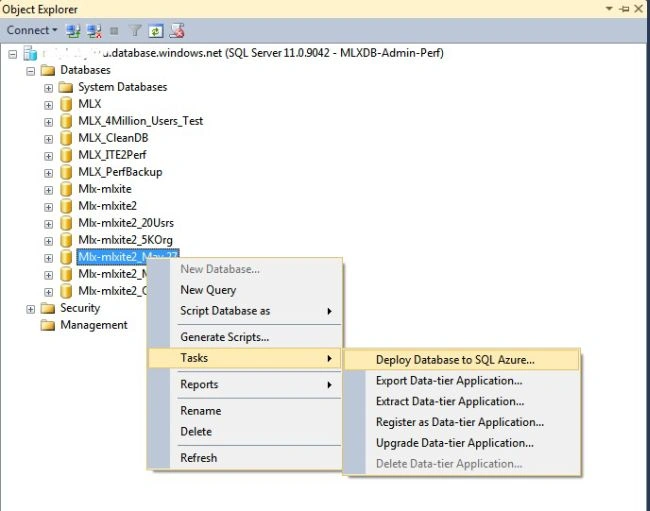
Step 3: Now you will be seeing a window like the following.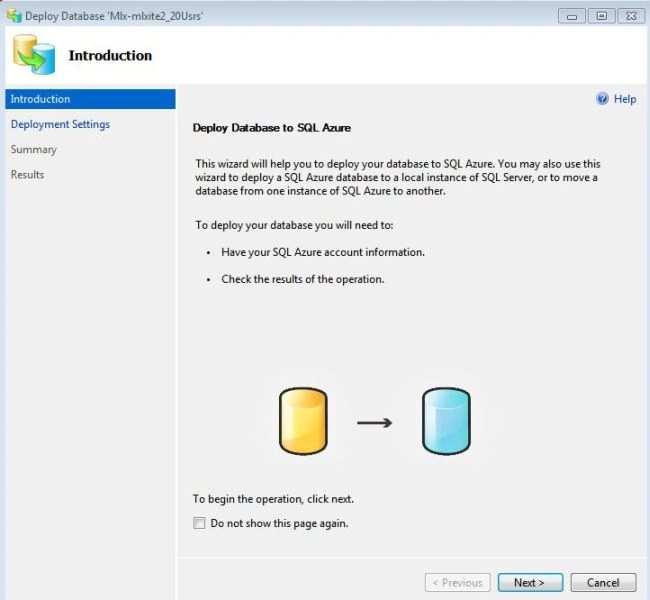
Click on 'Next'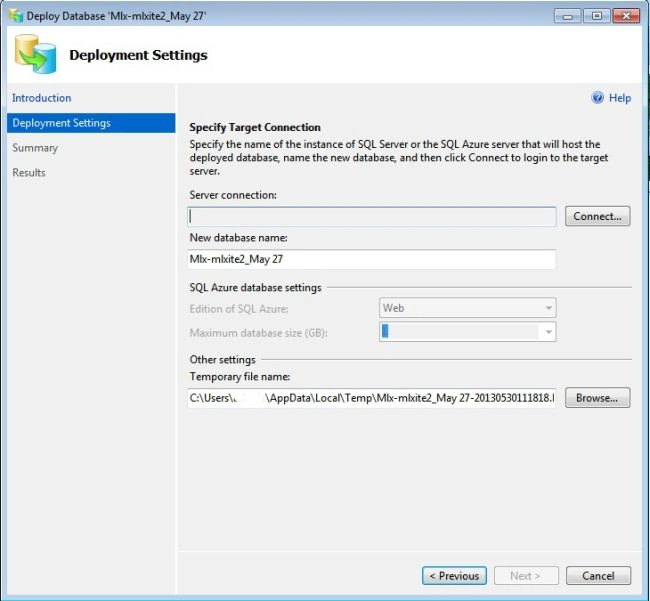
Click on "Connect".
A window like the following will pop up.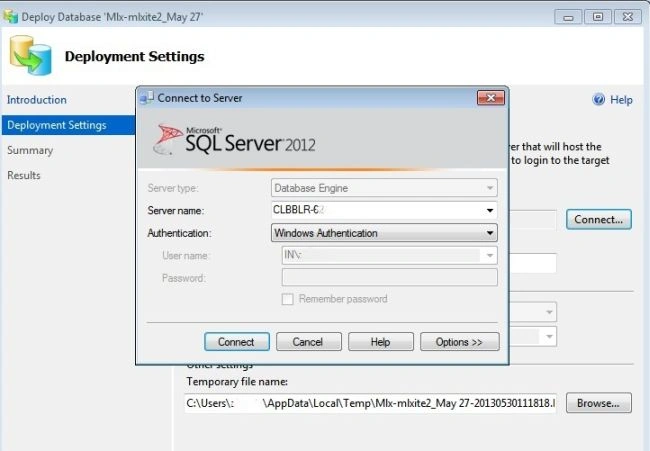
Login to your local SQL Server instance.
After successfully logging in you'll see a window like the following.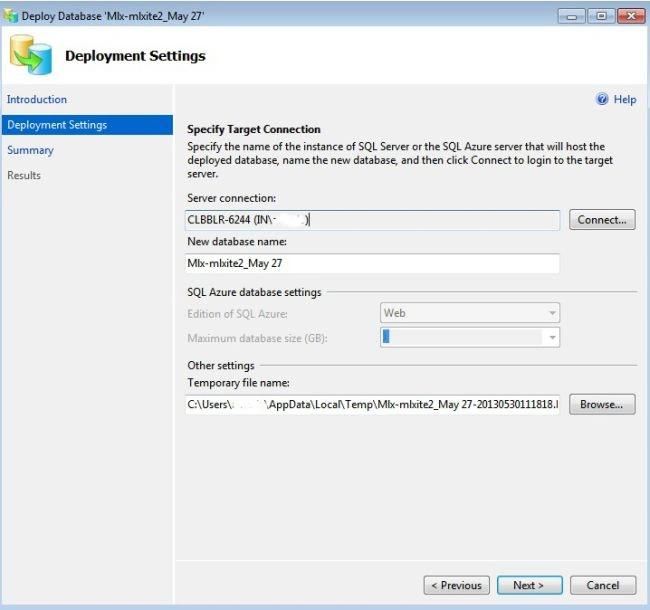
Click "Next".
Click "Finish".
Now your SQL Azure DB will start deploying to your local SQL Server.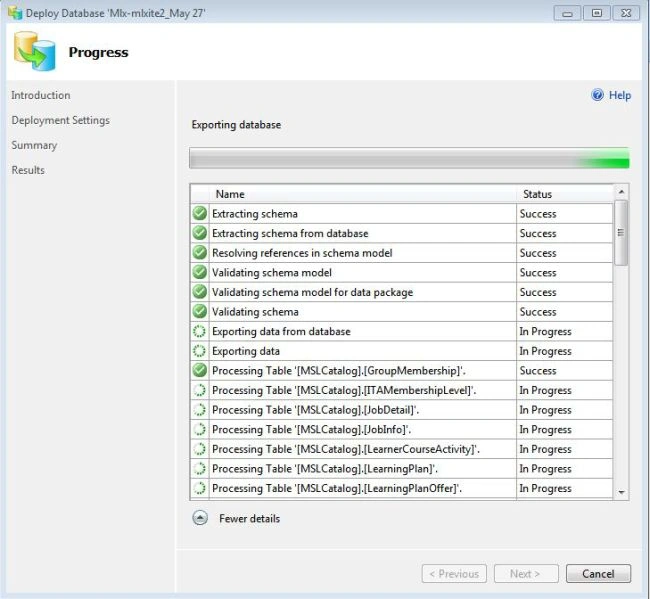
Step 4: After successful deployment to your local SQL Server, you can simply take a backup as you do for a normal DB.
Gowtham RajamanickamPosted May 18, 2015, 1:02 PM
informative..