

In this article I will tell you how to take backup of Joomla site. In the previous article I described how to install and use simple image gallery in Joomla in PHP.
First of all we will download the Akeeba backup component from this link: https://www.akeebabackup.com/download/akeeba-backup/akeeba-backup-3-5-2.html
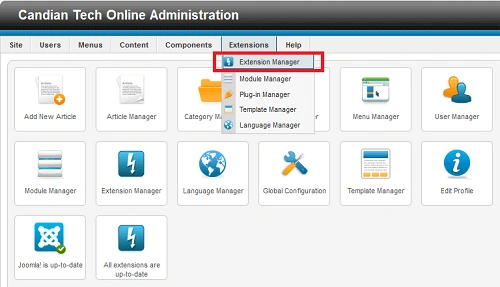
Step 1. After downloadiing the Akeeba component we will go to the admin panel of the Joomla site. Then we will go to Extension -> Extension Manager.
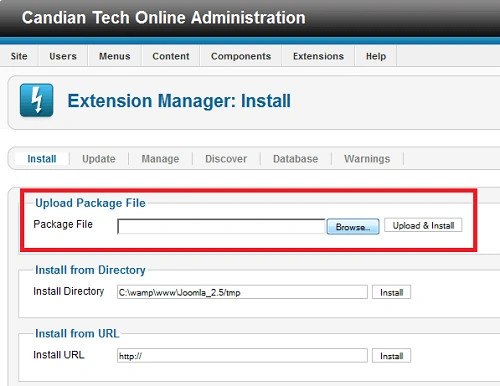
Step 2. Now we will browse the Akeeba component zip file.
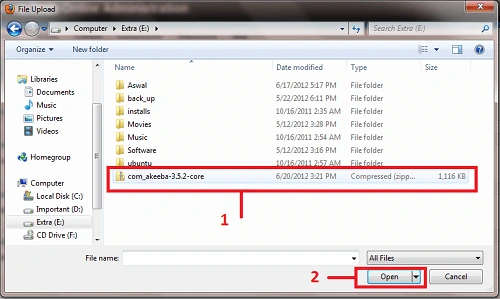
Step 3. Select the Akeeba component zip file from your computer, then open it, as in the following image:
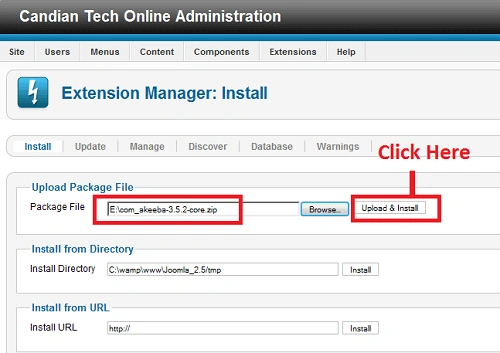
Step 4. Now click on the Upload & Install. After uploading and installing the component you will get a message saying "Installing component was successful".
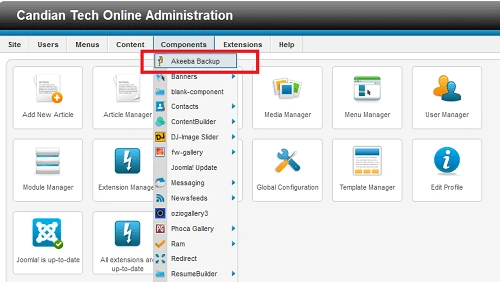
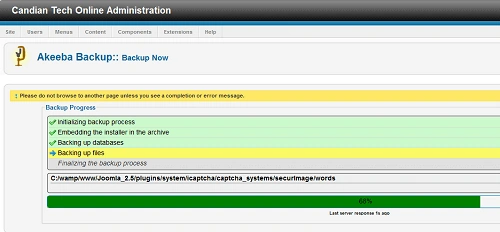
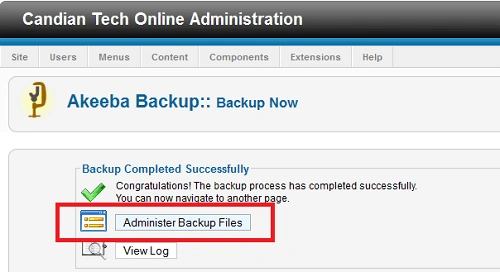
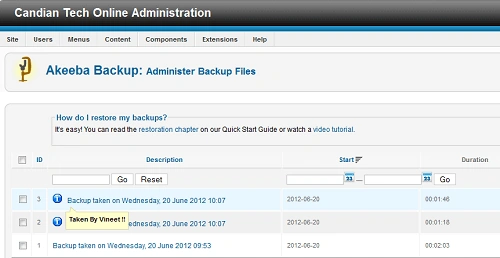
Step 5. Now we will go to component -> Akeeba Backup.
Gowtham RajamanickamPosted Apr 28, 2016, 2:17 AM
good work..