
This article is important for Admins, Database Administrators and developers. There is an easy procedure to uninstall a SQL Server instance in SQL Server 2008 R2 and 2008.
So let us look at the procedure to uninstall SQL Server.
Step 1
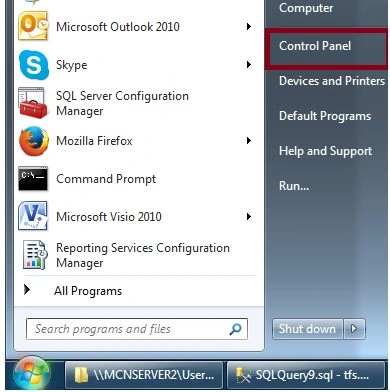
Click the Start Button and chose Control Panel. You will see the following screen.
Step 2
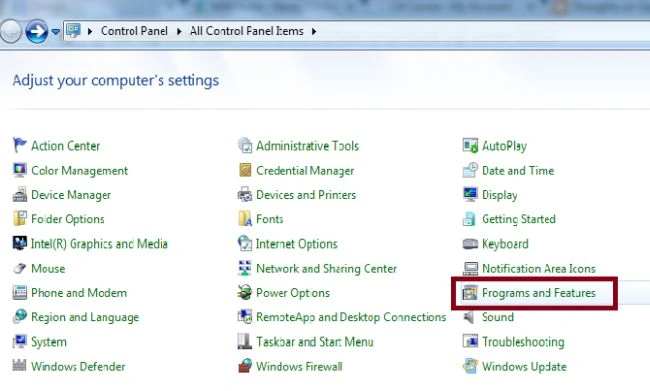
Once the Control Panel is displayed, select the Programs and Features section.
Step 3
Now the list of programs and features installed on that machine is displayed as below.
Chose SQL Server 2008 R2 then Right-click Uninstall /Change.

Step 4
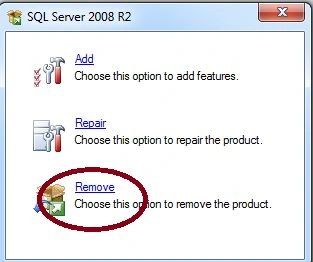
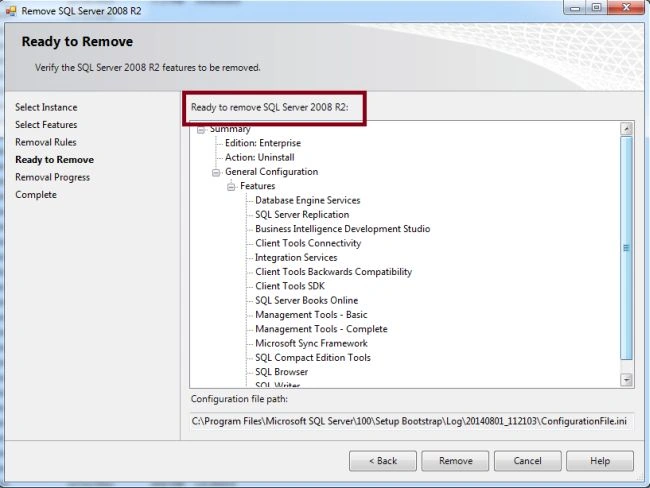
A small window similar to the SQL Server Installation screen is displayed. Click on Remove.
Step 5
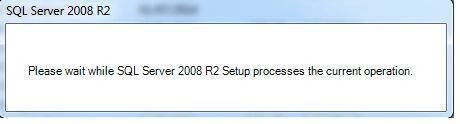
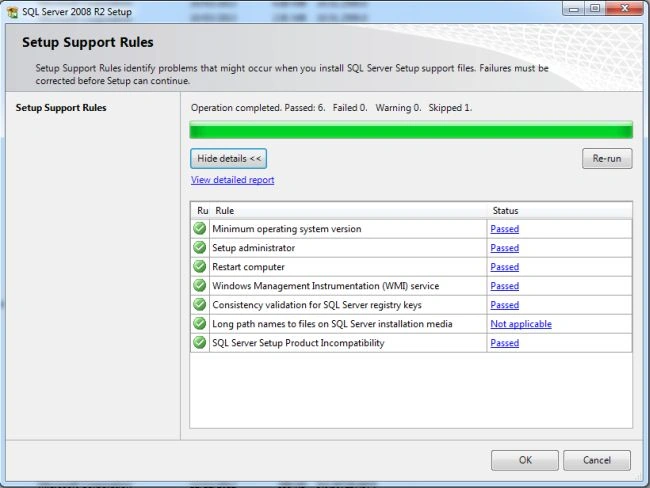
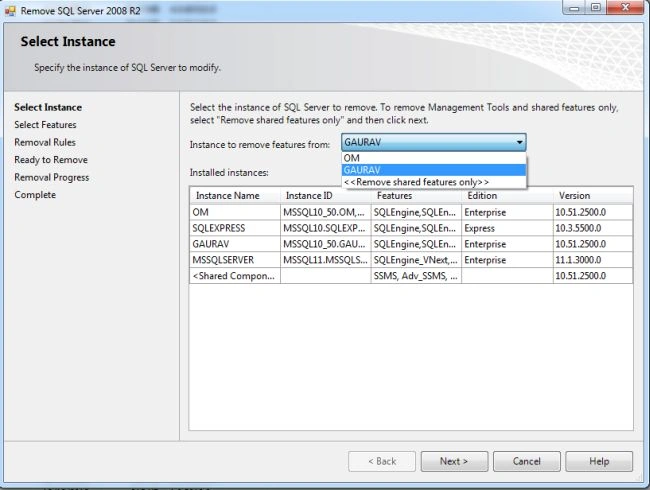
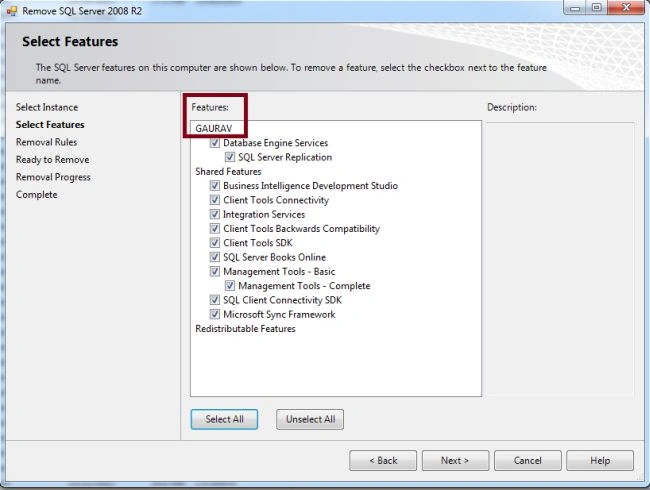
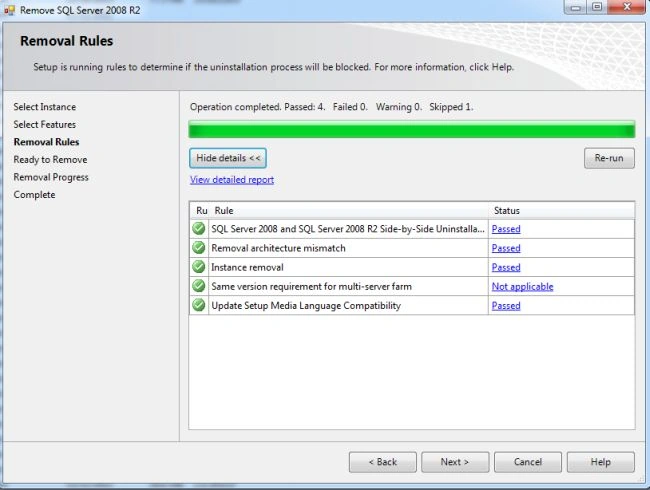
You will see Setup Processes of current operation.
Join the conversation! Your thoughts help the community grow.