

Introduction

Welcome back to my "HTML5 Canvas For Beginners" article series. In the previous two articles of the series I explained the basics of canvas, arc, curves and various shapes, you can read about them here:
- HTML5 Canvas For Beginners - Part-1: Basic Drawings
- HTML5 Canvas For Beginners - Part-2: Curves & Shapes
In today's article, we will learn about Gradients.
HTML5 Canvas: Gradients
We can use gradients to fill circles, text, lines, rectangles and so on and canvas shapes are not limited to only solid colors.
Canvas has two types of gradients:
- createLinearGradient
- createRadialGradient
Once we have created our gradient object, then we can use two or more color stops to fill our shape. We can fill colors using the "addColorStop()" property. This method defines the color stop and its position with the gradient. Positions of the gradient can be given between 0 and 1. We can use the gradient to set the strokeStyle or fillStyle property and after that, we can draw the shape like a line, a circle, a rectangle or text.
Linear Gradient
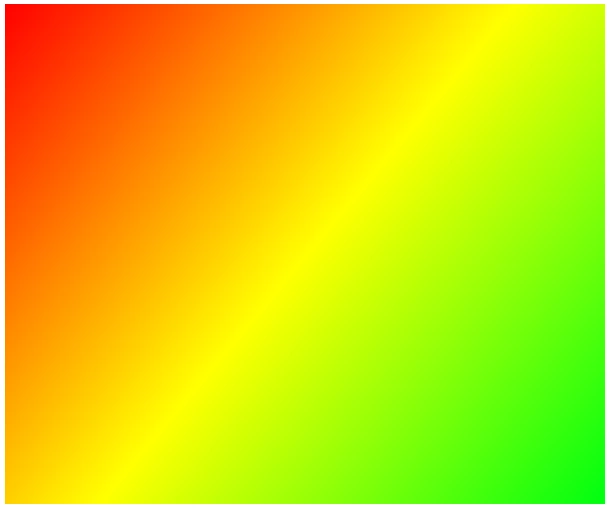
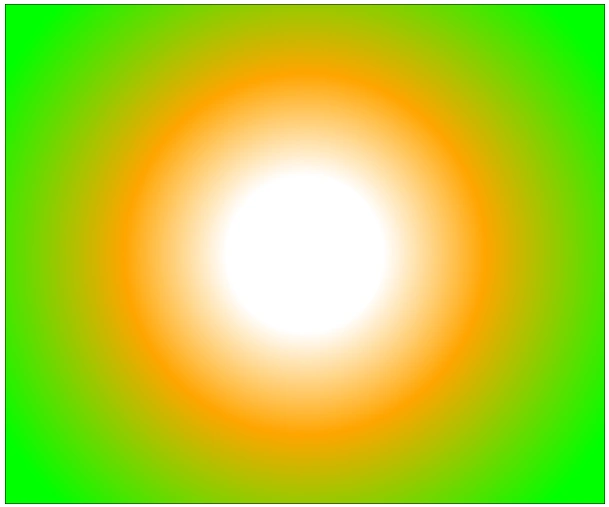
In HTML5 Canvas, we can create a linear gradient using the "createLinearGradient()" method. The Linear Gradient's direction moves from a starting point to an ending point of the imaginary line defined with the createLinearGradient() method. Here, we have used three color stops, starting with the white color that originates at the starting point then using orange color and at last, we are using a green color that ends with the end point. Color stops can be placed with the imaginary line between 0 and 1, where 0 is the start point and 1 is the end point. The Linear Gradient method requires only four parameters:
- start x position
- start y position
- destination x position
- destination y position
Now, the Linear Gradient method looks like "createLinearGradient(sx, sy, dx, dy)".
Example:
- <body>
- <form id="form1" runat="server">
- <div>
- <canvas id="drawCanvas" width="600" height="500"></canvas>
- <script>
- var drawCanvas = document.getElementById('drawCanvas');
- var ctx = drawCanvas.getContext('2d');
- ctx.rect(0, 0, drawCanvas.width, drawCanvas.height);
- var lineGrid = ctx.createLinearGradient(0, 0, drawCanvas.width, drawCanvas.height);
- lineGrid.addColorStop(0.2, '#fff');
- lineGrid.addColorStop(0.5, 'orange');
- lineGrid.addColorStop(1, '#0f0');
- ctx.fillStyle = lineGrid;
- ctx.fill();
- ctx.stroke();
- </script>
- </div>
- </form>
- </body>
Join the conversation! Your thoughts help the community grow.