

This article shows how to use the built-in filters in Angular.js. Built-in filters for filtering the data or changing the nature of data depending on needs.
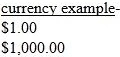
- currency
- date
- filter
- JSON
- limitTo
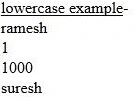
- lowercase
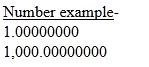
- number
- orderBy
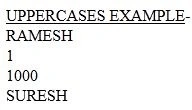
- uppercase
The syntax will be like.
{{ expression | filter }}
Note. I am using Visual Studio 2012 (IDE) in this article, but you can use any kind of editor like Notepad, Notepad++, and so on.
Some built-in filters
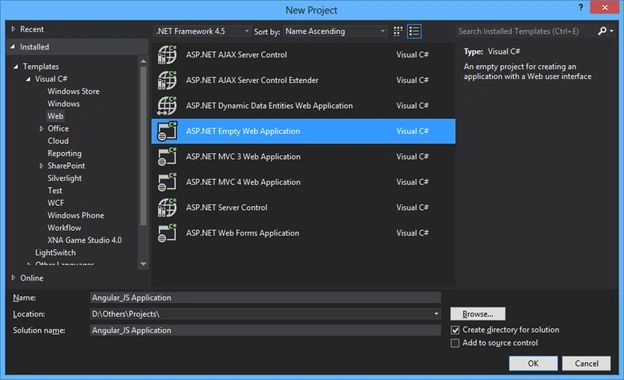
Step 1. Create an ASP.NET Empty Web Application named "Angular_JS".
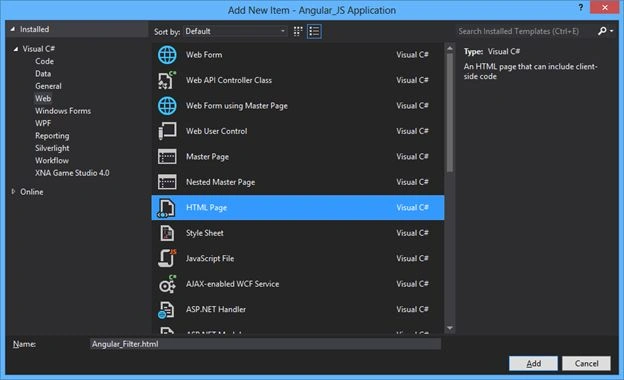
Step 2. Add an HTML page into it named "Angular_Filter.html".
Step 3: Download the Angular.js from the link Angularjs and save it to your website.
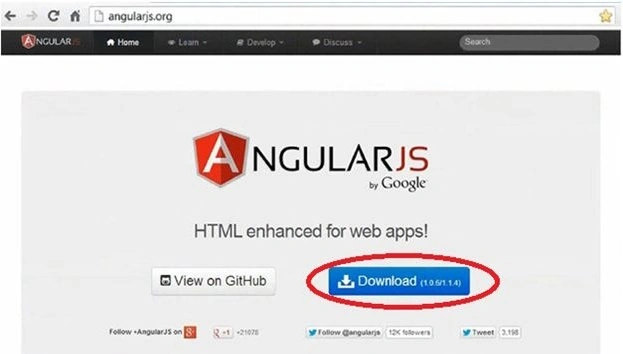
Note. I am using Angular.min.js on this website.
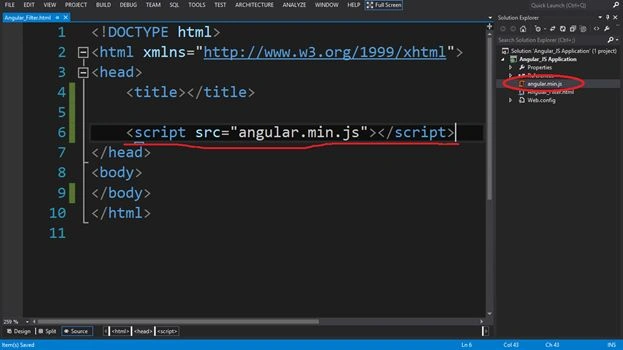
Step 4. After adding the Angular.js to the website, write the script tag that will access the Angular file.
Step 5. Now write the code using Directives and Data binding expressions into the page.
- Write the ng-app directive in the <html> tag, which is necessary to initialize the Angular app.
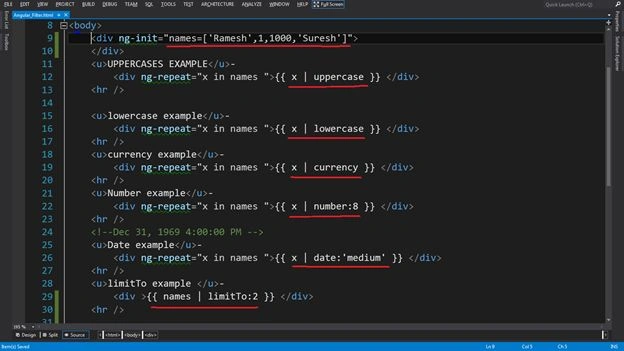
<html ng-app xmlns="http://www.w3.org/1999/xhtml"></html> - Write the ng-init directive in the <div> tag, which will initialize the data in the variable named "names" like in an Array.
<div ng-init="names=['Ramesh',1,1000,'Suresh']"></div> - Now write the ng-repeat directive with the "names" variable in the < div > tag like a for each loop in C#.
<div ng-repeat="x in names"></div> - In the end, write a Data Binding Expression of the variable "x" within the brackets syntax that will iterate the values of the "names" variable. It will be written like this.
{{x}}
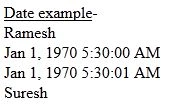

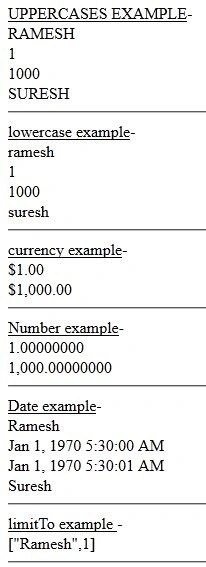
Join the conversation! Your thoughts help the community grow.