

First add the reference from the com tab, and add Microsoft word 12.0 object library.
Images:

Output:
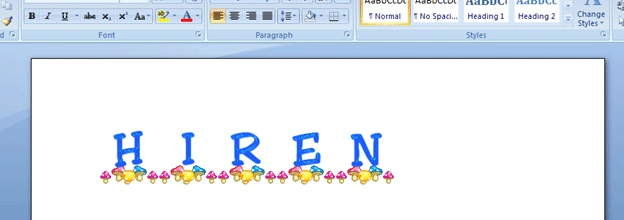
Word file with multiple images
Code and explanation:
private void
button1_Click(object sender, EventArgs e)
{
// first we are creating
application of word.
Microsoft.Office.Interop.Word.Application WordApp = new
Microsoft.Office.Interop.Word.Application();
// now creating
new document.
WordApp.Documents.Add();
// see word file behind
your program
WordApp.Visible = true;
// get the
reference of active document
Microsoft.Office.Interop.Word.Document doc = WordApp.ActiveDocument;
// set
openfiledialog to select multiple image files
OpenFileDialog
ofd = new OpenFileDialog();
ofd.Filter = "Images
(*.BMP;*.JPG;*.GIF)|*.BMP;*.JPG;*.GIF";
Sanket ThotangePosted Dec 19, 2018, 7:31 AM
When I try to insert image to word file, it gets inserted from the start of file. can you suggest how to insert it at the end?
Vijay ChaudhariPosted Feb 28, 2013, 6:36 AM
when select multiple image to view in word file they are in continues with out gap what to do
irmenia garciaPosted Sep 29, 2010, 10:41 AM
hey could you send me your proyect, please...