

During the test run, the Start Transaction signals the beginning of the time measurement. You define the beginning of a transaction in the Start Transaction dialog box by choosing it from the Insert-Start Transaction button.
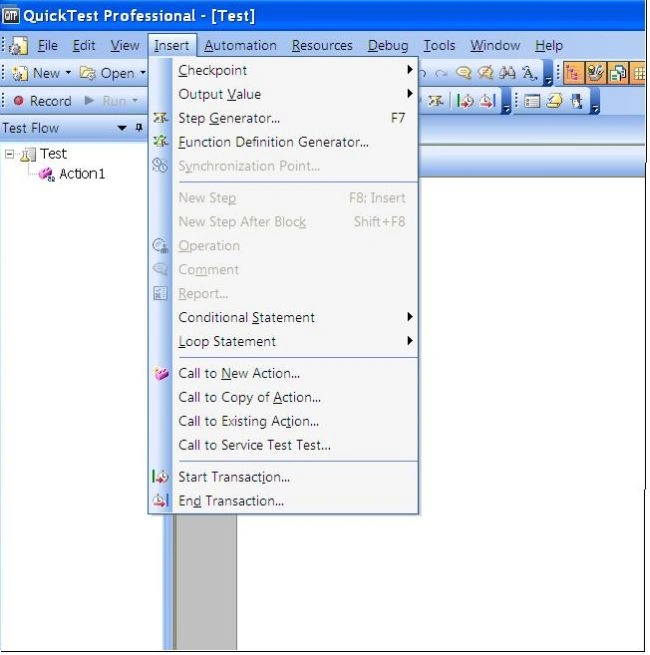
To insert a transaction:
- Click the step where you want the transaction timing to begin. The page is displayed in the Active Screen tab.
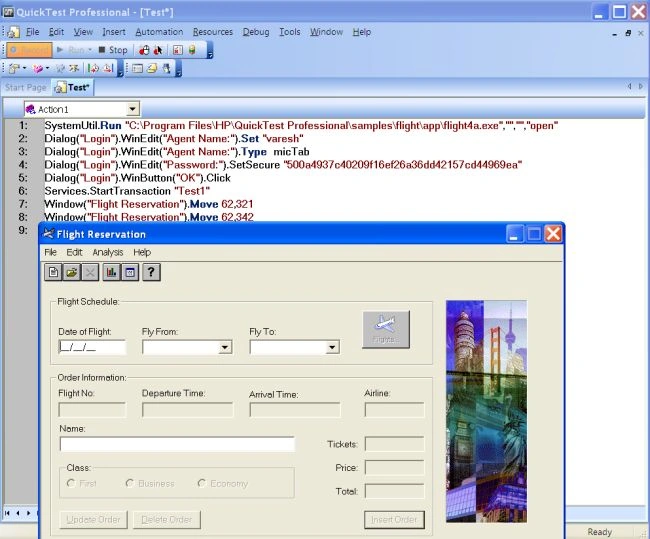
- Click the Start Transaction button or choose Insert > Start Transaction. The Start Transaction dialog box opens.
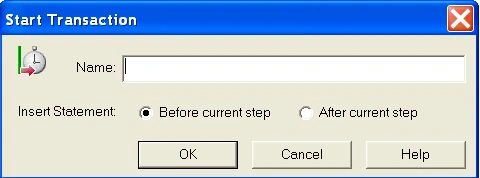
- Enter a meaningful name in the Name box.
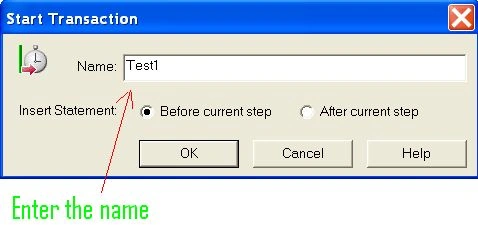
- Decide where you want the transaction timing to begin.
To insert a transaction before the current step, select Before Current Step.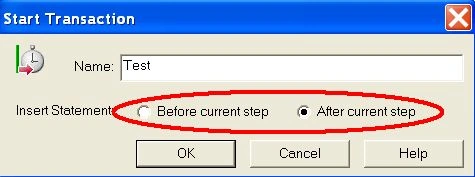
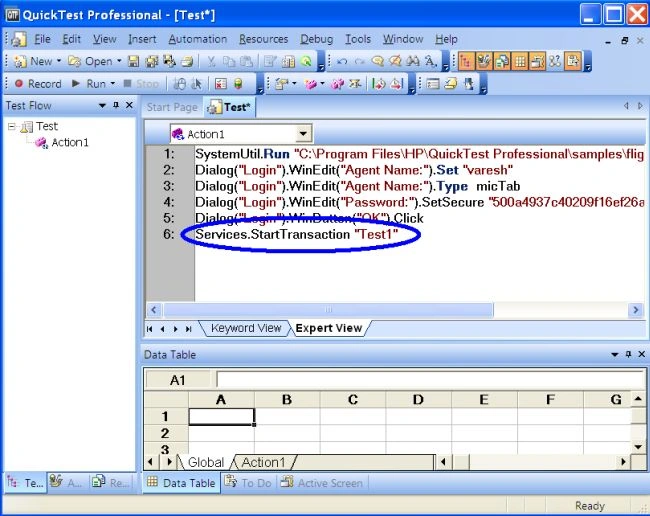
To insert a transaction after the current step, select After Current Step. - Click OK. A Start Transaction step is added to the Keyword View.
Gowtham RajamanickamPosted Apr 12, 2016, 2:17 AM
Good One, Thanks for sharing