

Abstract / Overview
The LangChain Code repository by Zamal Ali is a practical, educational implementation of the LangChain framework. This system allows developers to connect large language models (LLMs) with data sources, APIs, and tools for dynamic reasoning and multi-step task automation.
This guide provides a comprehensive, step-by-step analysis of how LangChain Code functions, including how to set it up and extend it for production-grade applications such as chatbots, document summarizers, AI agents, and RAG systems.
Conceptual Background
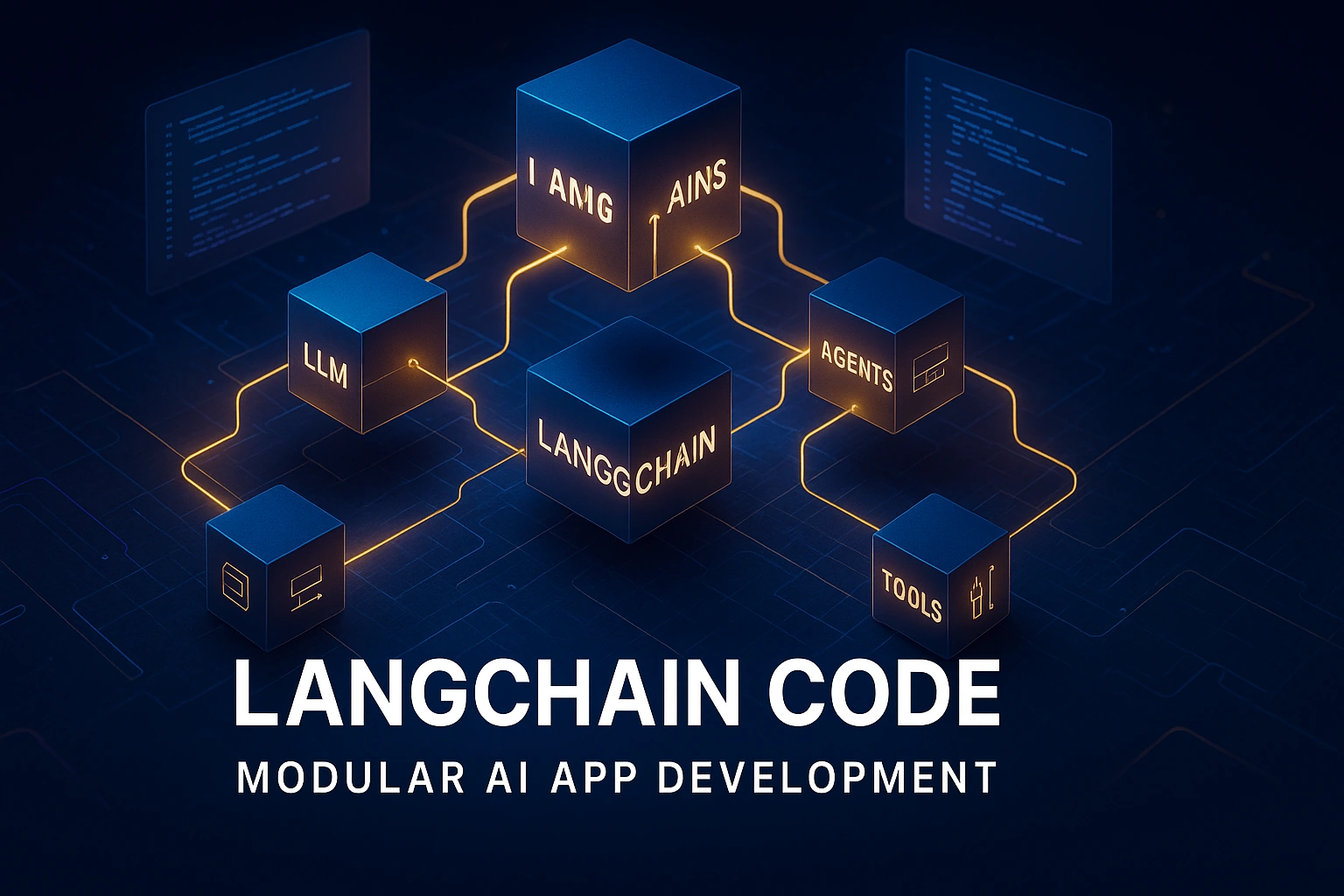
LangChain is a modular framework designed to simplify the creation of applications powered by LLMs. It allows chaining of components like prompts, models, memory, and retrieval tools.
Core LangChain Components
LLM Wrappers: Interfaces for models like OpenAI, Hugging Face, or Anthropic.
Prompt Templates: Parameterized text templates guiding model responses.
Chains: Sequential workflows that link multiple components.
Agents: Autonomous entities capable of reasoning and calling tools dynamically.
Memory: Persists conversational context across interactions.
Retrievers: Connect LLMs to external knowledge bases (PDFs, APIs, databases).
LangChain Code brings these components together into an accessible project structure for developers to learn and build upon.
Step-by-Step Walkthrough
1. Repository Setup
Clone the repository:
git clone https://github.com/zamalali/langchain-code.git
cd langchain-code
Install dependencies:
pip install -r requirements.txtEnvironment variables (e.g., OpenAI API key) are stored in .env:
OPENAI_API_KEY=YOUR_API_KEY2. Understanding the Project Structure
A typical LangChain Code layout includes:
langchain-code/
│
├── chains/
│   ├── summarizer_chain.py
│   ├── question_answering_chain.py
│
├── agents/
│   ├── research_agent.py
│   ├── code_assistant_agent.py
│
├── retrievers/
│   ├── pdf_retriever.py
│   ├── web_retriever.py
│
├── memory/
│   ├── conversation_buffer.py
│
├── utils/
│   ├── prompt_templates.py
│   ├── config_loader.py
│
└── main.py
Each directory corresponds to a LangChain concept, maintaining modularity and clarity.
3. Example: Building a Summarization Chain
A Chain defines a linear process where the model receives structured inputs and returns defined outputs.
from langchain import PromptTemplate, LLMChain
from langchain.llms import OpenAI

template = """Summarize the following text in one paragraph:
{text}
"""
prompt = PromptTemplate(template=template, input_variables=["text"])
llm = OpenAI(model="gpt-4-turbo")

summarizer = LLMChain(prompt=prompt, llm=llm)

text = "LangChain simplifies LLM integration by chaining components together."
print(summarizer.run(text=text))
Output Example:
LangChain enables developers to connect multiple LLM components seamlessly for enhanced functionality.
4. Example: Creating an Intelligent Agent
Agents can make decisions and call tools dynamically.
from langchain.agents import initialize_agent, load_tools
from langchain.llms import OpenAI

llm = OpenAI(model="gpt-4-turbo")
tools = load_tools(["serpapi", "python_repl"])
agent = initialize_agent(tools, llm, agent_type="zero-shot-react-description")

agent.run("Find the latest LangChain documentation and calculate how many words are in it.")
Agents combine reasoning and tool use—ideal for automated research, code analysis, and data summarization.
5. Integrating Memory
Memory enables persistence of conversational context.
Join the conversation! Your thoughts help the community grow.