

Table of Contents
Introduction
What is the
host.jsonFile?What is the
local.settings.jsonFile?Real-World Scenario: Healthcare Data Pipeline with Azure Functions
Putting It All Together: Secure, Scalable, and Observable
Conclusion
Introduction
In the world of serverless computing on Azure, two configuration files—host.json and local.settings.json—play pivotal but often misunderstood roles. As a senior cloud architect who’s designed mission-critical systems for global healthcare providers, I’ve seen teams ship insecure deployments or suffer performance outages simply because they treated these files as boilerplate. Let me clarify their purpose through the lens of a real, high-stakes scenario.
What is the host.json File?
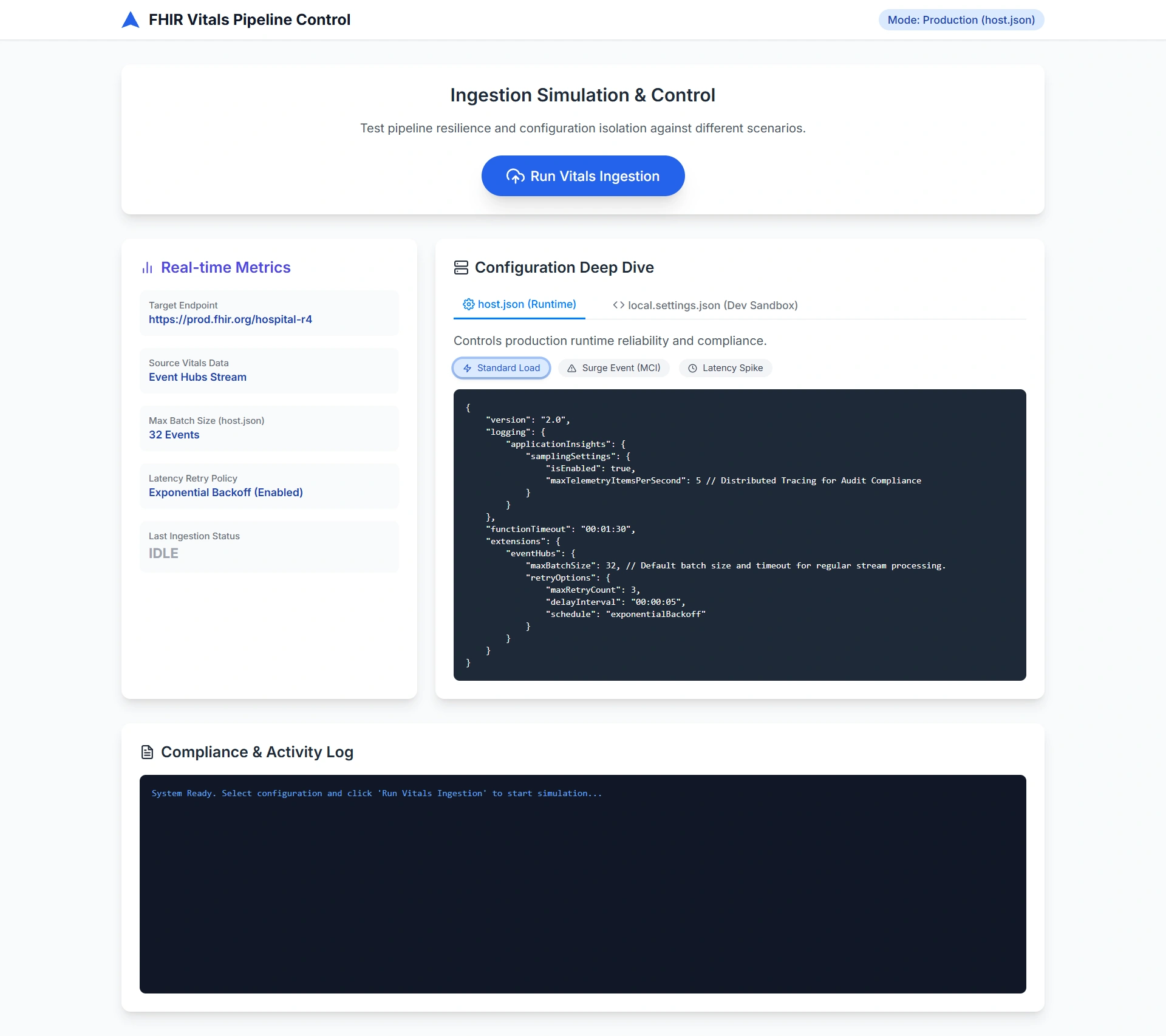
host.json is the runtime configuration blueprint for your Azure Functions app—whether running in the cloud or locally. It controls how the Functions host behaves: concurrency limits, retry policies, logging verbosity, scaling triggers, and more. Crucially, this file is deployed to Azure and affects production behavior.
Think of it as the engine control unit (ECU) of your serverless application: it doesn’t define what your code does, but how efficiently and reliably it runs under load.
Example snippet:
 {
  "version": "2.0",
  "logging": {
    "applicationInsights": {
      "samplingSettings": {
        "isEnabled": true,
        "maxTelemetryItemsPerSecond": 5
      }
    }
  },
  "functionTimeout": "00:10:00",
  "extensions": {
    "queues": {
      "maxDequeueCount": 3,
      "batchSize": 16
    }
  }
}
This config ensures telemetry doesn’t overwhelm monitoring systems, functions time out gracefully, and poison messages in queues are retried exactly three times—critical for data integrity.
What is the local.settings.json File?
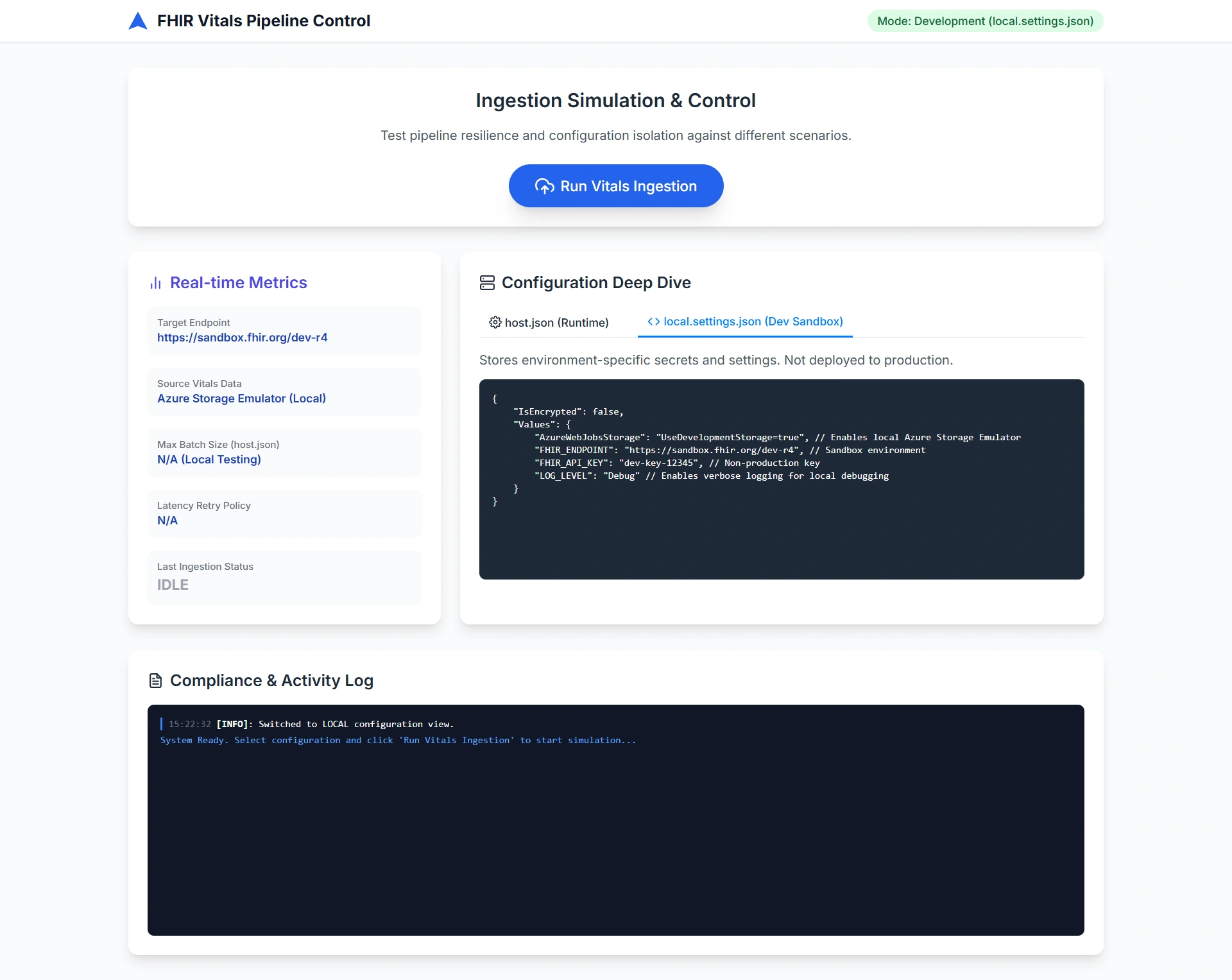
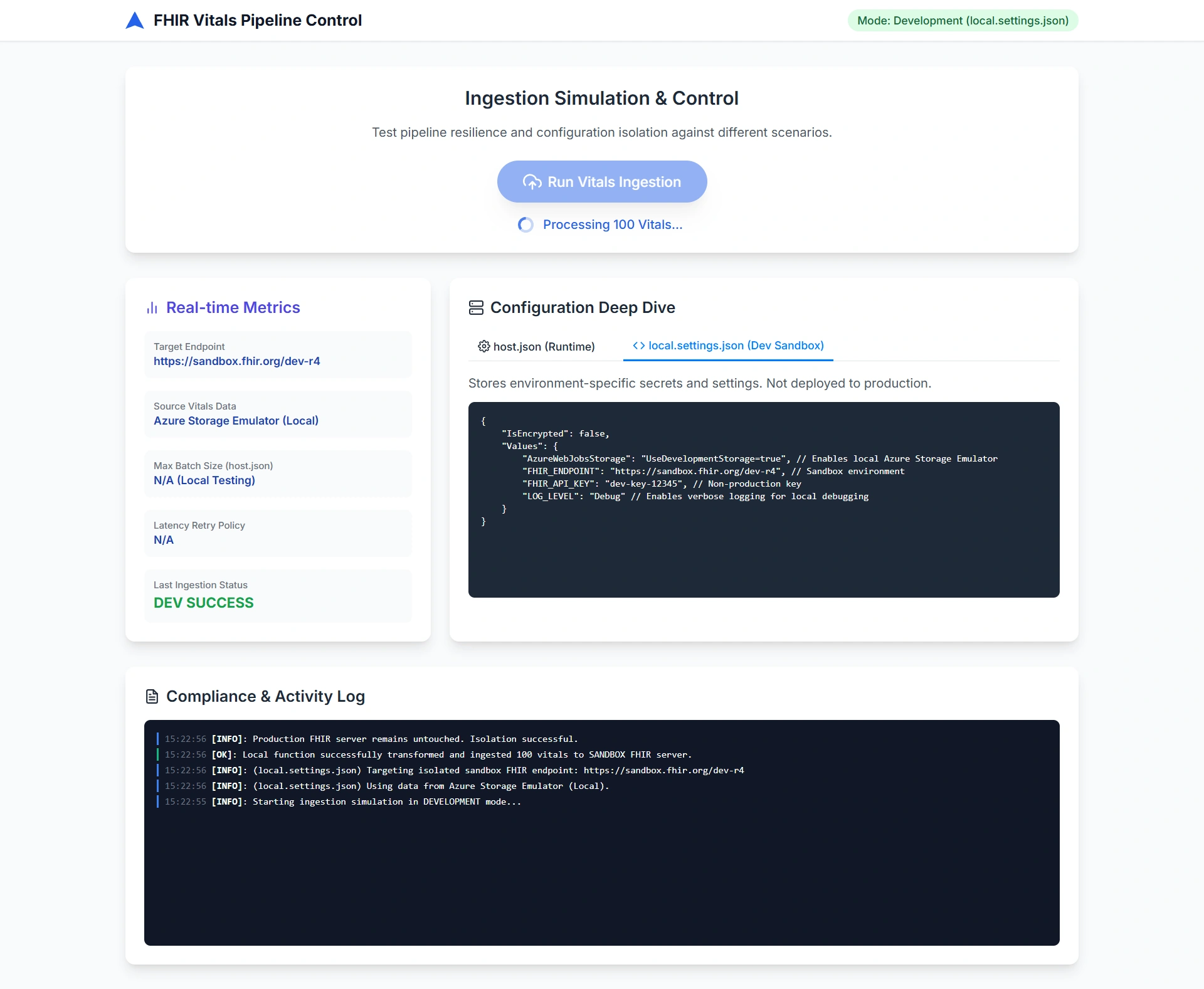
local.settings.json is strictly for local development. It stores environment-specific settings like connection strings, API keys, or feature flags that your function needs during debugging—but it is never deployed to Azure. In production, these values must come from Azure Application Settings, Key Vault, or managed identities.
This file is your local sandbox. Treat it like a lab notebook: useful for experimentation, but never part of the final product.
Example:
{
  "IsEncrypted": false,
  "Values": {
    "AzureWebJobsStorage": "UseDevelopmentStorage=true",
    "FHIR_API_KEY": "dev-key-12345",
    "LOG_LEVEL": "Debug"
  }
}
Never commit secrets from this file to source control. Use .gitignore and Azure Key Vault references in production.
Real-World Scenario: Healthcare Data Pipeline with Azure Functions
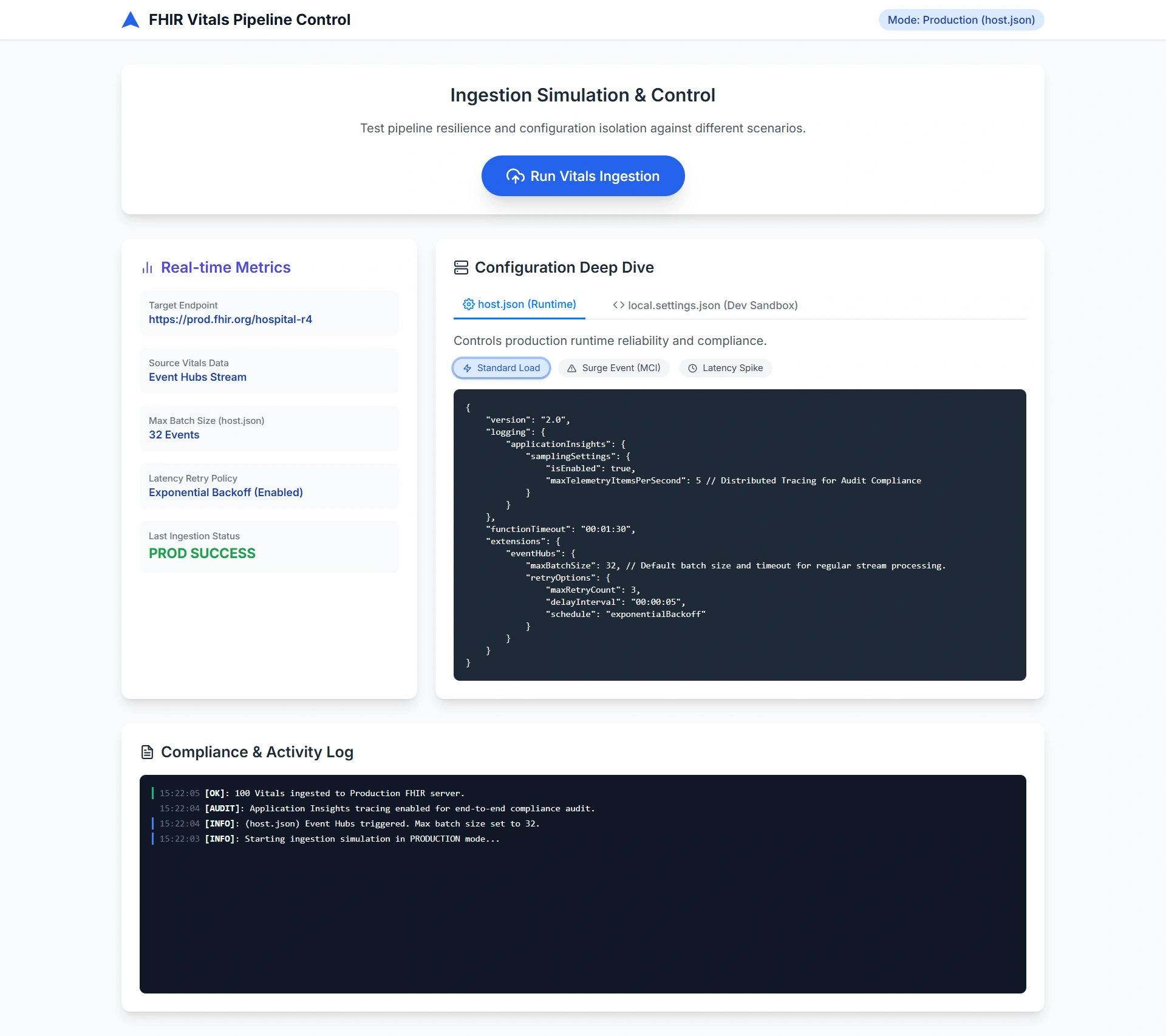
At a major hospital network, we built a HIPAA-compliant pipeline to ingest real-time patient vitals from ICU monitors into a FHIR (Fast Healthcare Interoperability Resources) server. The system used Azure Functions triggered by Event Hubs.
host.jsonwas tuned to:Limit batch size to prevent memory spikes during surge events (e.g., mass casualty incidents).
Enable distributed tracing via Application Insights to audit every data point for compliance.
Set strict timeouts to avoid hanging on unresponsive legacy EHR systems.
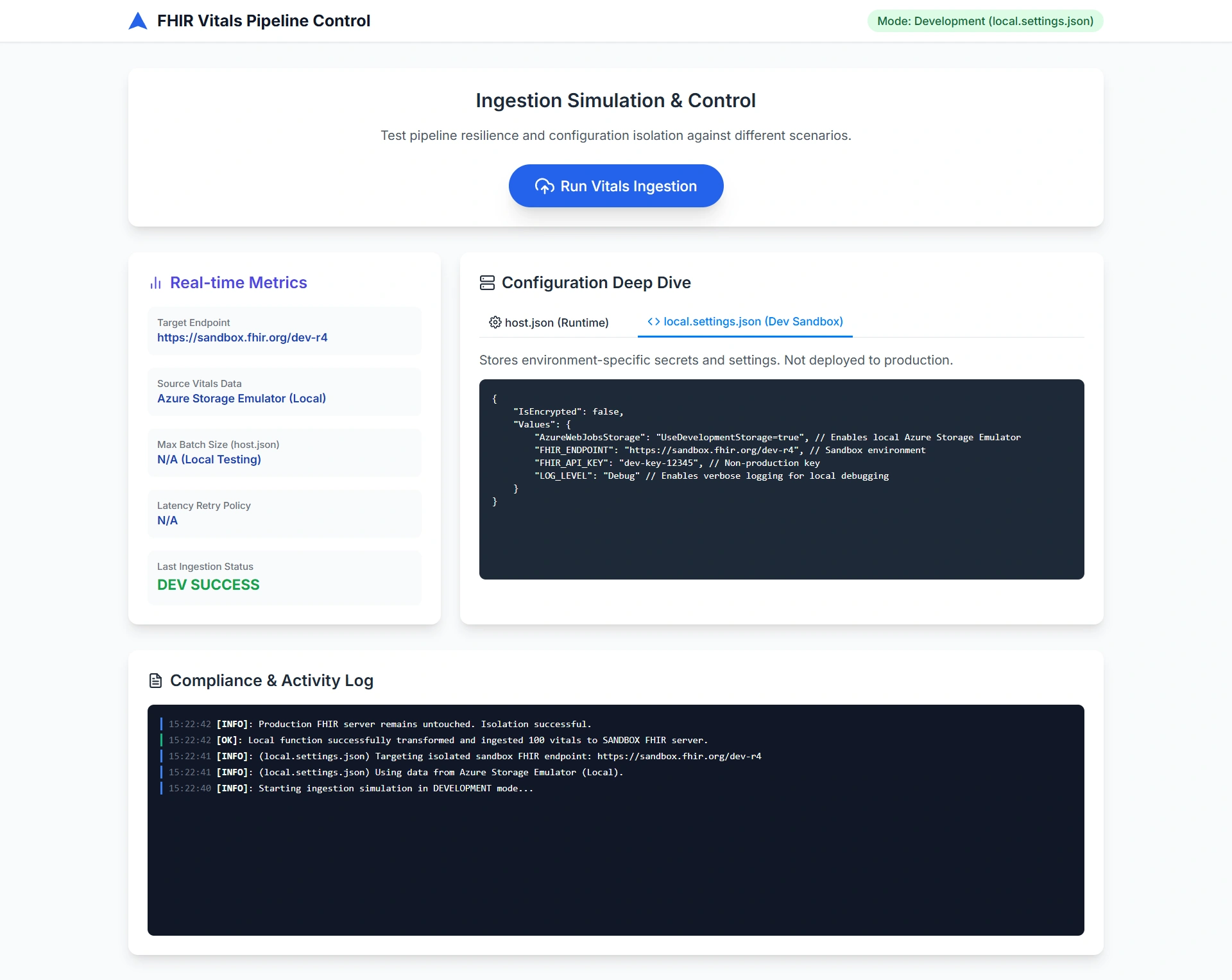
local.settings.jsonallowed developers to:Simulate monitor data using Azure Storage Emulator (
UseDevelopmentStorage=true).Test against a sandbox FHIR endpoint with a dev API key.
Toggle verbose logging without touching production configs.
Join the conversation! Your thoughts help the community grow.