

Open SharePoint 2013 team site.
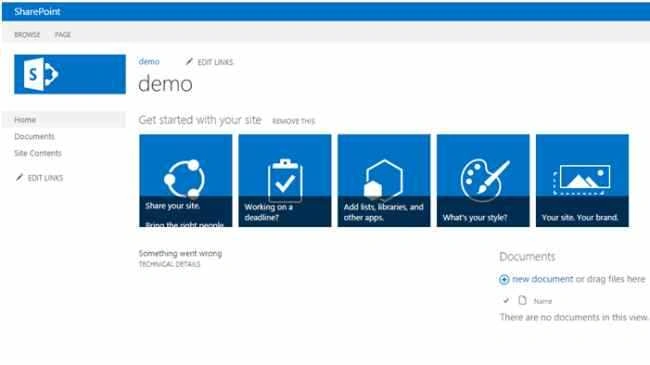
Click on site settings.
Open site collection features.
Activate “SharePoint server publishing infrastructure”.
Activate “SharePoint server standard site collection features”.
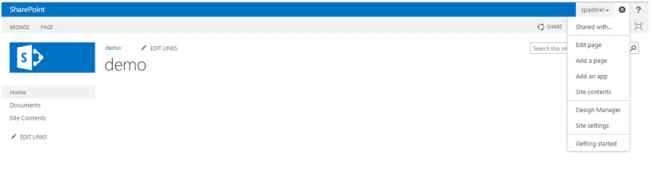
Click Edit page.
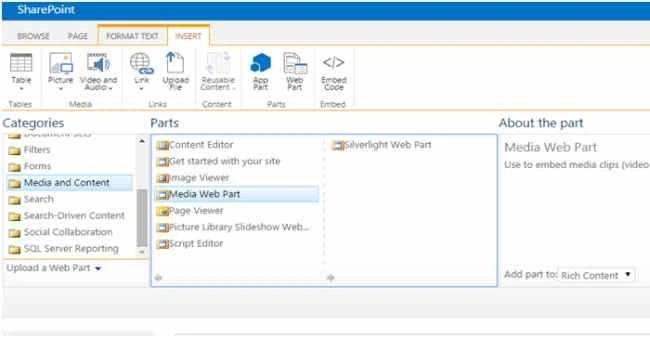
Click INSERT, then Web Part.

Under media and content select Media Web Part.
On the top ribbon click on MEDIA.
Now your are able to see Change Media and Change image button.
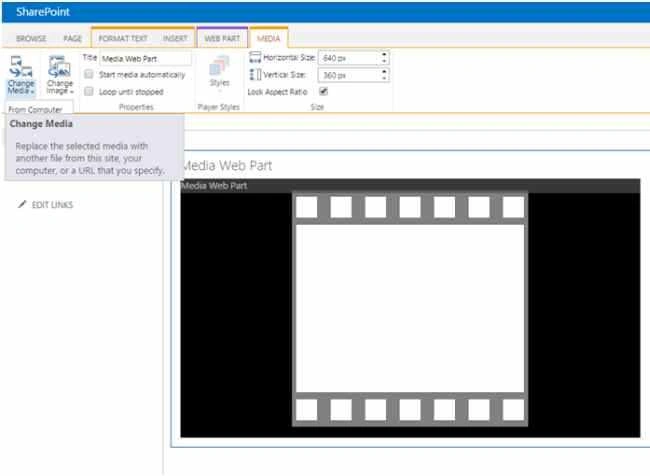
Click on change media.
You have the following three options by default.
- From Computer
- From Address
- From SharePoint
Now I am going to play video from address for an example.
Click “From Address”.
Get some video link from YouTube.
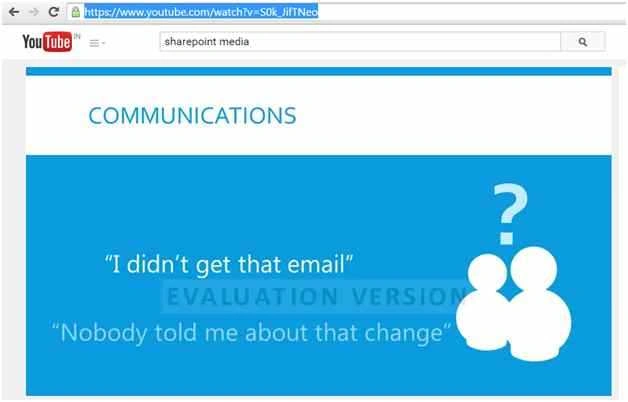
Paste that link into Media Web Part hyperlink URL box.
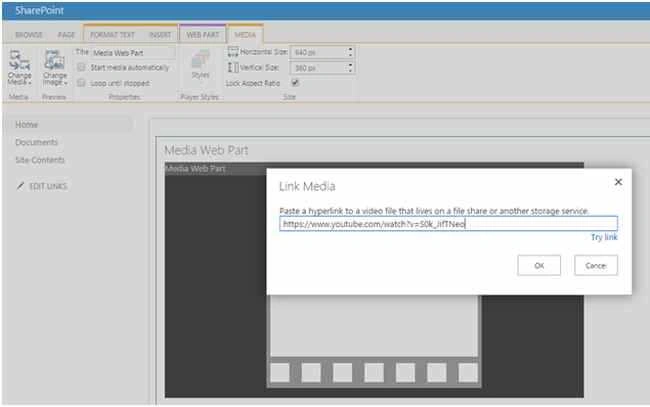
Click Ok.
Now click play button.
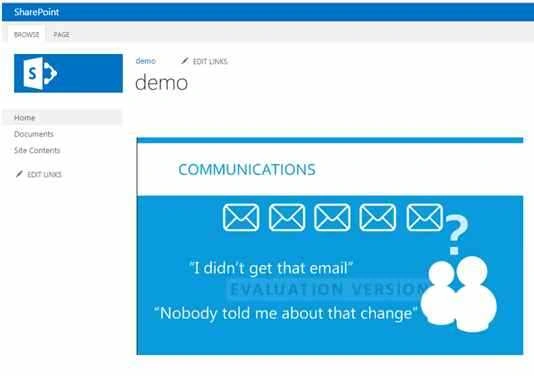
Now the media Webpart has been configured successfully.
Another option is content editor Web Part for displaying videos using iframe.
Here no need for content editor for playing videos.
Vinod DangudubiyyapuPosted Jul 17, 2018, 8:03 AM
I'm missing the Media tab in Ribbon on my Custom Web part Page layout. Is there any missing reference to be added
Vinodh NarayananPosted Sep 19, 2015, 1:51 AM
Nilesh Jadav Thanks a lot
Nilesh JadavPosted Sep 19, 2015, 1:33 AM
Incredible !! Nice one
Vinodh NarayananPosted Sep 19, 2015, 12:51 AM
Mohammed Ibrahim thanks a lot
Vinodh NarayananPosted Sep 19, 2015, 12:50 AM
Abhay Shanker thanks a lot
Vinodh NarayananPosted Sep 19, 2015, 12:49 AM
Sibeesh Venu thanks lot
Abhay ShankerPosted Sep 18, 2015, 10:10 PM
Nice Share
Mohammed IbrahimPosted Sep 18, 2015, 1:02 PM
nice
Sibeesh VenuPosted Sep 18, 2015, 7:18 AM
Nice Share.
Vinodh NarayananPosted Sep 18, 2015, 4:06 AM
Kaviya Balasubramanian Thanks a lt
Kaviya BalasubramanianPosted Sep 18, 2015, 3:54 AM
Useful One
Vinodh NarayananPosted Sep 18, 2015, 12:12 AM
Harshad Pansuriya Thanks
Vinodh NarayananPosted Sep 18, 2015, 12:12 AM
Pankaj Kumar Choudhary Thanks a lot
Vinodh NarayananPosted Sep 18, 2015, 12:12 AM
Karthikeyan K Thanks a lot
Harshad PansuriyaPosted Sep 18, 2015, 12:04 AM
Nice One
Pankaj Kumar ChoudharyPosted Sep 17, 2015, 11:38 PM
Nice Explain Sir...........
Karthikeyan KPosted Sep 17, 2015, 11:22 PM
Good one sir...Thanks for sharing
Vinodh NarayananPosted Sep 17, 2015, 11:03 PM
Shridhar Sharma thanks
Shridhar SharmaPosted Sep 17, 2015, 5:14 PM
good one