

Introduction
This article demonstrates how to add Meter Number Picker Library on Android Application using Android studio. The Android library provides a customizable NumberPicker styled as a meter.

Step 1
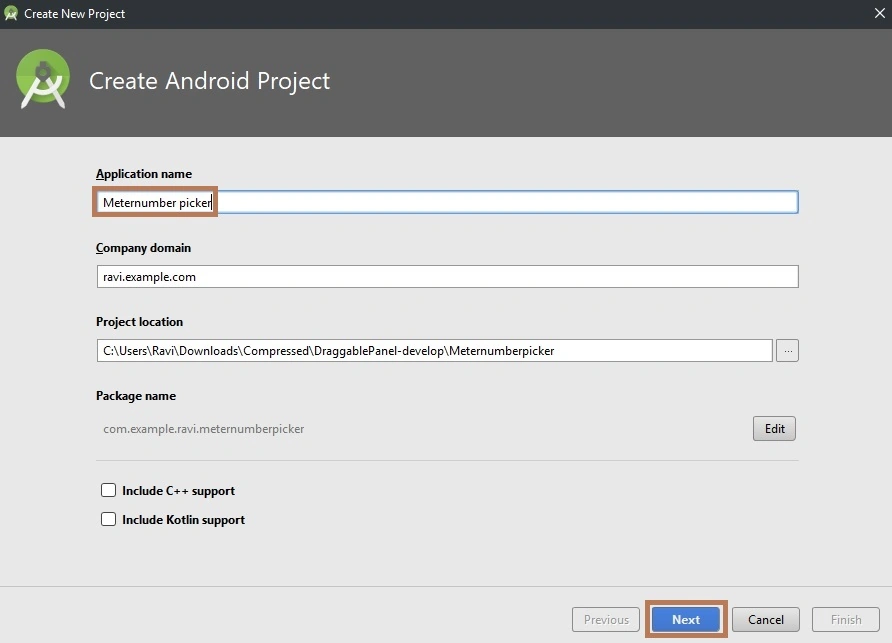
Create a new project in Android Studio from File >> Project and fill in all the necessary details.
Next, go to Gradle Scripts >> build.gradle (Module: app).Select build.gradle, The app gradle compiles the code, and then build types will appear. Just replace that with the following code. To make a Meter Number Picker in your layout in XML, add the Meter Number library in your project or you can also use Gradle.
Usage
Make sure you've added maven central to the list.
- allprojects {
- repositories {
- google()
- jcenter()
- mavenCentral()
- }
- }
- implementation 'com.alex-zaitsev:meternumberpicker:1.0.2'
Step 2
Next, go to app >> res >> values >>style.xml.
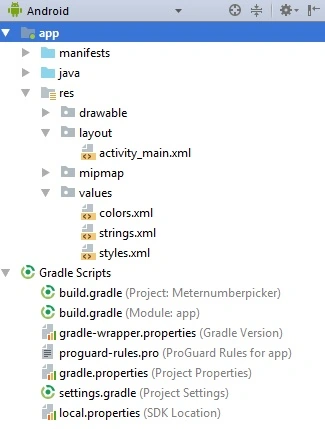
Select the style page. The XML code will appear. Create black and red color themes.
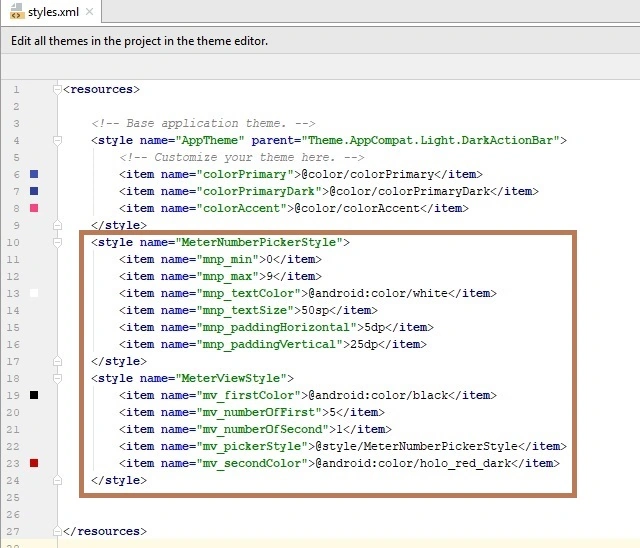
Style Code
First, create the style for your meter number picker, then create a style for your meter view.
- <resources>
- <!-- Base application theme. -->
- <style name="AppTheme" parent="Theme.AppCompat.Light.DarkActionBar">
- <!-- Customize your theme here. -->
- <item name="colorPrimary">@color/colorPrimary</item>
- <item name="colorPrimaryDark">@color/colorPrimaryDark</item>
- <item name="colorAccent">@color/colorAccent</item>
- </style>
- <style name="MeterNumberPickerStyle">
- <item name="mnp_min">0</item>
- <item name="mnp_max">9</item>
- <item name="mnp_textColor">@android:color/white</item>
- <item name="mnp_textSize">50sp</item>
- <item name="mnp_paddingHorizontal">5dp</item>
- <item name="mnp_paddingVertical">25dp</item>
- </style>
- <style name="MeterViewStyle">
- <item name="mv_firstColor">@android:color/black</item>
- <item name="mv_numberOfFirst">5</item>
- <item name="mv_numberOfSecond">1</item>
- <item name="mv_pickerStyle">@style/MeterNumberPickerStyle</item>
- <item name="mv_secondColor">@android:color/holo_red_dark</item>
- </style>
- </resources>
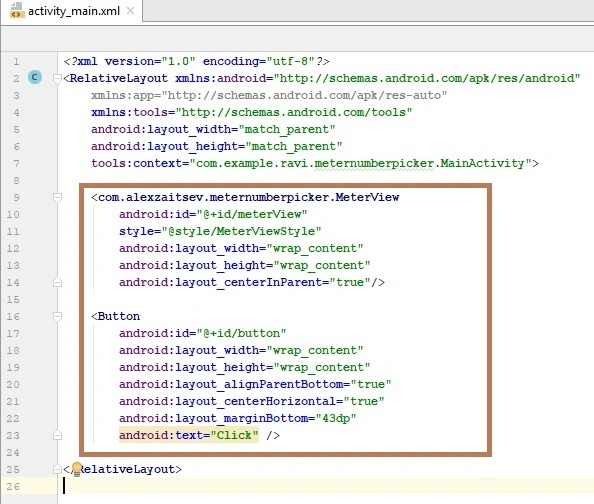
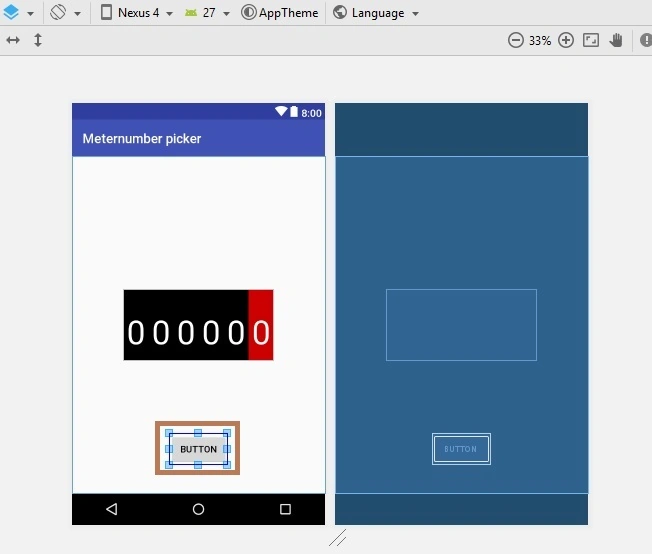
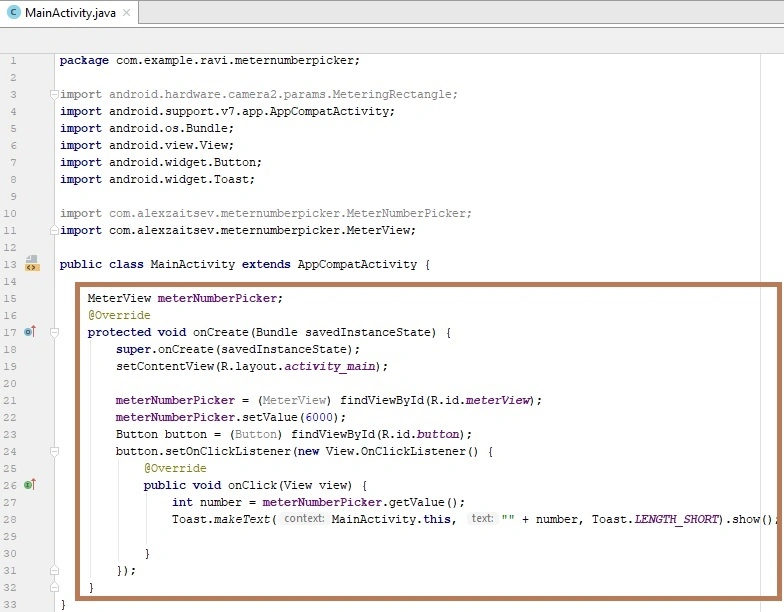
aquib khanPosted May 6, 2018, 3:35 AM
Can you please tell me how to show selected no in edit text