

In this article, we will be creating a sample MicroService project using Visual Studio and Service Fabric. Then, we will publish that on Azure by applying continuous integration and continuous deployment to this sample project using Azure Pipelines.
Related Articles
What is Service Fabric?
"Azure Service Fabric is a distributed systems platform that makes it easy to package, deploy, and manage scalable and reliable microservices and containers. Service Fabric also addresses the significant challenges in developing and managing cloud-native applications. Developers and administrators can avoid complex infrastructure problems and focus on implementing mission-critical, demanding workloads that are scalable, reliable, and manageable. Service Fabric represents the next-generation platform for building and managing these enterprise-class, tier-1, cloud-scale applications running in containers." Read more here >>
Creating a sample project
Setting up the environment
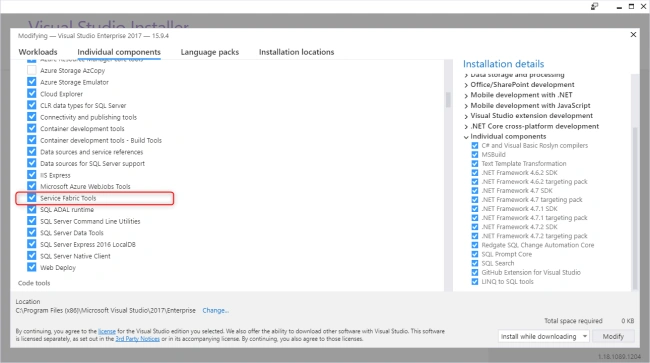
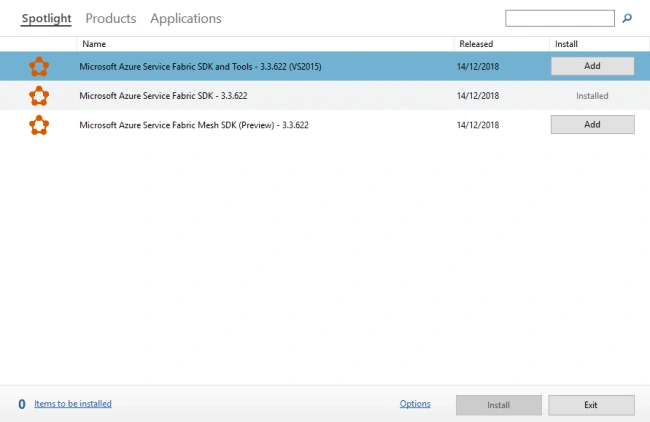
Create the project of type Service Fabric named ServiceFabricSample.
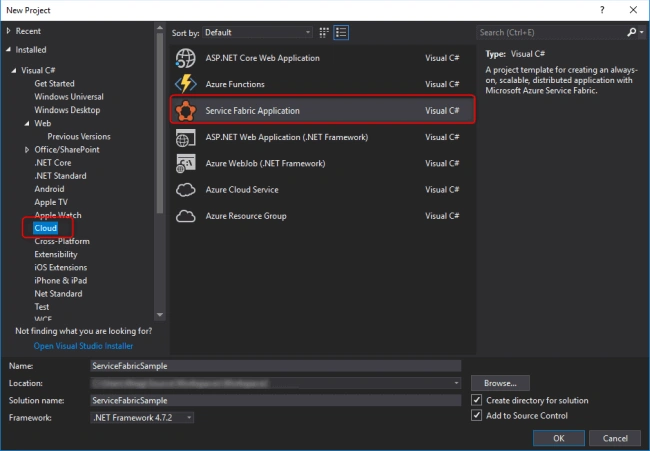
Create the service of type .NET Core Stateless Service named StatelessServiceSample.
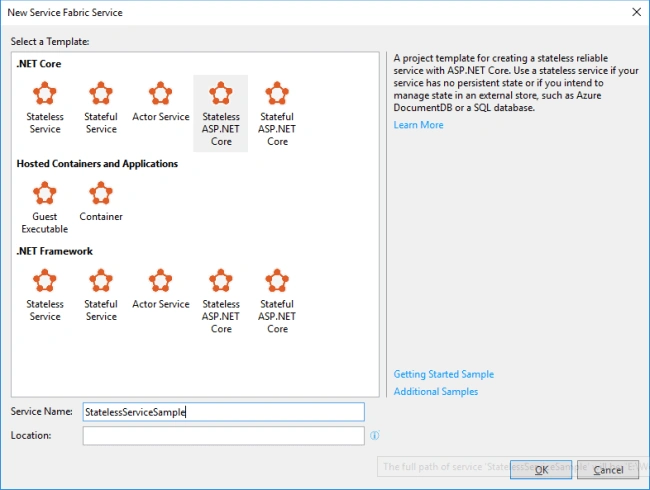
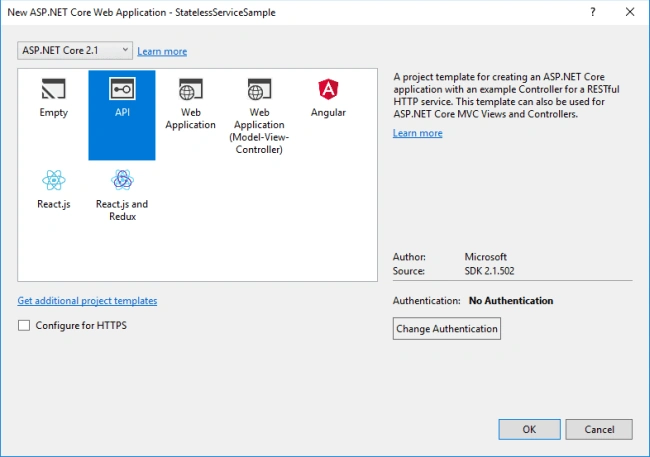
Choose the API template.
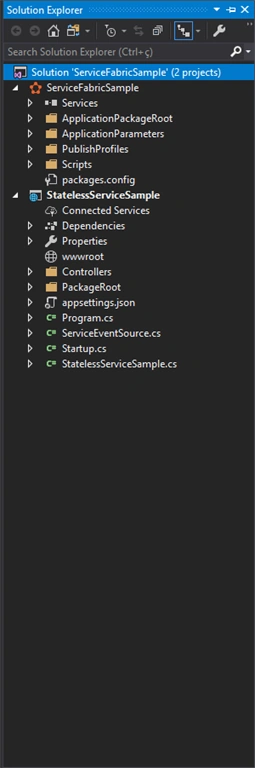
The result of your newly-created MicroService project.
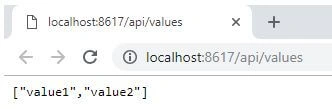
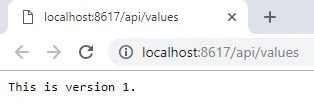
Push F5 and see the result of your service.
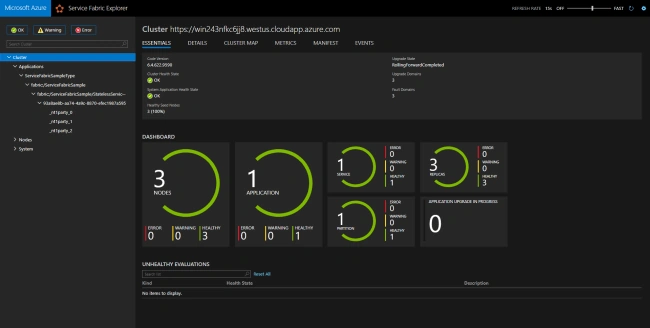
Check your cluster status.
- Open your local cluster, right-click on your Service Fabric icon in the Icons Task Bar.
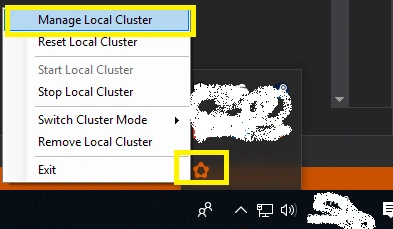
- Navigate through your apps and settings.
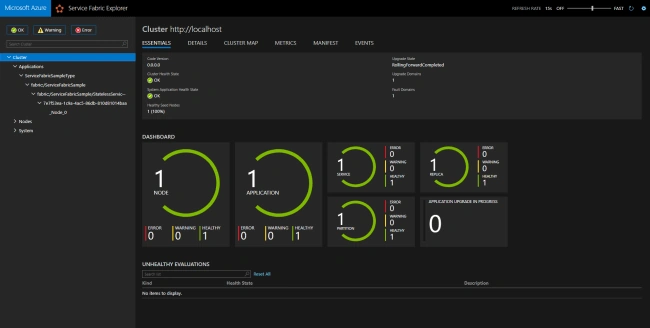
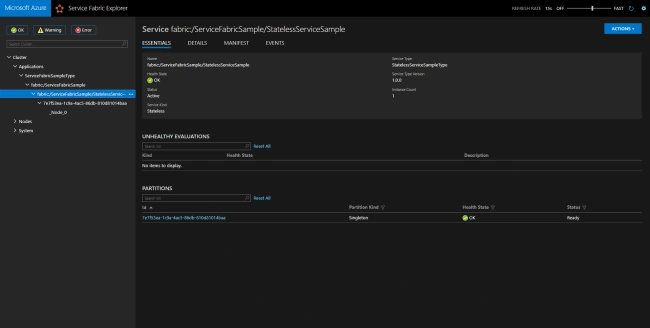
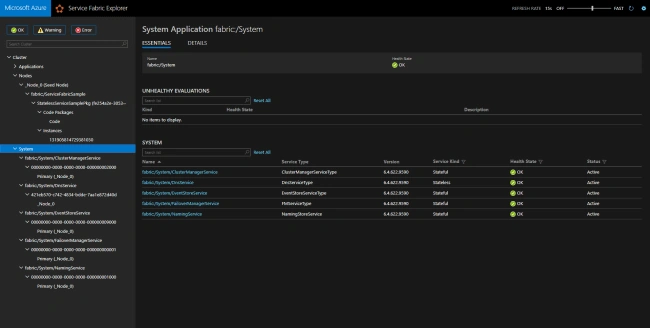
Update the default controller to change the returning message.
- namespace StatelessServiceSample.Controllers
- {
- [Route("api/[controller]")]
- [ApiController]
- public class ValuesController : ControllerBase
- {
- // GET api/values
- [HttpGet]
- public ActionResult<string> Get()
- {
- return "This is version 1.";
- }
- // GET api/values/5
- [HttpGet("{id}")]
- public ActionResult<string> Get(int id)
- {
- return "value";
- }
- // POST api/values
- [HttpPost]
- public void Post([FromBody] string value)
- {
- }
- // PUT api/values/5
- [HttpPut("{id}")]
- public void Put(int id, [FromBody] string value)
- {
- }
- // DELETE api/values/5
- [HttpDelete("{id}")]
- public void Delete(int id)
- {
- }
- }
- }
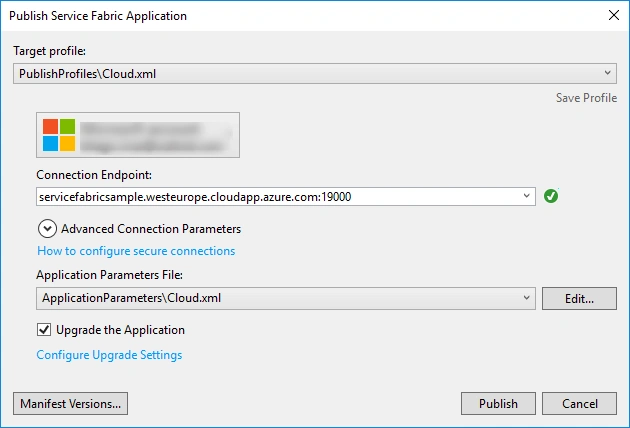
Publishing your MicroService to Azure using Party Clusters
Read more about party clusters here.
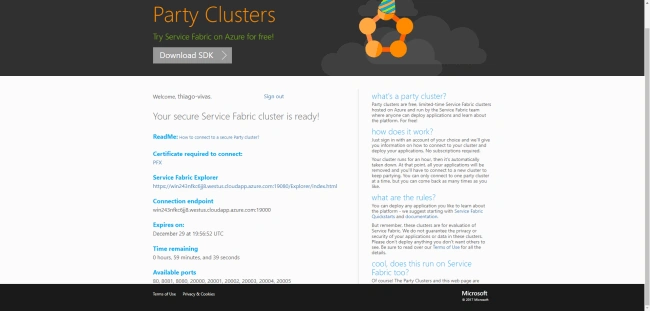
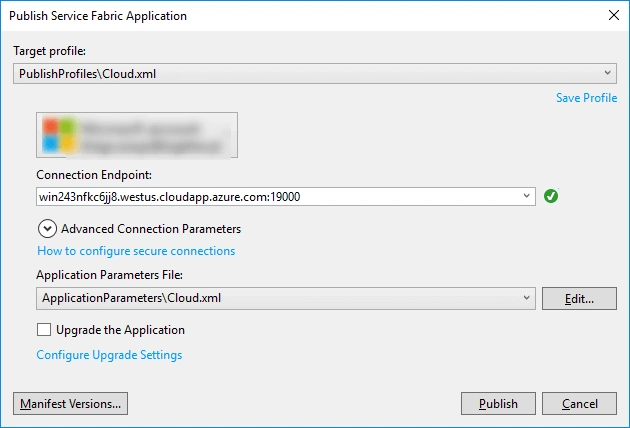
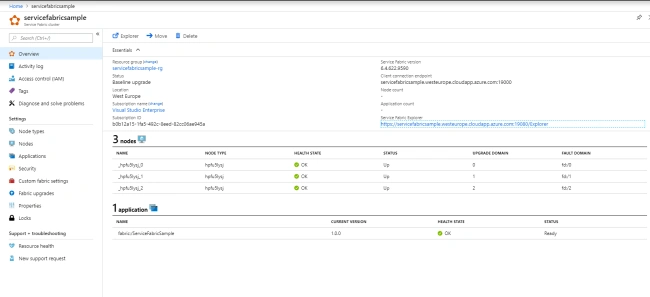
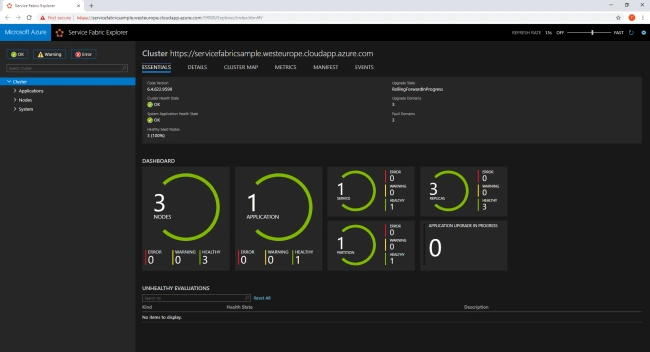
Register and get your cluster information.
MichaelPosted Jul 28, 2019, 6:43 PM
Party cluster free trial has been discontinued.... https://blogs.msdn.microsoft.com/azureservicefabric/2019/02/05/discontinuing-party-clusters/
Sarathlal SaseendranPosted Jan 2, 2019, 8:26 AM
Very well explained Thiago Vivas. Keep it up