

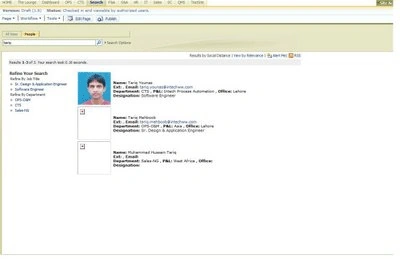
In our company we had a requirement to customize employee searching in MOSS 2007. We were asked to show employee information with image in this way
-----------------------------------------------------------
Name: Tariq Younas
Ext:1122, Email: [email protected]
Department: CTS, P&L: Intech, Office: Lahore
Designation: Software Engineer
-----------------------------------------------------------
I did some customization of People Search in MOSS 2007 Using Microsoft Office SharePoint designer 2007.
Microsoft Office SharePoint designer is great tool to customization.
Given below is Step by Step Search Customization
Let's start........
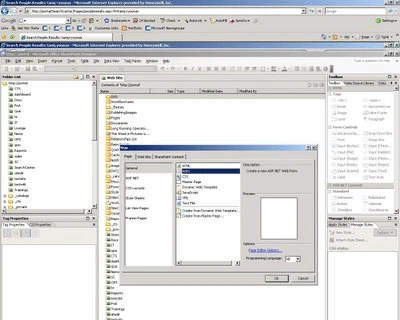
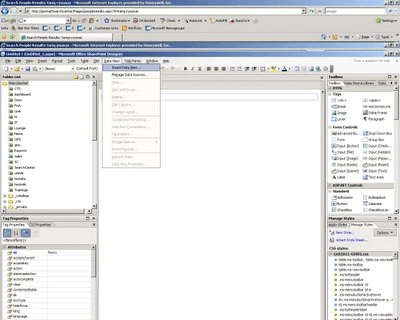
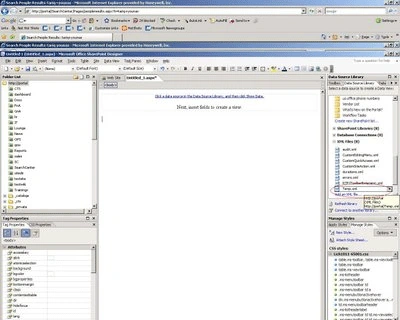
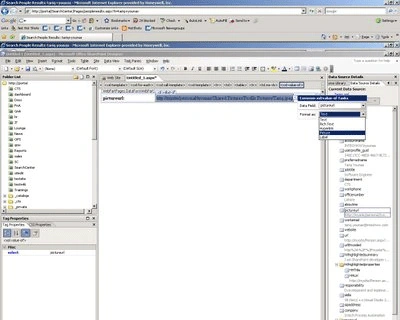
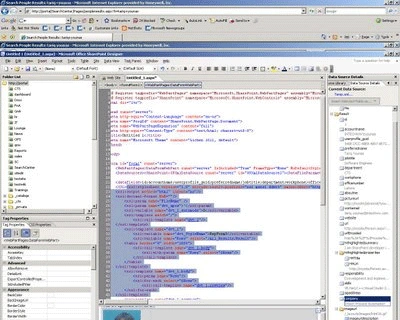
1- Click to edit search page
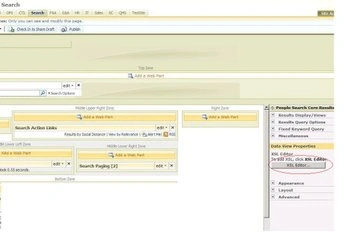
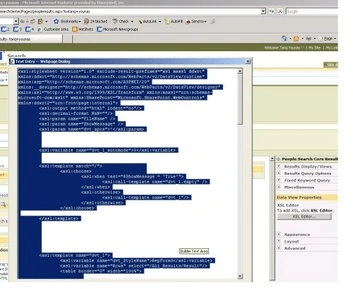
2- Click on Edit XSL Editor and paste the following xml code
<xsl:stylesheet version="1.0"
xmlns:xsl="http://www.w3.org/1999/XSL/Transform">
<xsl:output method="xml" version="1.0" encoding="UTF-8" indent="yes"/>
<xsl:template match="/">
<xmp><xsl:copy-of select="*"/></xmp>
</xsl:template>
</xsl:stylesheet>
3- Replace the existing XSL markup from the Search Core Results Web Part with the following snippet
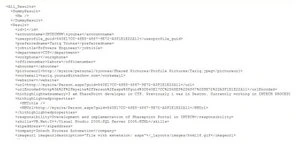
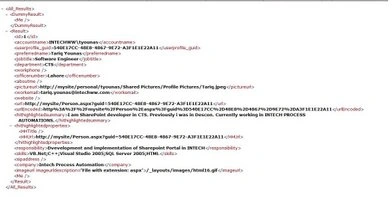
4- It will give you raw XML output during search
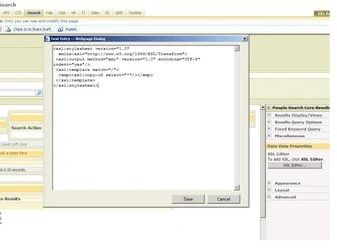
5- Now if you publish the page, you will see a result like the result in the following picture, which illustrates how the raw XML could look: copy it
Sreekanth ReddyPosted May 3, 2011, 7:12 AM
I have also same requirment. i need full article with code. in above images i not able to read code. so kindly can you share with me. Thanks&Regards, Sreekanth Reddy.