

Introduction
This article will demonstrate how to work with MVVM development in Xamarin.Forms application.
We are using MVVM light that will provide the facility to implement Model-View-ViewModel. This is a quick way for the development of an application and also provides a user the facility to customize and design the application.
Implementation
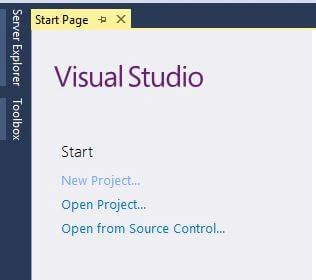
Open Visual Studio and select New Project.
Select project type and give the project a name.
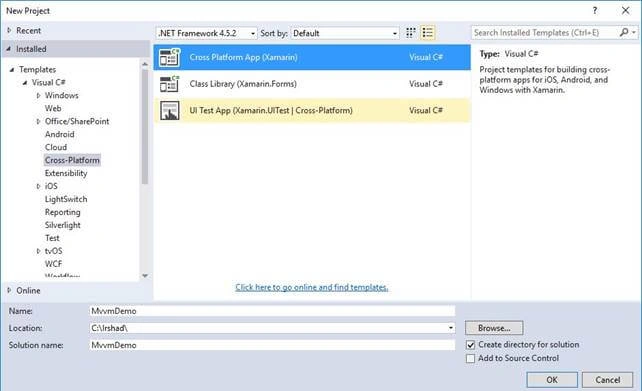
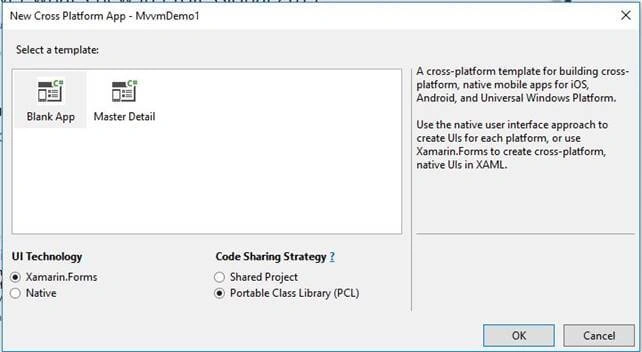
Select the template as Blank App and code sharing as PCL.
Set the target and minimum platform versions as below.
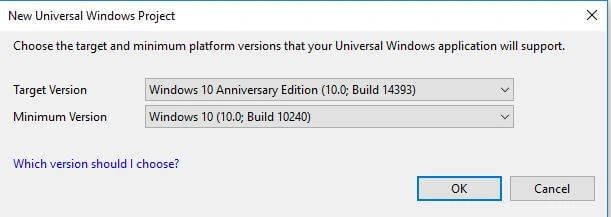
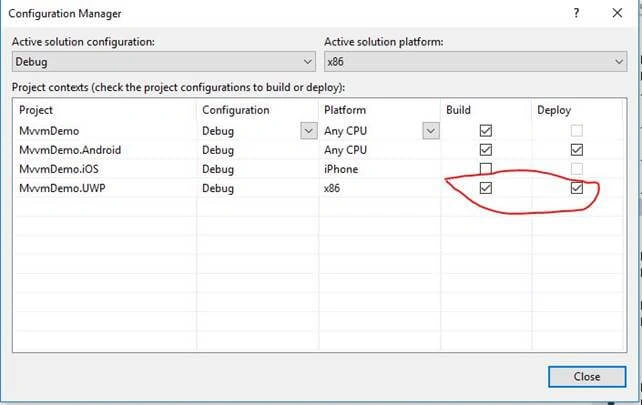
Set the below configuration.
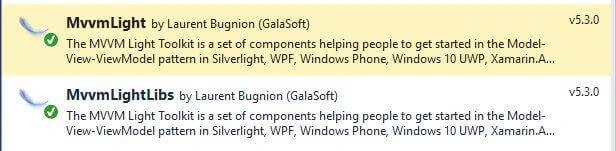
Open "Manage NuGet packages for Solutions" and install the following components.
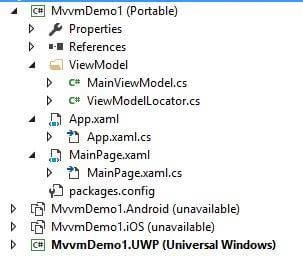
The ViewModel directory will be added that contains two files MainViewModel.cs and ViewModelLocator.cs file, with a directory structure as below.
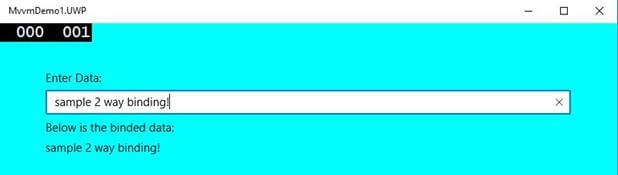
Open MainPage.xaml from portable project and modify the content as below.
- <?xml version="1.0" encoding="utf-8" ?>
- <ContentPage xmlns="http://xamarin.com/schemas/2014/forms"
- xmlns:x="http://schemas.microsoft.com/winfx/2009/xaml"
- xmlns:local="clr-namespace:MvvmDemo"
- x:Class="MvvmDemo.MainPage" Title="MVVMLightDemo" BackgroundColor="Cyan">
- <StackLayout Padding="60">
- <Label Text="Enter Data: "></Label>
- <Entry Text="{Binding MyData}"></Entry>
- <Label Text="Below is the binded data: "></Label>
- <Label Text="{Binding MyData}"></Label>
- </StackLayout>
- </ContentPage>
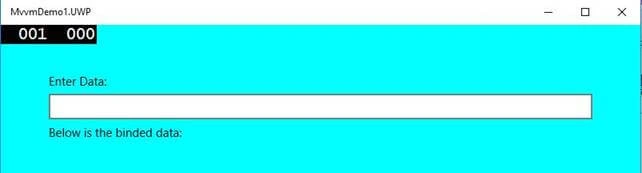
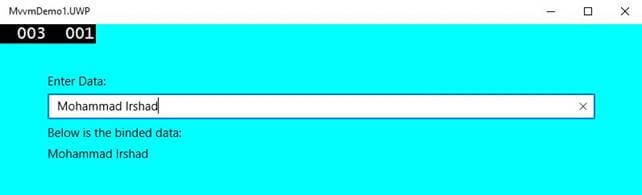
Join the conversation! Your thoughts help the community grow.