

Overview
Sorting is a very important functionality which is expected by every client nowadays. In PowerApps, we can display the Grid format data either in the form of a gallery or in the form of a Data table.
Out Of The Box, PowerApps doesn’t support the sort functionality. However, we can achieve this functionality with the Sort functions in the PowerApps.
Now, let’s get started!
Step 1
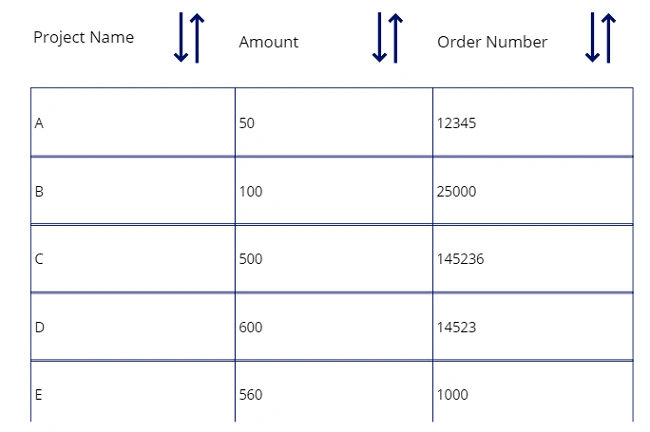
I already have the following data in my PowerApps Grid.
I used Gallery control to display my data.
I have three columns.
- Project Name
- Amount
- Order Number
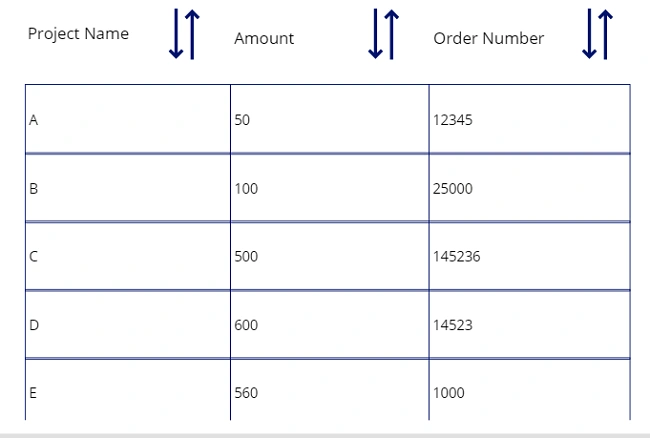
I want to apply Sort operation on all of these three columns.
Step 2
Add Sort Icon on all the column headers.
To add the sort icon, go to Insert > Icon > Sort.
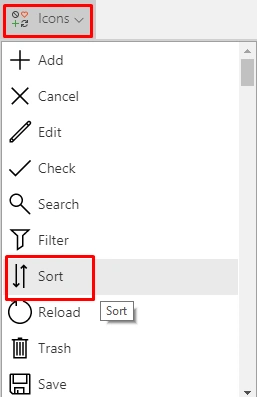

Now, we need to set the following expression on every sort icon.
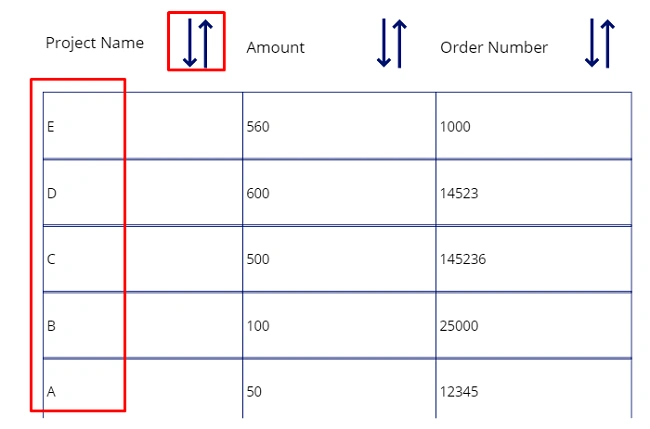
- Select the Sort icon of Project Name and choose “OnSelect” event and add the following formula.

UpdateContext({SortColumn: "Title",SortDecending: !SortDecending})
Here, we are defining two variables. Here is the reason to define two variables. We need to apply the sort on multiple columns. So, when the user clicks on any of the column headers, the Gallery’s sort function knows the user has selected this column.
Here, SortColumn = Name of your data source column. In my case, my data source is SharePoint and I want to apply sort on Title column, so I added “Title”.
SortDecending = Here, the value is Boolean. Either true or false. Based on that ascending and descending can be applied.
- Select Sort icon of Amount and choose “OnSelect” event and add the following formula.

UpdateContext({SortColumn: "Amount",SortDecending: !SortDecending})
- Select Sort icon of Project Name and choose “OnSelect” event and add following formula.
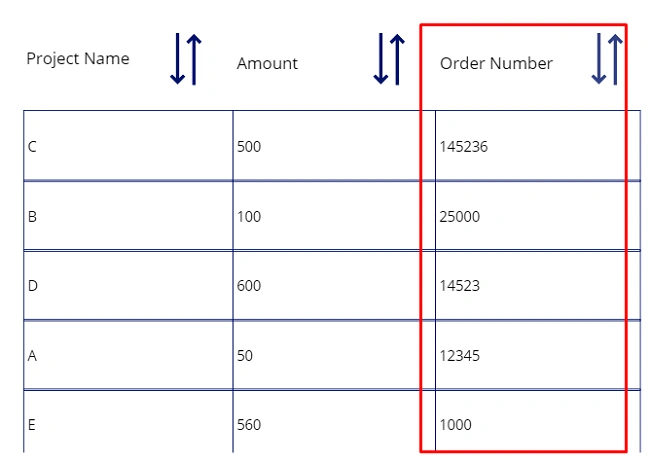
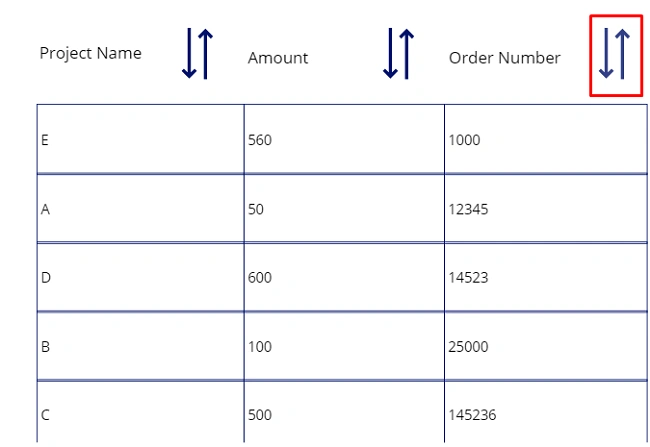
UpdateContext({SortColumn: "OrderNum",SortDecending: !SortDecending})
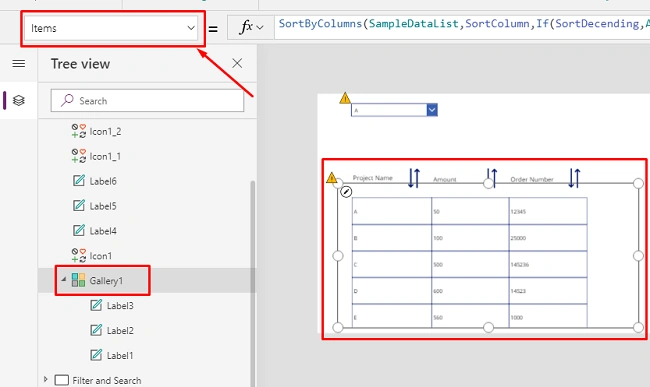

Navin TalawantPosted Apr 21, 2020, 10:27 PM
How do I combine this with a search?
HeathPosted Jan 15, 2020, 8:01 PM
When I sort I don't get all rows returned due to the delegation warning I am assuming. I have roughly 1200 rows. Any workaround?
Ridhi JainPosted Jan 14, 2020, 12:06 AM
Doesnt this give you the delegation warning for Sort Column?
jari sasdPosted Nov 15, 2019, 4:08 AM
Thanks, this is the best explanation i have found. You're the MVP!