

In this article, we will go through the PowerShell script for deleting the post added from NoteBoard Web Part.
Background
On the Welcome page of one of the sites, we have added the NoteBoard Web Part as in the following:
But we encountered an issue in one of our environments. The user tried to delete his/her post, but wasn't able to do so. Instead, he got the following exception: "There was an error processing this request. Please refresh this page" as shown in the following screenshot.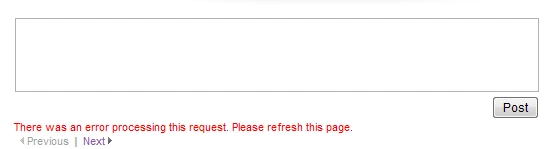
For this, the PowerShell script is here with us. We are using the SocialDataService web service hosted in _vti_bin (http://<yoursitecollection>/_vti_bin/SocialDataService.asmx), that contains DeleteComment() as in the following:
Procedure
- Get the reference to the web service proxy, using the default credentials as in the following:
- $uri = URL of the web service http://<yoursitecollection>/_vti_bin/SocialDataService.asmx
- $socialService = New-WebServiceProxy -Uri $uri –UseDefaultCredential
- Now, once we have a reference to the service proxy, we can use the DeleteComment() method, that takes two parameters.
a. URL: URL of the page from which we need to delete the comments.
b. LastModifiedTime: This is actually the time the comment was added.
- In PowerShell, we can get the date and time using the Get-Date command as:
The following are a few references for Get-Date.- $lastModifiedTime = Get-Date –Date “2015-05-05 00:00:00”
https://technet.microsoft.com/en-us/library/ee692801.aspx
https://technet.microsoft.com/en-us/library/hh849887.aspx
https://technet.microsoft.com/en-us/library/ff730960.aspx
- Finally, calling the DeleteComment() method.
Thanks!- $socialService.DeleteComment(<URL>,$lastModifiedTime)
As always, feedback, comments, and suggestions are most welcomed.
Prasad PathakPosted May 19, 2015, 2:08 AM
Nice and detailed post,Thanks for sharing
Gowtham RajamanickamPosted May 18, 2015, 12:37 PM
informative..
Shankar GuravPosted May 18, 2015, 8:18 AM
thanks Prasham for the great article on this issue.
Sibeesh VenuPosted May 18, 2015, 1:28 AM
Good one