

Introduction
The "Hello, World!" program is often the first step for beginners learning a new programming language. In Java, it serves as a simple introduction to the syntax and structure of the language. In this article, we will explore various ways to print "Hello, World!" in Java, along with explanations of each method.
Basic Structure of a Java Program
Before diving into the examples, let's understand the basic structure of a Java program.
- Class Definition: Every Java application must have at least one class.
- Main Method: The entry point of any Java application is the main method.
- Print Statement: This is where we use System.out.println() to display output.
Example 1. The Simple Hello World Program
Here’s the most straightforward way to print "Hello, World!" in Java.
public class HelloWorld {
    public static void main(String[] args) {
        System.out.println("Hello, World!");
    }
}
Explanation
- Class Declaration: public class HelloWorld defines a class named HelloWorld.
- Main Method: public static void main(String[] args) is the main method where execution begins.
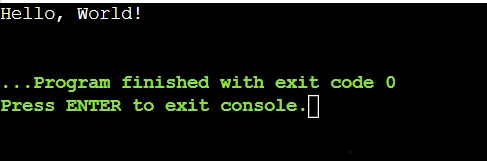
- Print Statement: System.out.println("Hello, World!"); prints the string to the console.
Output
Example 2. Using a Method to Print
You can also create a separate method to handle printing.
public class HelloWorld {
    public static void main(String[] args) {
        printMessage();
    }

    public static void printMessage() {
        System.out.println("Hello, World!");
    }
}
Explanation
- Here, we define a method called printMessage() that contains the print statement.
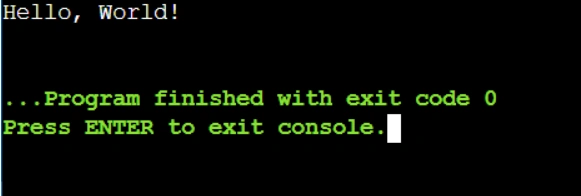
- The main method calls this method to execute the print operation.
Output
Example 3. Using String Variables
You can store the message in a variable before printing it.
public class HelloWorld {
    public static void main(String[] args) {
        String message = "Hello, World!";
        System.out.println(message);
    }
}
Explanation
- We declare a String variable named message and assign it the value "Hello, World!".
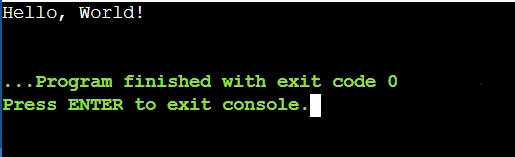
- The program then prints the variable.
Output
Example 4. Using StringBuilder for Concatenation
You can also use StringBuilder to construct your message dynamically.
public class HelloWorld {
    public static void main(String[] args) {
        StringBuilder sb = new StringBuilder();
        sb.append("Hello");
        sb.append(", ");
        sb.append("World!");
        System.out.println(sb.toString());
    }
}
Explanation
- We create an instance of StringBuilder and append parts of our message.
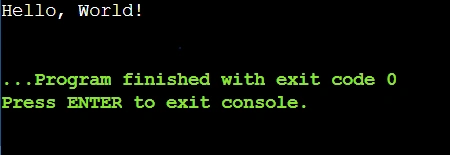
- Finally, we convert it back to a string using toString() and print it.
Output
Conclusion
In this article, we explored several techniques for printing "Hello, World!" in Java. From the basic structure of a Java program to using methods and handling command-line arguments, these examples illustrate how versatile Java can be for even simple tasks. As you continue your journey in learning Java, experimenting with these different techniques will deepen your understanding of the language's syntax and capabilities. Happy coding
Join the conversation! Your thoughts help the community grow.