

Introduction
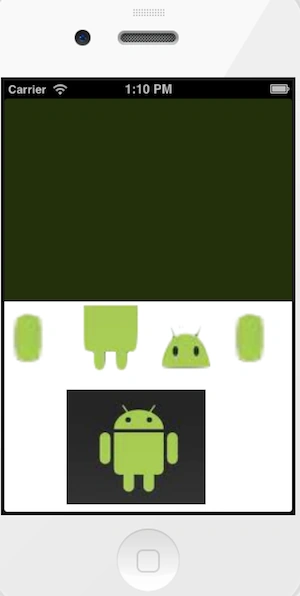
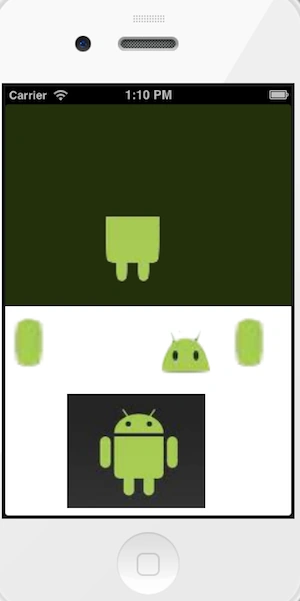
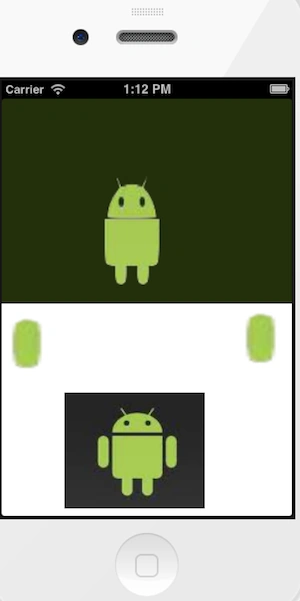
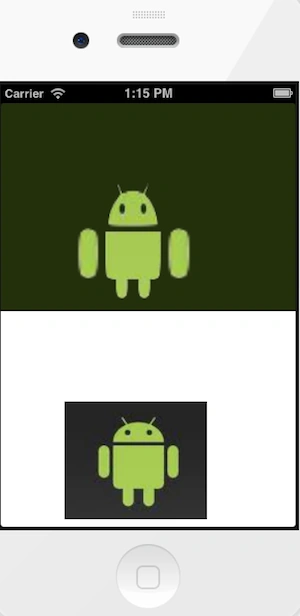
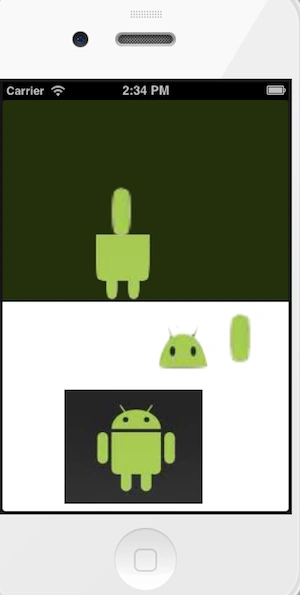
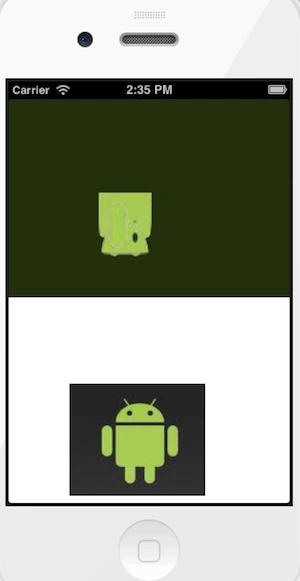
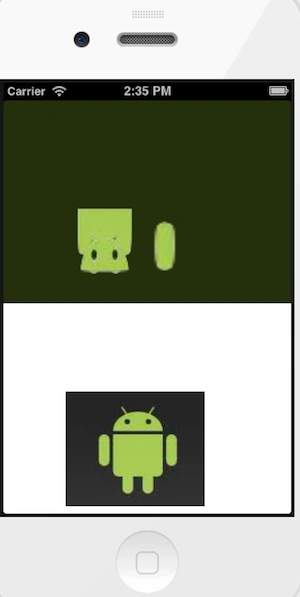
In this article I will create a Single View application to implement a Puzzle game. In this article I will use five image views. In this game when I show an image in a view and the task is to set images in a corresponding sequence, if you set the images in the wrong order then it will be centered and doesn't look like a real image but if we set the images properly then it looks like real images; it totally works on the touch event. In short way, in this article we learn how to do a touch event for more than one image.
To understand it we use the following.
Step 1
Open XCode by double-clicking on it.
Step 2
Create a New XCode Project by clicking on it.
Step 3
Now select Single View Application and click on Next.
Step 4
Now provide your Product Name and Company Identifier.
Step 5
Select the location where you want to save your project and click on Create.
Step 6
Now here we write the code.
ViewController.h
#import <UIKit/UIKit.h>
@interface ViewController : UIViewController
@property (nonatomic, strong) IBOutlet UIView *dropTarget;
@property (nonatomic, strong) IBOutlet UIImageView *dragObject1;
@property (nonatomic, strong) IBOutlet UIImageView *dragObject2;
@property (nonatomic, strong) IBOutlet UIImageView *dragObject3;
@property (nonatomic, strong) IBOutlet UIImageView *dragObject4;
@end
ViewController.m
Join the conversation! Your thoughts help the community grow.