

We already saw the steps for creating Azure Databricks workspace creation and Cluster creation in a previous article
Step 1 - Cosmos DB creation with sample data.
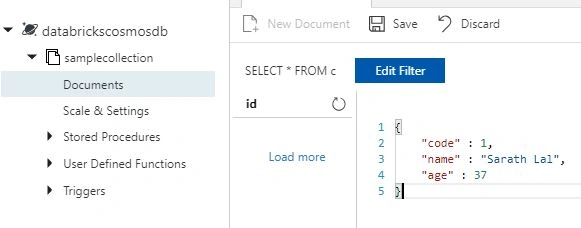
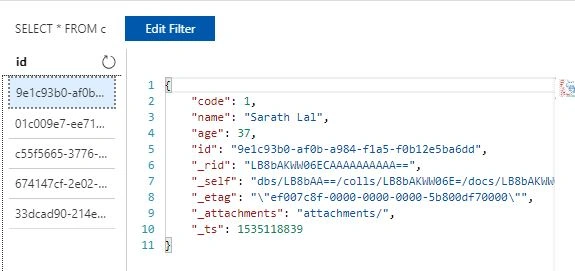
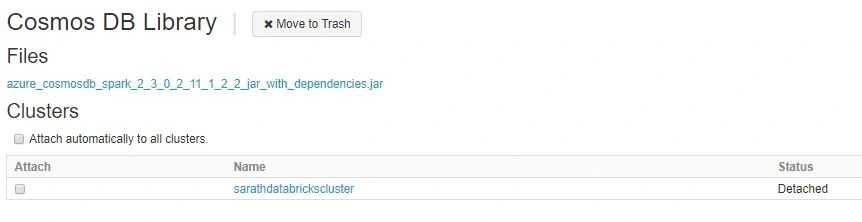
Step 2 - Cosmos DB Spark Connector library creation
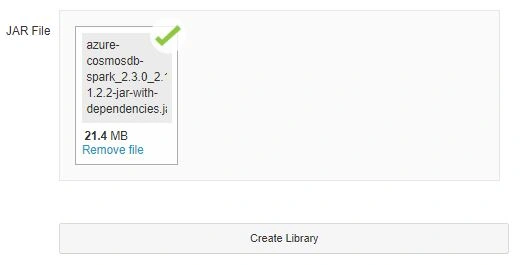
We will go to our existing Azure Databricks cluster and add Cosmos DB Spark connector library. This library is an open source library made by Microsoft employees and other contributors written in JAVA and Scala. (Scala combines object-oriented and functional programming in one concise, high-level language. Scala's static types help avoid bugs in complex applications, and its JVM let you build high-performance systems with easy access to huge ecosystems of libraries.)
The entire source code for this connector can be found at Github
You can browse the library file from your local system (which we downloaded from maven repository link)
Step 3 - Querying the Cosmos DB data using Scala notebook.
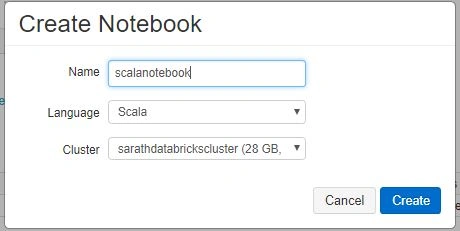
We created this notebook with Scala language. Azure Databricks supports Python, R and SQL also.
Import the required libraries to our notebook using the below command and click Shift Enter.
It will execute our command. It is the short cut to run the commands.
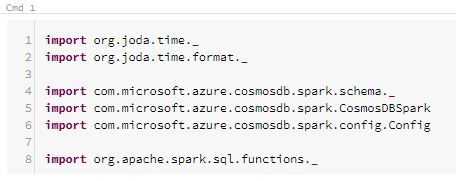
- import org.joda.time._
- import org.joda.time.format._
- import com.microsoft.azure.cosmosdb.spark.schema._
- import com.microsoft.azure.cosmosdb.spark.CosmosDBSpark
- import com.microsoft.azure.cosmosdb.spark.config.Config
- import org.apache.spark.sql.functions._
The above commands will load all required Java/Scala libraries to our Spark Session.
We can create Cosmos DB configuration in our notebook.

- val configMap = Map(
- "Endpoint" -> {URI of the Azure Cosmos DB account},
- "Masterkey" -> {Key used to access the account},
- "Database" -> {Database name},
- "Collection" -> {Collection name})
- val config = Config(configMap)
We have given the Cosmos DB endpoint, master key, database name and collection in the above statement. Please run the command.
We can get all the columns from our Cosmos DB database using the below command. Please note that although we gave only 3 columns while entering data, Cosmos DB automatically inserts some additional meta information in collection.
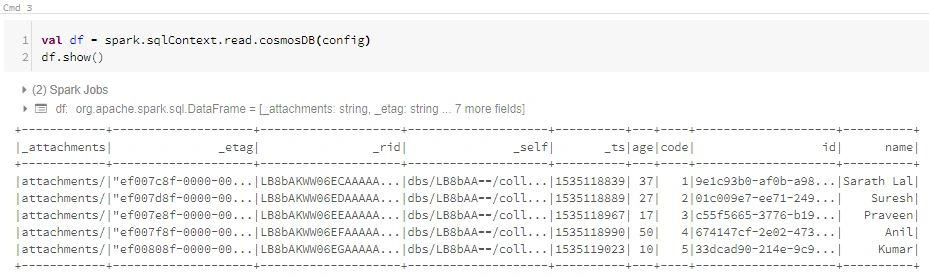
In the above command, we define a data frame variable df and read the Cosmos DB data using our existing configuration. (config variable contains the Cosmos DB service information)
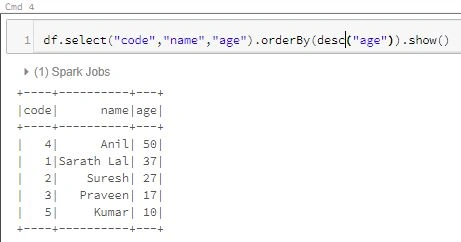
We used the same df variable to query only the required 3 columns and order by (descending) age column.
In the above example, we used very simple Cosmos DB database for our querying purpose. In real life scenarios, we can use large sized datasets and see the better performance of Azure Databricks Spark Cluster.
Join the conversation! Your thoughts help the community grow.