

This article describes the use of "s" and "ss" Custom Format Specifiers in LightSwitch Visual Studio 2012.
"s" Custom Format Specifier
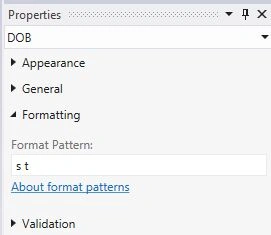
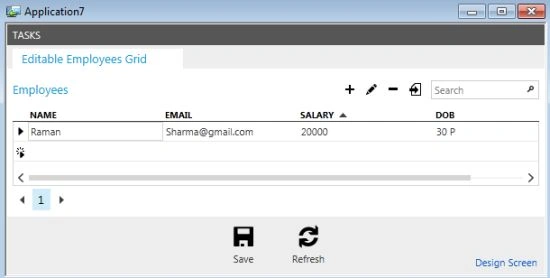
The "s" custom format specifier is used to represent the seconds from 0 to 59. It represents whole seconds that have ed since the last minute. A single-digit second is formatted without a leading zero.
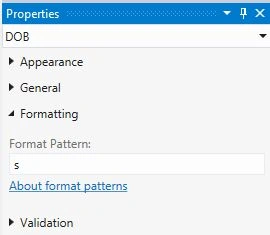
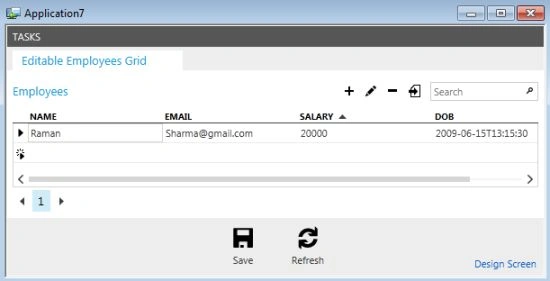
Note: Suppose the "s" format specifier is used without any other custom format specifier, it will result in the "s" standard date and time format specifier as shown below in the example.
"ss" Custom Format Specifier
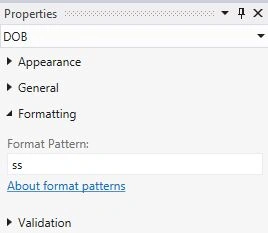
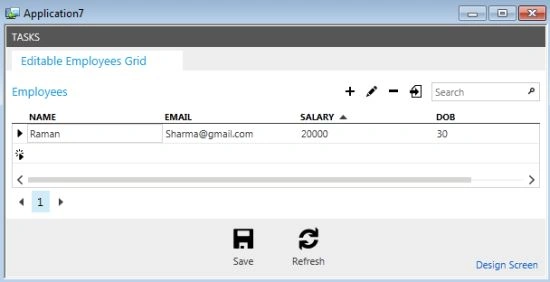
The "ss" custom format specifier is used to represent the seconds from 00 to 59. It represents whole seconds that have ed since the last minute. A single-digit second is formatted with a leading zero.
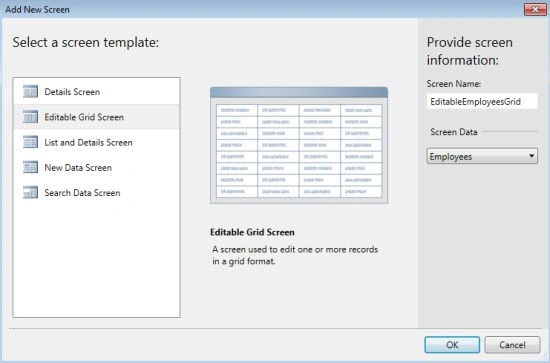
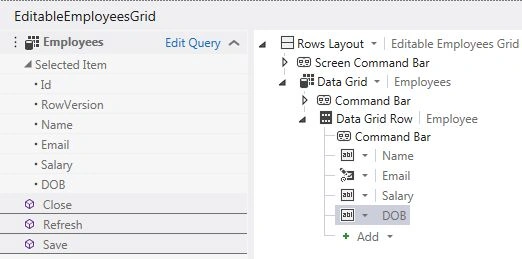
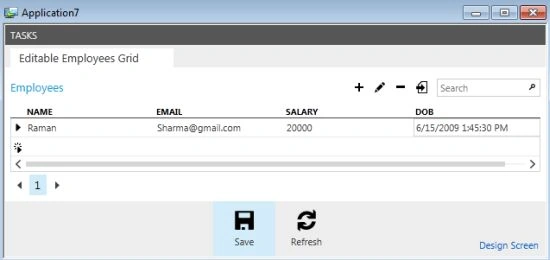
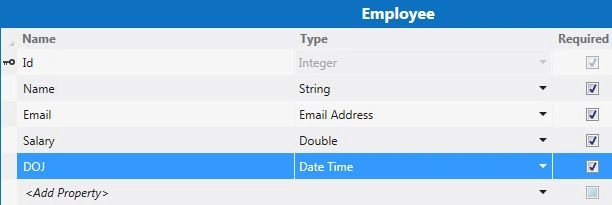
Use the following procedure to create a sample showing how to use the "s" and "ss" Custom Format Specifiers on a Screen.
Step 1
Open the LightSwitch Application in Visual Studio 2012 and go to the Solution Explorer.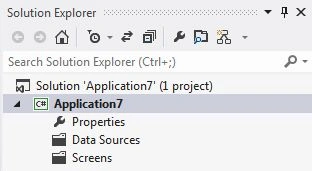
Join the conversation! Your thoughts help the community grow.