

For this I need to have jquery.ddslick.min.js in my solution.
The following is my aspx code:
- <%@ Page Language="C#" AutoEventWireup="true" CodeBehind="Default.aspx.cs" Inherits="jQueryImagesInDropDown.Default" %>
- <!DOCTYPE html>
- <html xmlns="http://www.w3.org/1999/xhtml">
- <head runat="server">
- <title>jQuery: Showing Images in Drop Down List</title>
- <script src="Scripts/jquery-2.1.4.min.js"></script>
- <script src="Scripts/jquery.ddslick.min.js" type="text/javascript"></script>
- <script type="text/javascript">
- $(function () {
- var ddlData = [
- {
- text: "Facebook",
- value: 1,
- description: "Facebook",
- imageSrc: "Social/facebook.png"
- },
- {
- text: "Twitter",
- value: 2,
- description: "Twitter",
- imageSrc: "Social/twitter.png"
- },
- {
- text: "LinkedIn",
- value: 3,
- description: "LinkedIn",
- imageSrc: "Social/linkedin.png"
- },
- {
- text: "Google+",
- value: 3,
- description: "Google+",
- imageSrc: "Social/GooglePlus2.jpg"
- },
- {
- text: "c-SharpCorner",
- value: 4,
- description: "A Community For Professional",
- imageSrc: "Social/cSharp.png"
- }
- ];
- $('#ddlSocial').ddslick({
- data: ddlData,
- width: 300,
- imagePosition: "left",
- onSelected: function (selectedData) {
- //Write your logic on Selection index change.
- }
- });
- });
- </script>
- </head>
- <body>
- <form id="form1">
- <div>
- <div id="ddlSocial"></div>
- </div>
- </form>
- </body>
- </html>

Figure 1.
Now run application:
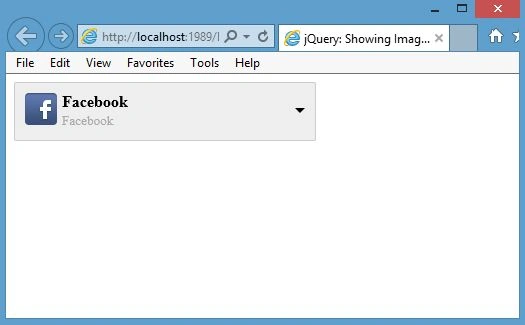
Figure 2.
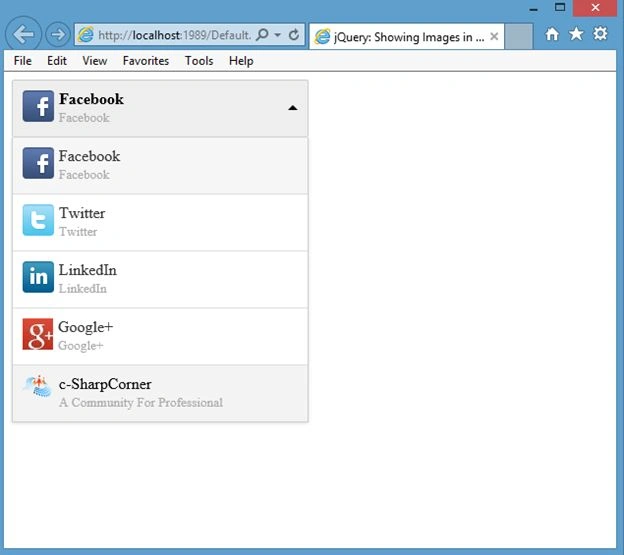
Figure 3.
Select any item.
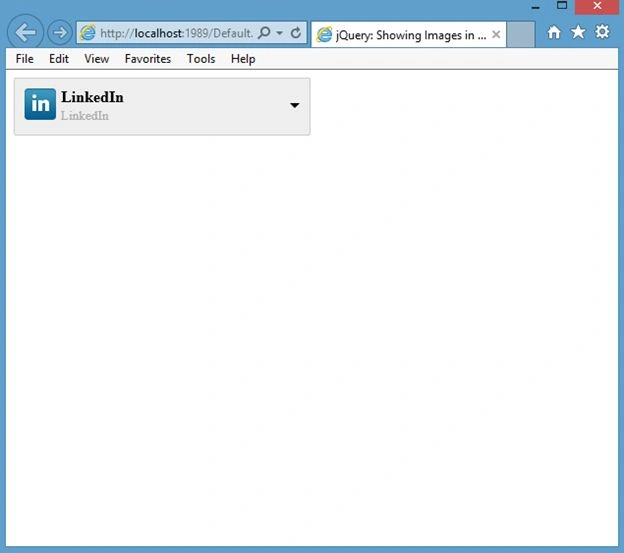
Figure 4.
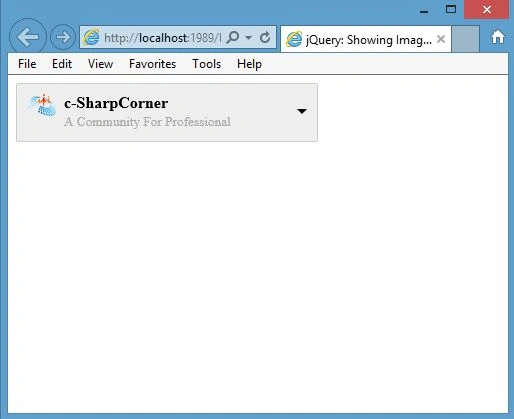
Figure 5.
Raju PaladiyaPosted Feb 28, 2020, 3:52 AM
Ddslick is good but I noticed there are many issue in ddslick.
veda kumarPosted Dec 9, 2019, 10:26 PM
How to provide search option
Sandeep PatelPosted Jun 12, 2018, 3:57 AM
How to i get selected value into my Label.Text
MansoorPosted Jan 19, 2017, 2:44 AM
Hi, nice article. i have noticed that the first item its shows two times
ramakrishna barkamPosted Jan 10, 2017, 8:07 AM
Hi how to get selected value?
Shaminder OssanPosted Nov 4, 2015, 8:39 AM
This is great....I just know the extreme basic to work on jquery...but with your details it all worked. Is there a way where I Lazy load the images
Rahul Kumar SaxenaPosted Sep 11, 2015, 11:00 AM
Thanks Rahul Bisaria
Rahul Kumar SaxenaPosted Sep 11, 2015, 11:00 AM
Thanks Santhakumar Munuswamy
Rahul BisariaPosted Aug 6, 2015, 6:49 AM
nice article for learning... :)
Santhakumar MunuswamyPosted Jul 23, 2015, 3:01 PM
Thanks for nice article:)
Rahul Kumar SaxenaPosted Jul 22, 2015, 3:40 AM
Thanks Sharad....
SharadPosted Jul 22, 2015, 12:42 AM
good one...
Rahul Kumar SaxenaPosted Jul 21, 2015, 1:18 PM
thanks Rakesh Chavda
Rahul Kumar SaxenaPosted Jul 21, 2015, 1:18 PM
Thanks Sibeesh Venu
RakeshPosted Jul 21, 2015, 1:12 PM
Nice one sir
Sibeesh VenuPosted Jul 21, 2015, 9:34 AM
Nice Share.
Rahul Kumar SaxenaPosted Jul 21, 2015, 9:06 AM
Thank u Nilesh Jadav
Nilesh JadavPosted Jul 21, 2015, 9:02 AM
Nice one sir