

On the demand of my colleagues here is an article stating the new configuration settings in SharePoint 2013. I will mainly cover all those feature settings present new in the configuration settings. I will write an article for all of them independently later.
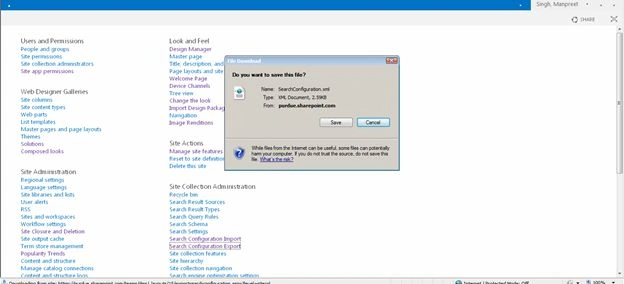
So without wasting much time let's start. In the following you can see the Site Settings page of SharePoint 2013 stating all the feature configurations under their respective categories.
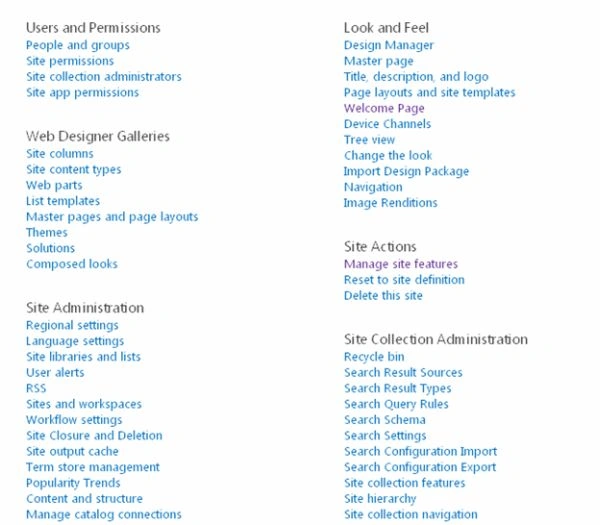
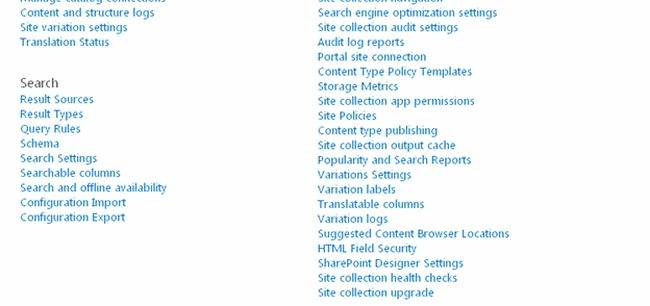
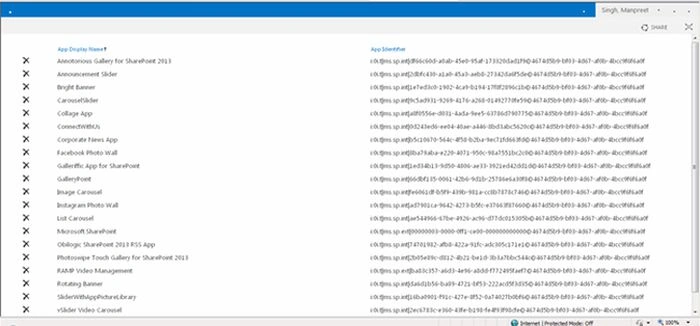
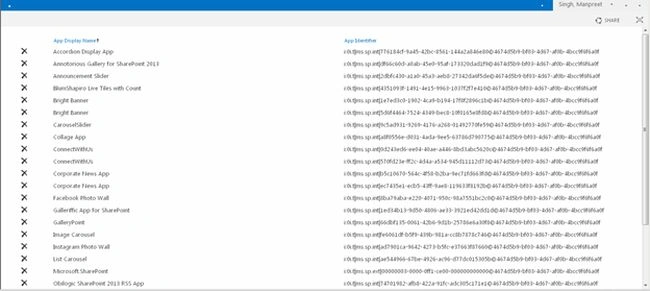
Let us start with one by one under Users and Permissions we can see a new feature named as App permissions as shown below. It mainly contains the App Names and their interface identifier regarding their permission level.
Site App permissions
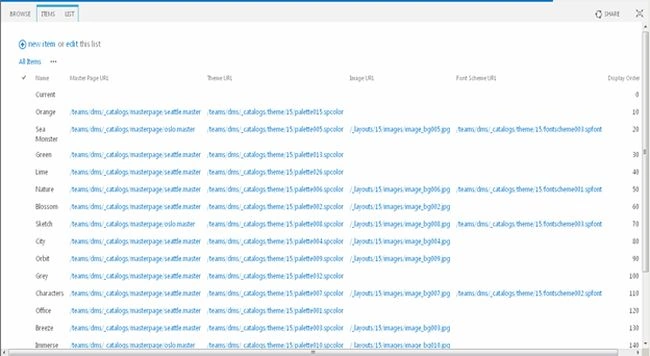
Then we have Web Designer Galleries that have a new feature, Composed Looks. As we can see, we have a link for the colors in Master Pages, Themes and Images that also includes the Font Schemes along with the Display Order. So it's kind of a Database providing info about the colors in the Site.
Then we have Web Designer Galleries that have a new feature, Composed Looks. As we can see, we have a link for the colors in Master Pages, Themes and Images that also includes the Font Schemes along with the Display Order. So it's kind of a Database providing info about the colors in the Site.
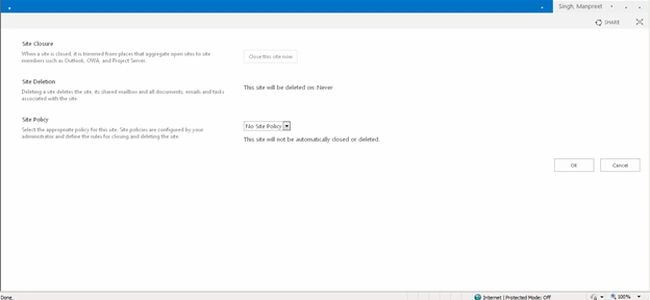
Then getting to the Site Administration, we can see the Site Closure and Deletion new feature. We have a button to Site Closure and then you can use a rule to do you want to delete this site ever and you can add in a Site Policy also here.
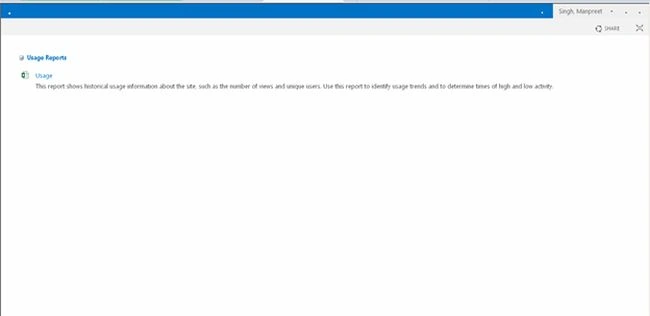
Then we have Popularity Trends that will generate a Usage report of the site. Providing an Excel showing all the Site hits.
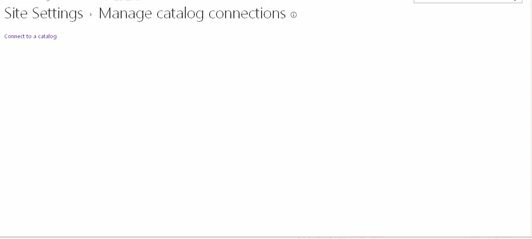
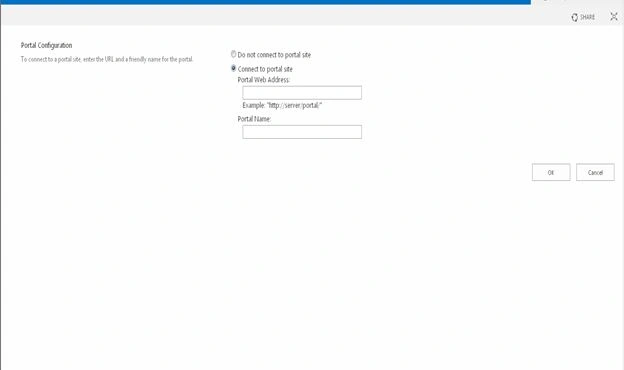
Then we have Connect to a Catalog where you can connect the Catalog with the site.
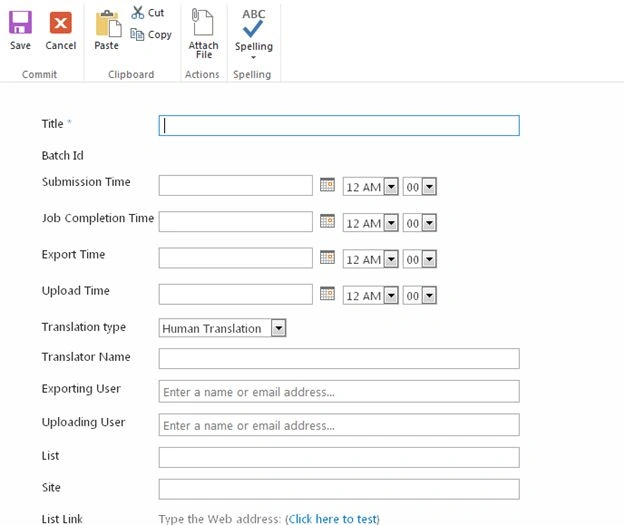
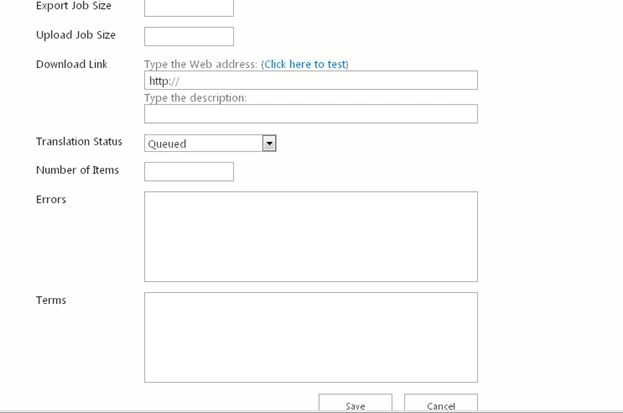
Then we have a Translation Status, that records the job of exporting the jobs or users.
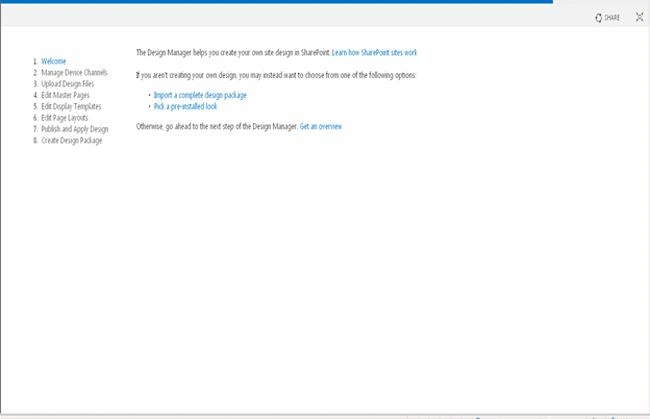
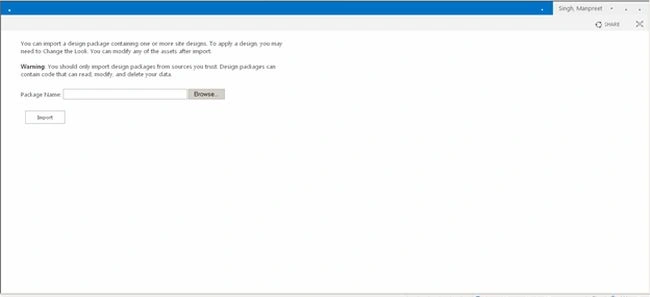
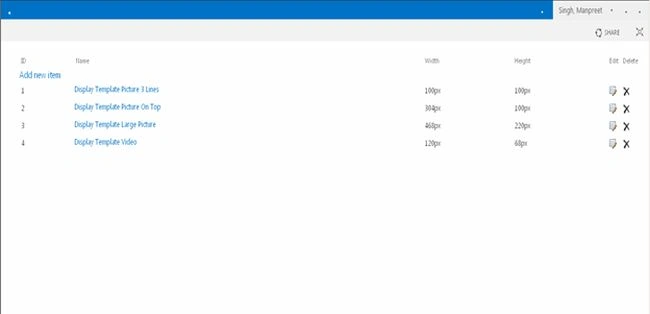
- Then we can have a look at Design Manager. It is a new functionality that contains a Welcome Page where you can Import a Design Package. Secondly we have Manage Device Channels where we can manage the channels, then we can Upload Design Files, Edit Master Pages, Edit Display Templates, Edit Page Layouts and lastly Publish and Apply Design and Create a Design Package.
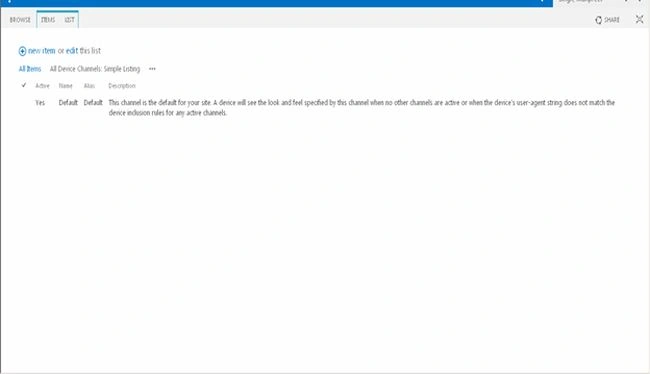
Then we have Device Channels that contains the channels for the look and feel of user's agents.
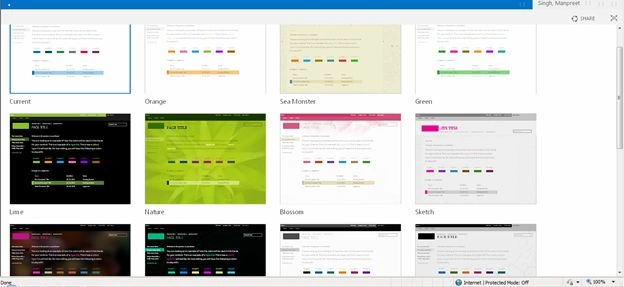
We also can change the look function where you can choose one among all templates and edit the background images and colors giving a rich feel to the site.
Join the conversation! Your thoughts help the community grow.