

In this article we are going to see how to use the Multicast transformation in SSIS packaging. Multicast transformation is used when a portion of the data needs to be transferred to some other flow which is something similar to Conditional task which does the same process.
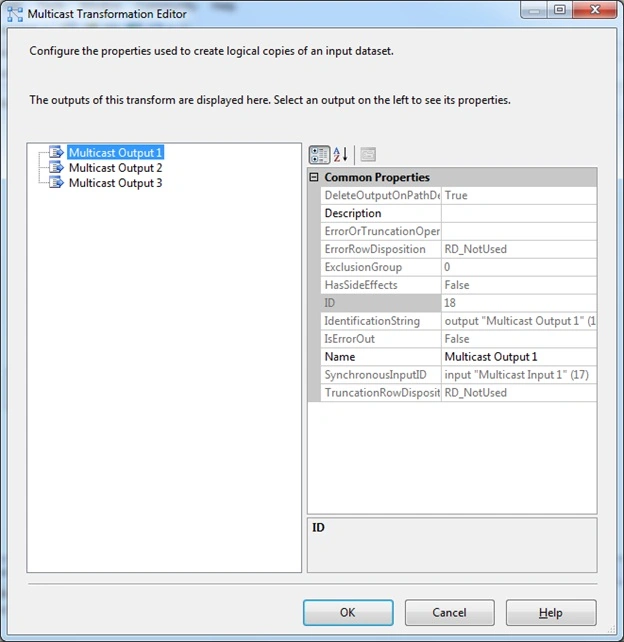
The difference between the Multicast and the conditional split transformations is that for Multicast directs each row of the source to every output, whereas in the conditional split it directs a row to a single output. So using the multicast we can create data of separate logic and try to have it secured across the flow. This transformation can have a single input with multiple outputs across to pass the data. Let's jump start to see this sample of how to set the properties of the control.
You can look into my series of articles on SSIS at the url - http://f5debug.net/all-articles/
Steps:
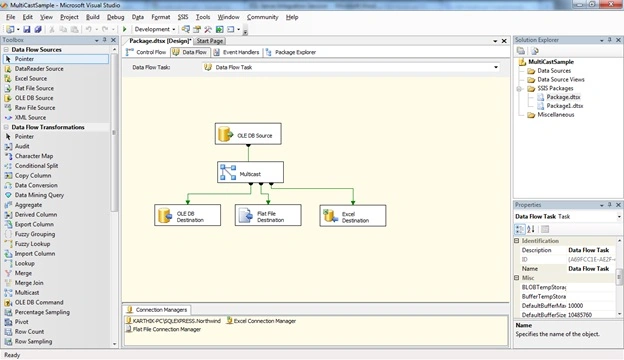
Follow steps 1 to 3 on my first article to open the BIDS project and select the right project to work on an integration services project. Once the project is created, we will see how to use the Multicast Transformation task. Once you open the project just drag and drop the Multi Cast transformation control and a source provider is shown in the image below:
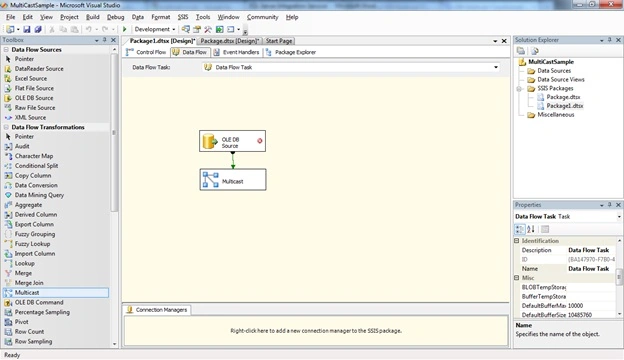
Now we need to configure the source data source as shown in the screen below:
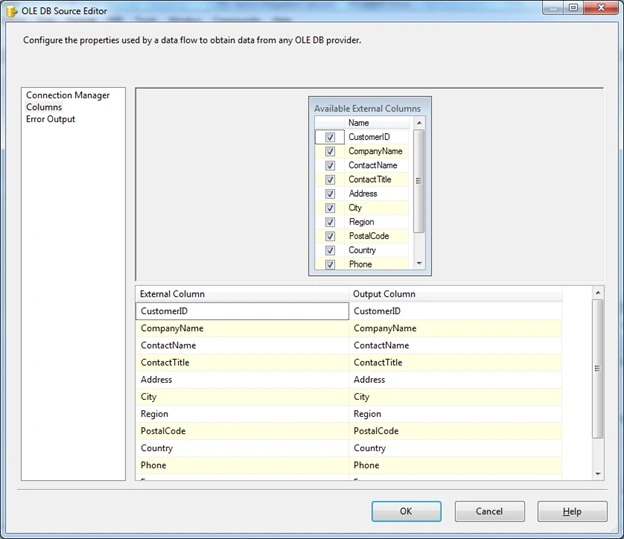
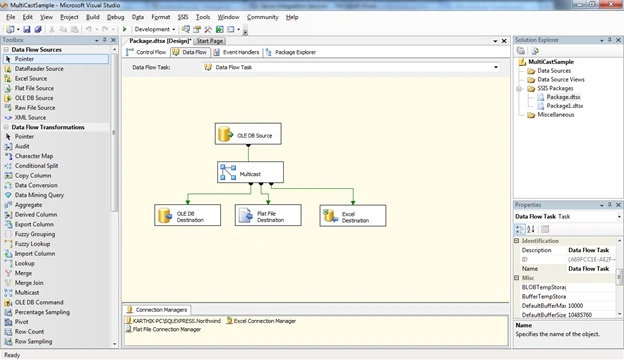
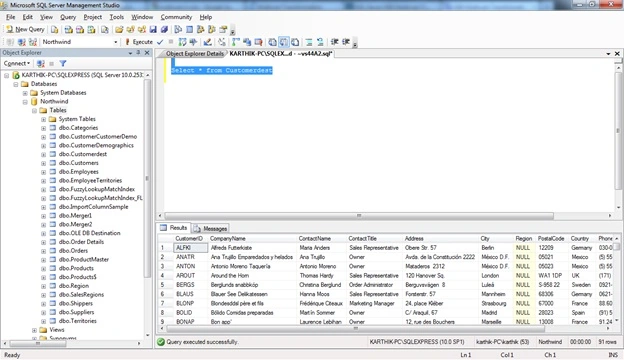
Once the source is configured now drag and drop 3 destinations providers as shown in the screen below.
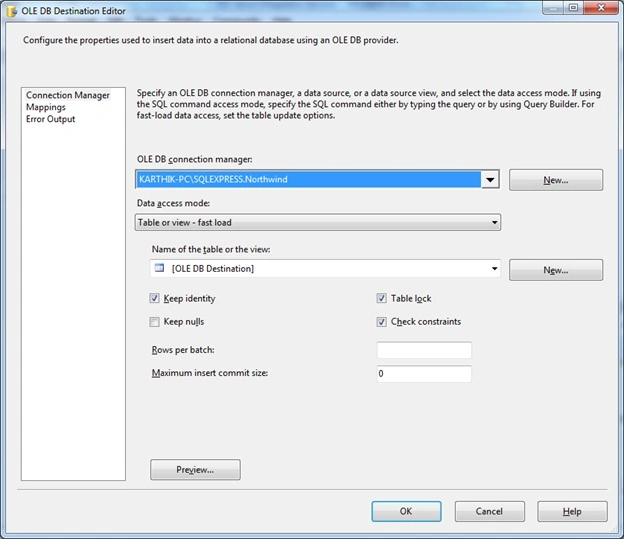
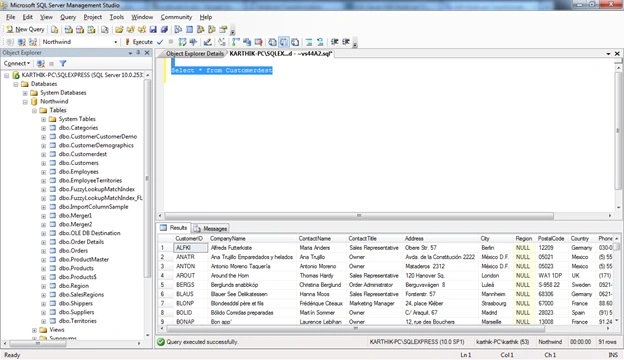
- OLEDB provider task to update the table
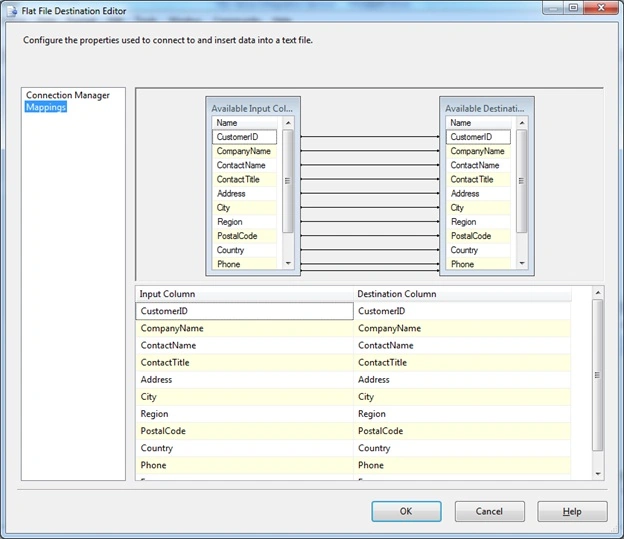
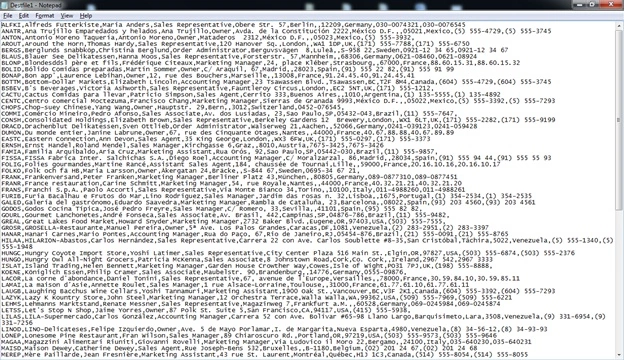
- Flat file provider to update a file
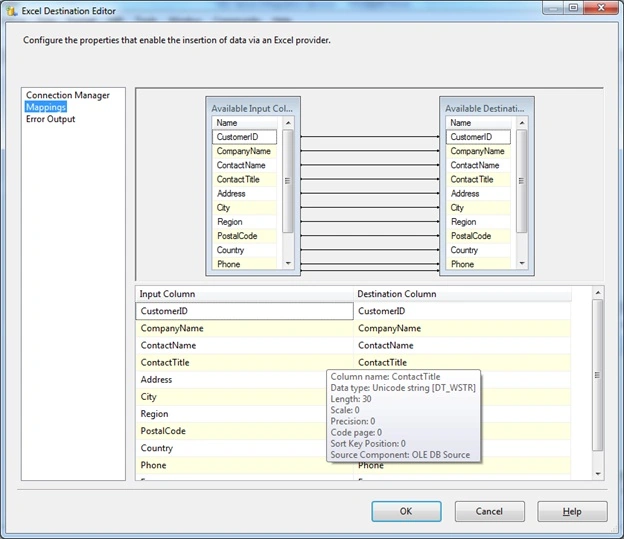
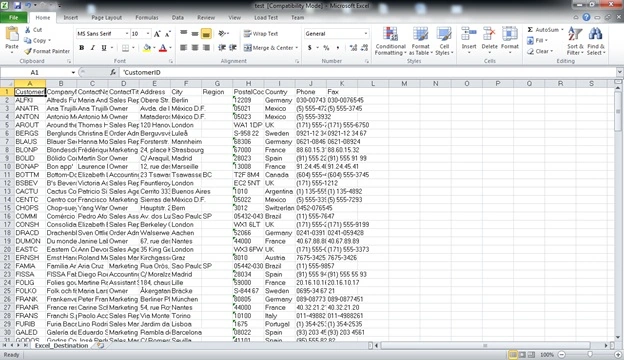
- Excel provider to update to an excel file
Kongle AmbicaPosted Feb 22, 2017, 2:01 AM
How Many logical copies we make using Multicast Transformation?