

Introduction
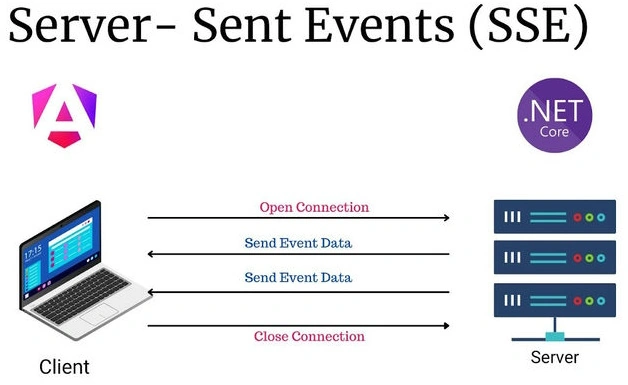
Server-Sent Events (SSE) is a server push technology enabling a server to push real-time updates to the browser over a single HTTP connection. This article demonstrates how to implement SSE in a .NET Core API to push updates to an Angular UI in real-time.
Prerequisites
- .NET Core SDK
- Node.js and Angular CLI
- Visual Studio or Visual Studio Code
- Basic knowledge of .NET Core, Angular, and HTTP protocols
Step 1. Setting Up the .NET Core Web API.
Create a New .NET Core Web API Project
 dotnet new webapi -n QuickNotifyAPI
cd QuickNotifyAPI
Implement SSE in the Controller
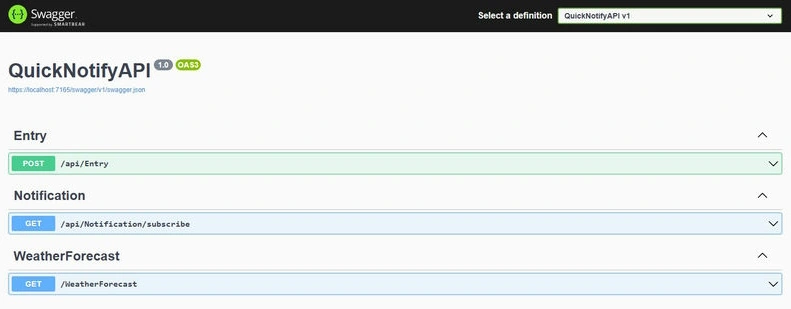
Create a NotificationController to handle SSE connections and push updates to the client.
using Microsoft.AspNetCore.Http;
using Microsoft.AspNetCore.Mvc;
using System.Collections.Concurrent;
using System.Text;

namespace QuickNotifyAPI.Controllers
{
    [Route("api/[controller]")]
    [ApiController]
    public class NotificationController : ControllerBase
    {
        private static readonly ConcurrentDictionary<string, StreamWriter> _clients = new ConcurrentDictionary<string, StreamWriter>();

        [HttpGet("subscribe")]
        public async Task Subscribe(CancellationToken cancellationToken)
        {
            Response.Headers.Add("Content-Type", "text/event-stream");
            var clientId = Guid.NewGuid().ToString();
            var clientStream = new StreamWriter(Response.Body, Encoding.UTF8);
            _clients.TryAdd(clientId, clientStream);

            try
            {
                while (!cancellationToken.IsCancellationRequested)
                {
                    await Task.Delay(1000, cancellationToken);
                }
            }
            catch (TaskCanceledException) { }
            finally
            {
                _clients.TryRemove(clientId, out _);
            }
        }

        public static async Task SendNotificationAsync(string message)
        {
            foreach (var client in _clients.Values)
            {
                try
                {
                    await client.WriteLineAsync($"data: {message}\n");
                    await client.FlushAsync();
                }
                catch (Exception) { }
            }
        }
    }
}
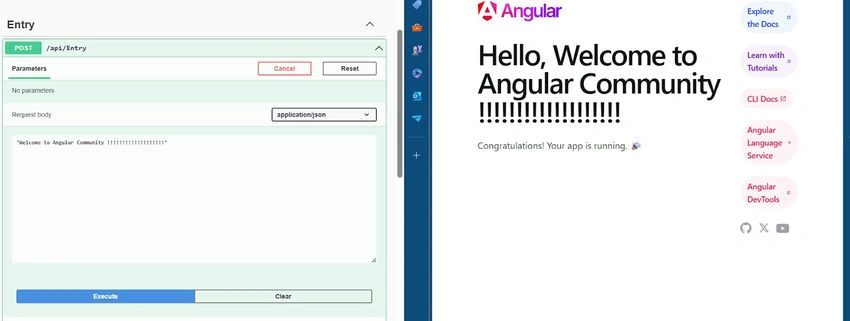
Create an Endpoint to Add Entries and Trigger Notifications
using Microsoft.AspNetCore.Http;
using Microsoft.AspNetCore.Mvc;

namespace QuickNotifyAPI.Controllers
{
    [Route("api/[controller]")]
    [ApiController]
    public class EntryController : ControllerBase
    {
        [HttpPost]
        public async Task<IActionResult> CreateEntry([FromBody] string entry)
        {
            try
            {
                await NotificationController.SendNotificationAsync($"New entry created: {entry}");
                return Ok(new { StatusCode = 200, message = "Entry created", entry });
            }
            catch (Exception ex)
            {
                return Ok(new { StatusCode = 400, message = "Something went wrong", entry });
            }
        }
    }
}
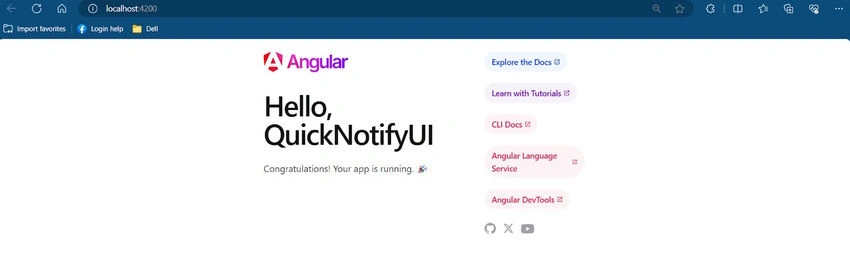
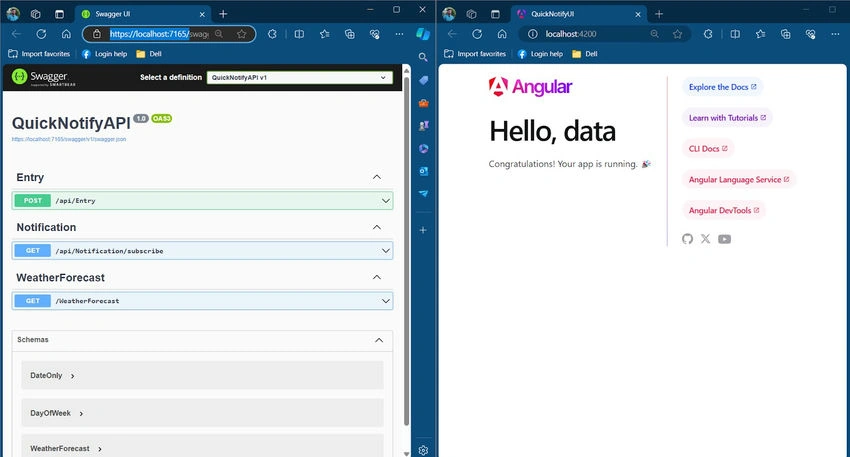
Step 2. Setting Up the Angular Frontend.


Join the conversation! Your thoughts help the community grow.