

Note: this article is published on 08/04/2024.
This series of articles will discuss SQL Server Reporting Services, including the related Services:
- SSRS (1) --- Server Setup: SSIS, SSAS, and SSRS --- this article
- SSRS (2) --- Client Setup: SSDT and Report Builder
- SSRS (3) --- Report Build and Deploy as a VS Project
- SSRS (4) --- SQL Server Database Project in Visual Studio
A - Introduction
The services discussed include:
- SSIS --- SQL Server Integration Services
- SSAS --- SQL Server Analysis Services
- SSRS --- SQL Server Reporting Services
- SSDT --- SQL Server Data Tools
This article will be the first article in this series, and it will discusses the Server Instalation and Configuration. The next article will discuss the client (development environment) Setup, and the last article will discuss the report build and deploy. The content of this article:
- A - Introduction
- B- SSIS (SSAS) Installation
- C - SSRS Installation and Configuration
- C.1 - Installation
- C.2 - Configuration --- Report Server Configuration Manager
- Setup Service Account
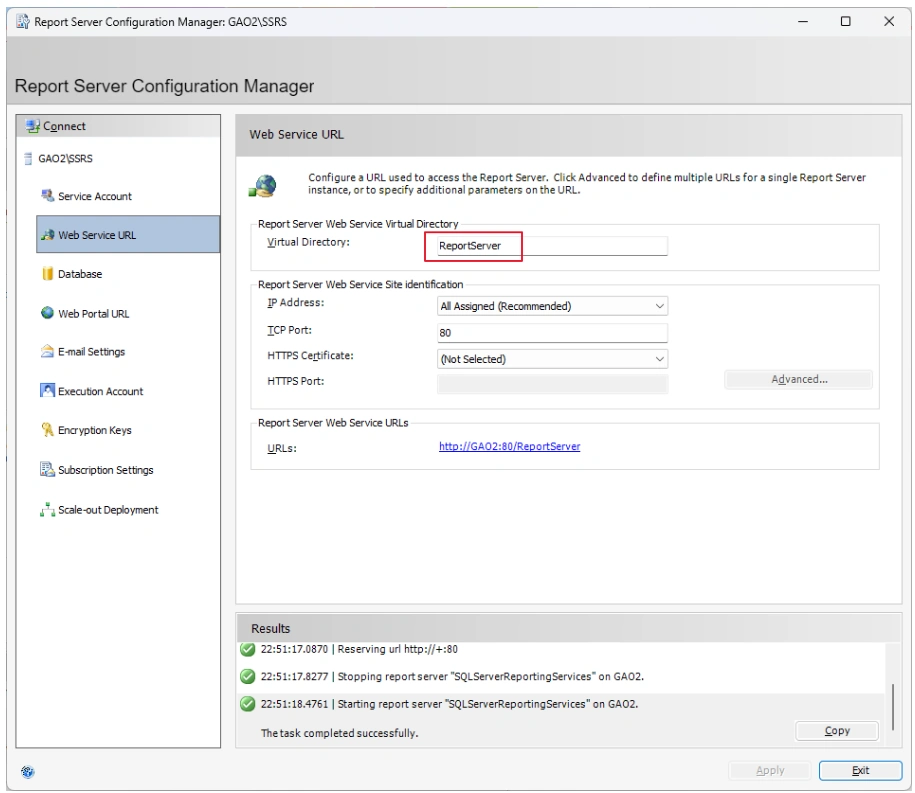
- Setup Web Service URL
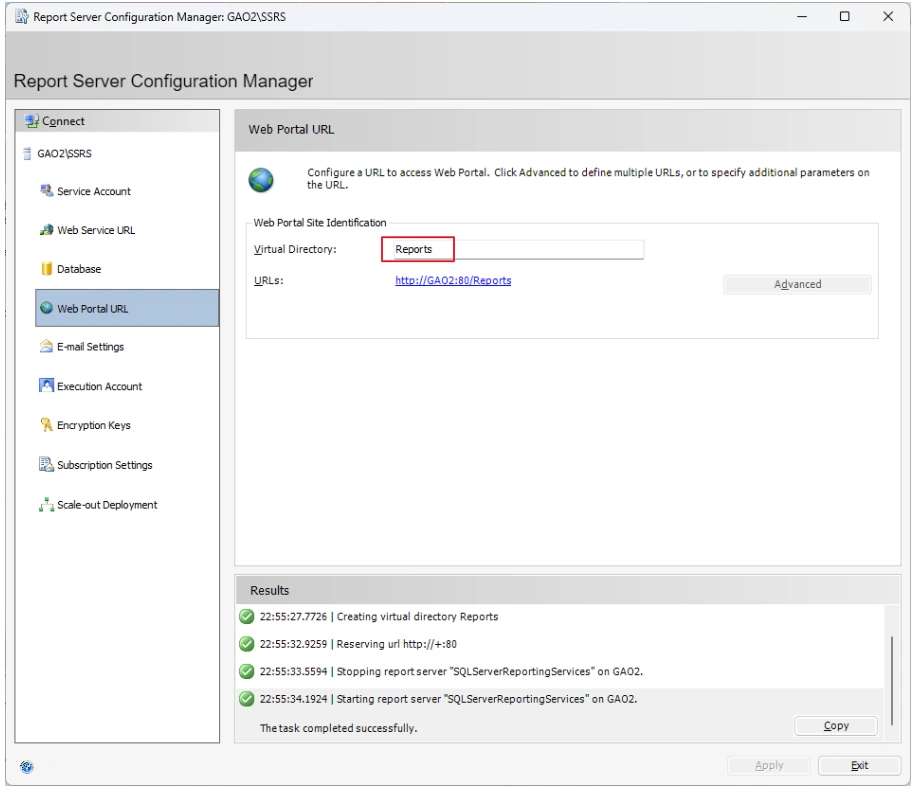
- Setup Web Portal URL
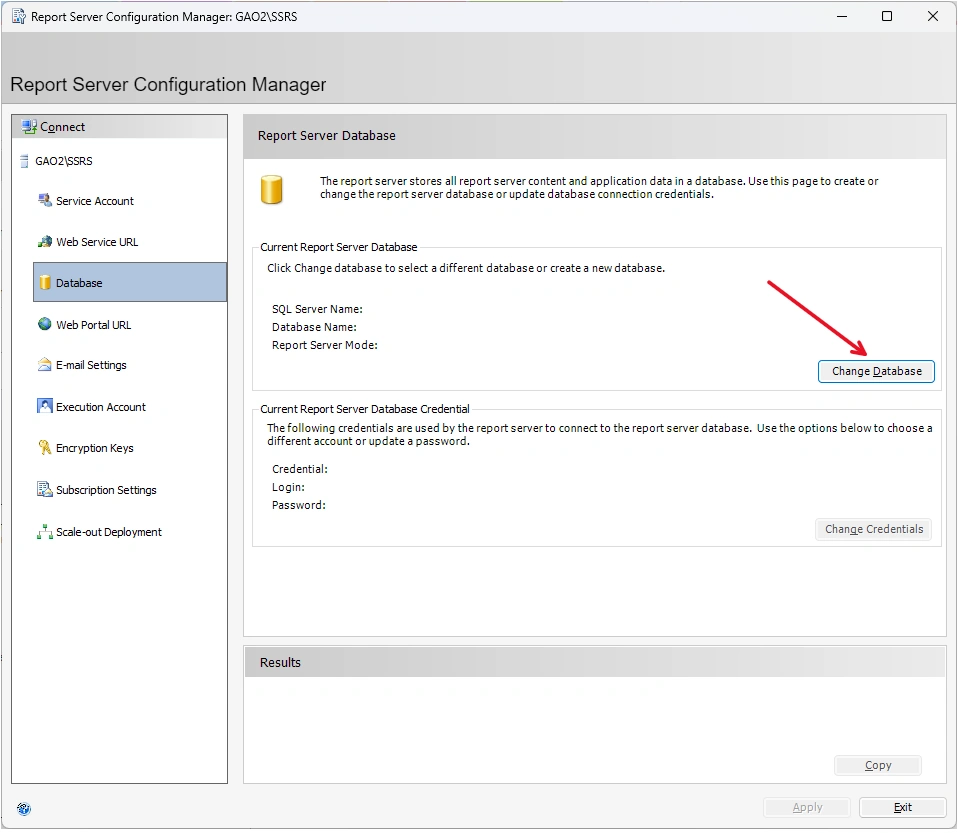
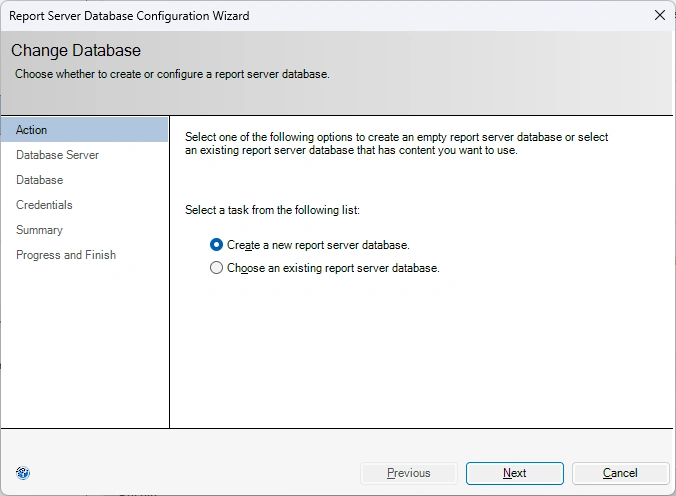
- Setup Database
- C.3 - Results
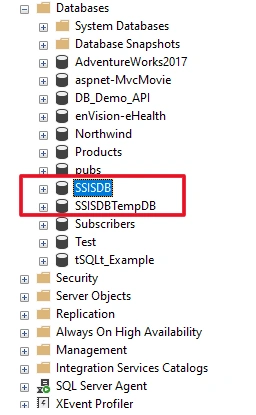
- Database
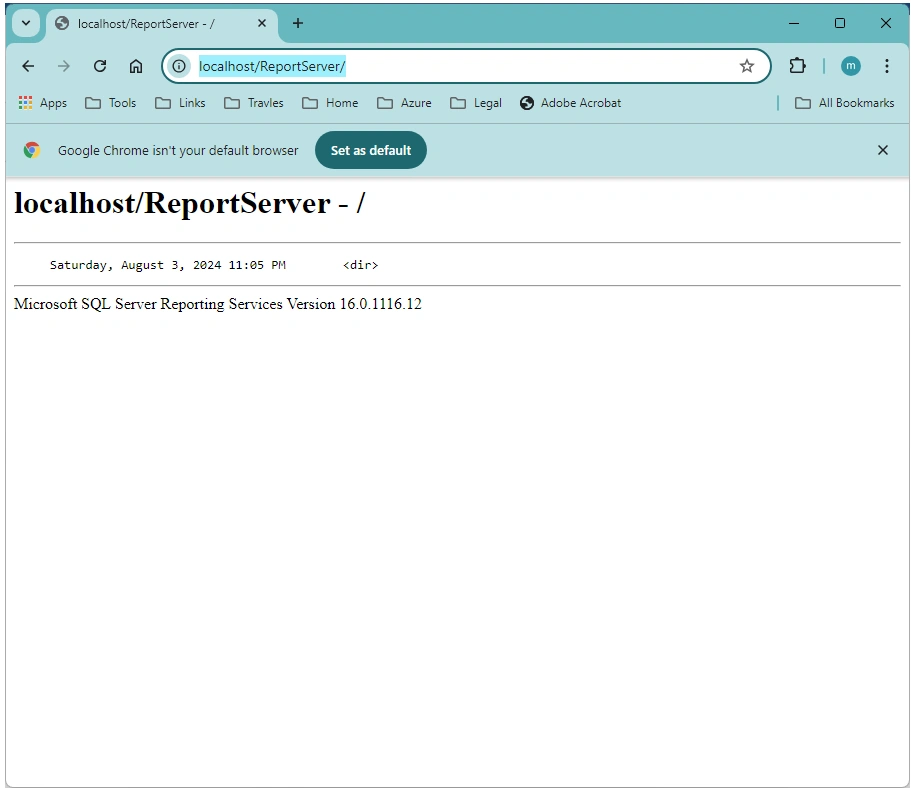
- SSRS Web Service
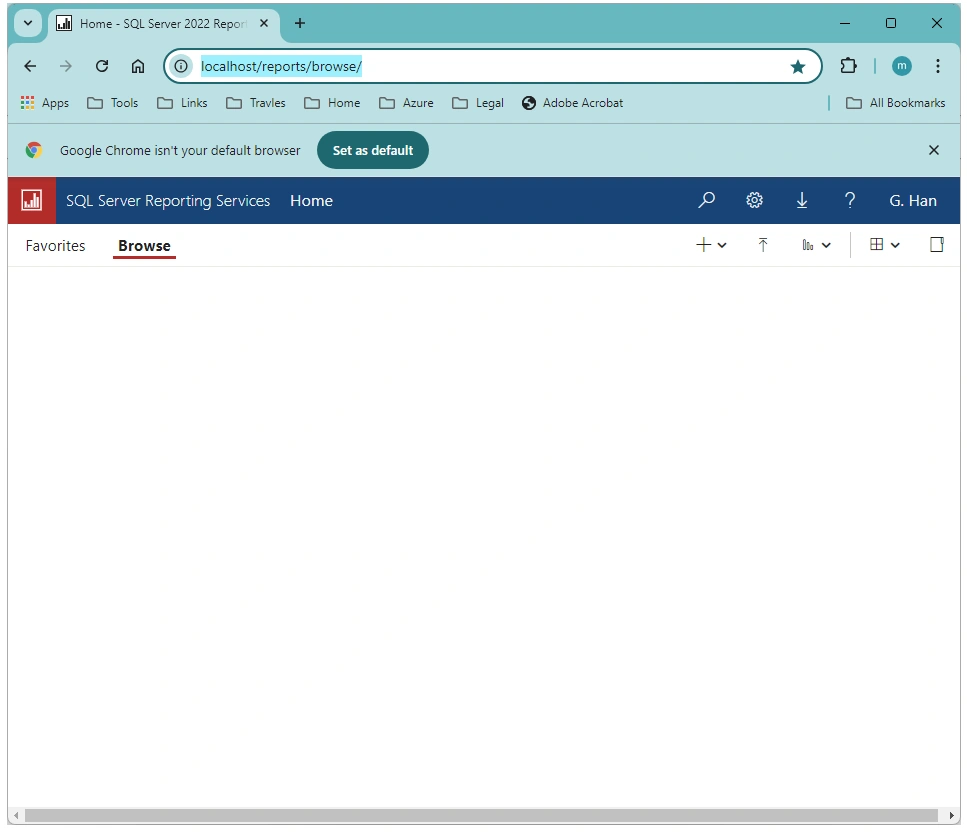
- SSRS Web Portal
B - SSIS (SSAS) Installation
Following the article:
We run SQL Server inslatter to add the SQL Server Services into an existing SQL instance (Developer Edition). Choose Custom Mode:
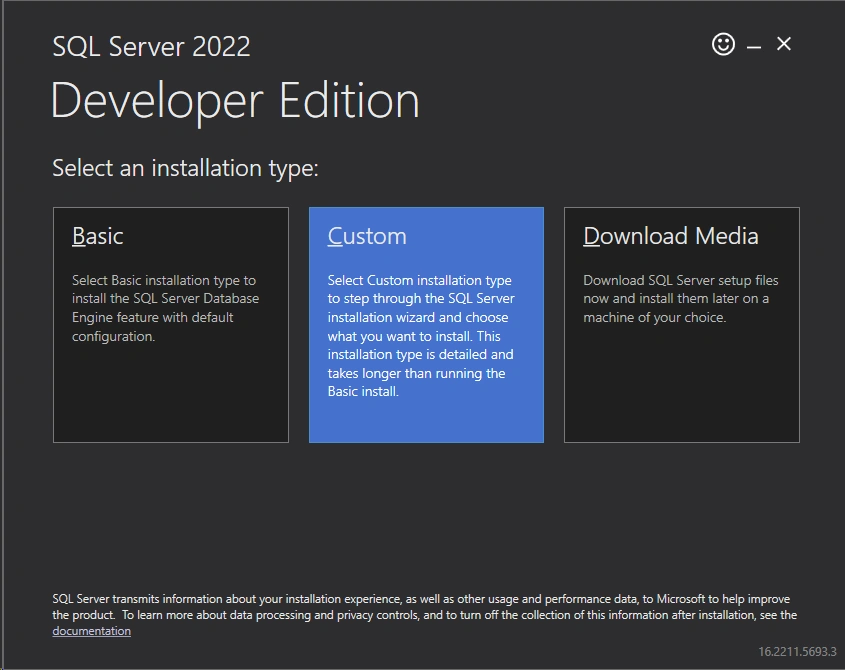
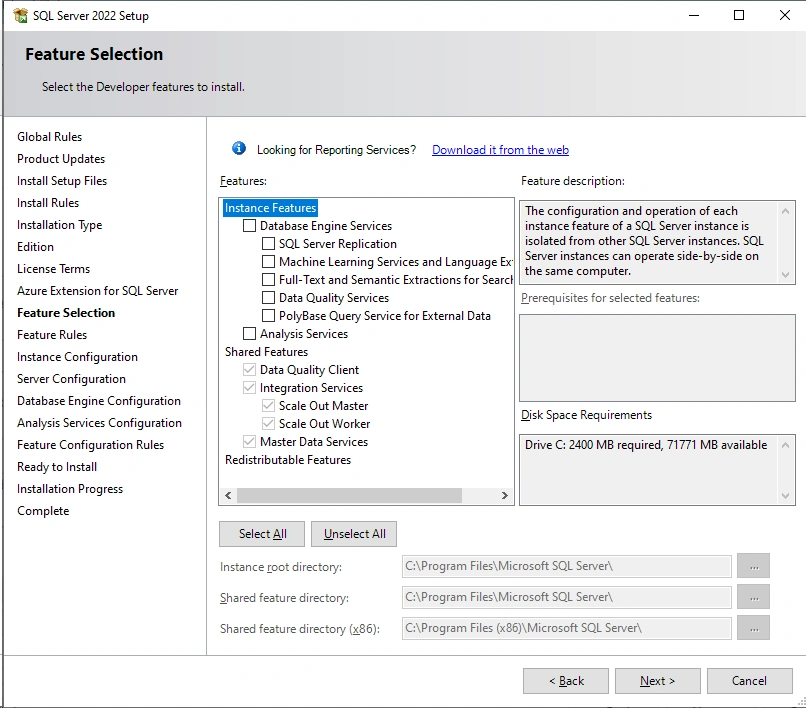
By using the custom mode, you can choose to add more features:
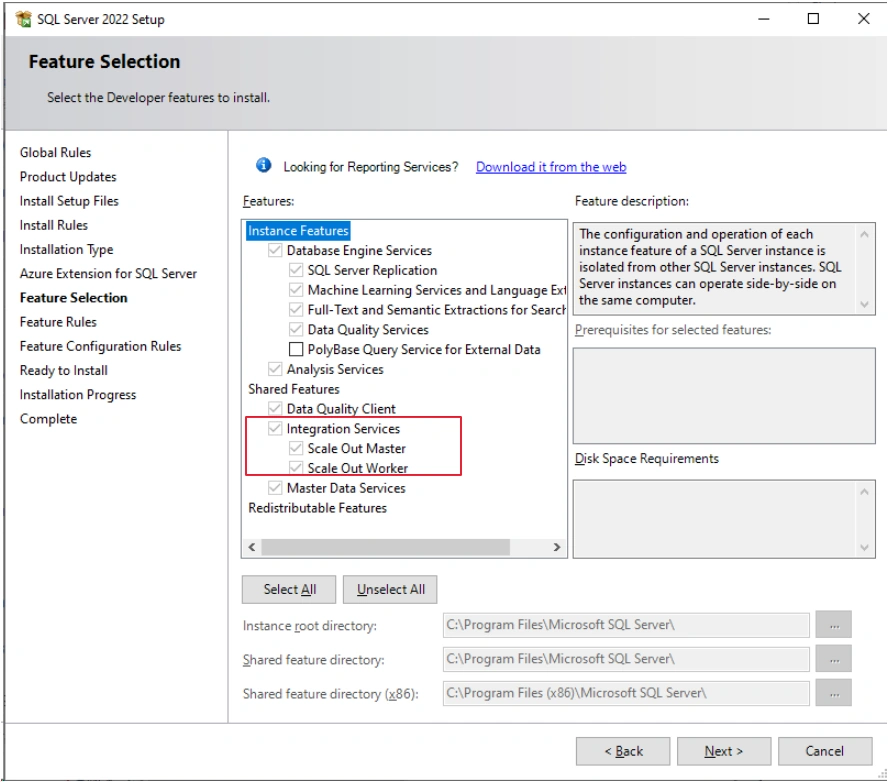
If you previously installed a custom mode, and installed the whole features:
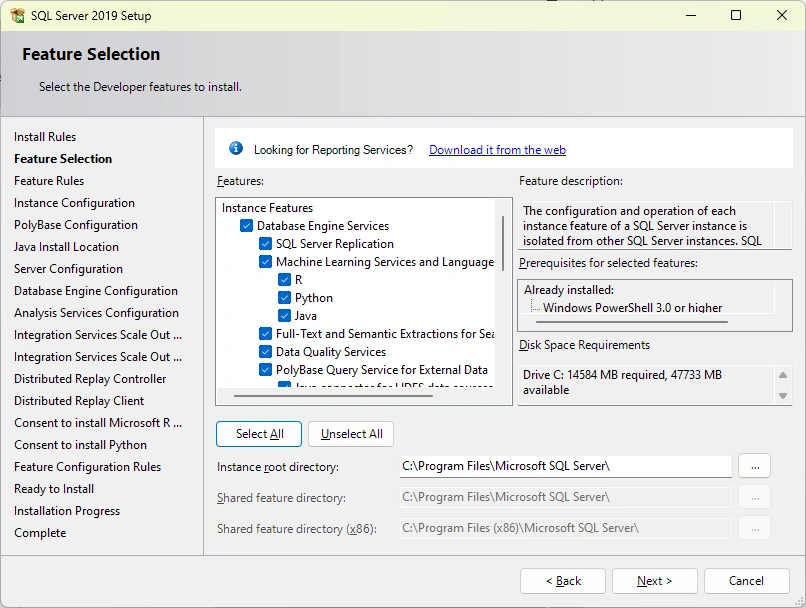
You need to make sure the following features are installed:
- Under Shared Features, select Integration Services.
- Under Shared features, optionally select Client Tools SDK to install managed assemblies for Integration Services programming.
- Under Instance Features, optionally select Database Engine Services to host the SSIS Catalog database,
SSISDB, to store, manage, run, and monitor SSIS packages. - Under Instance Features, optionally select Analysis Service
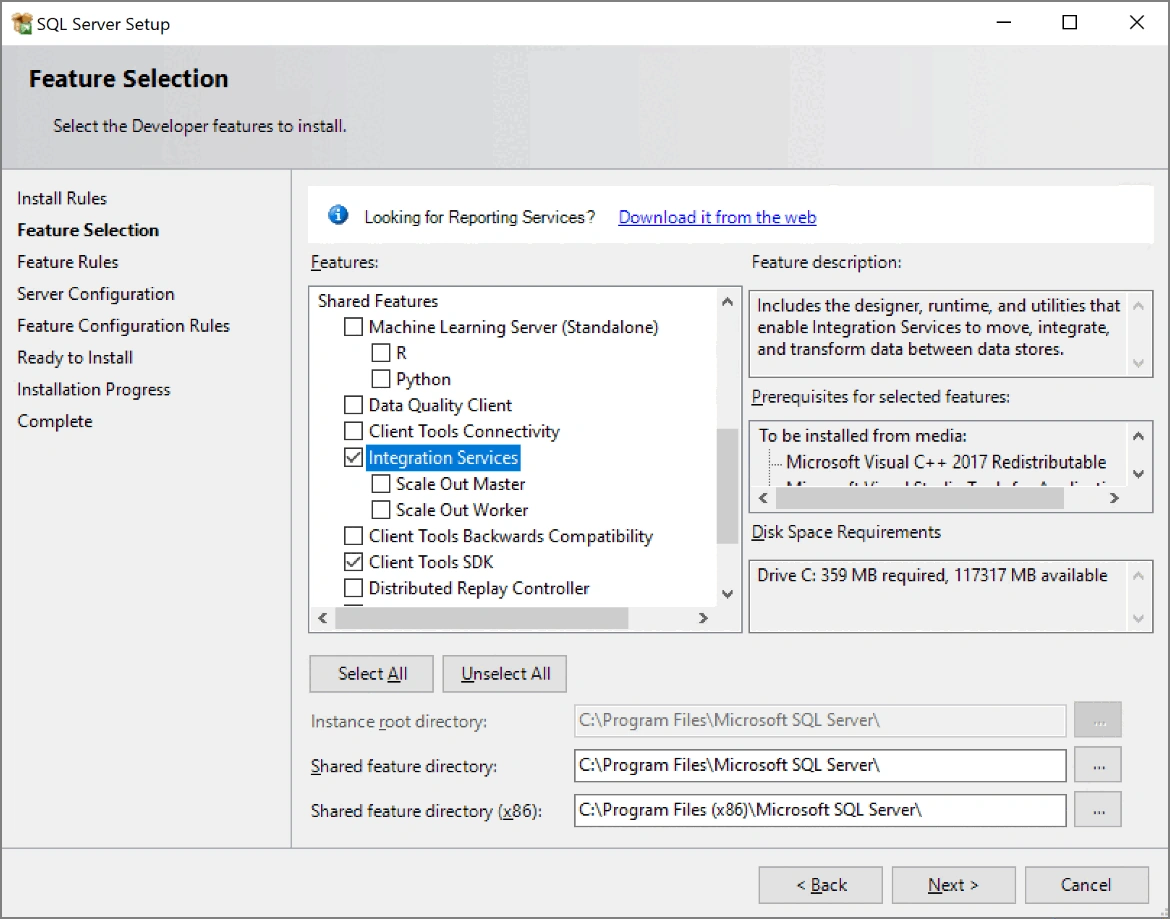
If you installed a basic mode, Add the features that were not installed, like this:
C - SSRS Installation and Configuration:
We start from here:
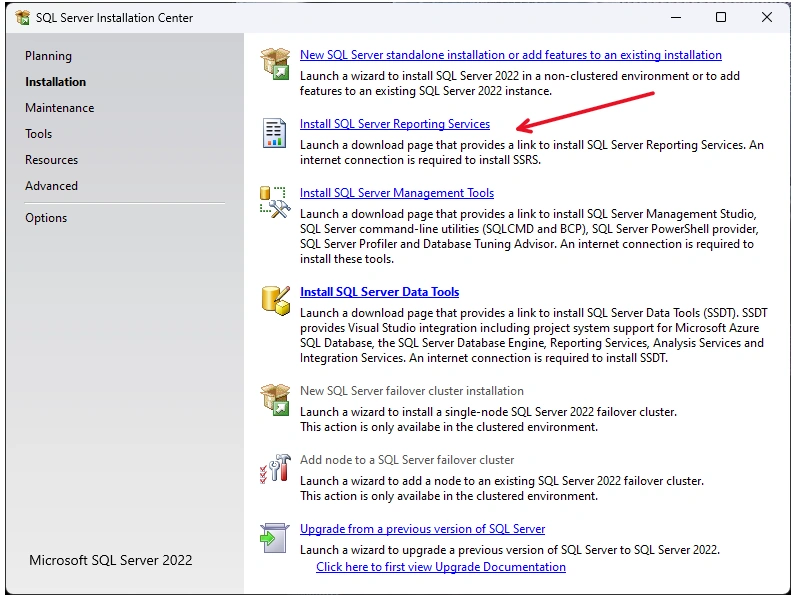
Following the instruction page from the link:
C.1 - Installation:
- Download SQL Server 2022 Reporting Services from the Microsoft Download Center.

- Install:
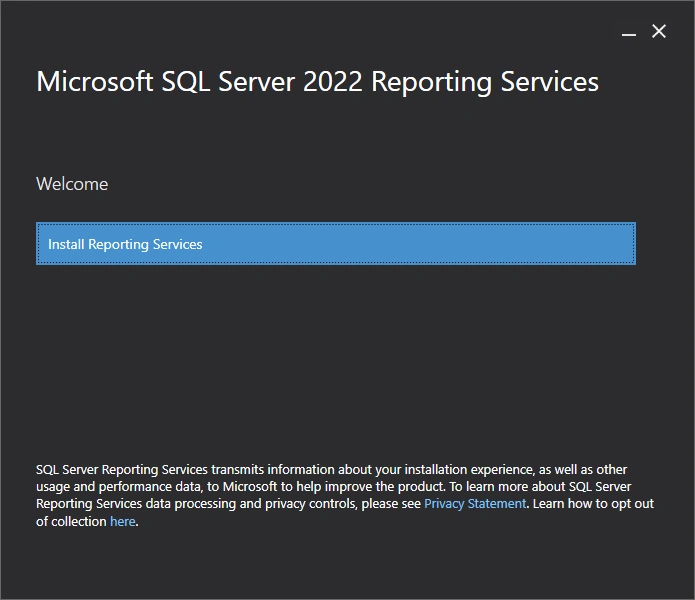
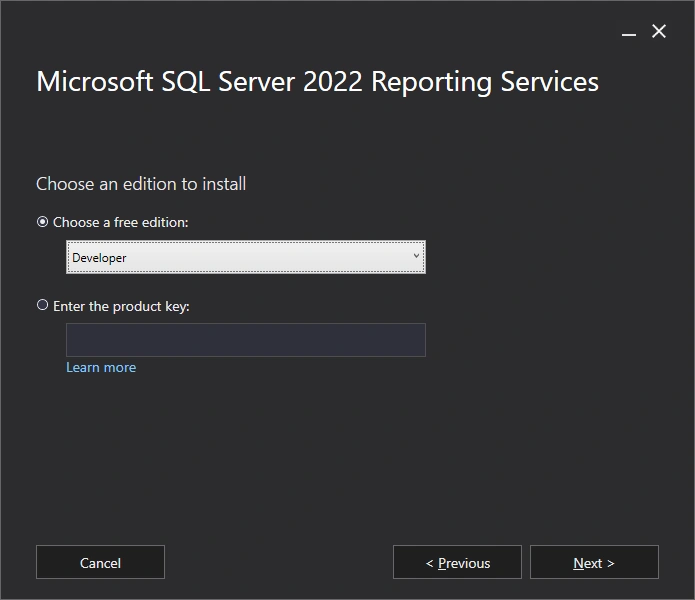
- Choose Developer Editioin:
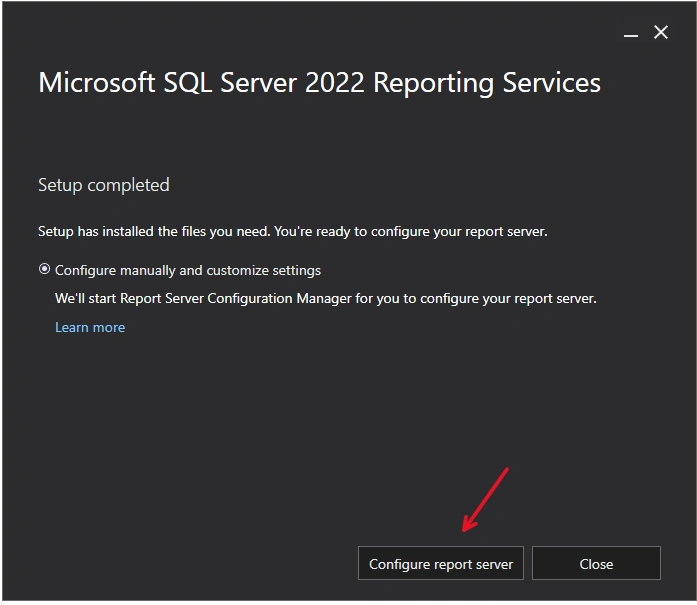
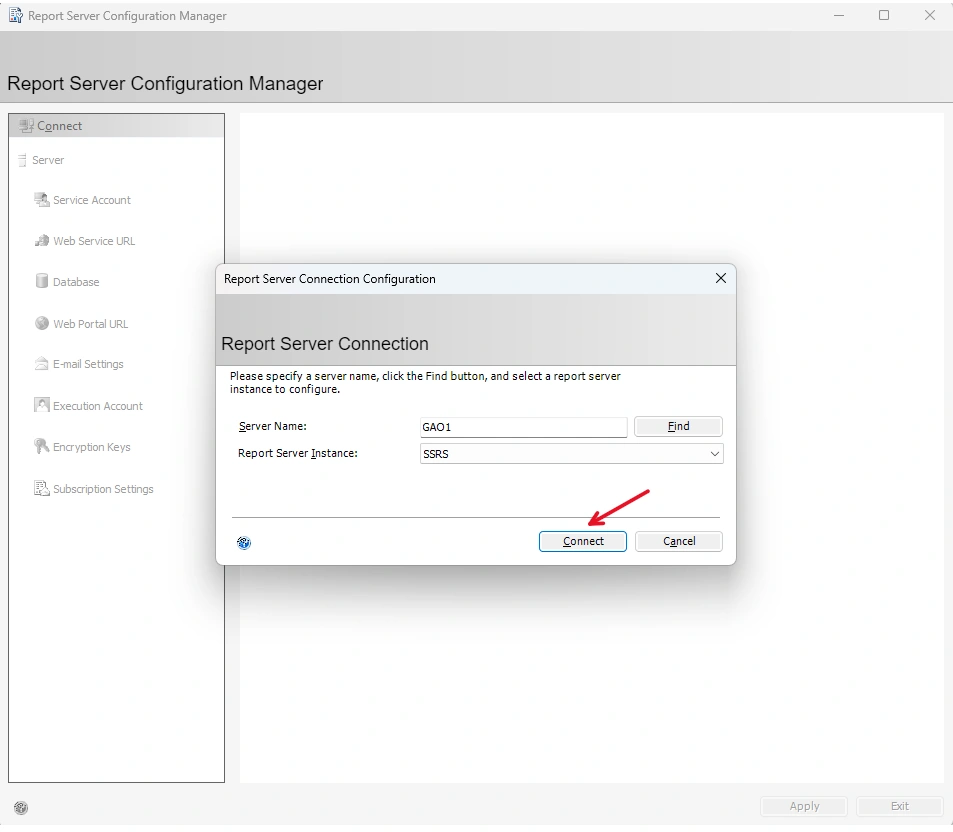
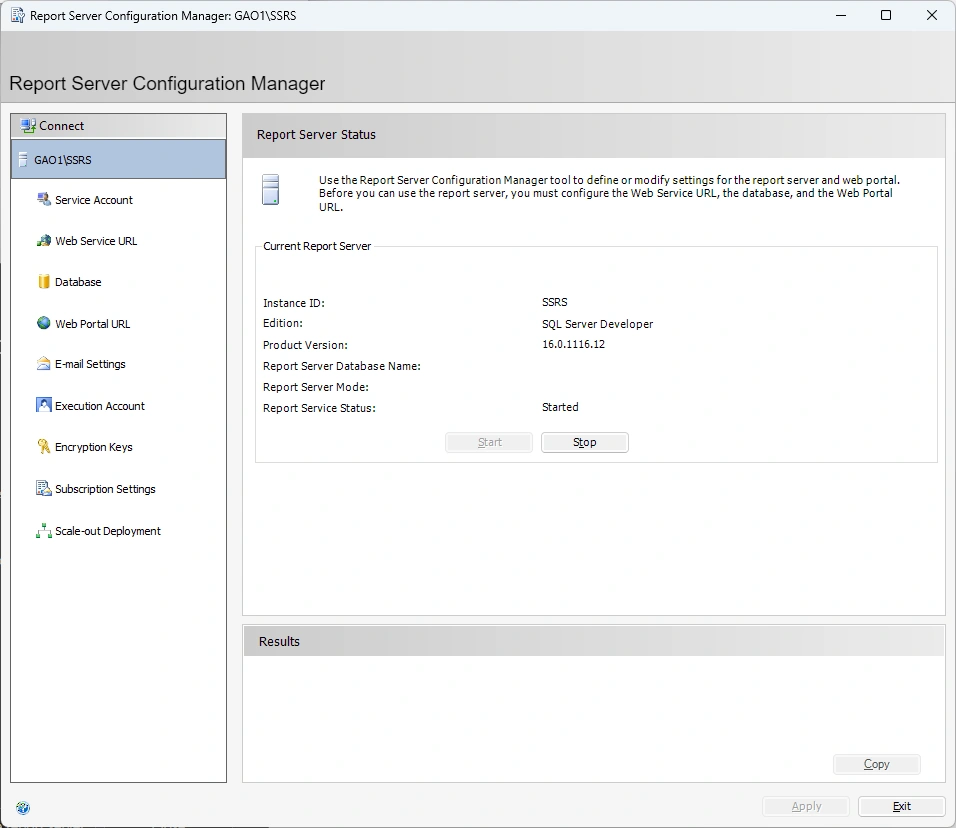
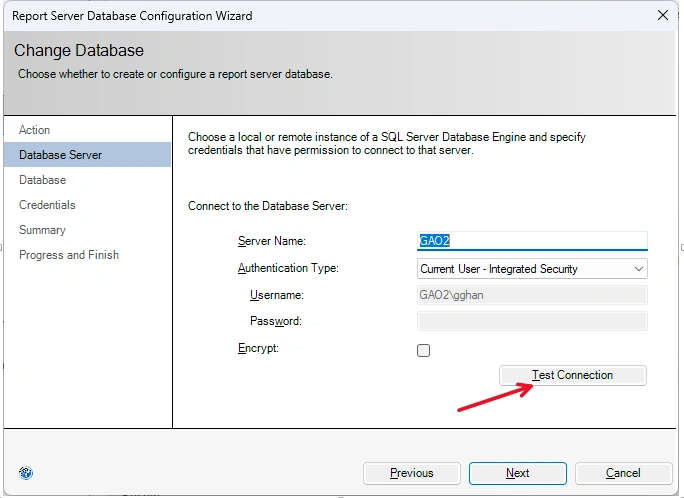
- Click Configue report server to start to configure:


Join the conversation! Your thoughts help the community grow.