

Introduction
This article shows how to use a linked report for a SSRS report.
Create a Report Server project as in Figure 1.
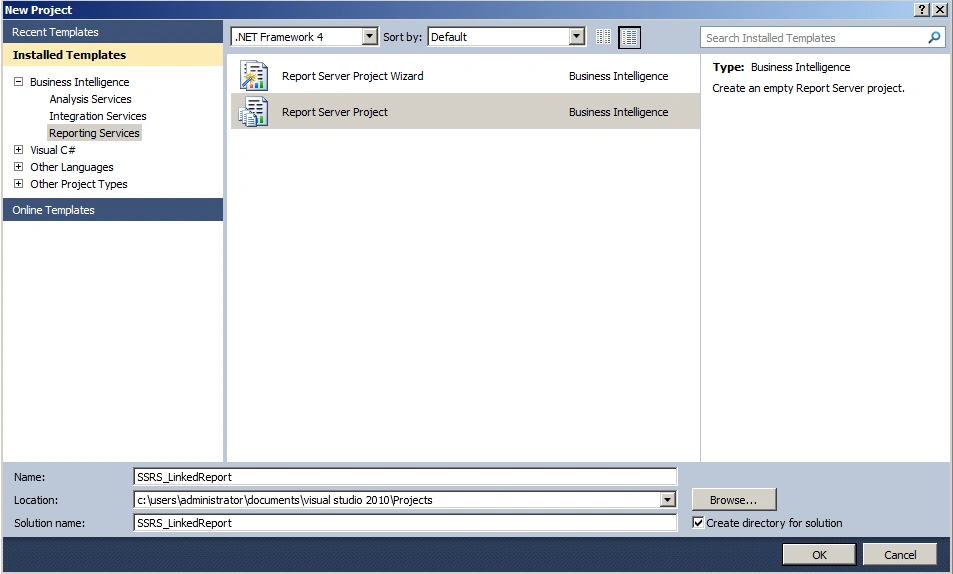
Figure 1: Report Server Project
Add a data source as in Figures 2 and 3.
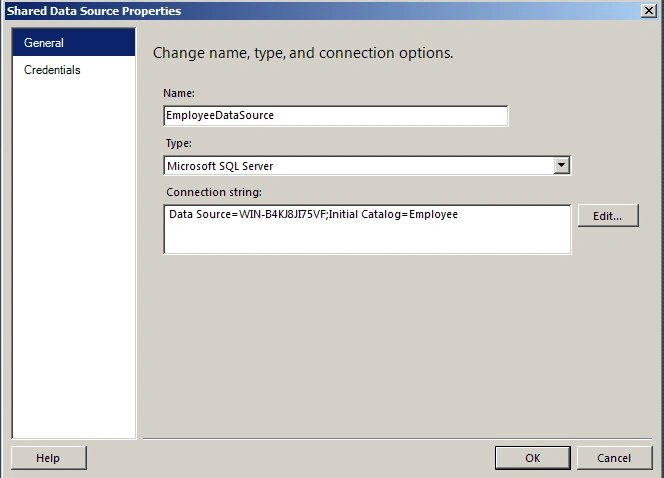
Figure 2: Configure DataSource
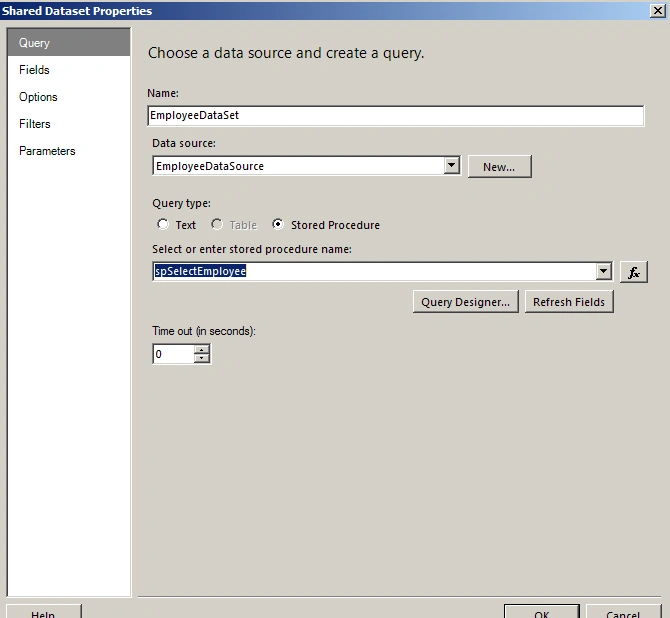
Figure 3: Choose appropriate Stored Procedure
Add a New Report Item as in Figure 4.
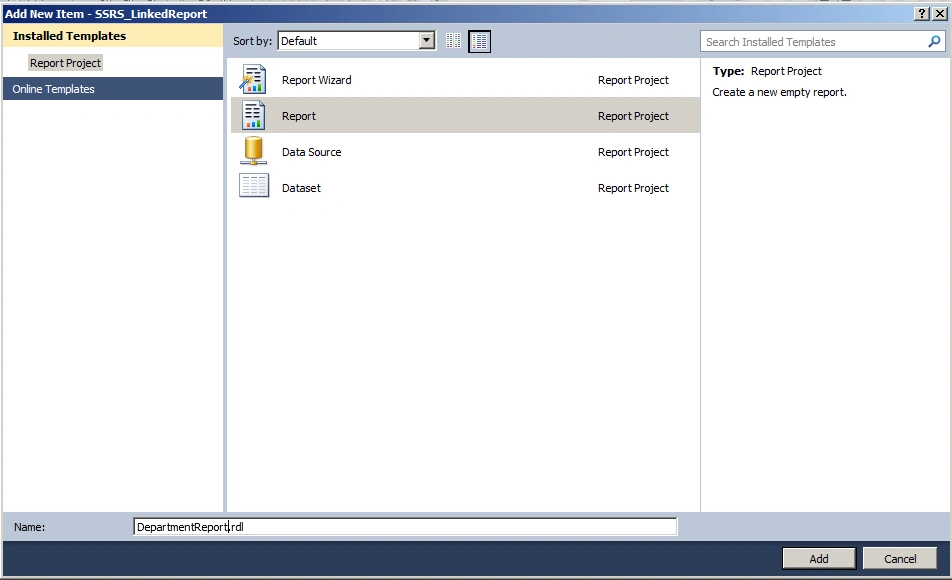
Figure 4: Add Report
Insert a table as in Figure 5.
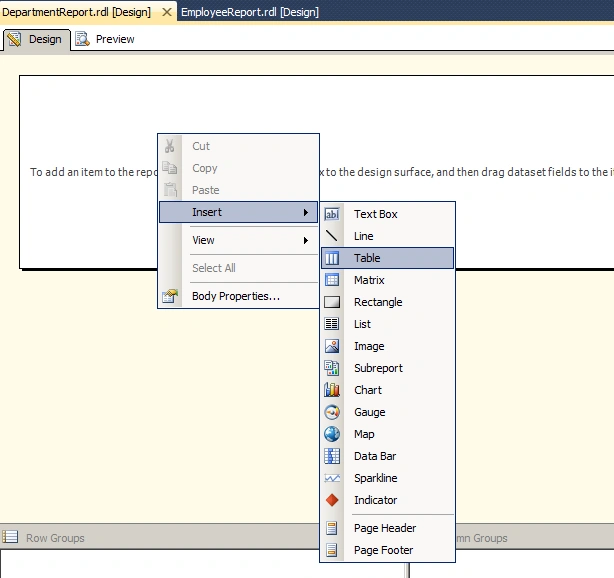
Figure 5: Insert table
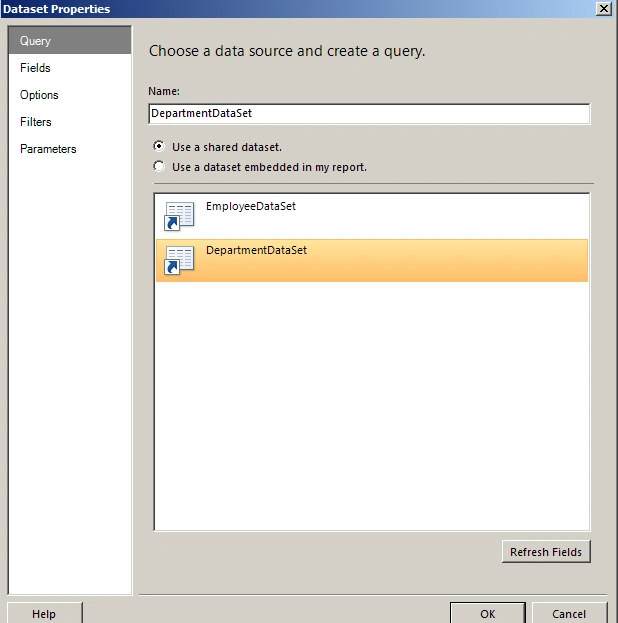
Figure 6: Choose datasource and create a query
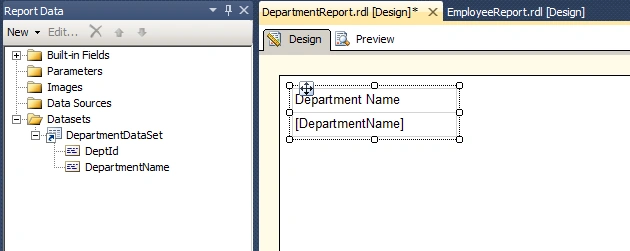
Figure 7: Design View
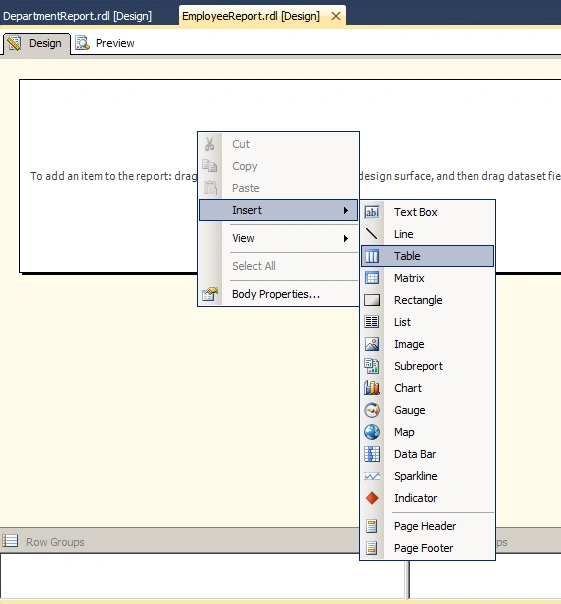
Figure 8: Add table for employee report
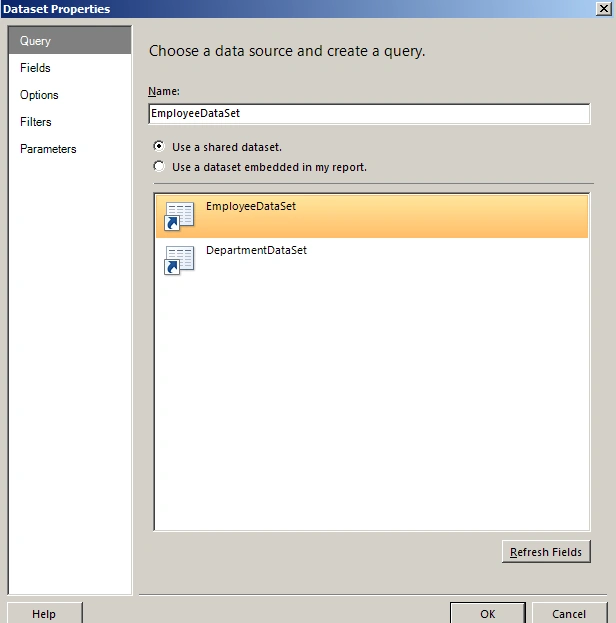
Figure 9: Choose datasource and create a query

Figure 10: Design View

Figure 11: Report Parameter Properties
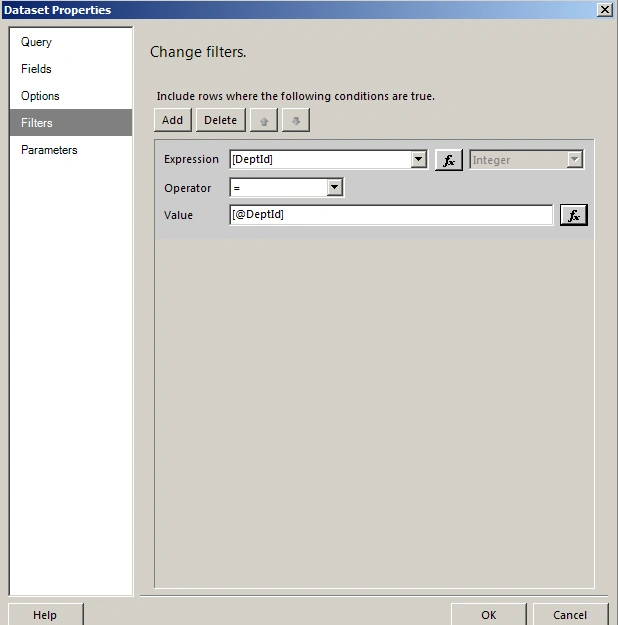
Figure 12: Dataset properties
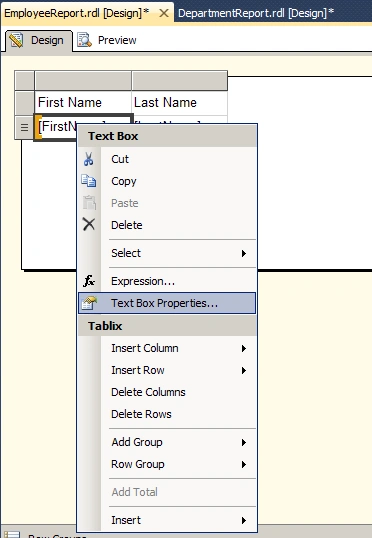
Figure 13: Text Box Properties
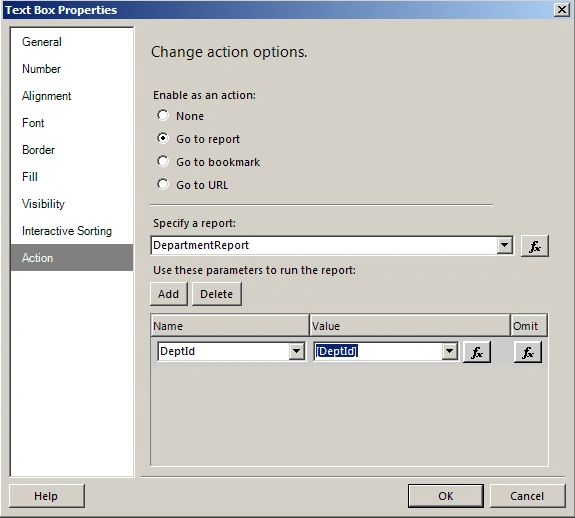
Figure 14: Text Box properties
The output of the report is as in Figures 15 and 16.
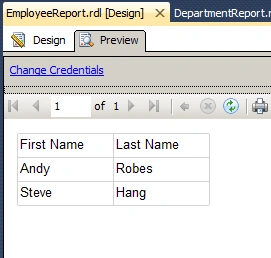
Figure 15: Output employee report
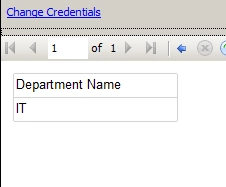
Figure 16: Output department report
Summary
In this article we saw how to use linked reports for a SSRS report.
Sibeesh VenuPosted Jun 4, 2015, 8:34 AM
Good one.
Santhakumar MunuswamyPosted Jun 3, 2015, 2:57 PM
Thanks for sharing
Vinod PotturiPosted Jun 3, 2015, 7:47 AM
I am trying to run the above example as rdlc reports where in I will have to pass the dataset from code.Kindly suggest how i provide the parameter value from Main report to the sub report query . Ex: I want to filter data for subreport at query level itself. ie..For each DEPTID in the Main report sub report is called. The sub report query should get data for that DEPTID only. Kindly help me know how to implement this in C#. Thanks in Advance Vinod