

Introduction
Programming Windows Forms user interfaces is quite straightforward as long as you do not use multiple threads. But whenever your application has some actual work to do, it becomes necessary to use threading to ensure the responsiveness of the UI. This is where Windows Forms programming can get quite complex.
The problem
Access to Windows Forms controls is not inherently thread safe. If you have two or more threads manipulating the state of a control, it is possible to force the control into an inconsistent state. Other thread-related bugs are possible, such as race conditions and deadlocks. It is important to make sure that access to your controls is performed in a thread-safe way.
As you know, Windows Forms is not thread safe in general. For example, it is not safe to get or set a property on a Windows.Forms control from any thread except the thread that handles the message queue. It is absolutely essential that you only make modifications to your Windows Forms controls from the message queue thread.
A brief example
A simple example of using this is to create a new form, add a textbox and a button to it. Call the textbox myTextbox.
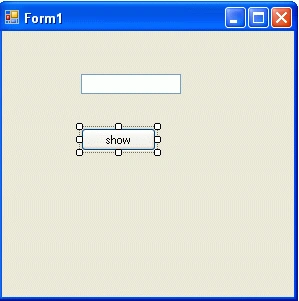
At the top of the code file add another using statement for the threading library.
using System.Threading;
In the button's Click event place the following code.
Thread th = new Thread(new ThreadStart(this.ThreadProcUnsafe));
th.Start();
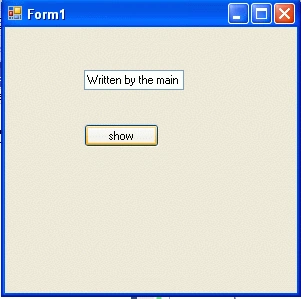
myTextBox.Text = "Written by the main thread.";
Now add this code to the form
private void ThreadProcUnsafe()
{
    Thread.Sleep(2000);
    this.textBox1.Text = "Written unsafely by the background thread.";
}
The complete form1.cs is as follows:
using System;
using System.Threading;
using System.Windows.Forms;
namespace ThreadUnsafecalltowindowform
{
    public partial class Form1 : Form
    {
        public Form1()
        {
            InitializeComponent();
        }
        private void UnsafeBtn_Click(object sender, EventArgs e)
        {
           Thread th = new Thread(new ThreadStart(this.ThreadProcUnsafe));
            th.Start();
            myTextBox1.Text = "Written by the main thread.";
        }
        private void ThreadProcUnsafe()
        {
            Thread.Sleep(2000);
            this.myTextBox1.Text = "Written unsafely by the background thread.";
        }
    }
}
Output
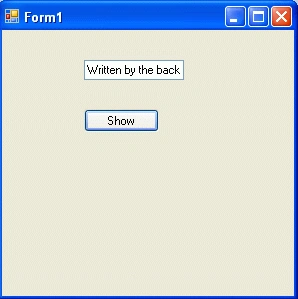
The output of this program is as follows:
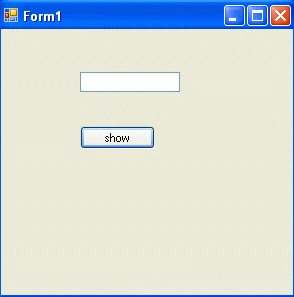
Now click on show button.
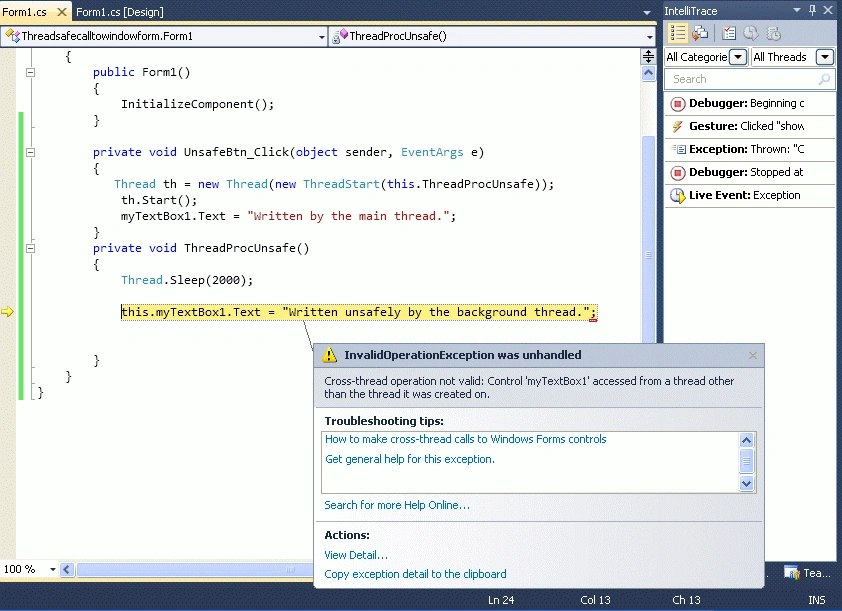
After two seconds the debugger raises an InvalidOperationException with the message, "Control control name accessed from a thread other than the thread it was created on." like as.
Sam HobbsPosted Jan 4, 2012, 4:23 PM
I think the tem thread-safe refers to situations where threads can use objects owned by other threads, but sometmes some sychronization is requiured. Windows in Windows are different; Windows does not support access of a window from any thread except the thread that owns the window. That is true regardless of synchronization; it is not possible to use a window from any other thread except its owner even if synchronization is used. Note that the message loop must be in the thread that created the window. The MSDN calls that the owning thread, so the terminology that the MSDN uses says that a window cannot be accessed by any thread other than the owning thread.