

Here I will explain how to create a login form with SQL Server. Before this I explained Creating Login Form with SQL Server in Window Form.
Step 1: login form
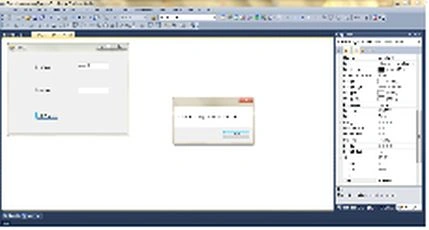
Drag and down two Labels (for username and password) and two text boxes and a Button (for submit) onto a Window Forms form and change their name to "usrtxt" and "passtxt".
Step 2: Database table
Step 3: The code for the button click of the button is as in the following: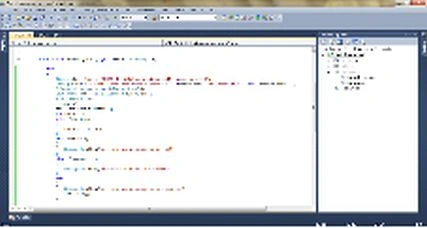
using System;
using System.Collections.Generic;
using System.ComponentModel;
using System.Data;
using System.Drawing;
using System.Text;
using System.Windows.Forms;
using System.Data.SqlClient;
namespace First_Csharp_app
{
public partial class Form1 : Form
{
public Form1()
{
InitializeComponent();
}
private void button1_Click(object sender, EventArgs e)
{
try
{
if (!(usertxt.Text == string.Empty))
{
if (!(passtxt.Text == string.Empty))
{
String str = "server=MUNESH-PC;database=windowapp;UID=sa;password=123";
String query = "select * from data where username = '" + usertxt.Text + "'and password = '" + this.passtxt.Text + "'";

Edward TeohPosted Jan 24, 2018, 1:54 AM
Can you help? i have inccorect syntax near '' please reply asap
SubashPosted Aug 30, 2016, 10:15 PM
Good
Munesh SharmaPosted May 12, 2016, 1:16 AM
thank you
Emmanuel SteinerPosted May 11, 2016, 6:19 PM
thanks,you are the best
Sr KarthigaPosted May 3, 2016, 9:01 PM
Good one
Ajaykumar BankapurPosted Mar 5, 2016, 5:14 AM
thank you...
Soham DighePosted Apr 8, 2015, 4:18 AM
thanks bro!