

In this article, we’ll cover how to enable file uploads in your React app from scratch. If you want a simple plug-and-play solution, try our React Filepicker Component (you’ll need to create a free Filestack account to get your API key).
File Upload Process in React
Uploading files in a React app, such as images, documents, or any other file types, typically follows a structured approach:
User File Selection
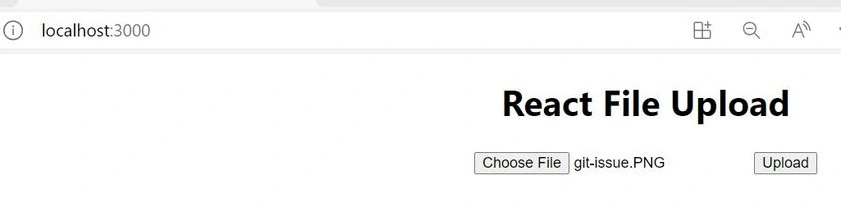
The journey begins by allowing the user to select a file. In React, this is commonly achieved by utilizing the <input> element with its type attribute set to “file”. This offers a user-friendly interface for file selection. When a file is chosen, it’s important to have an event handler in place. This event handler listens to any changes or interactions with the file input and updates the application’s state with the selected file’s information.
Server Communication
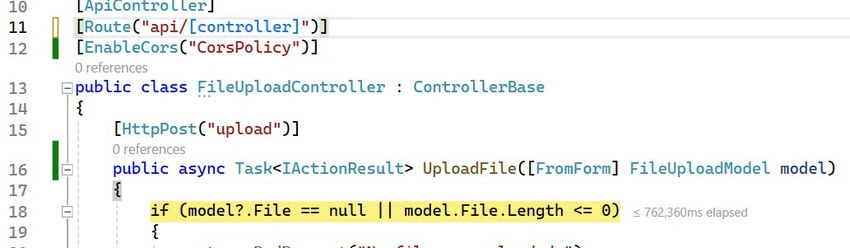
Once the file information is captured and stored in the application’s state, the next pivotal step is sending it over to a server. This could be for processing, storage, or any other backend operation. Tools like axios or the native fetch API are frequently employed to handle this communication. They aid in making asynchronous HTTP requests to servers. It’s crucial to wrap the selected file in a FormData object, ensuring the data is properly formatted for transmission.
Feedback & Response Handling
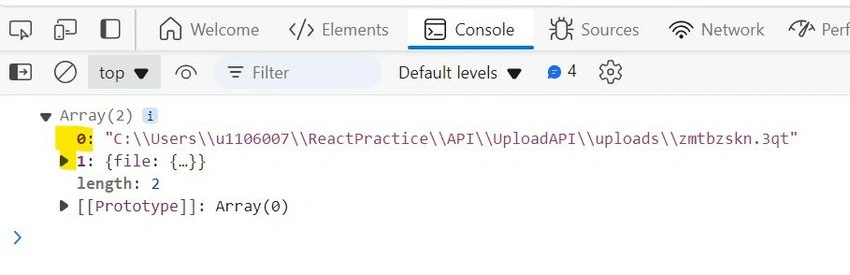
Upon initiating communication with the server, always anticipate two outcomes: success or failure. Implementing feedback mechanisms like success messages, error alerts, or even displaying the uploaded file helps improve user experience. It provides assurance that their action (file upload) was successful or gives clarity if something goes amiss.
Error Handling
The digital realm isn’t always predictable. Issues might arise during the upload process, be it network glitches, file format mismatches, or server-side errors. Being prepared with a robust error-handling mechanism not only aids in troubleshooting but also ensures users aren’t left in the dark. Informative error messages and alternative solutions can steer users in the right direction.
External Libraries and Tools
While React provides a solid foundation, sometimes external libraries or tools can expedite the development process. Tools like axios simplify HTTP communications. Moreover, services like Filestack offer out-of-the-box file-uploading solutions, saving development time.
By adhering to this structured approach, developers can ensure a smooth and efficient file upload process in their React applications, enhancing both functionality and user satisfaction.
Join the conversation! Your thoughts help the community grow.