
This project aims at designing a windows control library that encapsulates a playing card.
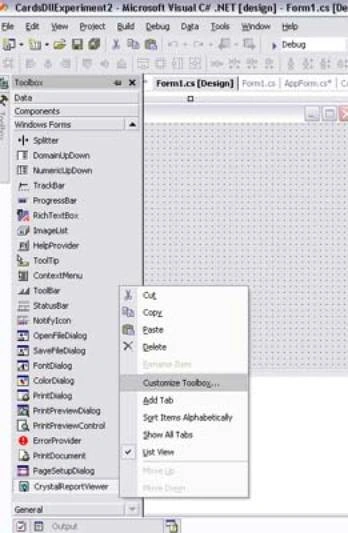
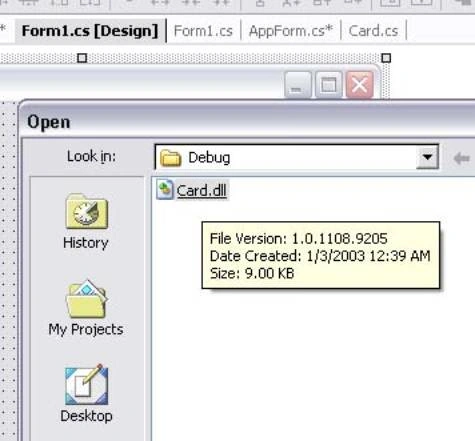
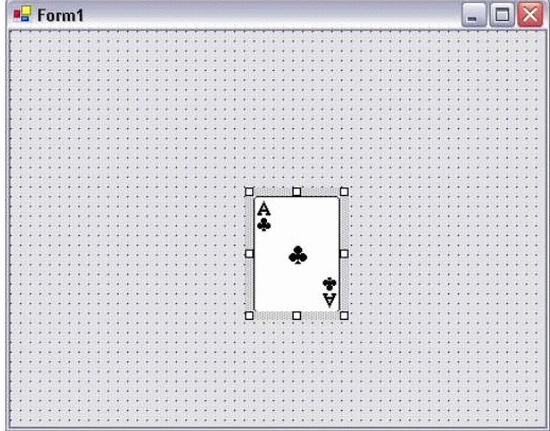
This control can be added to the tool box with other .NET controls. It Can be dragged at design time into the form area.
The control introduces concepts of interoperability between managed code and unmanaged code by calling the Windows cards.dll functions to paint its client area. So the card here is more than a painting.
Also it introduces a tip in VS.NET form designer, is that it executes any code written in the (OnPaint) function of any component or form. When you override the OnPaint and add the drawing code, then the designer will execute it for you to show how the control will appear at run-time.
You can create cards statically at design time or dynamically at run time and add them to the form surface. This can be achieved by a static function:
Card.RandomizeDeck();
to randomize 52 playing cards.
To create a custom control whose project is named(windows control library project).
A card class inherits from System.Windows.Forms.UserControl which encapsulates a user defines control:
public class Card : System.Windows.Forms.UserControl
{}
- There are some enumerations that serve the card control which are:
- Face : represents the number painted on the face of the card(1,2,3,., Queen and King).
- Suit: represents the suit of the card(Clubs, Diamonds, Hearts and Spades).
- Back: one of the card back bitmaps available in cards.dll.
Every card has (Card Properties) Face, Suit, Back which is categorized using the Description Attribute:
private void MyCancelButton_Click(object sender, System.EventArgs e)
{
// user cancelled the dialog, so just close it
Close();
}
- Basic Drawing functions imported from cards.dll with DllImport Attribute and :
arya kusumaPosted Aug 26, 2009, 10:26 AM
thank's, i need so much source to finish my last project about card game to graduate from my university