

Windows Server in-place upgrade to Windows Server 2019
Microsoft's standard support cycle ends on the 10 year anniversary of the release for most products. As such, we are reaching the end of extended support for Windows 2008 and Windows 2008 R2 servers in January 2020. All the system/server administrators still have 2 months to migrate their critical applications to a new Windows server.
This requires new hardware or virtual systems where applications and data can be migrated to. Users must verify with the vendor to check compatibility of applications with new OS versions, such as server 2012, server 2016 or 2019.
If the application is compatible with a newer version of the server operating system and you have a development environment available in your organization, you are able to do an in-place upgrade from Windows Server 2008 R2 to Windows 2012 R2, Server 2016 or even Server 2019. Follow the below steps to complete an in-place upgrade.
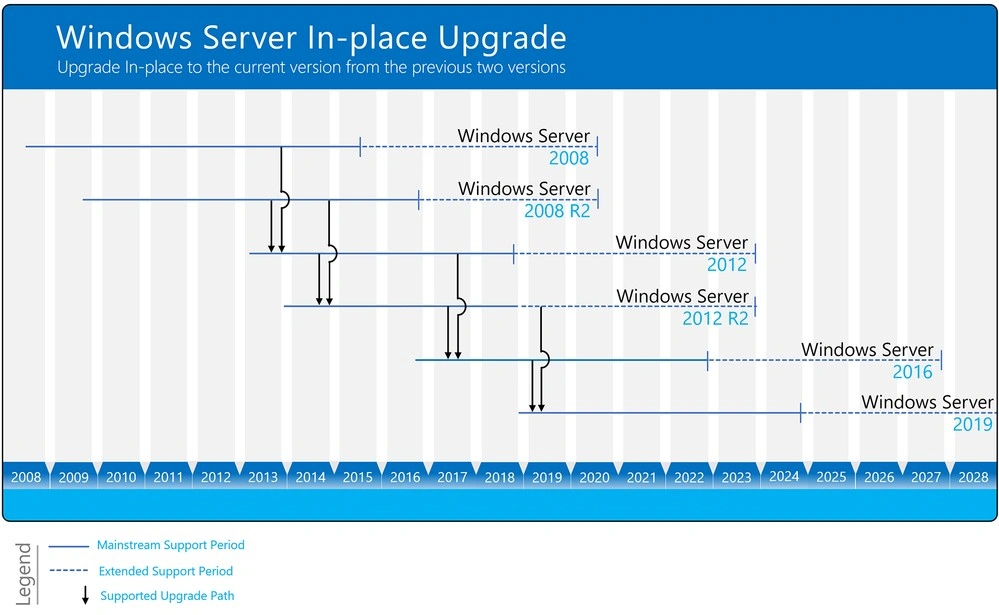
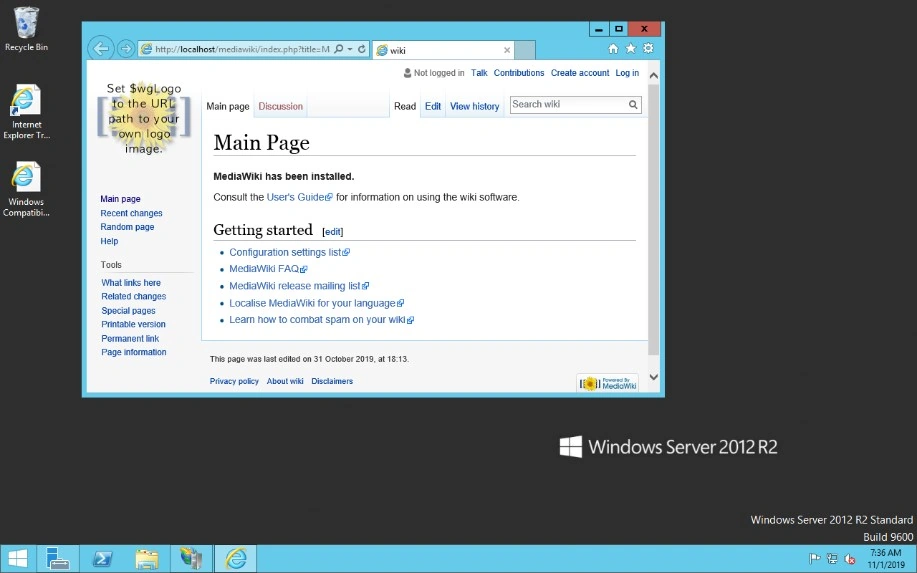
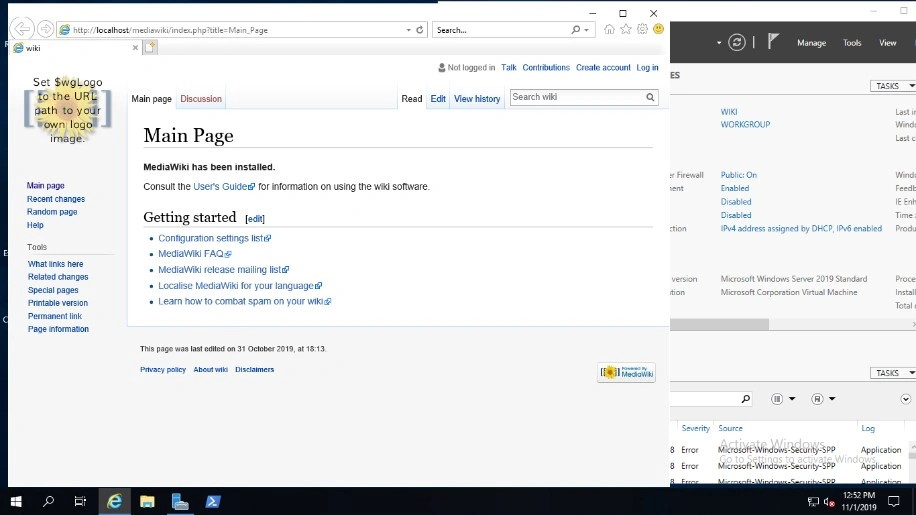
In my Lab, I have a wiki web server running on Windows 2008 R2. We will perform 2 step upgrades to upgrade windows server 2008 R2 to Windows Server 2019 in this article. It will cover all the steps including testing for an upgrade and a web server.
I am using a free wiki software called MediaWiki.
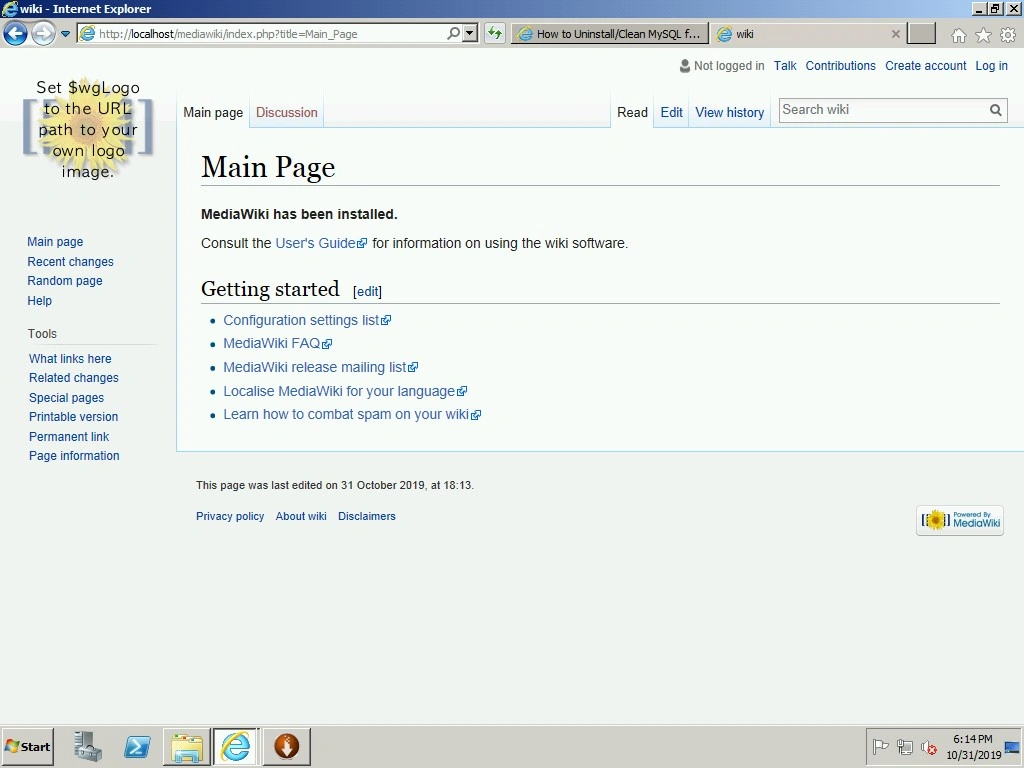
In-place upgrade to 2012
The first step will upgrade to Windows server 2012 R2 as an in-place upgrade. Attached is the ISO for Windows Server 2012 R2.
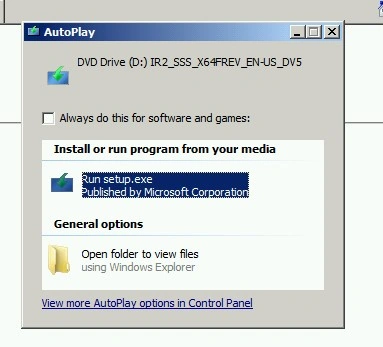
Select Run the setup.
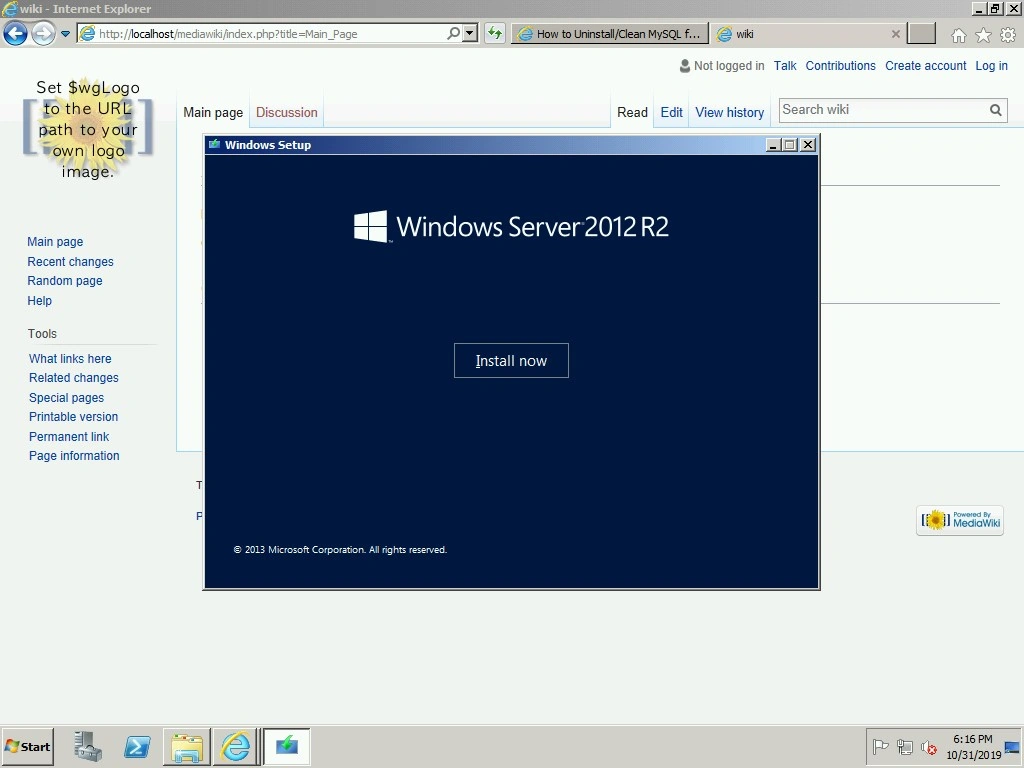
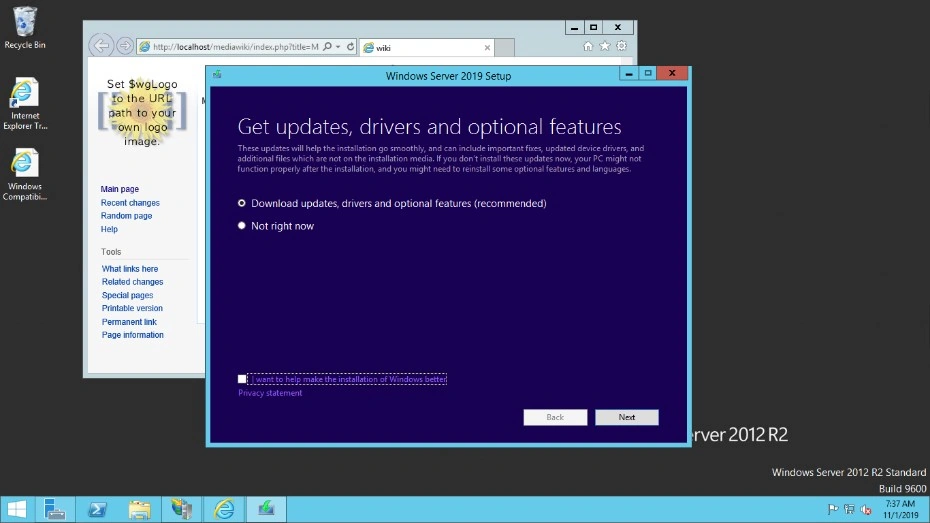
Select Install Now. On the next page check for security and driver updates.
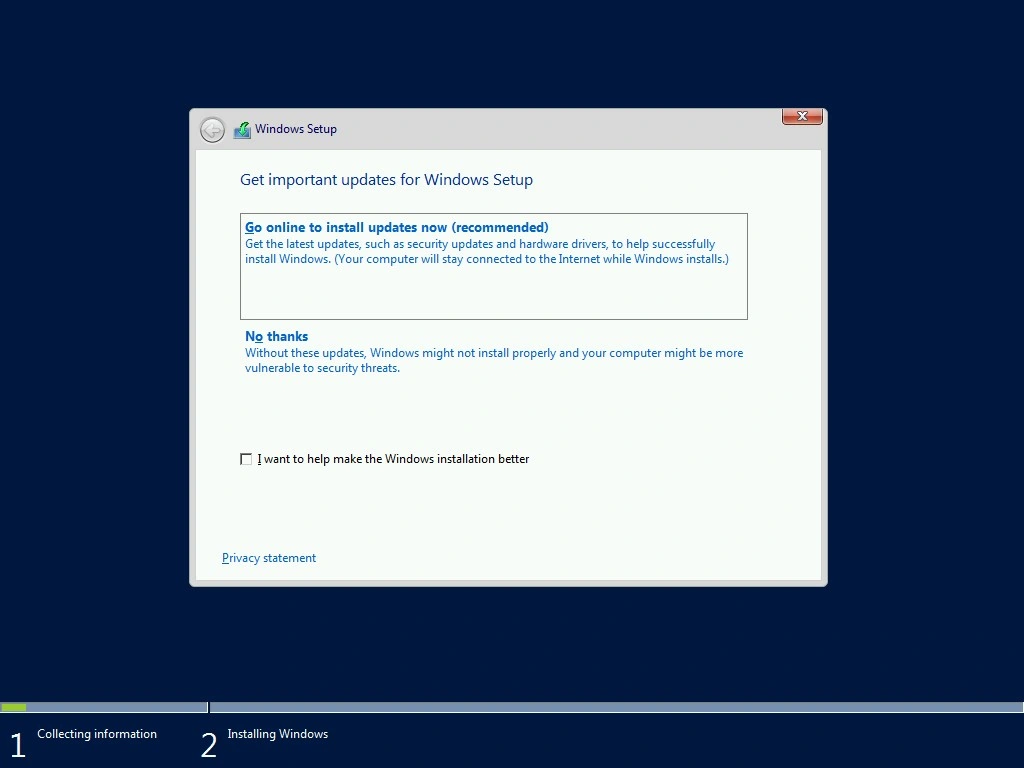
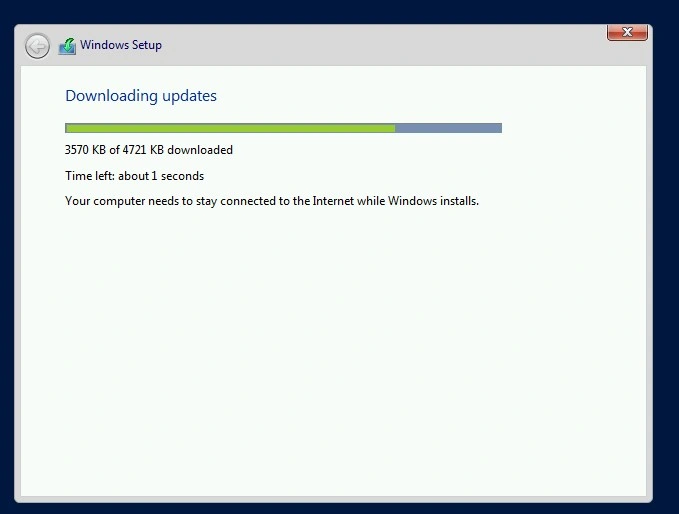
This will download the update package. The download will take 5 to 10 minutes, depending on your internet speed.
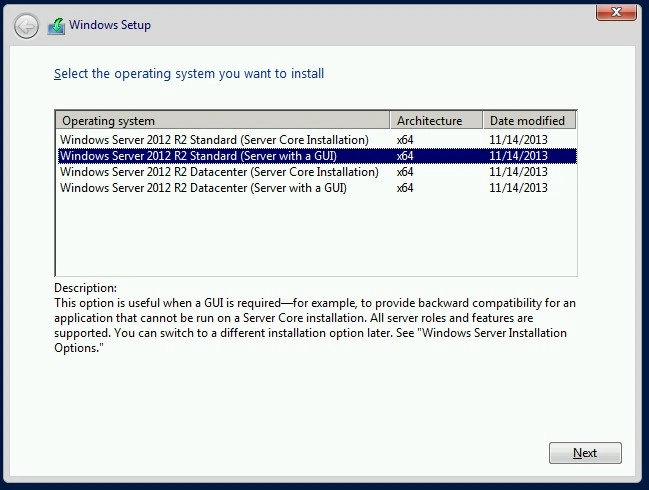
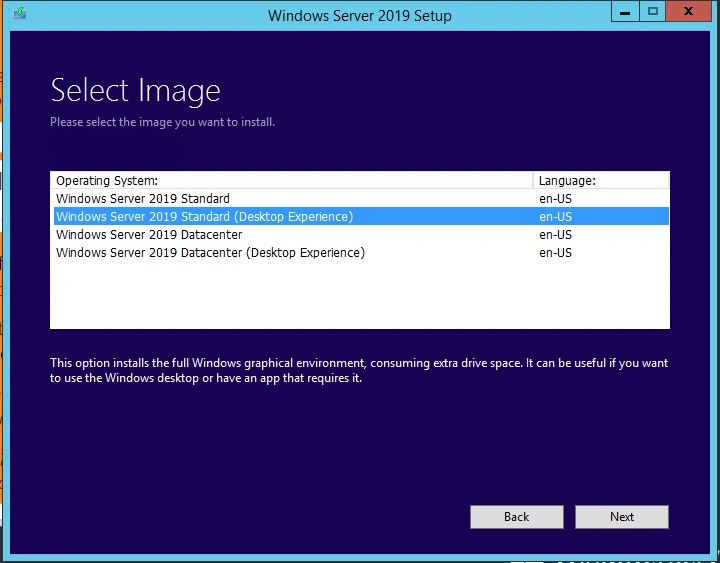
Select the version you need to install.
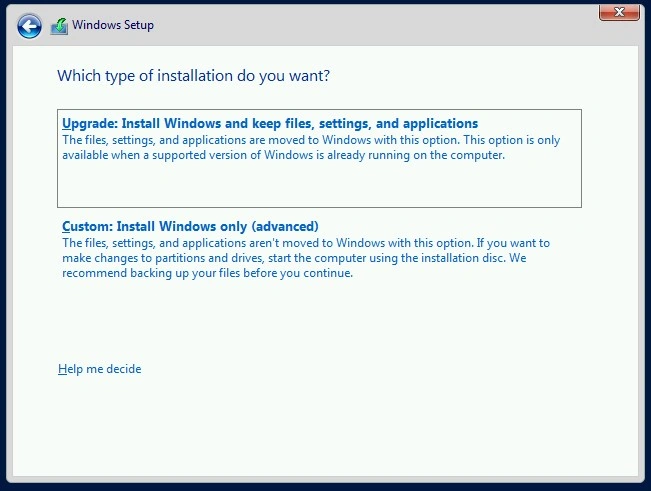
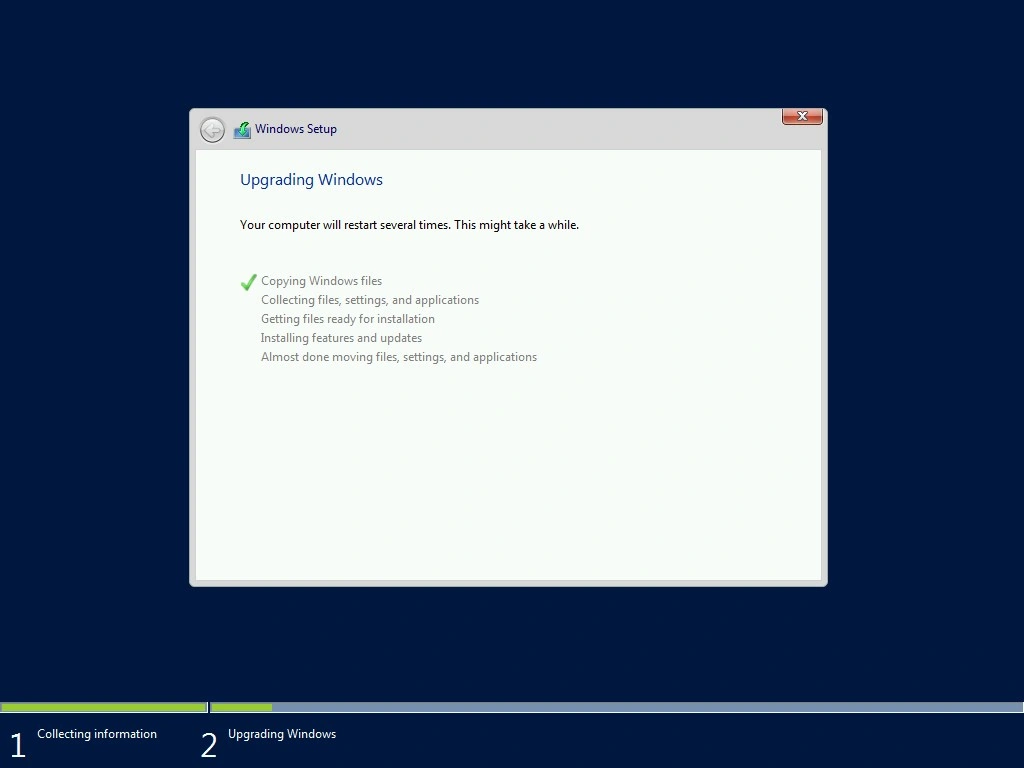
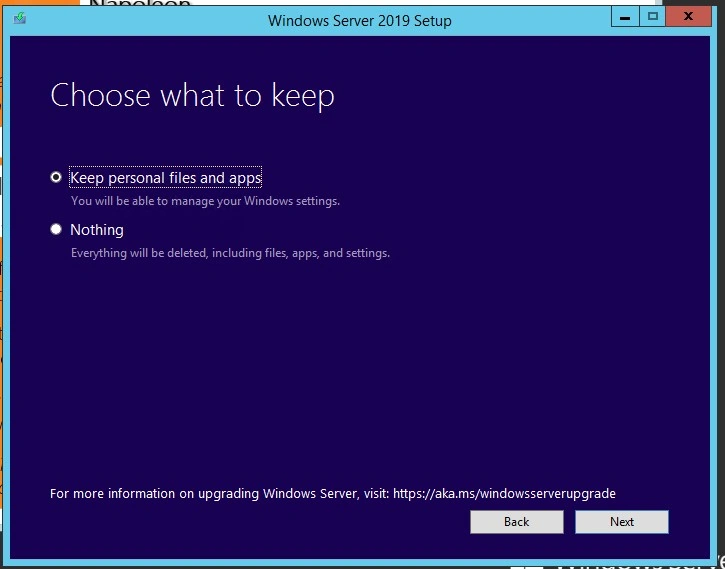
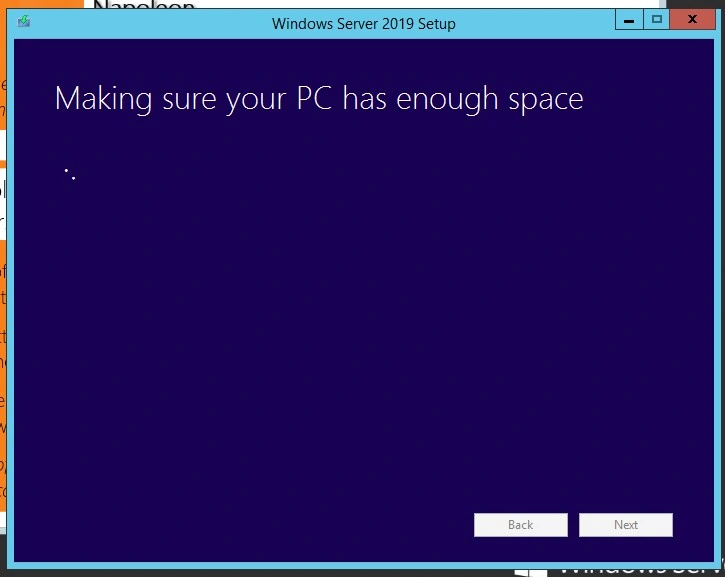
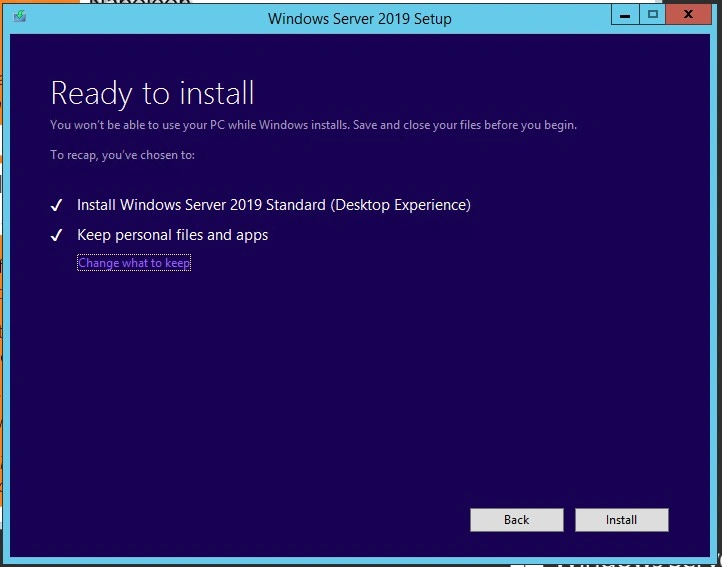
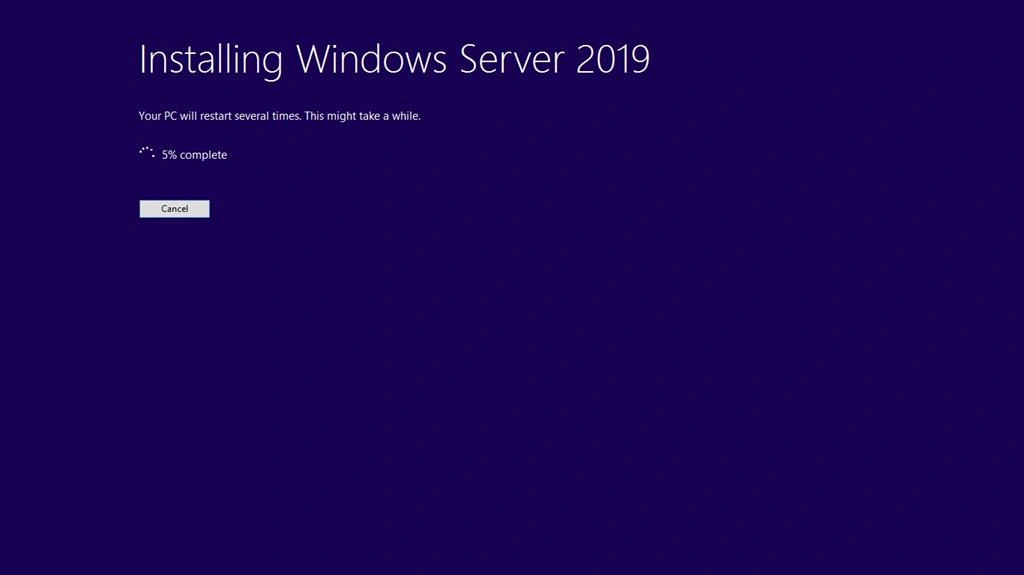
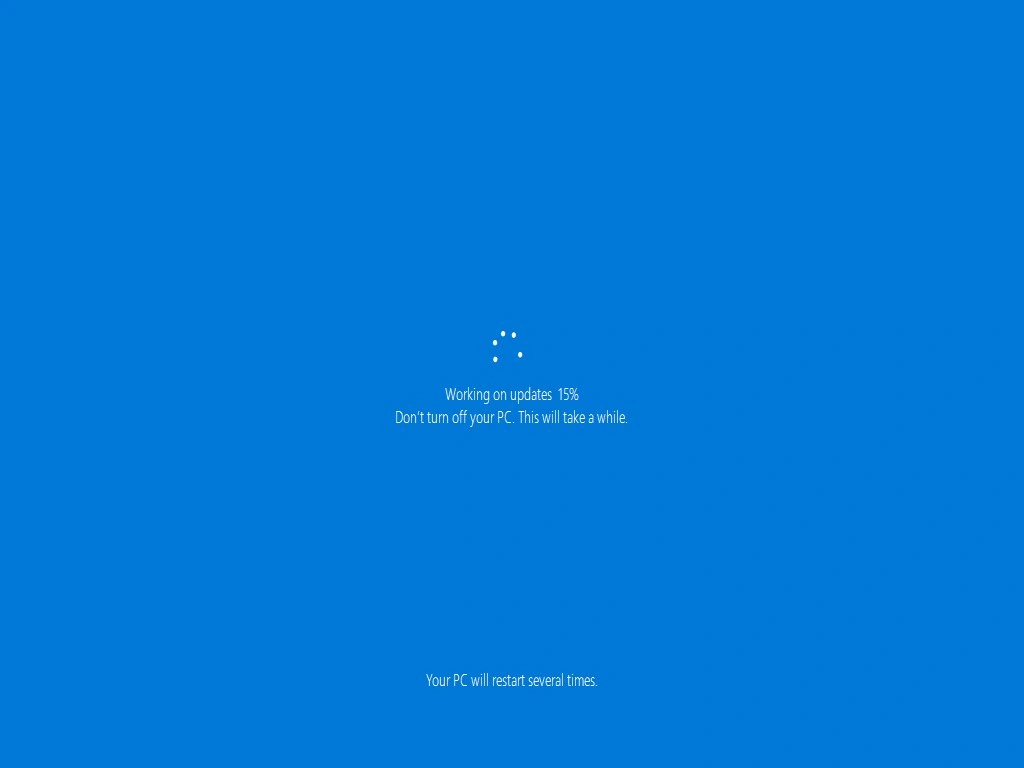
Select Upgrade, which allows you to install the new Windows with old files, settings, and application
Russell WoollamsPosted Jun 4, 2020, 5:25 AM
I plan to do the same upgrade. I will purchase a copy of Server 2019 Standard, so will have a product key for this. What product key will I use for the Server 2012 R2 install?
Mageshwaran RPosted Nov 14, 2019, 11:41 PM
Nice Article
Sourav Kumar DasPosted Nov 14, 2019, 10:47 PM
Nice Informative Article Sir.