
Introduction
This article explains how to work with buttons in Android. Android Studio is used to create the sample.
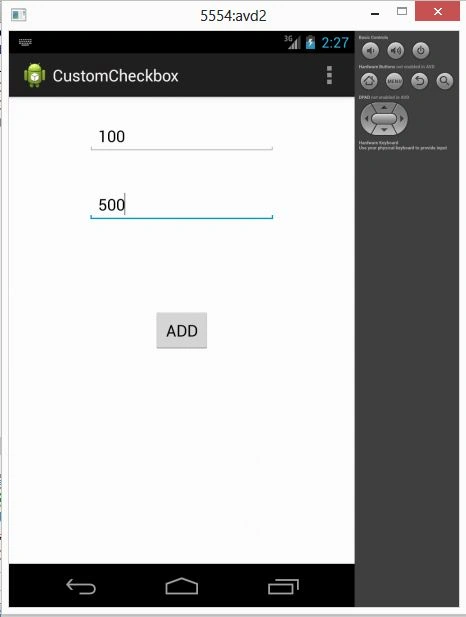
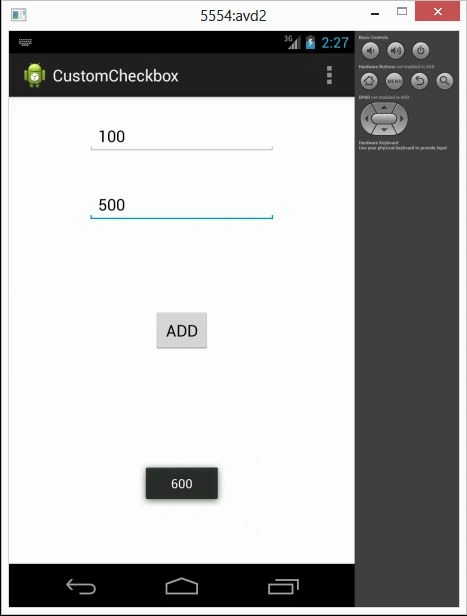
First create an XML file and add a button by dragging and dropping one and by creating the id in the XML file. In this I am adding one button and two editTexts in the XML file so on a button click you will see the sum of the values that you will enter in the editText.
Step 1
Use the following procedure to create the sample application.
Click on "File" -> "New Project".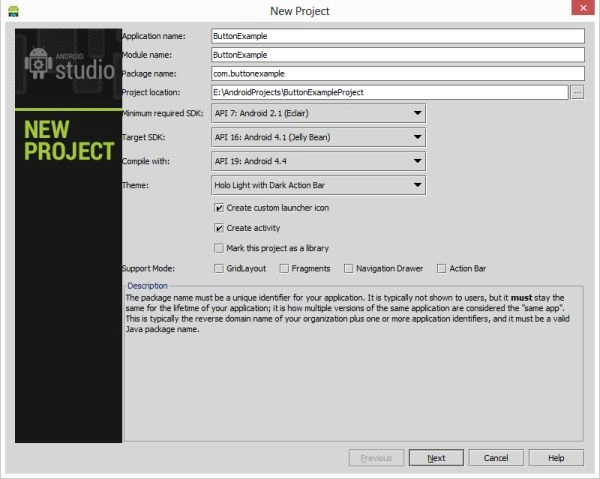
Click the "Next" button.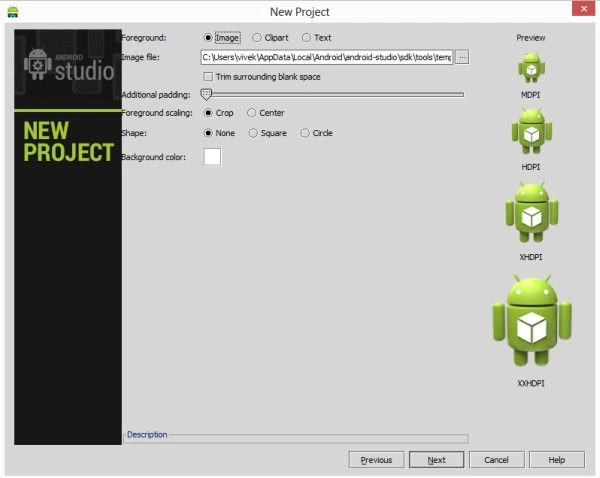
Click the "Next" button.
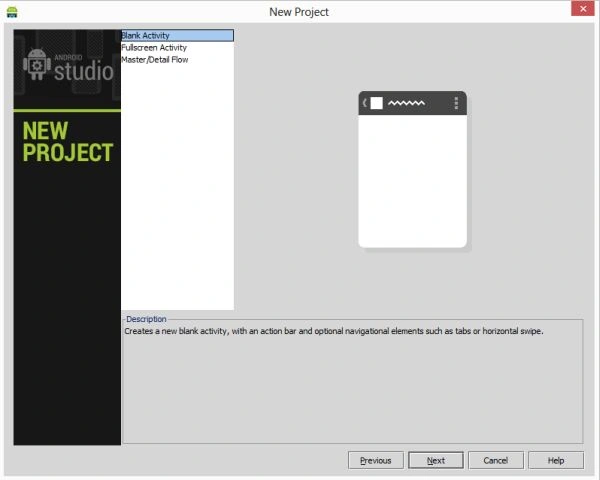
Click the "Next" button.
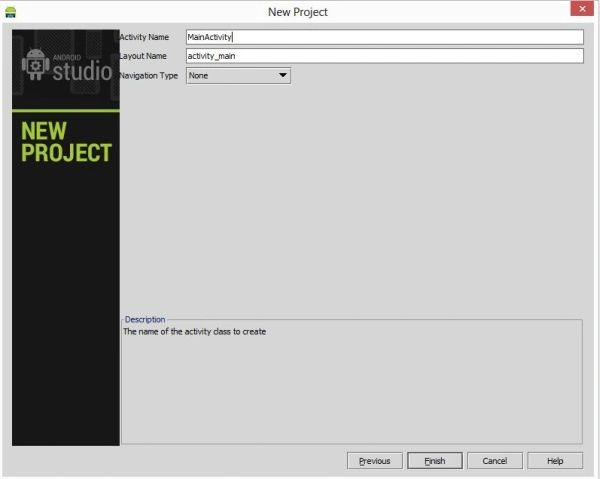
Click the "Finish" button.
Step 2
Create an XML file with the following.
In this first you will create an XML file and add a button by dragging and dropping and by creating an id in the XML file. In this I am adding a button and two editTexts in the XML file. On a button click you will see the sum of the values that you have entered into the editText.
<RelativeLayout xmlns:android="http://schemas.android.com/apk/res/android"
xmlns:tools="http://schemas.android.com/tools"
android:layout_width="match_parent"
android:layout_height="match_parent"
tools:context=".MainActivity" >
<EditText
android:id="@+id/editText1"
android:layout_width="wrap_content"
android:layout_height="wrap_content"
android:layout_alignParentTop="true"
android:layout_marginTop="24dp"
android:layout_centerHorizontal="true"
android:ems="10" />
<EditText
android:id="@+id/editText2"
android:layout_width="wrap_content"
android:layout_height="wrap_content"
android:layout_marginTop="100dp"
android:layout_centerHorizontal="true"
android:ems="10" >
<requestFocus />
</EditText>
<Button
android:id="@+id/btn_add"
android:layout_width="wrap_content"
android:layout_height="wrap_content"
android:layout_centerHorizontal="true"
android:layout_centerVertical="true"
android:text="ADD" />
</RelativeLayout>
Step 3
Create a Java class file with the following.
In the Java class file create the id of the editText and button. Set the button on its click listener. The onclick event will do the addition operation of a number. When you get the numbers from the edittext, the numbers are of the editText type so youi first need to parse the number in Integer type. After getting both the numbers add thr numbers and set the result of the addtion of both numbers in a toast.
package com.customcheckbox;
import android.os.Bundle;
import android.app.Activity;
import android.view.Menu;
Join the conversation! Your thoughts help the community grow.