

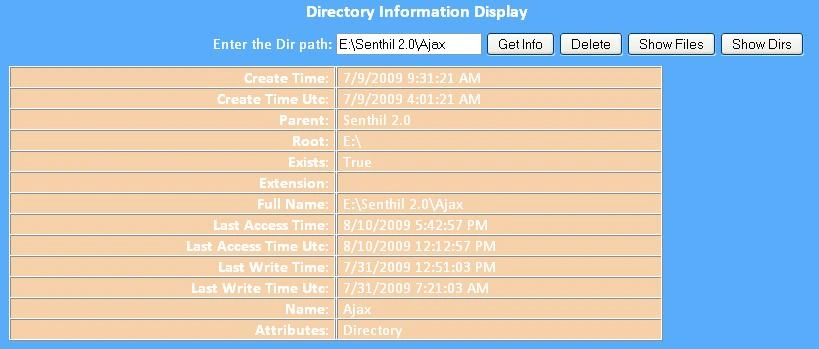
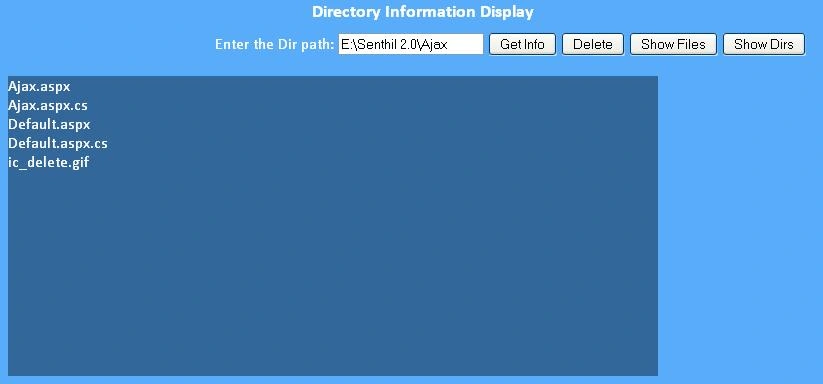
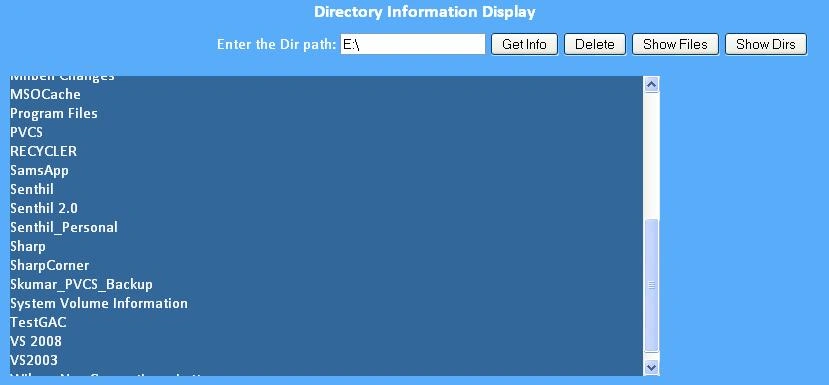
This article will explain about the Files and directory information and its operations. I have attached the sample web applications for FileInfo and DirectoryInfo classes. Let us see about these two classes.
Basics
The System.IO is one of the significant names which are used to work with the files in .Net framework. The FileInfo class which gives all the information about a file and DirectoryInfo class which gives all the information about a directory.
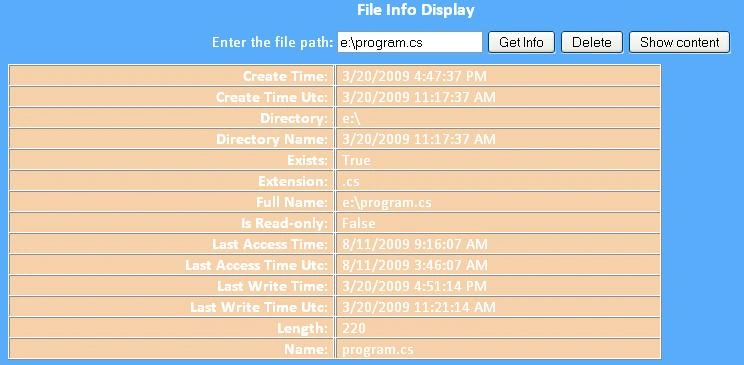
FileInfo class will be used to get the information about a file path, extension, create time, last access time, last write time and length,etc..,It has few methods like delete and exists.
FileInfo
The FileInfo class resides in the System.IO namespace. This is used to get the information about a file stored on the server.
The properties of the FileInfo class which inherits from the FileSystemInfo class.
| S.No | Property | Description |
| 1 | CreationTime | This property returns the creation of the file date and time. |
| 2 | CreationTimeUtc | It returns the creation of the file in Universal time |
| 3 | Directory | It returns the parent directory name |
| 4 | DirectoryInfo | It returns the full directory path |
| 5 | Exists | It returns whether the file exists or not as Boolean result. |
| 6 | Extension | It returns the type of the file in the extension name |
| 7 | FullName | It returns the full name of the file from the root directory. |
| 8 | IsReadOnly | It returns the file is read only or not in the Boolean result. |
| 9 | Name | It returns the name of the file |
| 10 | LastAccessTime | It returns the date and time of the last access time |
| 11 | LastAccessTimeUtc | It returns the last accessing date and time in universal format. |
| 12 | LastWriteTime | It returns the last file saving date and time |
| 13 | LastWriteTimeUtc | It returns the last write in the universal format |
| 14 | Length | It returns the size of the file content in the bytes format. |
The methods of the FileInfo class.
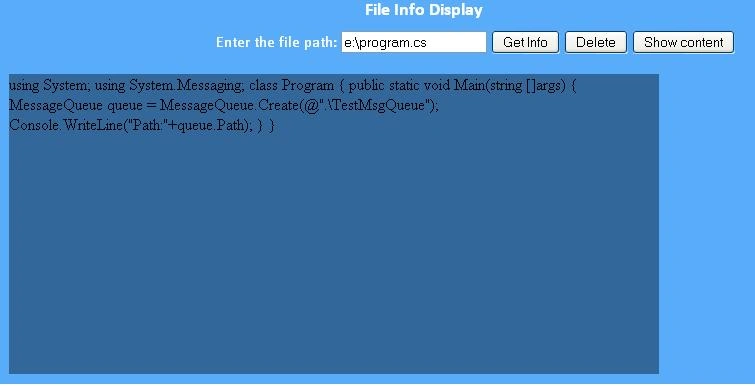
The FileInfo class helps to work with the files like reading the existing file content, creating a new file which as specified in the FileInfo path, add the content to the existing file, copy the file into another new file, delete the exiting created file, move the file one place into another place.
CreateText:
This method is used to create a new file. The content can be written into the newly created file.
|
FileInfo oFileInfo = new FileInfo(@"e:\SampleFile.txt"); |
In the above code example, I have created a new file and added some content to that file.
OpenText:
The OpenText method is used to read the content from the existing file.
|
FileInfo oFileInfo = new FileInfo(@"e:\SampleFile.txt"); |
In the above example, whatever the content available in the SampleFile.txt will be printed.
Create:
This method is used to create the new file.
|
FileInfo oFileInfo = new FileInfo(@"c:\NewFile.dat"); |
The above sample code will be created a new file name called NewFile in the c root directory.
Delete:
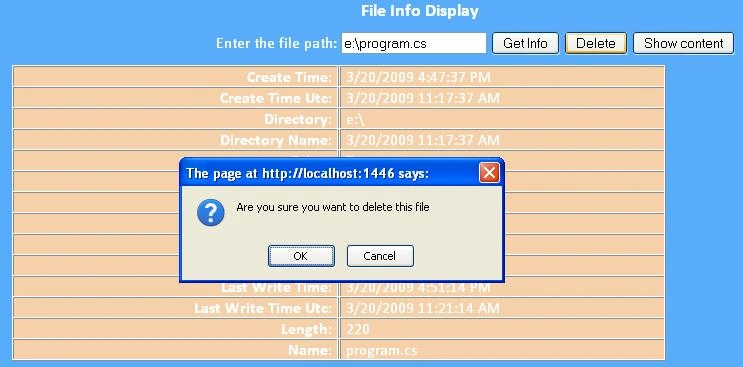
This method is used to delete the existing file.
|
FileInfo oFileInfo = new FileInfo(@"c:\NewFile.dat"); |
Kalaivani MahendranPosted Mar 25, 2011, 6:54 AM
hi, I am having number of files in directory. Intially i want to load the first file without passing query string, with the first file there should have next file link. Once the next link button is clicked then only have to pass the query string. how to pass the query string from second file to end of the file, DirectoryInfo oImageFolderInfo = new DirectoryInfo(this.ImagePath); FileInfo[] oFileList = oImageFolderInfo.GetFiles("*.*"); string fileName=string.Empty; if (Request.QueryString["filename"] != null) { fileName=(Request.QueryString["filename"]); } else { fileName = oFileList[0].Name; } HtmlImage imag = new HtmlImage(); imag.Src = Url + fileName; HtmlAnchor nextAnchor = new HtmlAnchor(); nextAnchor.Href=?? nextAnchor.InnerText = "Next>>"; HtmlAnchor prevAnchor = new HtmlAnchor(); prevAnchor.Href=?? How to proceed this same upto reaching the end of the file?
K boopathiPosted Mar 24, 2011, 7:22 AM
nice article anna by boopathi
Sachin GaikwadPosted Jun 22, 2010, 12:17 AM
Superb this article has cleared some of my File concepts. Thnks.
techmaniac jainPosted Oct 24, 2009, 8:33 AM
i want help that how can i search folder in d- drive without gettin an exception exception is occuring that "you cant access d:\system volume information"