
Introduction
This article shows how to create FRAMESET documents that define one or more frame sizes and properties for FRAMESETs and frame elements.
Getting Started
Frames allow multiple HTML documents to be present as independent windows within the main browser. They allow you to present two or more documents at once.
Example
- <HTML>
- <HEAD>
- <TITLE>FRAME EXAMPLE</TITLE>
- </HEAD>
- <frameset cols="25%,*,25%">
- <frame src="FRAME1.html">
- <frame src="FRAME2.html">
- <frame src="FRAME3.html">
- </frameset>
- </HTML>
Frames Document
A-Frame document can be declared using the <FRAMESET> element. A regular HTML Frameset document has a start element and an end element. This element can contain one or more elements. The SRC attribute of the frameset element points to the document that you want to display in a frame. The ROWS AND COLS attributes of frameset elements define the layout of the frame.
- <HTML>
- <HEAD>
- <TITLE>FRAM EXAMPLE</TITLE>
- </HEAD>
- <FRAMESET cols="20%, 80%">
- <FRAMESET rows="100, 200">
- <FRAME src="contents_of_frame1.html">
- <FRAME src="contents_of_frame2.gif">
- </FRAMESET>
- </FRAMESET>
- </HTML>
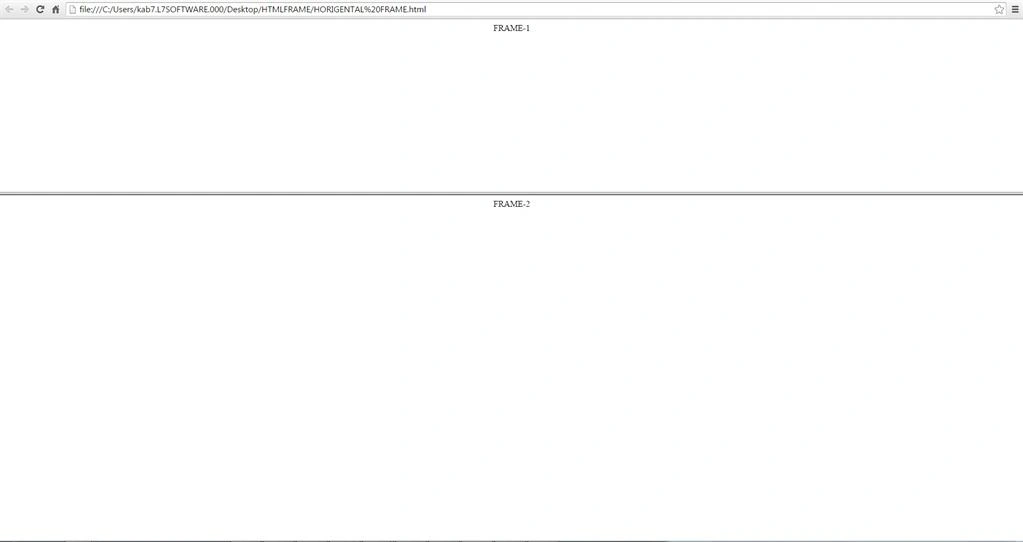
There are two types of frames based on their layout.
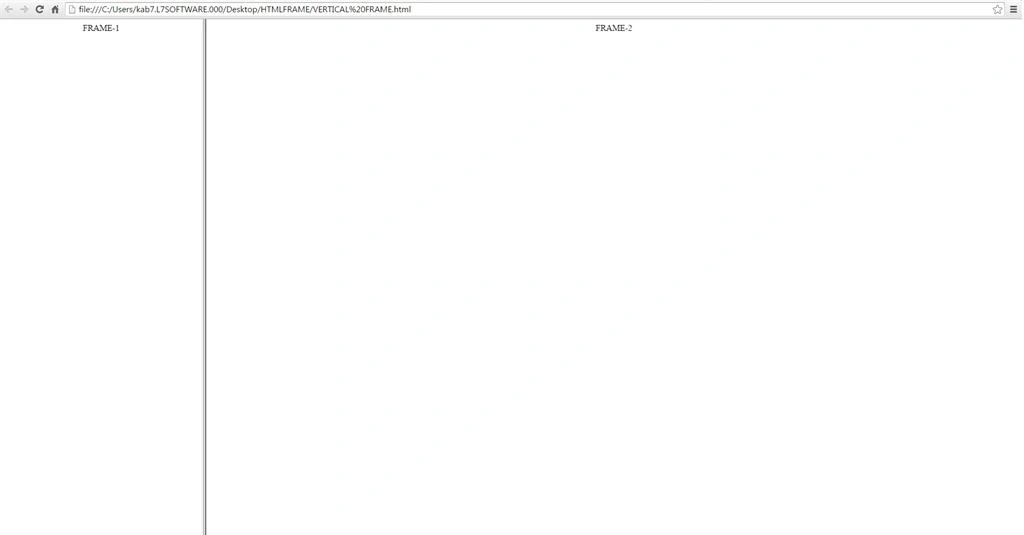
Vertical Frames
For vertical frames, the COLS attribute is used within the frameset elements. The COLS attribute contains the width of the column. Each column's width is a value separated by commas.
Example
- <HTML>
- <HEAD>
- <TITLE>FRAME EXAMPLE</TITLE>
- </HEAD>
- <FRAMESET cols="25%, 75%,25%">
- <FRAME src="contents_of_frame1.html">
- <FRAME src="contents_of_frame2.gif">
- </FRAMESET>
- </HTML>
In the preceding example, there are three columns in the frameset, the first and third columns occupy 25 percent and 75 percent of screen space respectively. Since there are four parts of the request, the first and third columns occupy one-quarter of the windows and the second takes half of the window.
Join the conversation! Your thoughts help the community grow.