
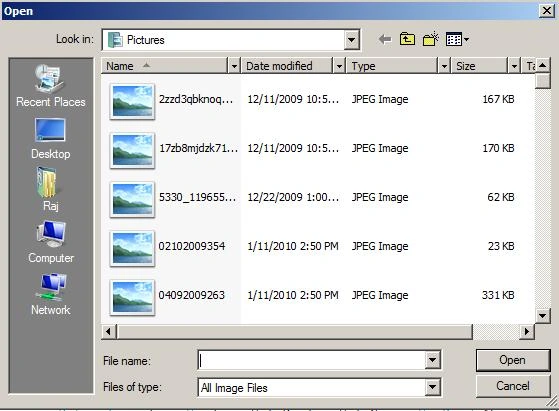
This article will tell you how to use OpenFileDialog using WPF. OpenFileDialog represents a common dialog box that displays the control that allows the user to open a file. This class cannot be inherited.
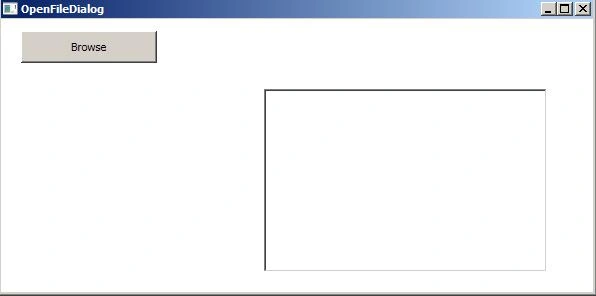
First of all make a new WPF application and go to .xaml window.
<Grid>
<Button Content="Browse" Height="32" HorizontalAlignment="Left"
Margin="20,12,0,0" Click="button1_Click"
Name="button1" VerticalAlignment="Top" Width="136" />
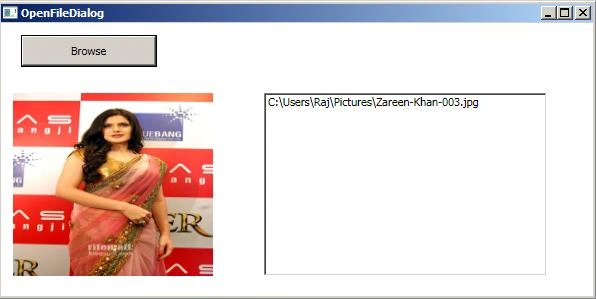
<Image Margin="12,70,0,20" Name="MyImage" Stretch="Fill" HorizontalAlignment="Left" Width="200" />
<ListBox Margin="263,70,46,20" Name="listBox1" />
</Grid>
.xaml.cs
private void button1_Click(object sender, RoutedEventArgs e)
{
Stream checkStream = null;
Microsoft.Win32.OpenFileDialog openFileDialog = new Microsoft.Win32.OpenFileDialog();

Join the conversation! Your thoughts help the community grow.