

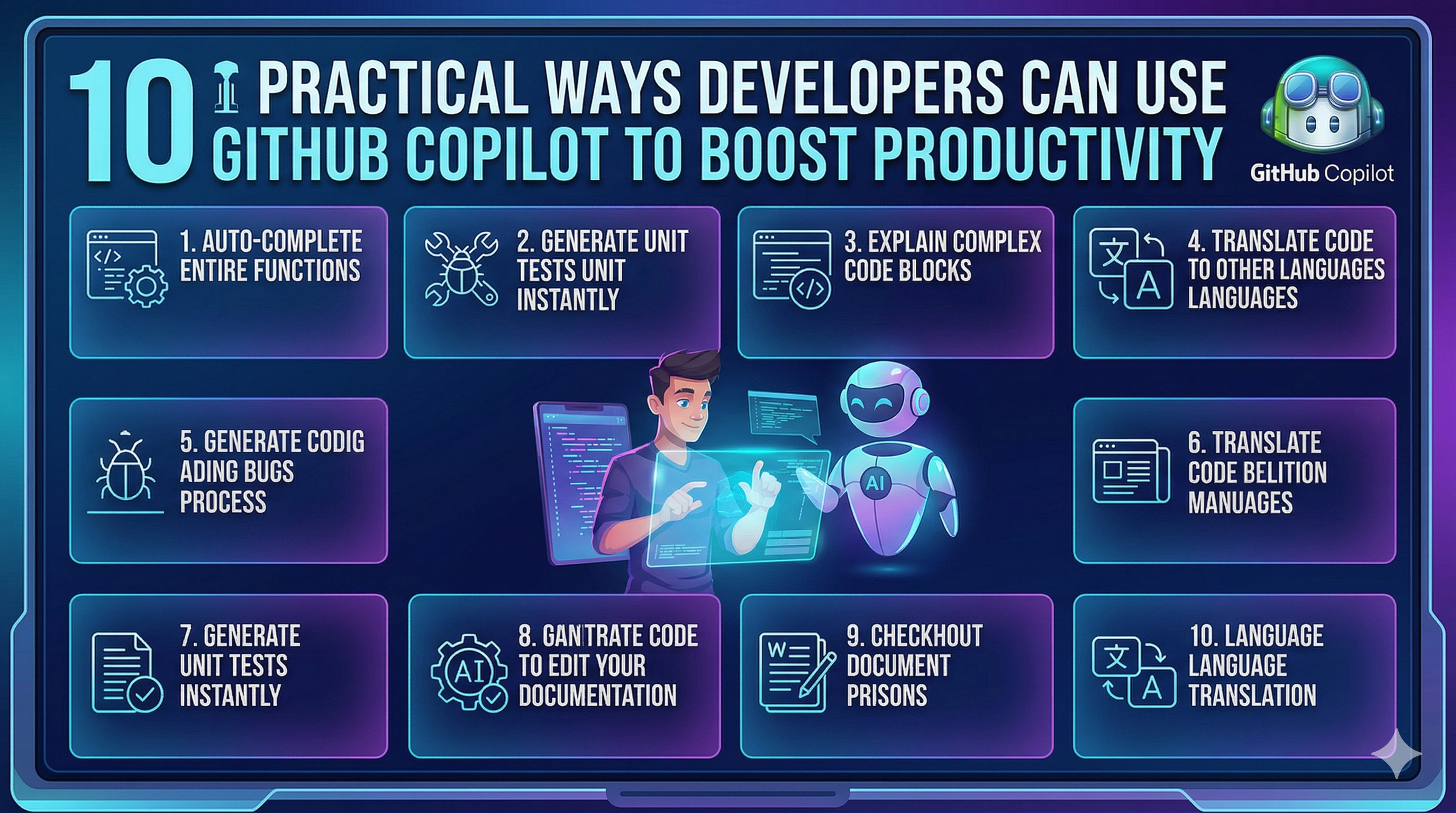
10 Practical Ways Developers Can Use GitHub Copilot to Boost Productivity
Introduction
GitHub Copilot is not just a code suggestion tool — it is a productivity booster that can significantly improve how developers write, understand, and manage code.
While many developers use Copilot only for basic auto-completion, it can do much more when used effectively.
In this blog, we will explore 10 practical ways developers can use GitHub Copilot to improve productivity and efficiency .
1. Generate Boilerplate Code Quickly
Writing repetitive code like class structures, APIs, and configurations can take time.
Copilot can instantly generate:
Class templates
API controllers
Basic project setup
This saves time and reduces manual effort.
2. Write Functions Using Comments
You can write a simple comment, and Copilot will generate the corresponding code.
Example:
// Function to calculate factorial
Copilot will suggest the full function implementation.
3. Auto-Generate Unit Tests
Testing is important but often time-consuming.
Copilot can help generate:
Unit test methods
Test cases
Mock data
This makes testing faster and easier.
4. Learn New Programming Patterns
Copilot suggests modern coding patterns that developers may not be familiar with.
This helps beginners learn:
Clean code practices
Efficient logic implementation
Better structure
5. Convert Code Between Languages
Copilot can help rewrite logic from one language to another.
Example:
Convert Python logic to C#
Convert JavaScript functions to C#
6. Debug and Fix Errors
When you encounter an error, Copilot can suggest possible fixes based on the code context.
While not always perfect, it can guide you toward a solution faster.
7. Generate Documentation
Copilot can automatically generate:
Method descriptions
Comments
Documentation blocks
This improves code readability and maintainability.
8. Improve Code Quality
Copilot can suggest:
Cleaner logic
Optimized code
Better naming conventions
This helps developers write more professional code.
9. Speed Up Learning for Beginners
For beginners, Copilot acts like a mentor by showing:
How to write functions
How to structure code
How to solve problems
It accelerates the learning process.
10. Build Projects Faster
By combining all these features, Copilot helps developers:
Build applications faster
Reduce development time
Focus on problem-solving
Best Practices While Using Copilot
To use Copilot effectively:
Always review the generated code
Understand before using suggestions
Avoid blindly copying code
Focus on learning alongside using AI
Conclusion
GitHub Copilot is a powerful tool that can significantly enhance developer productivity. When used correctly, it acts as a smart assistant that helps developers write better code faster.
However, it is important to remember that Copilot is a support tool , and strong programming fundamentals remain essential.
GitHub Copilot tips, AI coding productivity, Copilot for developers, AI coding assistant, developer productivity tools, coding with AI, GitHub Copilot uses Artificial Intelligence / Developer Tools / Productivity
Join the conversation! Your thoughts help the community grow.