

Welcome to a blog on how to configure Global Experience Version Settings on the SharePoint Sites at the SharePoint Admin Center on Office 365. Here in this blog we will see how to configure version settings of the site collections on the SharePoint Admin Center.
To customize you need to be a tenant admin. If you are, let’s see how we can do it,
- Click on the left corner of your SharePoint site to view the apps.
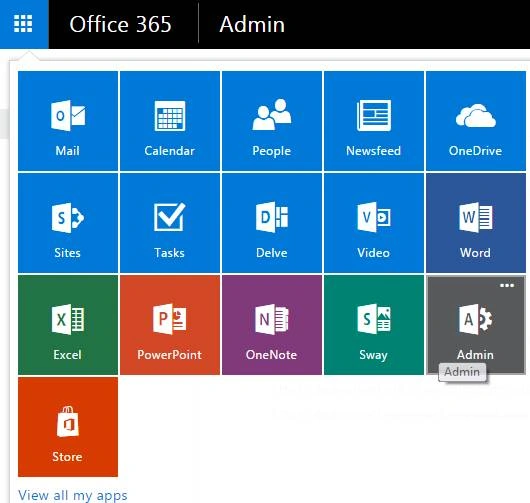
- Click on Admin.
- You will come to the “SharePoint admin center”.
- Click on Settings on the left of the Admin Center.
- Click on settings on the left navigation.
- You will see an option “Global Experience Version Settings”.

- Here as we can see we have the options which we can choose to configure.

Here you can choose the versioning settings for your admin center. As for the scenario above,
- You can allow the creation of old version of site collections but prevent the creation of new version of site collections.
- You can allow the creation of the old version of site collections and the creation of new version of site collections.
- You can dis allow the creation of old version of site collections but allow the creation of new version of site collections.
Once you complete the configuration click on OK and the option will be available accordingly on all the site collections through this tenant.
Join the conversation! Your thoughts help the community grow.