

Things you get with a free account include the following. You get all of this and you will not be charged until you choose to upgrade:
- 12 months of popular free services + ₹13,300 credit to explore services for 30 days + Always free 25+ services.
- Host a Database, or launch a Virtual Machine, either Linux or Windows. Get file storage or Blob Storage for free with some limited amount of resources free for a year and some of the tools, functions, and services are free for a lifetime. (LIMITED).
If you need a bit more resources, I suggest you start the pay-as-you-go subscription because that is the minimal cost at which you are getting the resources at the best platform.
But still, I know there are people who still want to hunt for free services. I know some things that I guess you should know too.
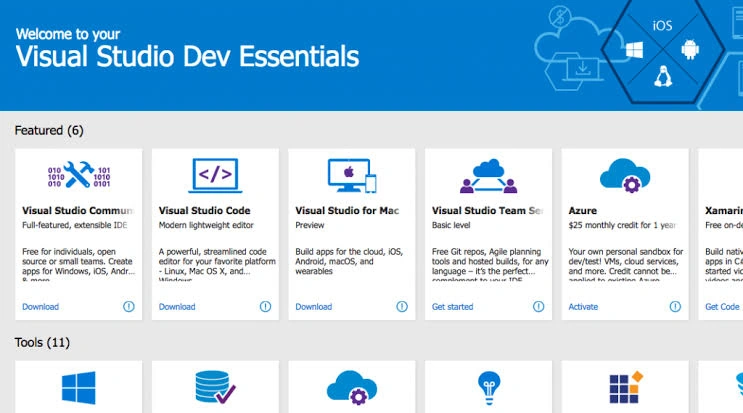
Now, how do you get that? I suggest you go to Visual Studio Dev Essentials. There, you can activate the free subscriptions including the above free items, plus $25 a month, throughout the year.
Visual Studio Dev Essentials - Go ahead, this is your chance to activate it.
Azure for Students Starter
- Available to high school or secondary students*
- Limited to web and mobile app development scenarios
- A limited collection of free products including Azure App Services, Visual Studio Team Services, and Notification Hubs
- No Credit Card Required
Students can get their free student subscription by verifying their Educational Identity; No credit card needed.
Simply verify your student status through your school email address and you are ready to go with 25+ free products – Explore virtual machines, artificial intelligence (AI), databases and more. Get Started Here.
Join the conversation! Your thoughts help the community grow.